Control Spotify and Music Apps From the Rear Screen
Summary
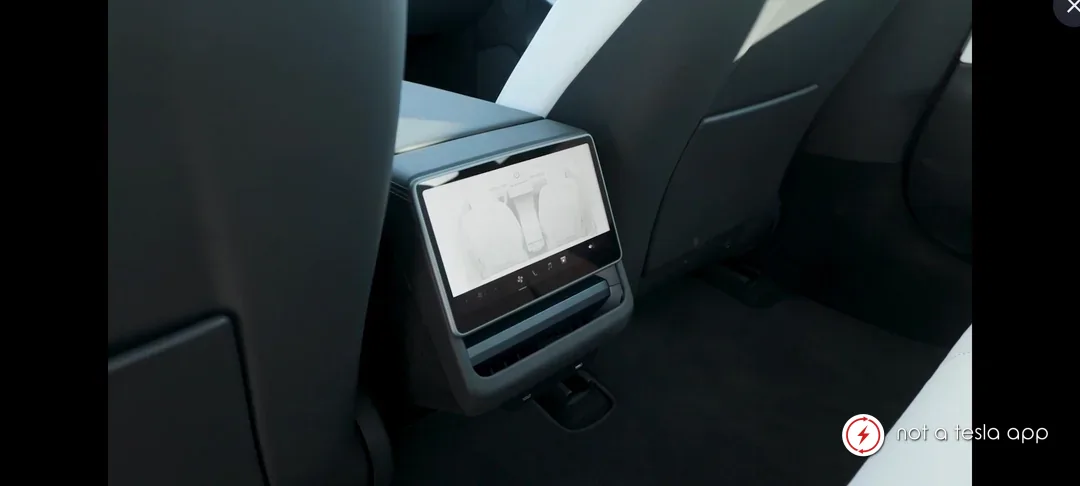
Allow full Spotify and other music app control from the rear screen.
How It Would Work
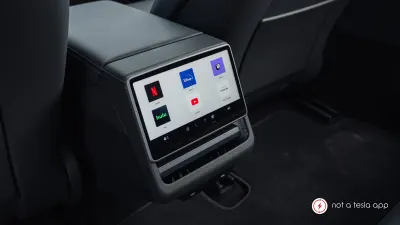
The rear screen can currently only skip ahead to the next song on music apps. Give it full control to set up playlists, select playlists and add songs to the queue in the same fashion as the front screen. There's no reason that the rear screen needs to be completely limited when it comes to music control. Of course the front screen has the option to disable rear screen controls. But when we're on a family road trip, the passengers in the back sometimes want to be able to control the music and they should be able to use the screen to actually add music.
Vote for this feature
The top three requests at the end of the month will be shared with Tesla.
84