Multiple Home & Work Locations in Navigation
Summary
Allow saving additional Home and Work locations for people with multiple locations.
How It Would Work
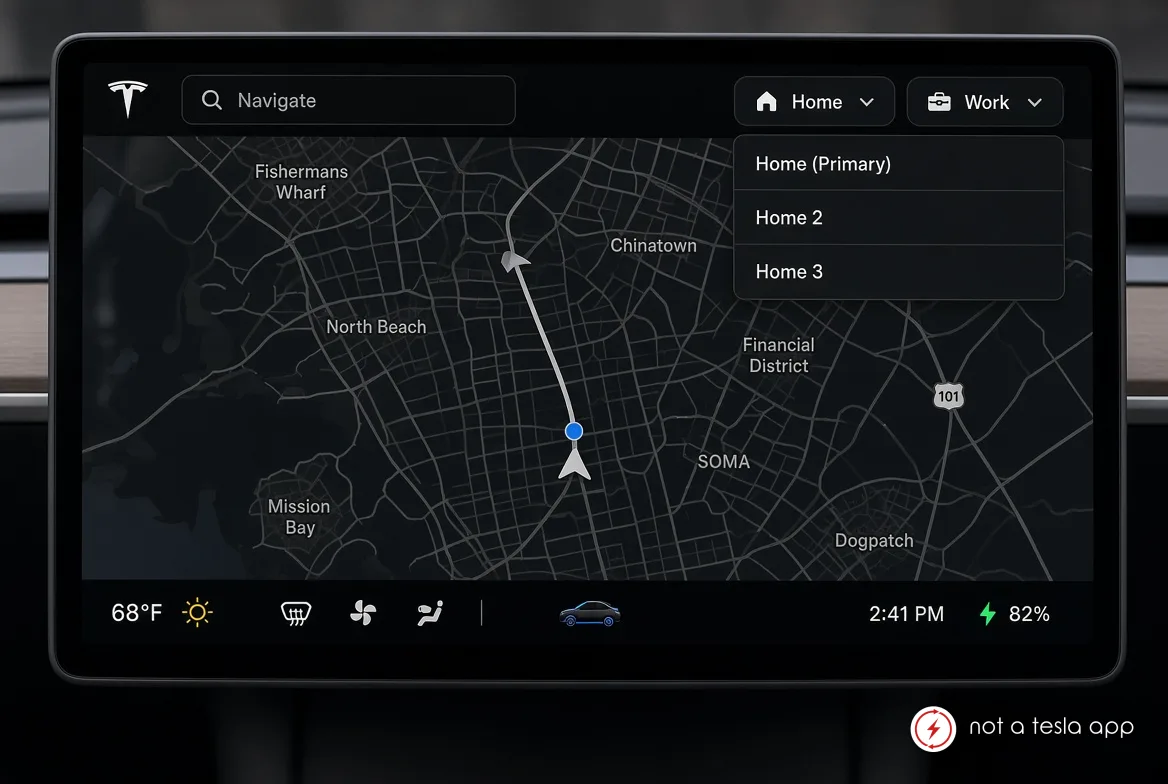
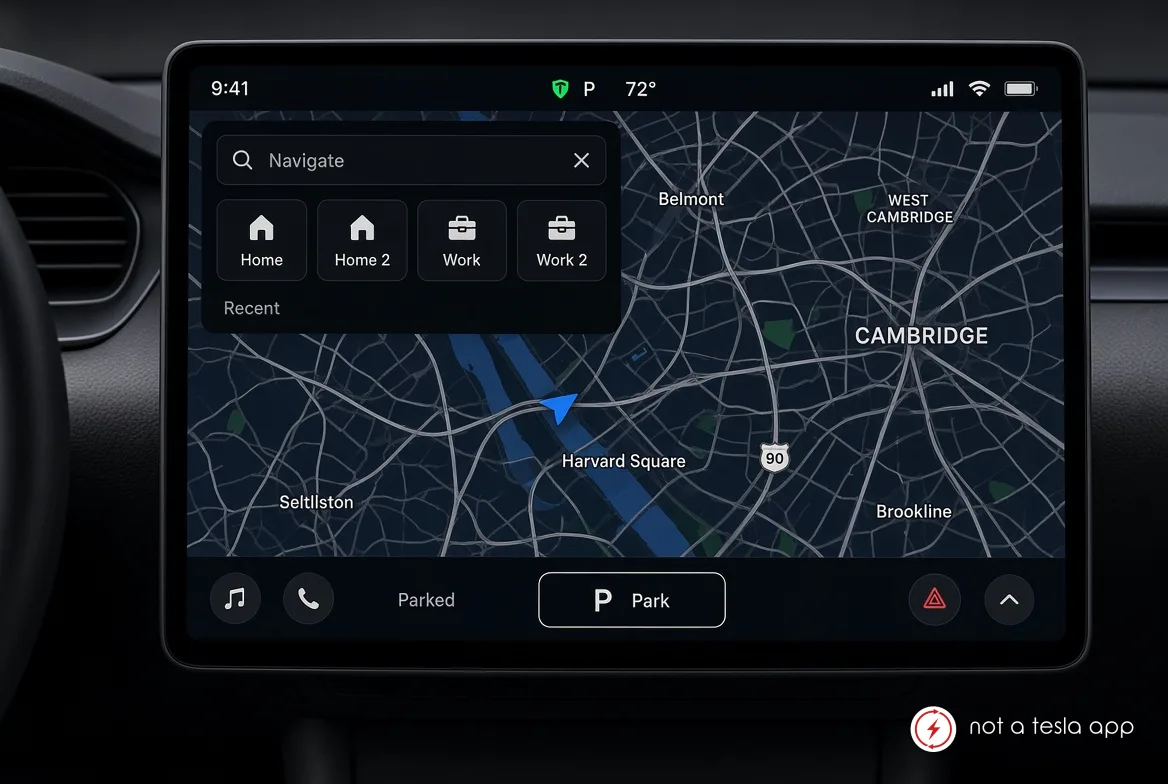
Users can save multiple locations as Home or Work (e.g., Home 1, Home 2, Work 1, Work 2, or custom labels).
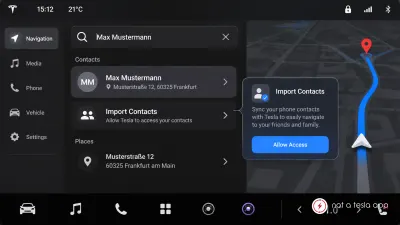
These appear as quick-access buttons/shortcuts in the navigation menu alongside the existing Home/Work options.
Selecting one sets it as the active destination with normal routing, Supercharger planning, and arrival estimation.
Optional: Ability to set a primary Home/Work that appears first, with others available via a dropdown or submenu.
Works with existing features like "Navigate to Home/Work" voice commands, scheduled departure, and preconditioning where applicable.
Locations remain saved across reboots and software updates, same as the current single Home/Work.
Vote for this feature
The top three requests at the end of the month will be shared with Tesla.