


For years, the massive battery in a Tesla has served a single purpose: powering the vehicle. Now, that’s changing. With the introduction of Powershare with the Cybertruck, the energy stored in your vehicle’s battery can now flow outwards, turning your vehicle into a mobile power source for appliances, tools, and even your entire home.
This guide will walk you through everything you need to know about this game-changing technology, including the crucial differences between Vehicle-to-Load (V2L) and Vehicle-to-Home (V2H), as well as which Tesla vehicles support Powershare.
Powershare is Tesla’s umbrella term for the two distinct functions that allow your vehicle to export AC power.
Vehicle-to-Load (V2L)
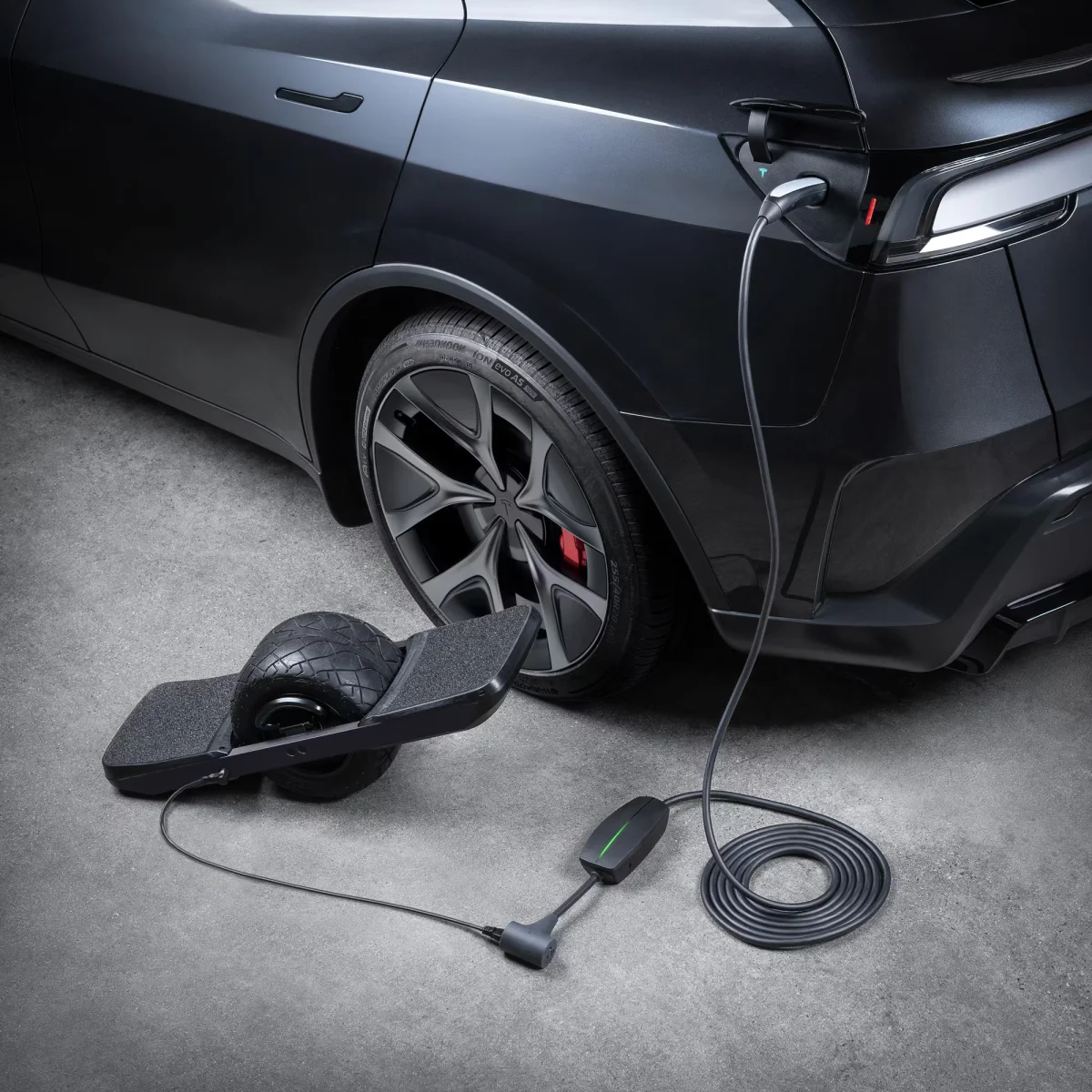
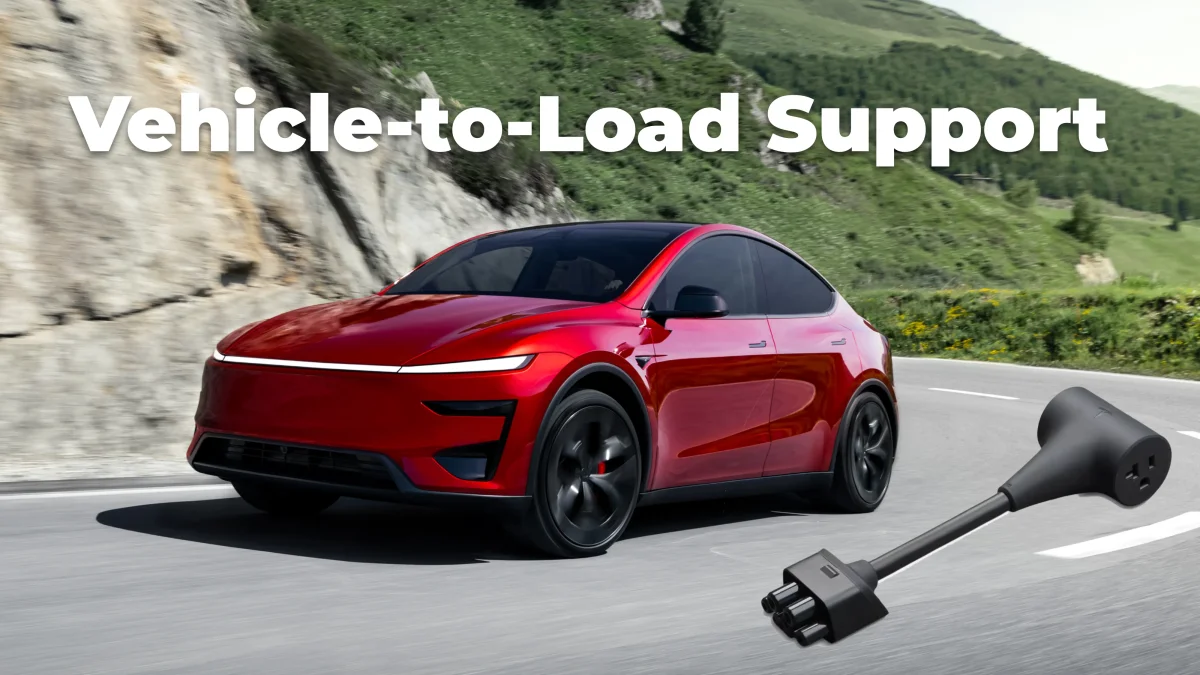
Think of V2L as turning your Tesla into a giant, rolling battery bank. It allows you to plug everyday devices and appliances directly into your vehicle and draw power from its battery. This is the perfect solution for powering a campsite, running tools at a remote worksite, or keeping small, essential devices online during a brief power outage. It provides you with power on the go, wherever your vehicle is parked.
Vehicle-to-Home (V2H)

V2H is a more advanced and integrated solution. It allows your vehicle to directly connect to your home’s electrical panel, transforming it into a seamless, whole-home backup power source.
During a grid outage, a V2H system can automatically switch over and power your entire house for days, offering the same peace of mind as a dedicated battery backup like Powerwall.
Vehicle-to-Grid (V2G)
Tesla has also recently begun supporting V2G, allowing owners to sell energy from their vehicles back to the electric grid.
Using Tesla’s bidirectional charging hardware, the vehicle can act as a mobile energy storage system, helping stabilize the grid while earning owners compensation for participating in utility programs.
The program is currently available in Texas and California.
Supported Vehicles & Capabilities
As of 2026, Powershare is limited to just two of Tesla’s vehicles, but may someday make its way to more. Here’s a simple comparison of what’s available today.
Feature | Cybertruck (AWD, Beast)* | 2026 Model Y Performance / Model Y L |
|---|---|---|
V2L (Outlets) | Yes, up to 9.6kW max | Yes, 2.4kW max |
V2H (Home Backup) | Yes, up to 11.5kW max | No |
V2G (Sell Energy) | Yes | No |
Onboard Outlets | 5 total 2x 120V in cabin 2x 120V in bed 1x 240V in bed | None, requires an adapter |
Extra Hardware | V2L: None** V2H: Tesla Gateway & Universal Wall Connector | V2L: Tesla PowerShare Outlet Adapter V2H: Not available |
*The short-lived Cybertruck LR RWD has no onboard outlets and must use the Powershare Outlet Adapter, similar to the Model Y Performance.
**The outlet adapter can also be used on any Cybertruck to add an additional outlet, bringing it up to a total of 6 outlets. V2L will still be limited to a 9.6kW maximum output.
What You Need: The Hardware
The equipment required depends entirely on whether you want simple V2L or full V2H.
The Cybertruck has built-in 120V and 240V outlets for V2L use. For the new Model Y Performance or Model Y L, you will need the Powershare Outlet Adapter.
The Outlet Adapter plugs into your Mobile Connector, where you’d normally plug in the socket head for the outlet you're charging from. It provides a standard 120V 20A connection, similar to what you’d find in a home.
For V2H, you’ll need a more permanent connection and a Cybertruck. The Tesla Powershare Home Backup hardware includes the Universal Wall Connector for bidirectional power flow and the Tesla Gateway*. The Gateway is the brain of the system and safely disconnects your home from the grid during an outage to prevent backfeeding, then automatically switches you to vehicle power.
*While Tesla still hasn’t enabled V2H Powershare for Powerwall users, Powerwall V3 will take the place of the Tesla Gateway for those specific setups.
How to Use It
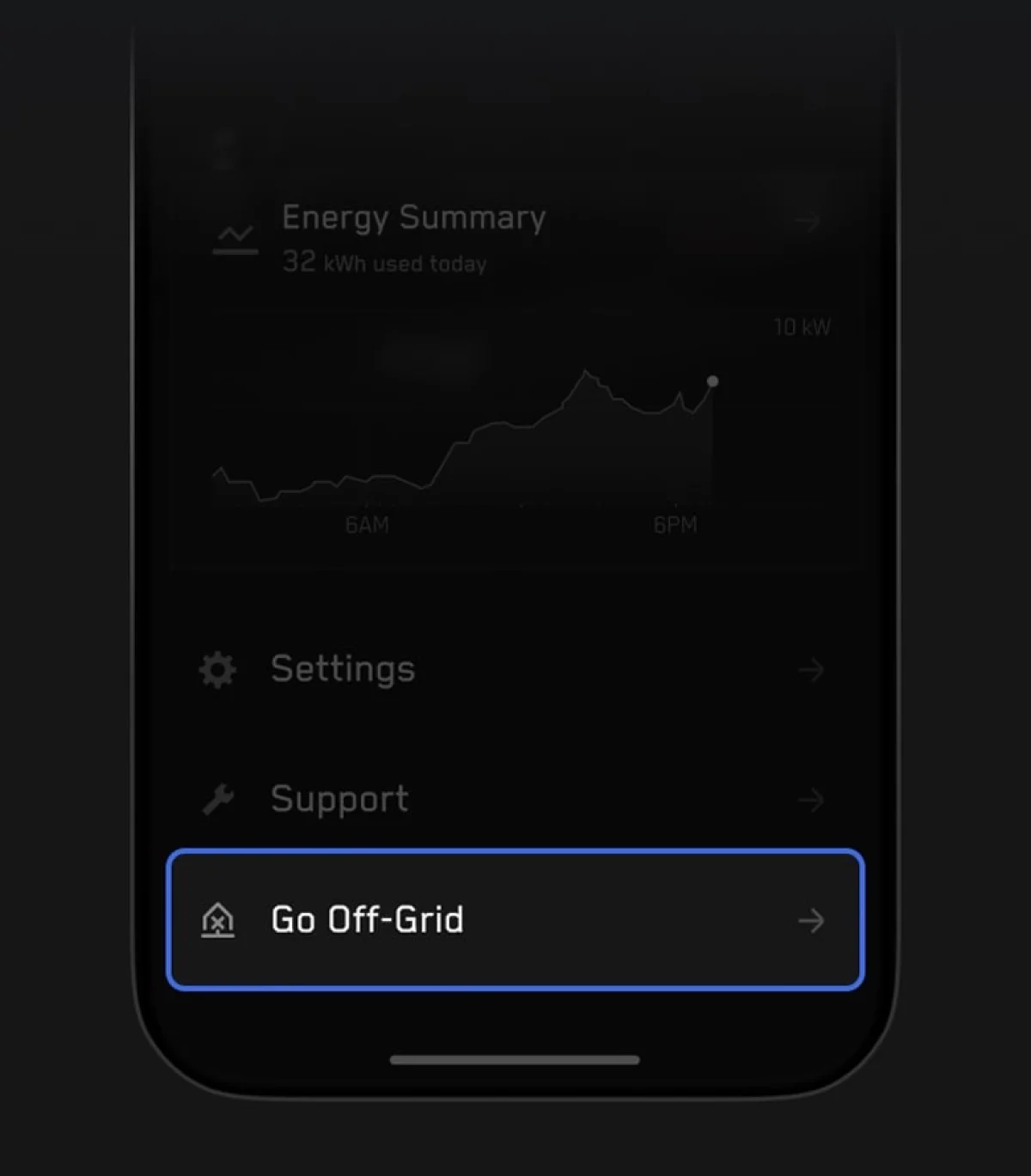
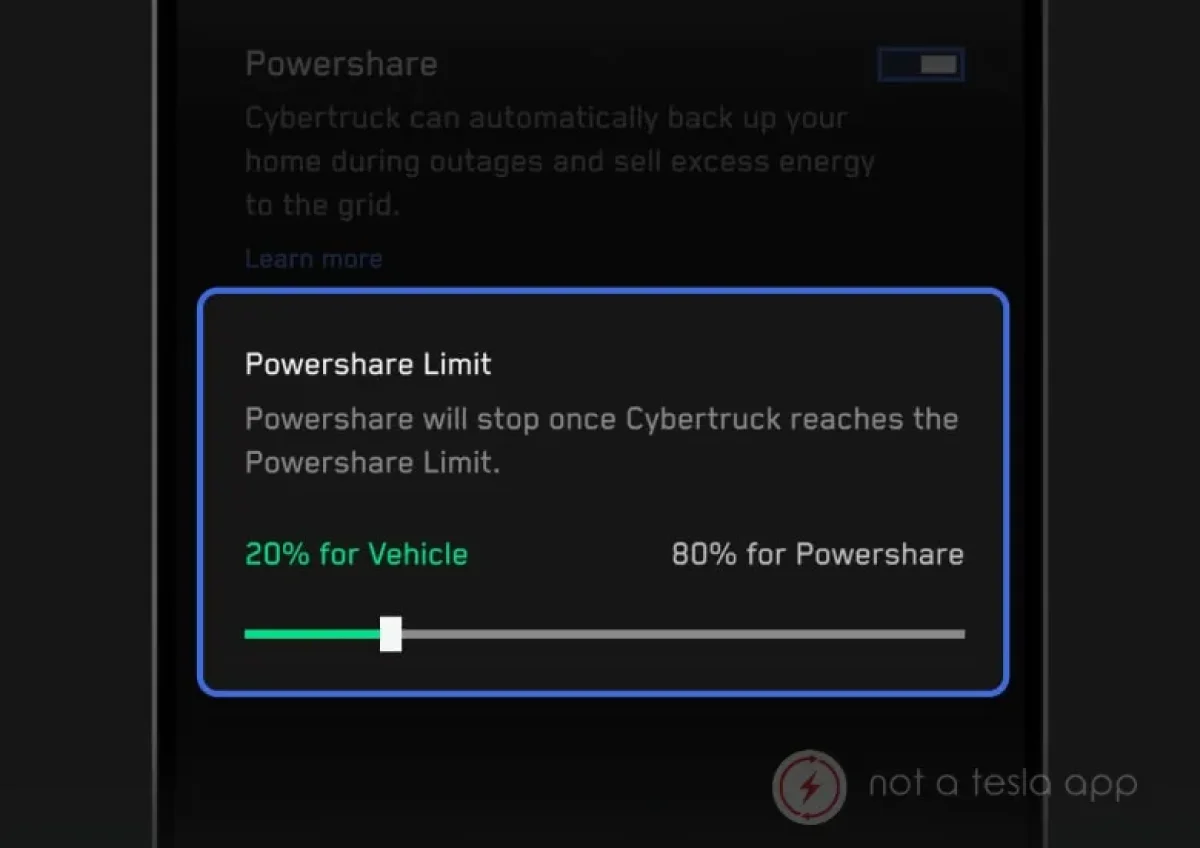
Control over Powershare V2L and V2H is managed directly in the Tesla App or in your vehicle. Vehicles equipped with Powershare will have a new menu inside their vehicle options, called Outlets. This menu controls Powershare settings, as well as settings for Accessory Power, Low Power Mode, and more.
In this menu, you can also set a “Reserve for Driving” limit, which allows you to set a minimum state of charge you would like to keep in order to tell your vehicle how much range you want to maintain for your driving needs. Your vehicle will stop exporting power once it hits this level, ensuring you aren’t left stranded.
The Outlet menu also provides a real-time view of your power draw, as well as the status of individual outlets for the Cybertruck.
Within the Tesla App, you can manage the outlets via the Controls menu, which provides a simpler overview of whether your outlets are active or not.
The Future of Powershare
The addition of V2L to the Model Y Performance and the Model Y L is a sign that Tesla intends to roll this technology out to more of its lineup over time, likely as other models receive future mid-cycle refreshes.
Full V2H home backup and V2G are more complex features that will likely remain exclusive to the Cybertruck for the foreseeable future. There is also a considerable up-front investment required for the Gateway installation, which could be a hurdle for owners.
For now, Powershare transforms a Tesla from simply a mode of transportation into a versatile energy tool, adding a new layer of utility and value to owning an EV.
Follow Us on Google
Add Not a Tesla App as a preferred source on Google to see more of our stories in Top Stories.
Add to Preferred Sources










