


The highly anticipated software branch merge for the Tesla fleet is officially underway. Just days after Tesla’s AI development team teased that a unified update was coming soon, Tesla has officially begun rolling out software version 2026.14.6.6, which includes Full Self-Driving (FSD) V14.3.3 and the 2026 Spring Update features.
Update 2026.14.6.6
Percent of Fleet
Installs on Sep 1
While we initially expected the company to deliver the Spring 2026 Software Update alongside the existing FSD build, Tesla is surprising owners by introducing a new FSD version. This release brings the feature-packed Spring Update to vehicles on the latest self-driving branch and introduces FSD V14.3 to drivers already running the Spring 2026 UI upgrade.
Elon Musk even chimed in on the deployment, stating simply that "FSD V14.3.3 is a banger.”
The Spring 2026 Feature Drop
The headline for many drivers is the long-awaited integration of the Spring 2026 Software Update. For the past few weeks, FSD beta testers have been locked out of these features, but version 2026.14.6.6 bridges that gap entirely.
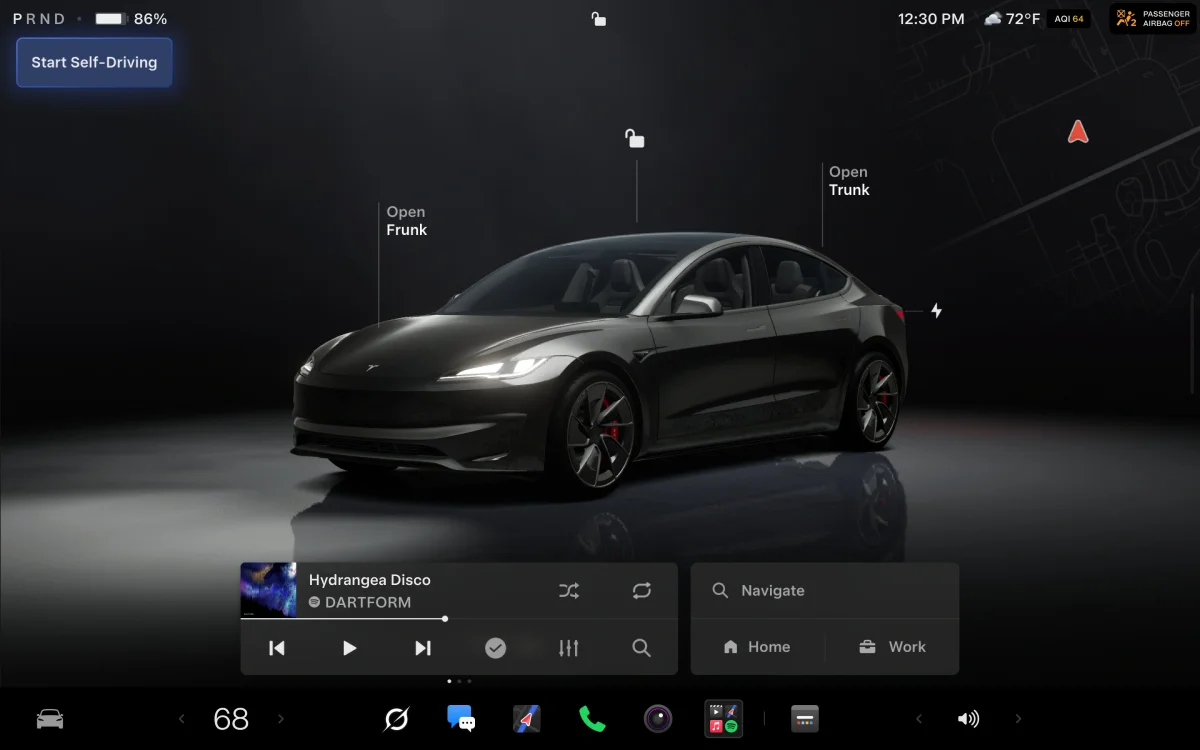
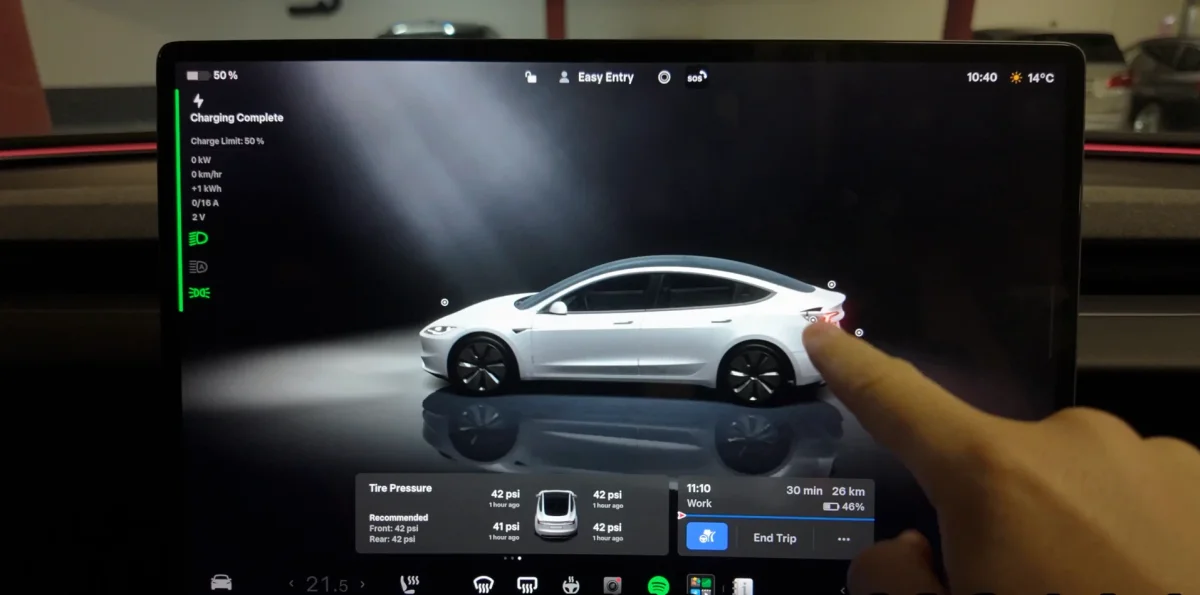
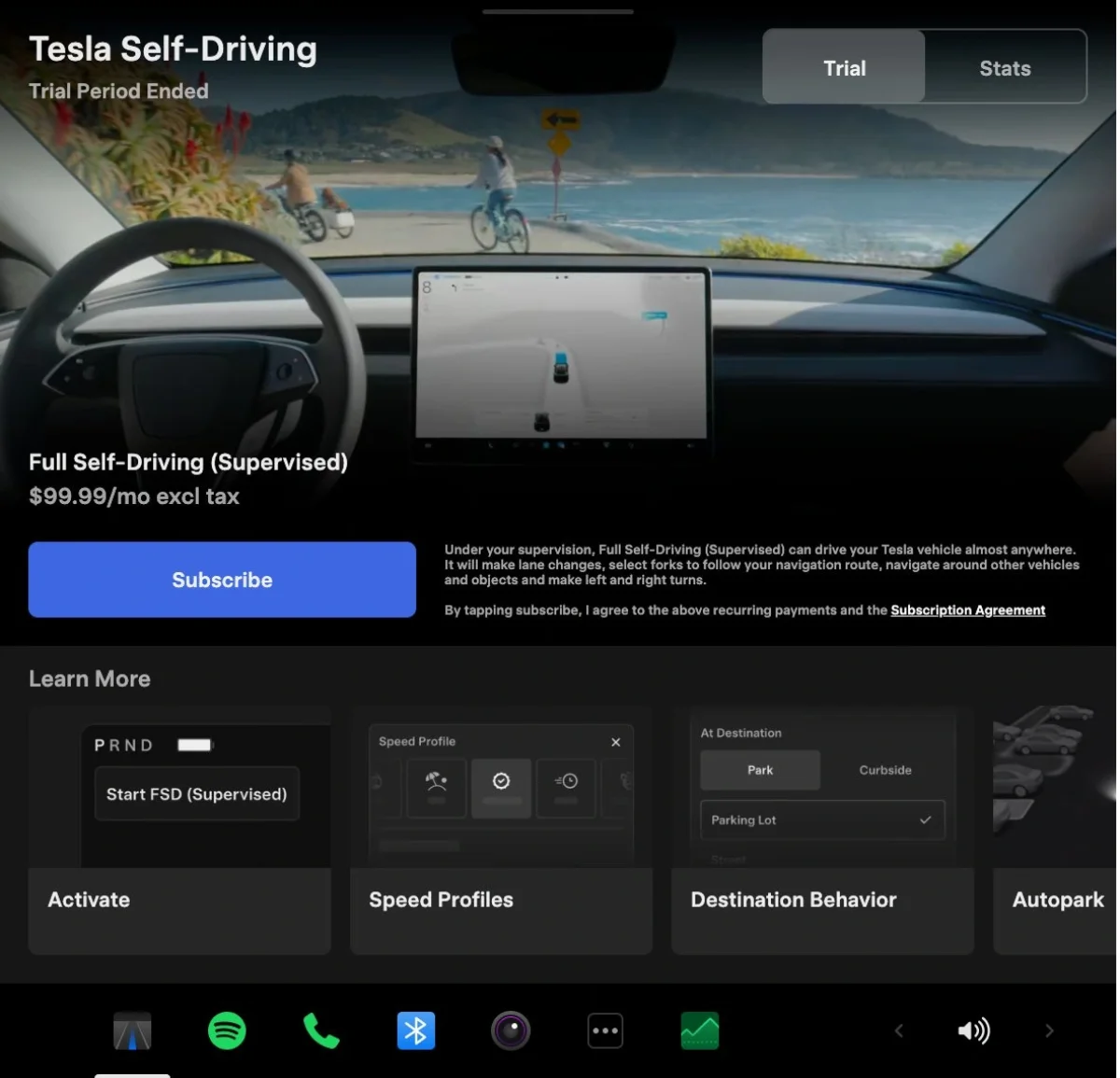
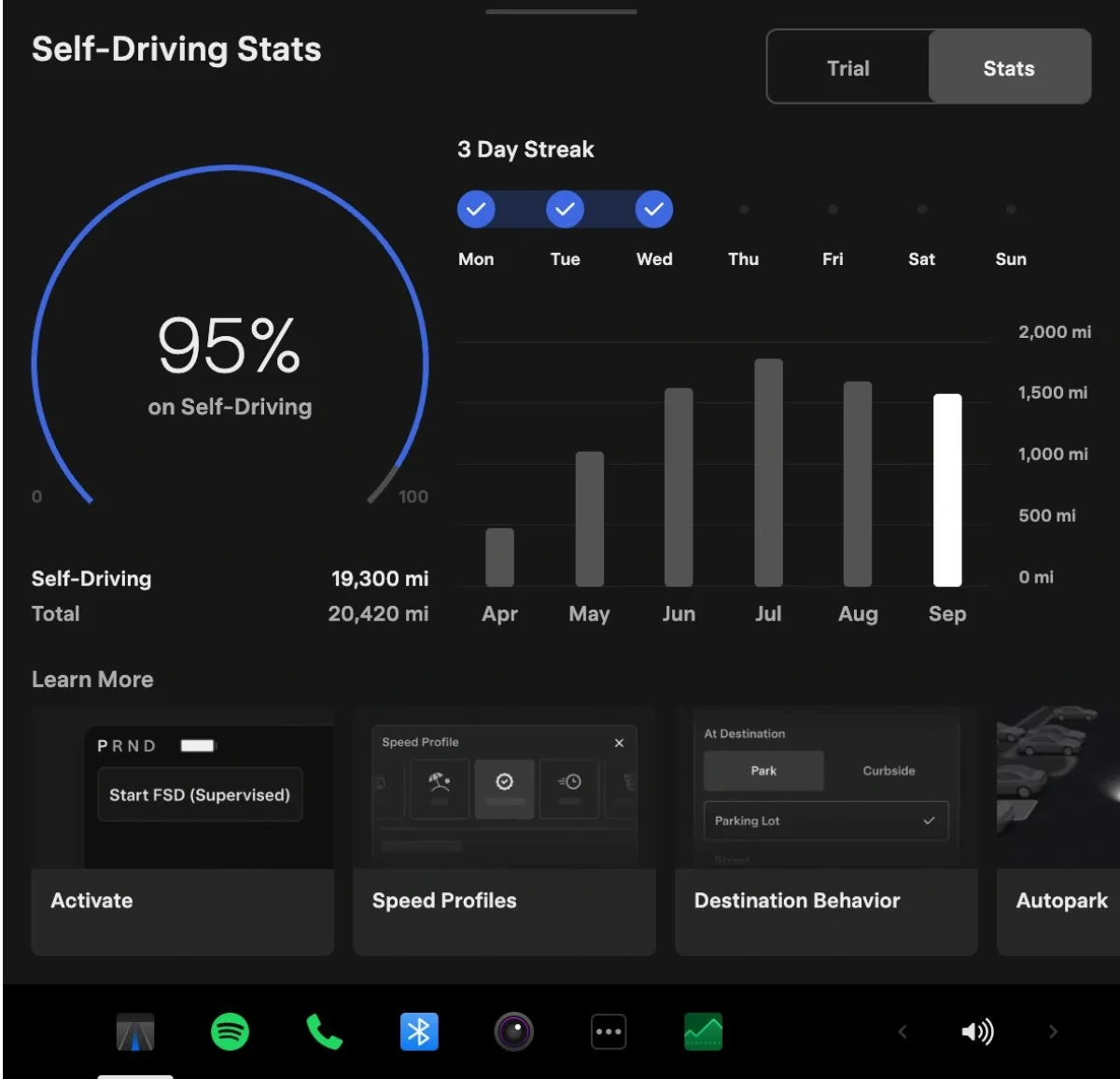
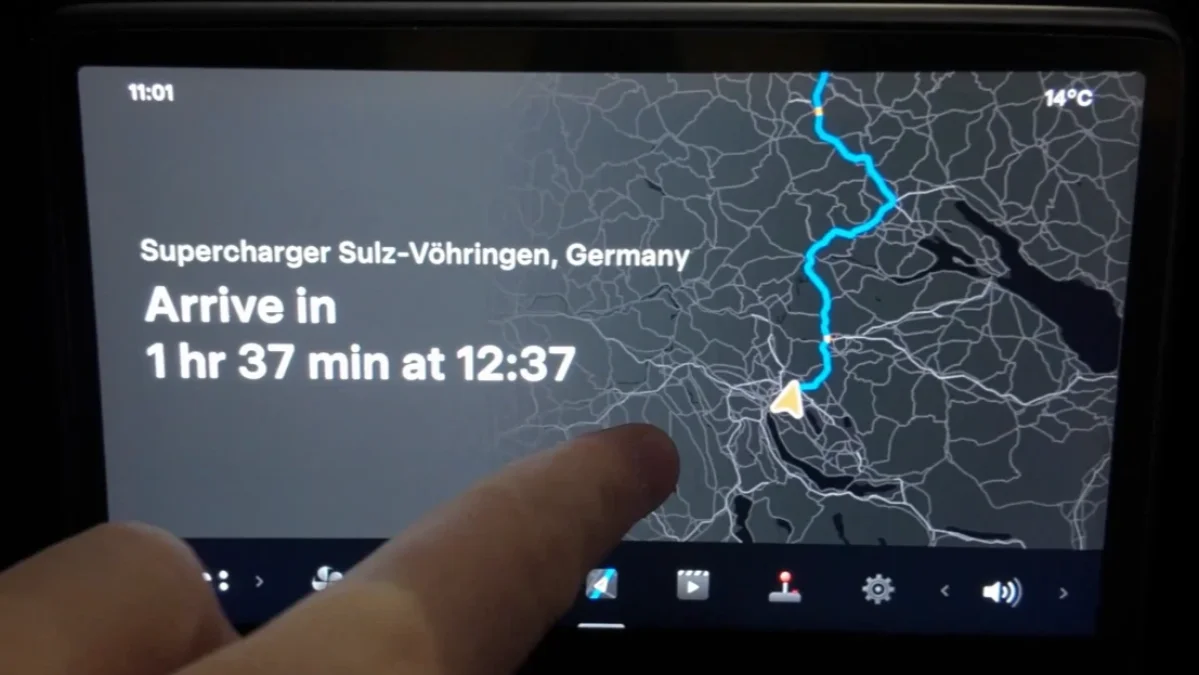
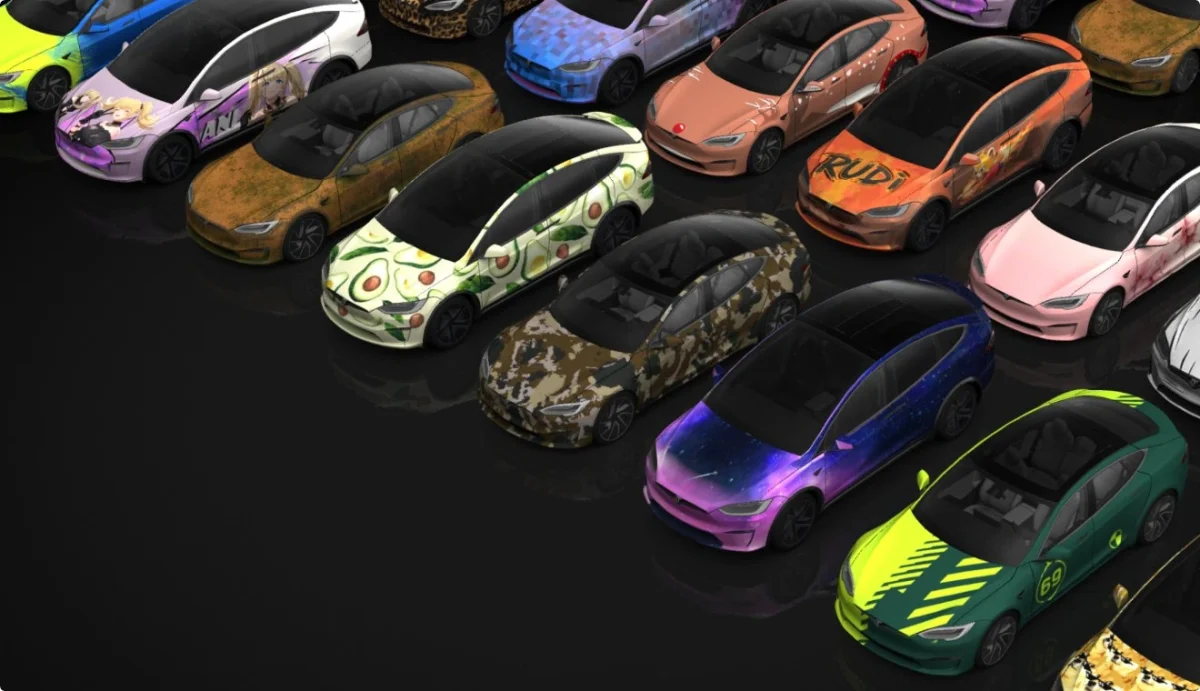
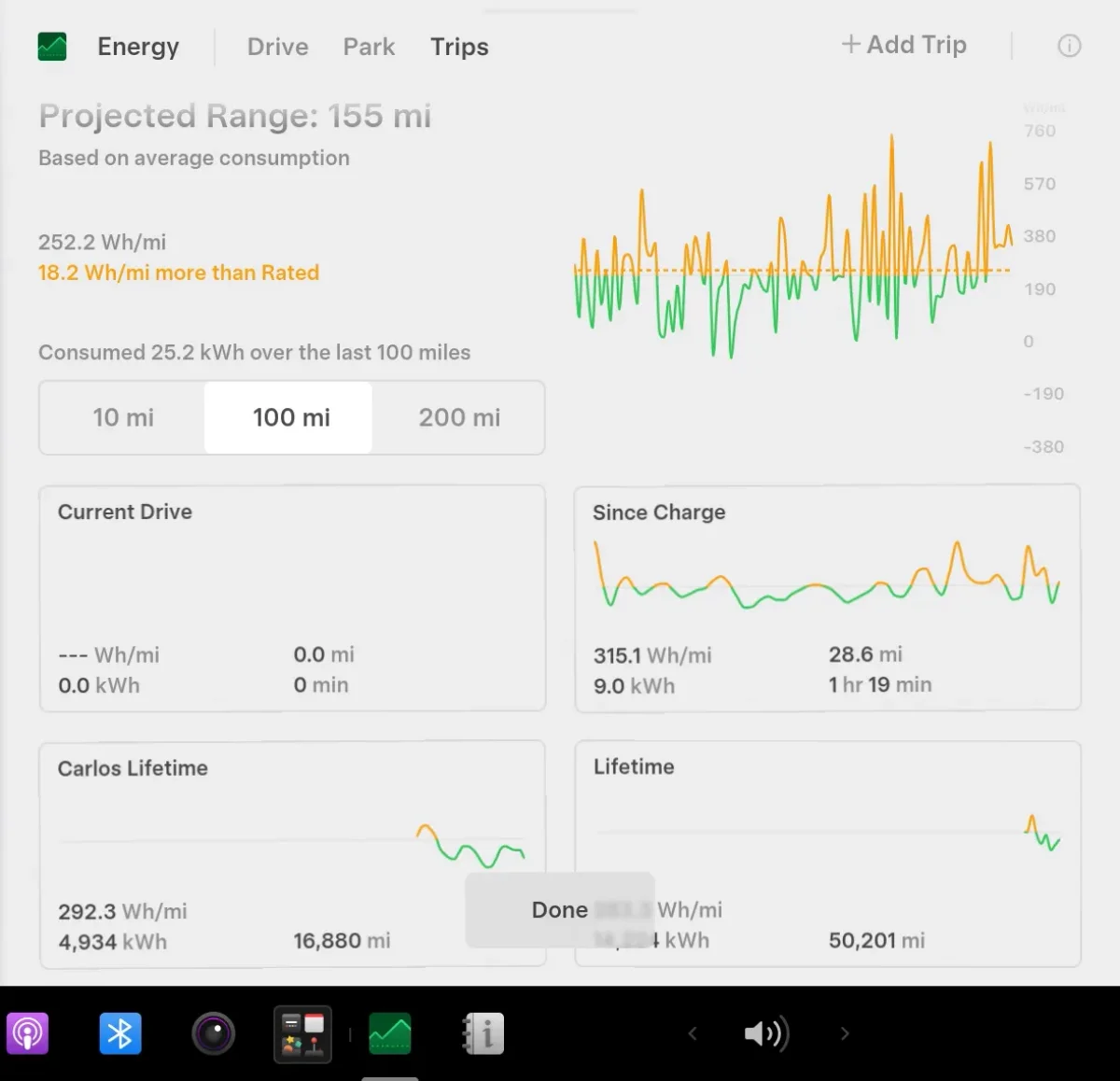
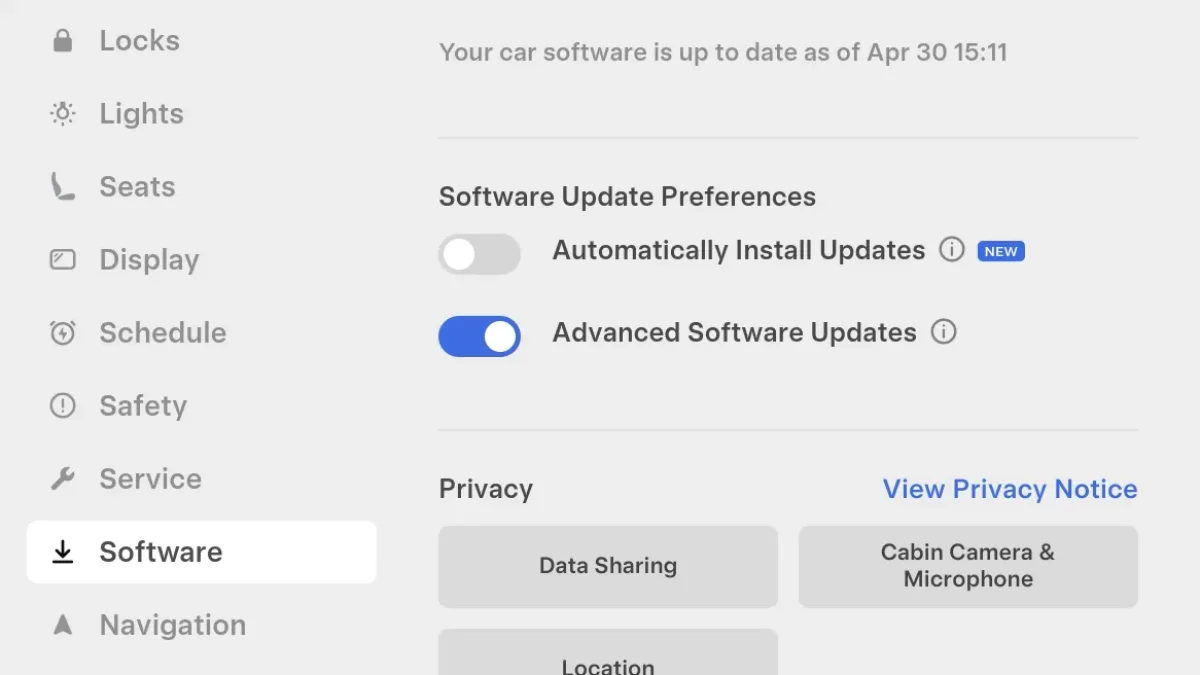
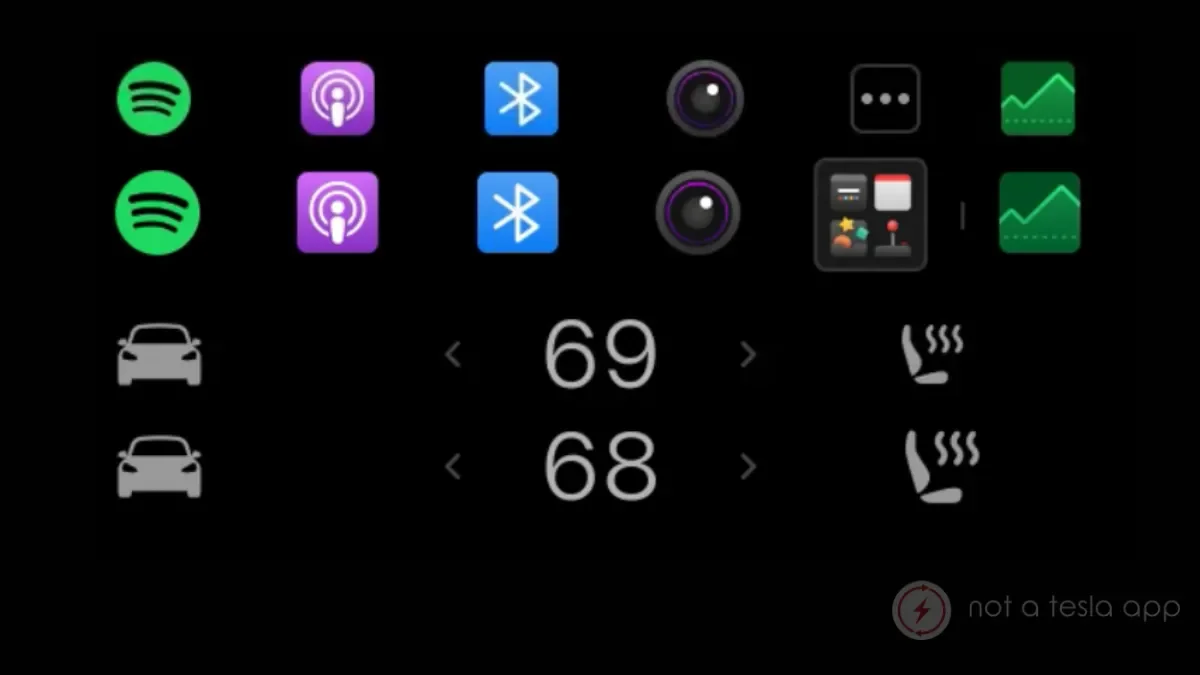
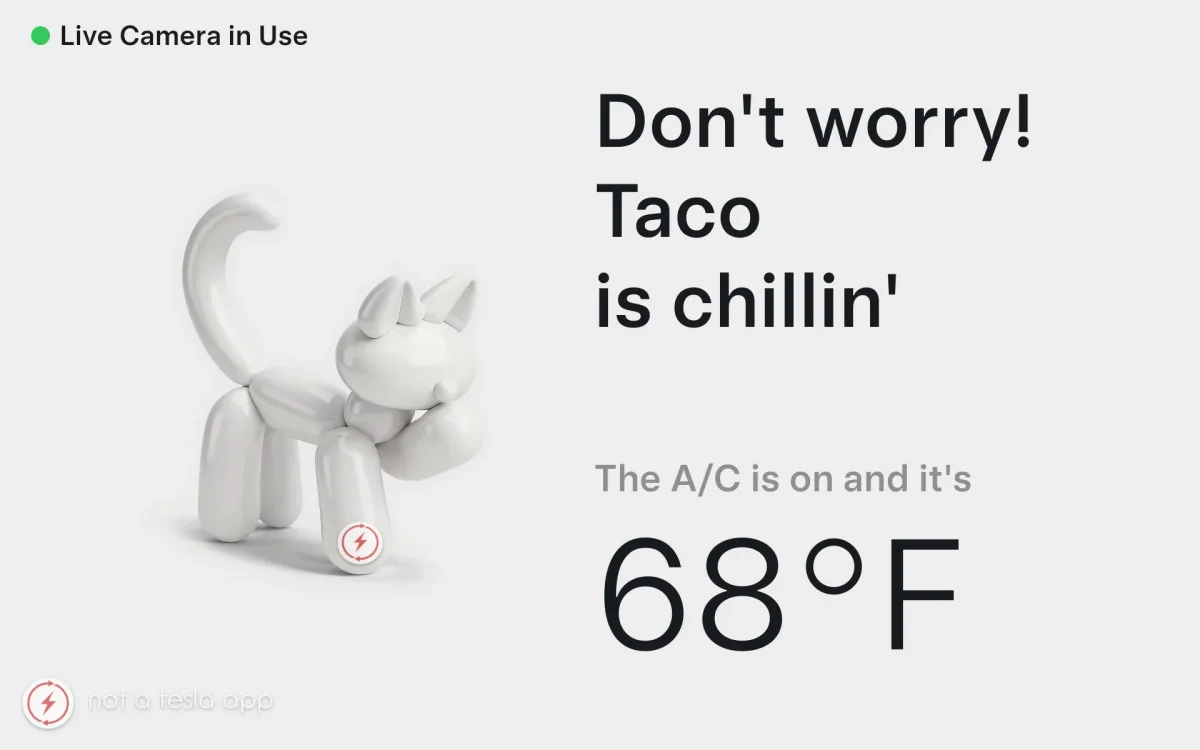
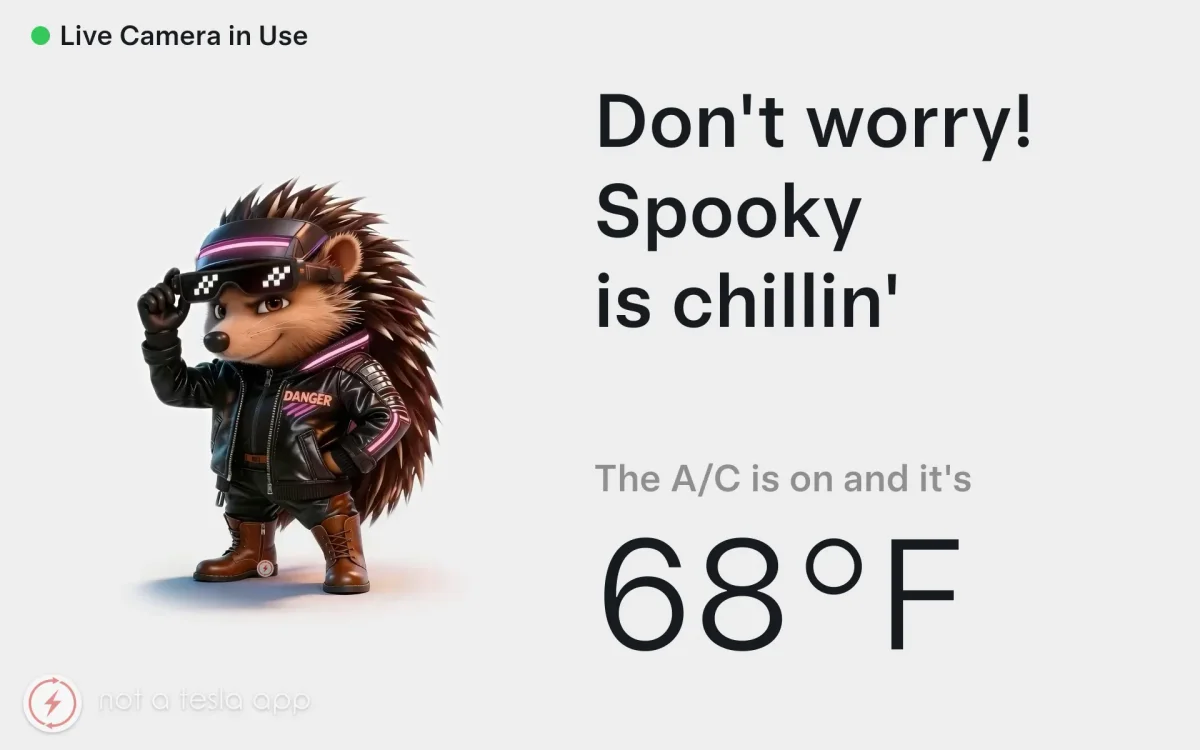
Vehicles receiving the update gain access to a brand-new Self-Driving app that acts as a central hub for subscriptions, step-by-step tutorials, and detailed telemetry profiles. The software also introduces a native, hands-free "Hey Grok" wake word for xAI's assistant to manage personalized reminders, a completely rebranded Pet Mode interface, and fully interactive navigation maps for the rear passenger screen. Additionally, it includes aesthetic upgrades like the new Unreal Engine-based park visualizations for AMD-powered vehicles.
Daaaamn the new visualizations in Tesla's Spring Update look sweet pic.twitter.com/PVhMFCjY7G
— Sawyer Merritt (@SawyerMerritt) May 17, 2026
New Intervention-less Streak
Tesla is doubling down on the gamification of its self-driving platform by introducing real-time statistics directly to the new Self-Driving app. This builds on a foundation established during the initial release of FSD V14.2, which introduced a dedicated “Self-Driving Stats” section in the Self-Driving menu to track the total ratio of autonomous versus manual miles driven.
In the video below, you can see this new streak on the left side of the display, directly above the speed limit sign. Tesla is clearly trying to avoid users from taking over and reducing the number of interventions.
Well this is new. FSD V14.3.3 has a live counter right on the main screen that shows how many miles you’ve driven on FSD since your last intervention.
— Sawyer Merritt (@SawyerMerritt) May 17, 2026
It resets back to zero when you disengage (shown below): pic.twitter.com/CulrXrMuBR
With FSD V14.3.3, this new tracking goes live with a new widget on the left side of the main screen that tracks uninterrupted FSD usage down to the decimal point. The counter instantly resets back to zero the moment the driver disengages FSD and takes over.
To complement this, the new Self-Driving app will now permanently log your all-time longest intervention-free streak in the Self-Driving app, giving owners a metric to track as Tesla’s neural networks mature.

Actually Smart Summon Speed Increase
Tesla is also addressing a common piece of consumer feedback regarding its low-speed parking lot autonomy. Actually Smart Summon (ASS) has received a top speed increase, moving up to 8 mph from its previous limit of 6 mph.
While a 2 mph bump sounds minor on paper, in practice, the 33% top-speed increase makes a noticeable difference in how the vehicle flows through active parking structures, especially with Summon's near-instant response time now in FSD v14.3.2.
This change builds directly on FSD V14.3.2, which unified the AI models across consumer FSD, Tesla’s commercial Robotaxi network, and Summon, making the latter far more capable. With Tesla reducing Summon’s activation time and raising the physical speed ceiling, the car moves with significantly more confidence when navigating toward its owner. The community is already hoping this trend continues with a push toward a 10 mph cap in a future point release.
Here is @Tesla’s updated Actually Smart Summon in FSD V14.3.3, which now has a 33% faster top speed of 8 mph (13 km/h).
— Sawyer Merritt (@SawyerMerritt) May 17, 2026
It actually does make a noticeable difference in person. pic.twitter.com/uSI44S5Qgd
FSD Disengagement Menu Changes
Finally, the update brings another round of adjustments to the pop-up menu that appears immediately after a driver intervenes and takes over from FSD. Since it first debuted with FSD V14.3.2, Tesla has been iterating on this feedback system to make it less intrusive while ensuring the data collected remains highly accurate.
With V14.3.3, the four selectable buttons have been completely restructured. The "Discomfort" and "Preference" categories have been removed to make room for cleaner situational choices. Here is a look at how the menu has evolved over recent software builds:
FSD Build Version | Disengagement Menu Options |
|---|---|
V14.3.2 (2026.2.9.8) | Preference, Discomfort, Critical, and Other |
V14.3.2 (2026.2.9.9) | Preference, Discomfort, Critical, and Navigation |
V14.3.3 (2026.14.6.6) | Navigation, Parking, Critical, and Other |
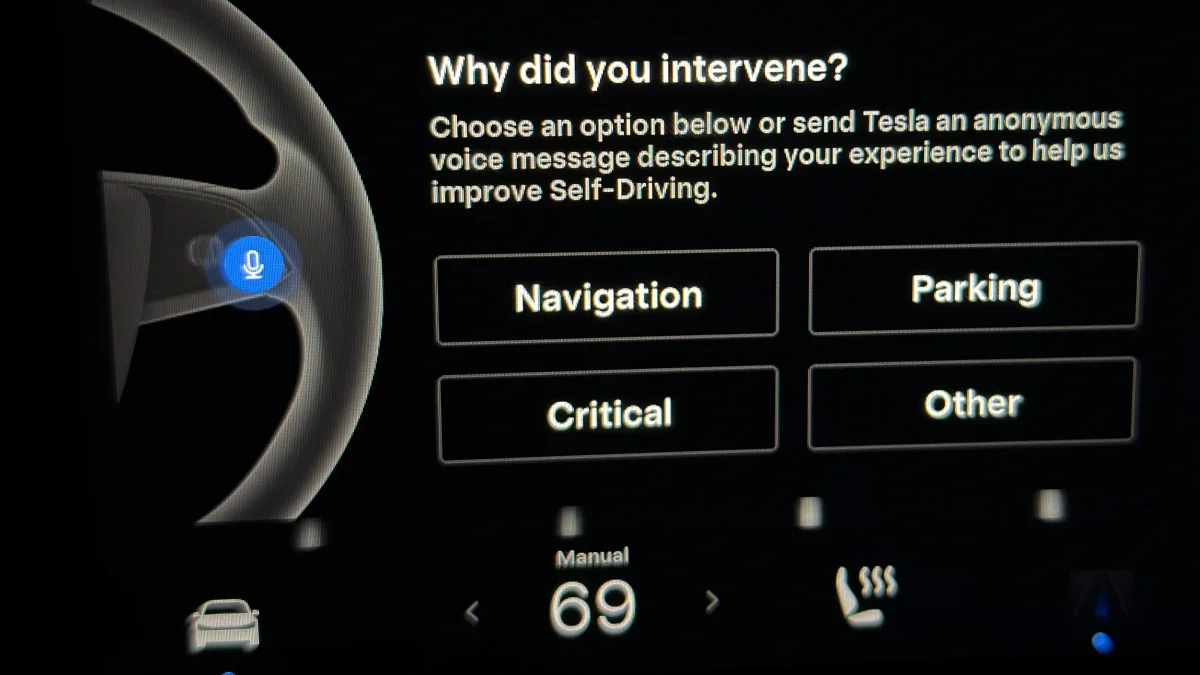
Bringing the "Other" option back into rotation is a welcome design change. Because the menu still cannot be dismissed without a selection — barring an obscure voice-recording workaround we previously covered — having a generic catch-all option prevents drivers from clicking an inaccurate category out of frustration or haste, ensuring Tesla’s data remains unskewed.
The 2026.14.6.6 update is a more polished update as Tesla sets a baseline across its entire fleet. We’ll keep a close eye on the early download waves, looking out for any undocumented features included in this release as it makes its way to more owners.
Follow Us on Google
Add Not a Tesla App as a preferred source on Google to see more of our stories in Top Stories.
Add to Preferred Sources










