The Cybertruck has a bevy of unique features for tackling various types of terrain, and one of the most unique features is Slippery Surface Mode.
While legacy trucks rely heavily on mechanical locking differentials and engine weight directly over the front axle for winter grip, the Cybertruck uses a software-defined traction control suite. Slippery Surface Mode is just one user-facing element of the entire package.
Normalizing Torque Distribution
When driving on black ice, packed snow, or in torrential rain, standard traction systems often struggle to balance power delivery. This imbalance can lead to wheel spin and a dangerous loss of directional stability. Slippery Surface Mode alters the torque delivery of the Cybertruck to prevent this.
Activating this feature tells the Cybertruck’s traction control to carefully monitor traction across all four tires simultaneously. The vehicle will attempt to force an even distribution of traction across all four wheels, rather than reacting to a slip event only after it occurs.
This syncing prevents any wheel from receiving a torque surge, keeping your ride stable.
Differences with Off-Road and Slip Start
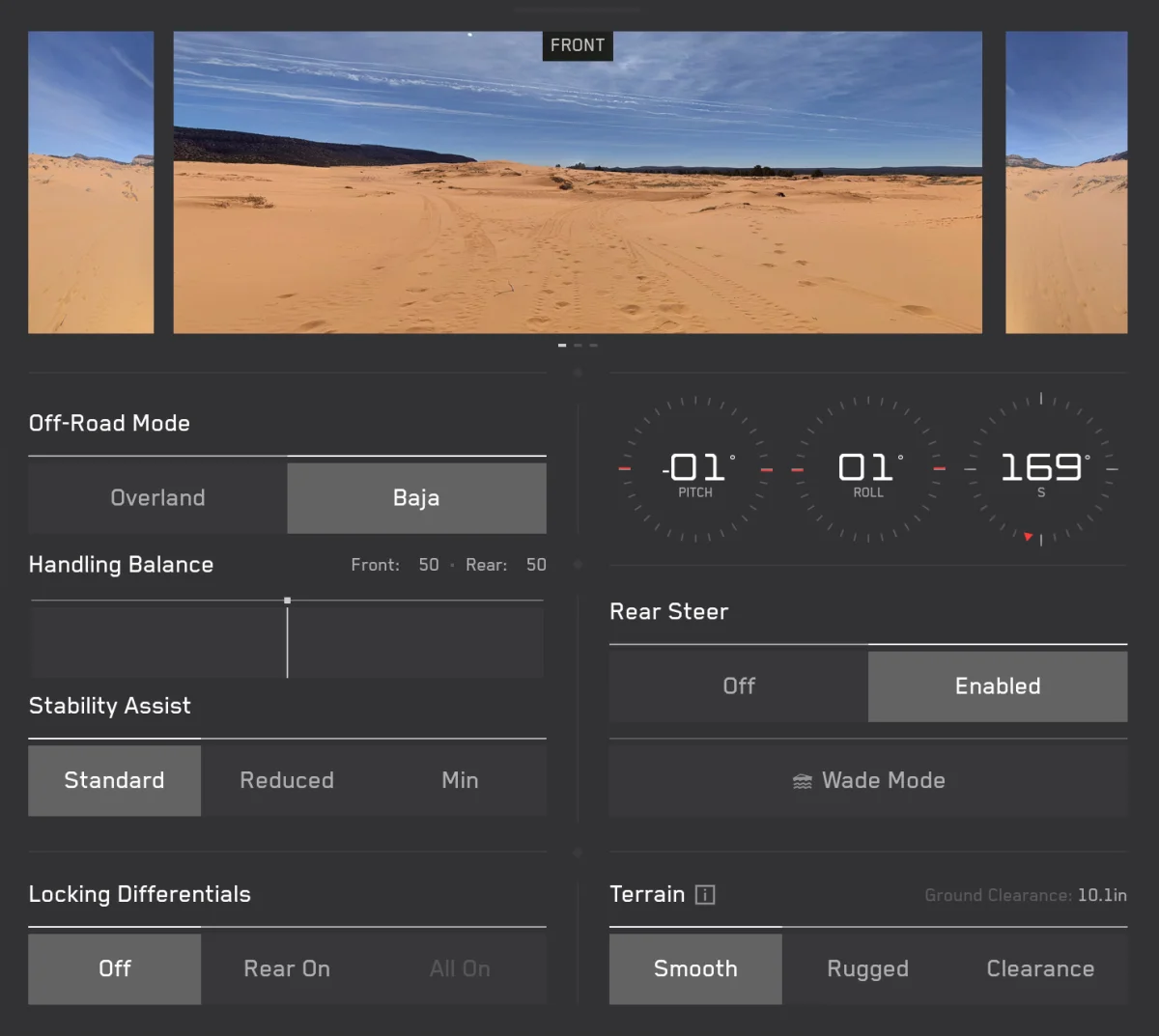
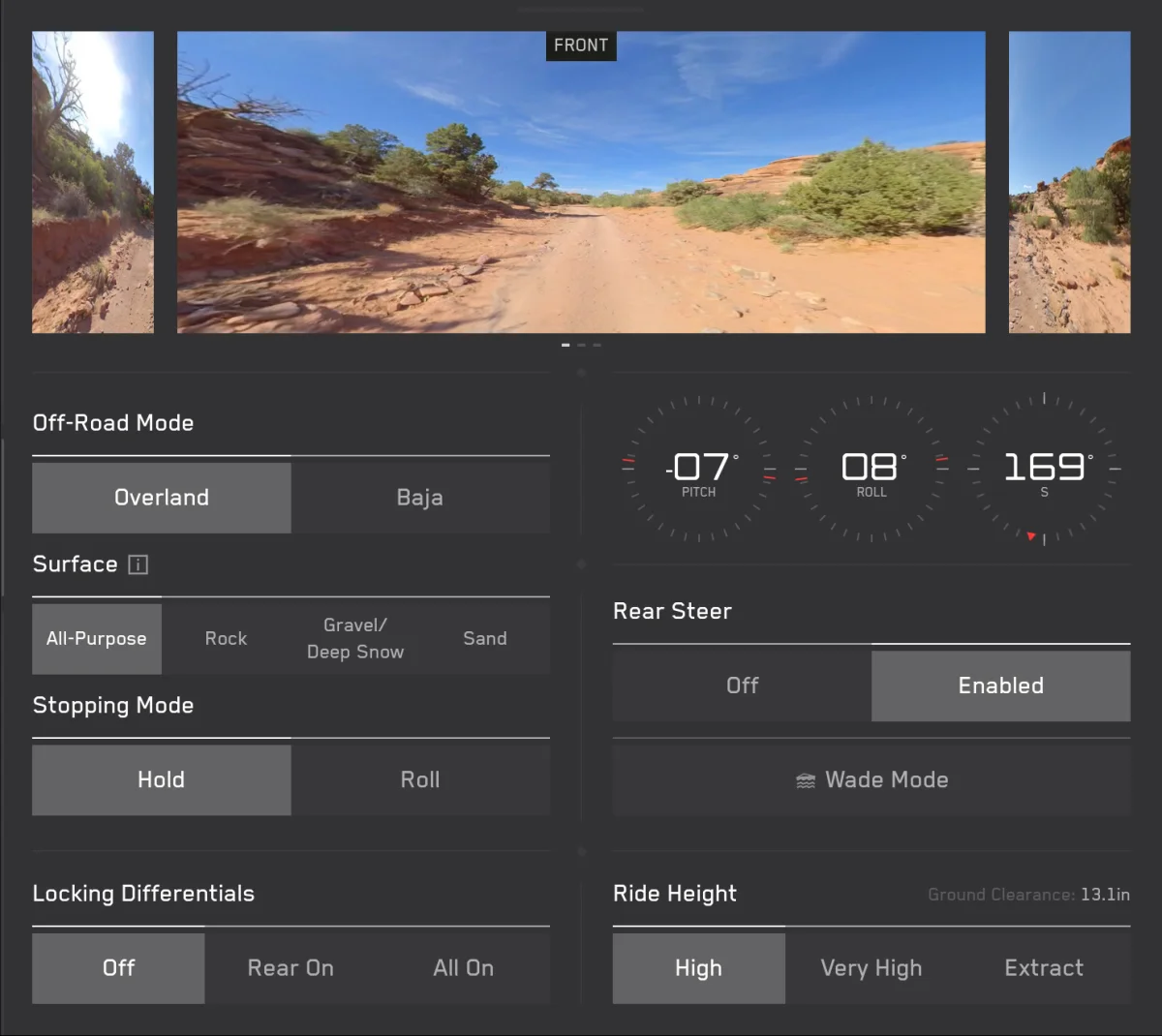
A common point of confusion for new owners involves knowing exactly when to deploy Slippery Surface mode versus the vehicle's dedicated Off-Road or Slip Start settings. The choice comes down to the necessity of wheel spin.
Off-Road Modes and Slip Start are engineered to reduce traction control intervention. They deliberately permit the wheels to spin freely, which is necessary to dig out of deep, deformable terrains like mud, sand, or heavy snow.
Conversely, Slippery Surface mode is designed for transit on paved roads compromised by weather. It strictly limits erratic wheel spin to prioritize lateral stability and prevent sliding.
How to Activate
To engage the feature, drivers simply navigate to Controls > Dynamics > Slippery Surface Mode.
Always On Traction Control
One item to note is that the traction control suite is always active and always on. When the vehicle’s sensors detect tire slip, heavy rain, or other inclement conditions, the traction control suite may automatically enable the Slippery Surface toggle.
If you’re interested in learning more about the Cybertruck’s capabilities, read our very own Off-Road Mode Guide.
Follow Us on Google
Add Not a Tesla App as a preferred source on Google to see more of our stories in Top Stories.
Add to Preferred Sources