Owning a Cybercab comes with more rules than owning a regular Tesla. Along with the $29,990 purchase price, buyers have to sign up for Tesla’s $299-per-month Autonomy Subscription. Its agreement spells out what you can and can’t do with the car you’ve paid for.
We’ve already covered everything the subscription includes. Here’s a look at the rules that come with it.
The Price Can Change
Tesla can change the subscription price at any time. According to the agreement, “your subscription price might change in the future, but we’ll give you one month’s notice before doing so.” Tesla can also update the terms themselves, and if you keep your subscription after a change, you agree to the new terms.
That could also work in owners’ favor. Musk has already said $299 is too expensive and should be closer to $115 a month. The subscription renews monthly, and you can cancel anytime through your Tesla Account, but payments aren’t prorated. Since the Cybercab won’t operate without an active subscription, canceling effectively parks it.

No Wraps, Tint, or Custom Wheels
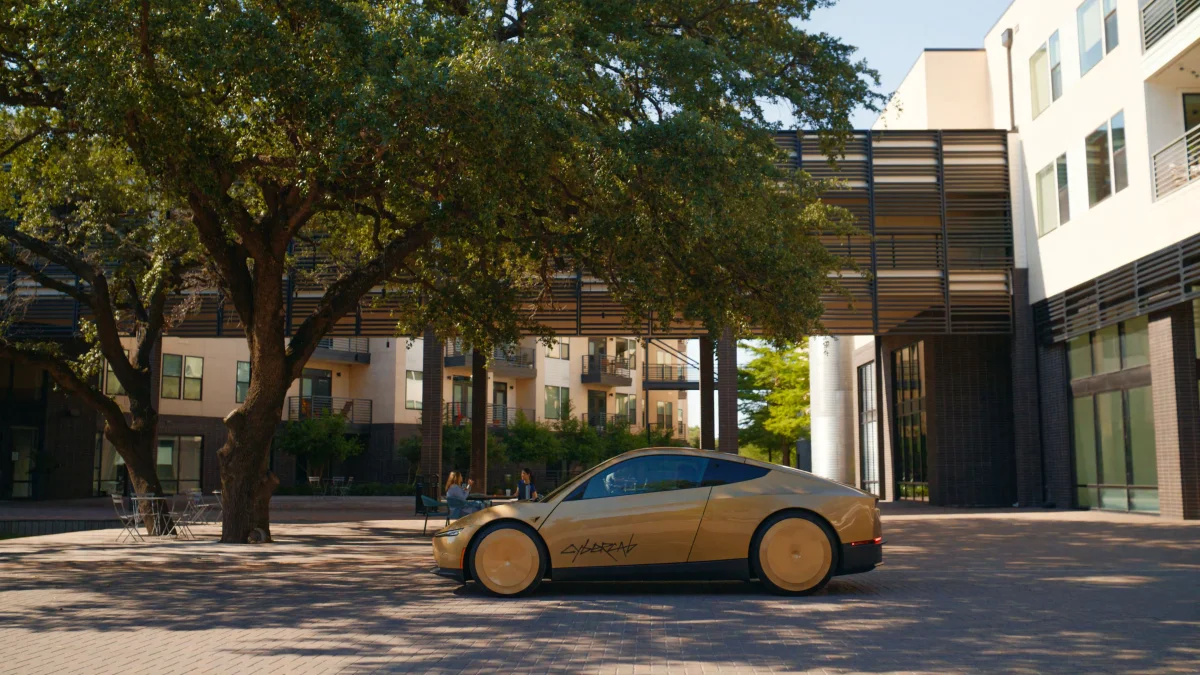
Customizing a Cybercab isn’t allowed. The agreement says owners can’t modify the car, including cosmetic changes like wraps or window tint, or swap the wheels, unless it’s done through Tesla or a Tesla-authorized provider. Breaking this rule can get your Autonomy subscription suspended. The agreement also bans reverse engineering or tampering with Tesla’s software.

Personal Use Only, Inside the Geofence
The Cybercab is currently only for personal, non-commercial use. You can’t put it on Tesla’s Robotaxi network (though that option should open up eventually) or on apps like Uber, DoorDash, or rental platforms unless Tesla allows it.
It only works within Tesla’s Robotaxi geofences, and for now it’s limited to those in Texas. “Operation outside the operating area is prohibited and may be technologically prevented,” the agreement warns. Tesla can grow, shrink, or move that area at any time, and it may not always match the Robotaxi service.
Strikeouts and Remote Control
Like consumer FSD, the Cybercab uses strikeouts. If you or anyone riding in your Cybercab gets three or more strikeouts for improper or unsafe use, autonomous driving is suspended for a week, and the car may not operate at all during that time. Your subscription payment isn’t prorated for the suspension.
Tesla can also remotely locate, restrict, or take control of a Cybercab, or put it into a safe state. It can limit where the car drives based on road type or weather, or during investigations and software rollouts.
Other Rules Worth Knowing
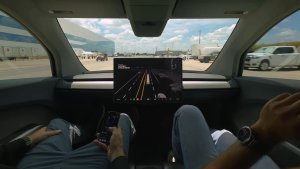
Manual controls: The touchscreen can move the Cybercab short distances at up to 2 mph. These controls aren’t meant for public roads and require a valid U.S. driver’s license to operate.
Passengers: Only two people can ride at once. Tesla advises against children under 13 riding, and any child who does must be accompanied by an adult and use the proper car seat.
Service: The Cybercab drives itself to a Tesla service center for maintenance. If Tesla finds a repair that isn’t covered and you don’t approve it within two hours, the car comes back without it. Skipping a required safety inspection can restrict the car from operating.
Tickets and tolls: Owners are responsible for tolls, parking, and traffic violations. If you think the Cybercab caused a violation, you can submit documentation and ask Tesla to pay.
Data: Tesla collects location data, exterior camera recordings, and cabin camera images during trips, along with audio during support calls. It’s stored for 30 days by default.
With the first customer deliveries expected next month, early owners will soon find out how these rules work in everyday use.
Follow Us on Google
Add Not a Tesla App as a preferred source on Google to see more of our stories in Top Stories.
Add to Preferred Sources