
Tesla vehicles receive constant updates to improve functionality, add features, improve reliability, and even add games. Teslas will also send you notifications on your phone when your car alarm goes off, if you leave your car unlocked, or if the charge level is critically low.
However, not all features are free to use. Some of them require a subscription to Tesla’s Premium Connectivity.
What is Premium Connectivity?
All Teslas come with WiFi and cellular modems. When connecting to WiFi, either at home or through a mobile hotspot, most features in your Tesla are free to use. However, when utilizing your car's cellular connection on the road, some features are limited to Tesla's Premium Connectivity package.
Cost of Premium Connectivity?
Tesla's Premium Connectivity package currently costs $10/month per car in the US. Cars sold before June 30, 2018, include free premium connectivity.
As of February 2022, Tesla has also added a yearly plan for Premium Connectivity in the US. The price of the annual plan is $99/year. You can subscribe to the monthly or yearly plan by using the Tesla app. In the Tesla app, go to the Upgrades section and then tap Manage. If you currently subscribe to the monthly plan, you can also switch to the yearly plan in this same section.
What’s Included Without Premium Connectivity
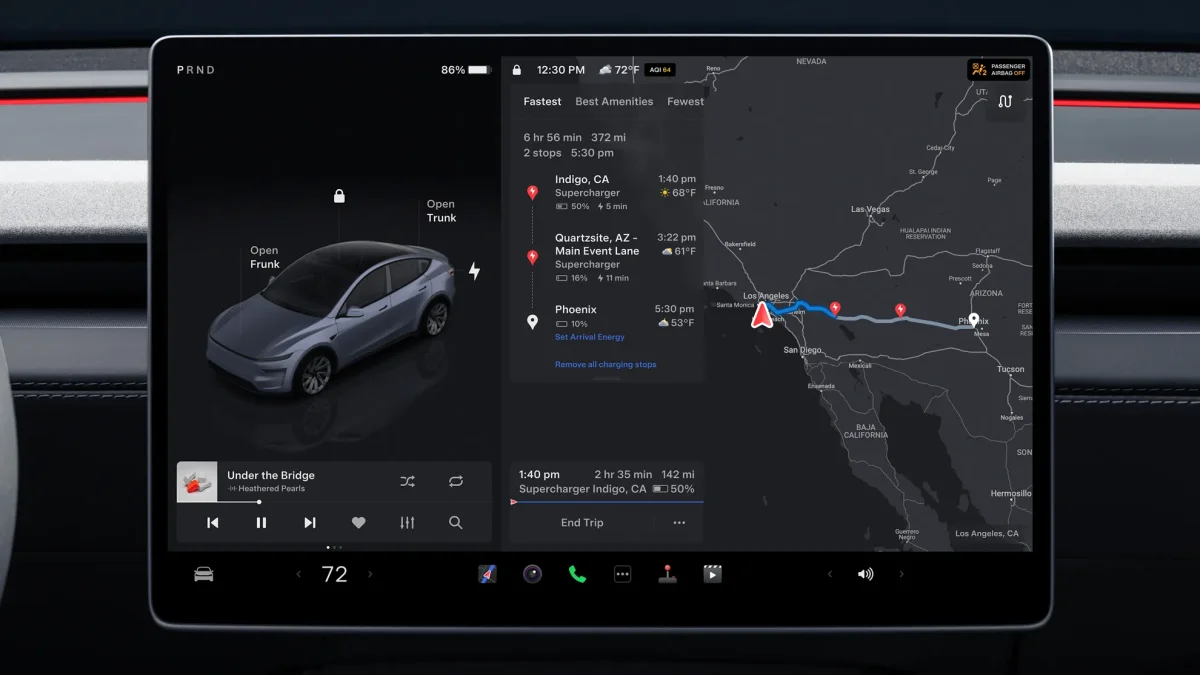
The most important data features are included for free in your Tesla, such as app notifications, software updates, updated navigation maps, and even optimal navigation routing, which takes live traffic into account.
Tesla recently also added “Traffic Along Route,” which was previously a premium feature. This feature will display areas of traffic along your route, highlighting it in different colors. This differs from the premium feature slightly, which displays the amount of traffic on all roads, even those that you won’t be traveling through.
Most Premium Connectivity features are also available for free over WiFi, letting you use them with a phone hotspot or at home.
What Premium Connectivity Includes
The features that require premium connectivity mostly relate to entertainment while parked or driving. Keep in mind that all entertainment features are available to you if you're connected to WiFi or a hotspot.
Entertainment features that require premium connectivity include music streaming, such as Slacker and Spotify. It also includes video streaming services while parked, such as Netflix, Disney+, YouTube, and a few others. Keep in mind that some of those services still require a subscription. For example, YouTube is available for free, but Netflix requires a paid subscription. Tesla's premium connectivity simply lets you use the car's data connection to stream those services.
Below we go through each feature that’s included with Tesla’s Premium Connectivity package.
Entertainment Features

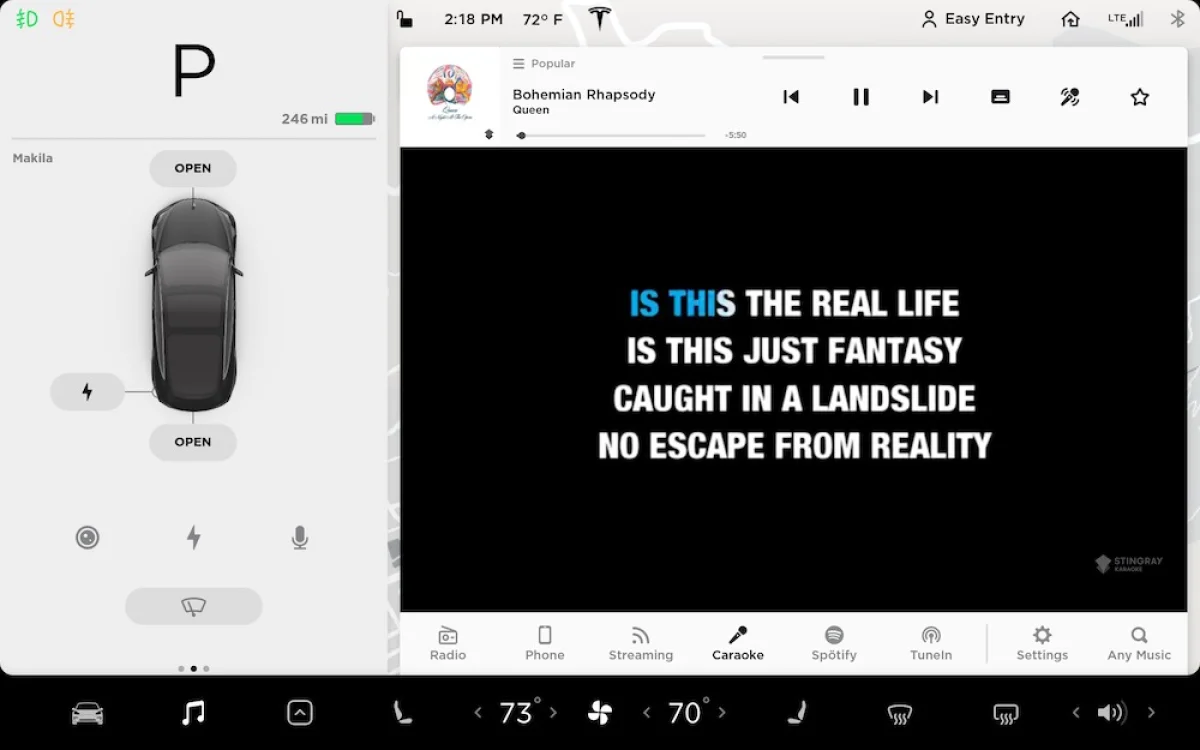
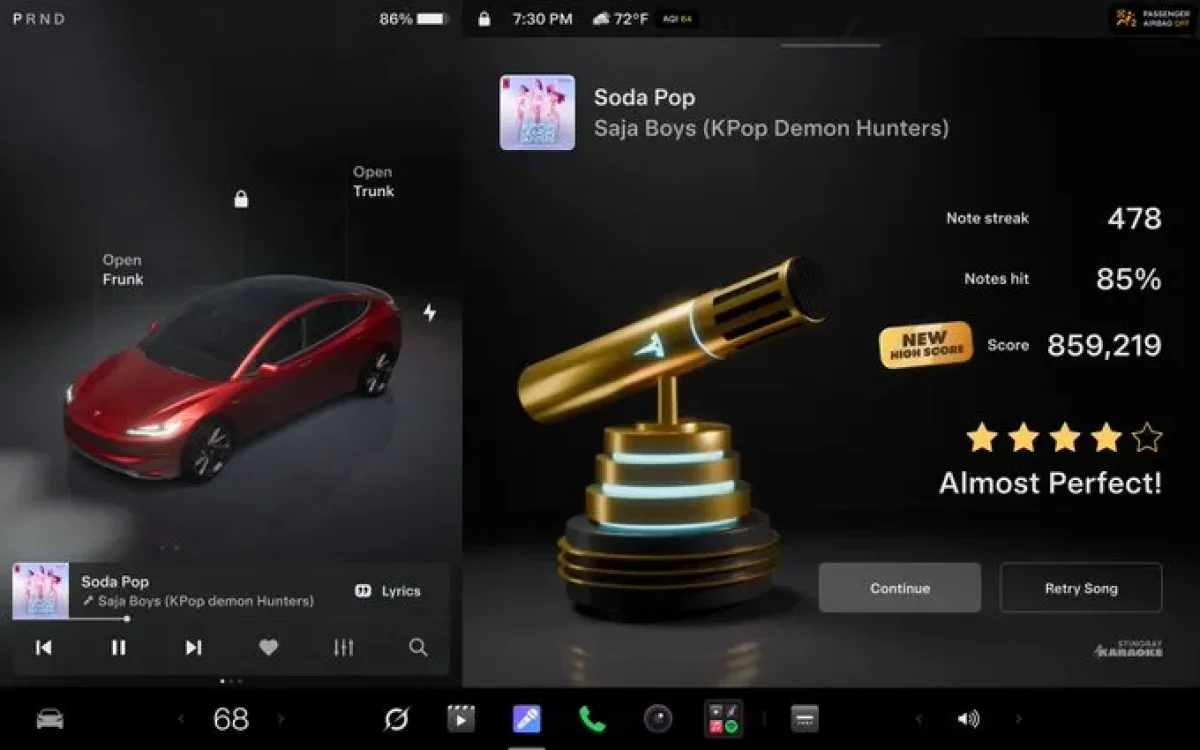

Caraoke - Tesla's version of Karaoke, which features hundreds of songs and displays the lyrics on the screen. Tesla now even shows you pitch levels and grades your singing much like Rock Band.
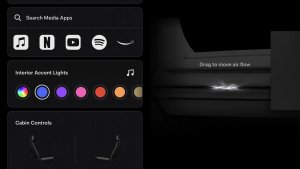
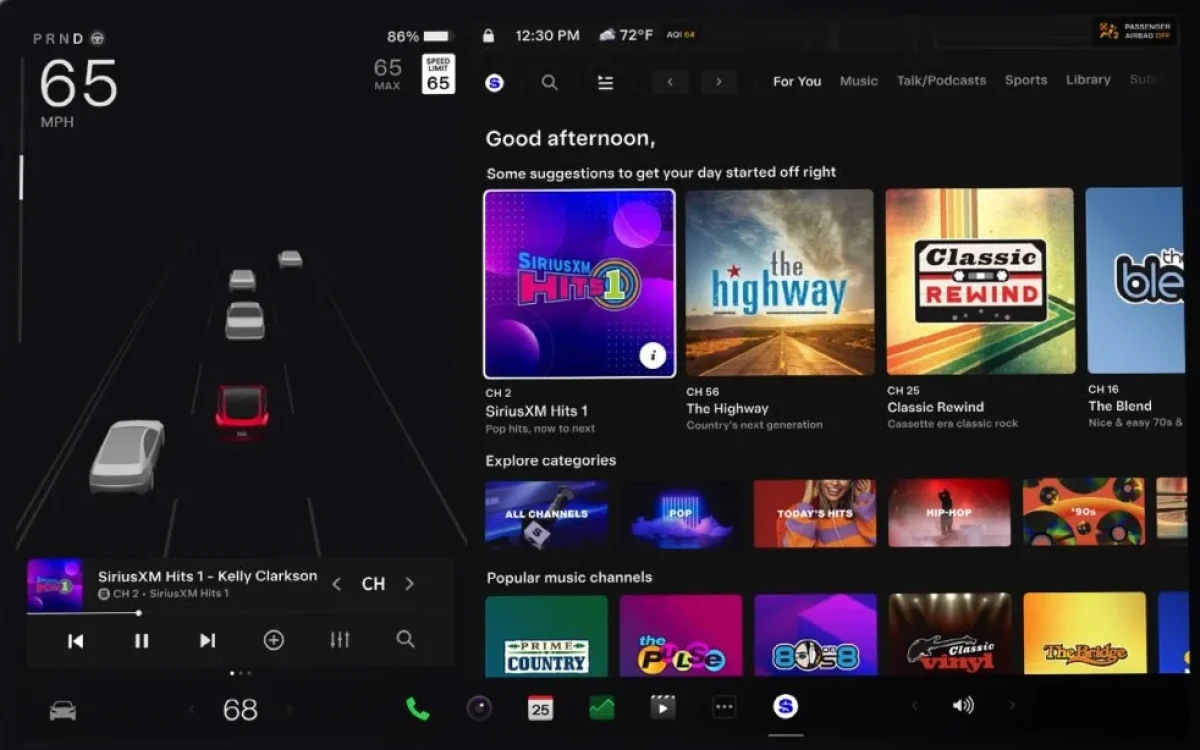
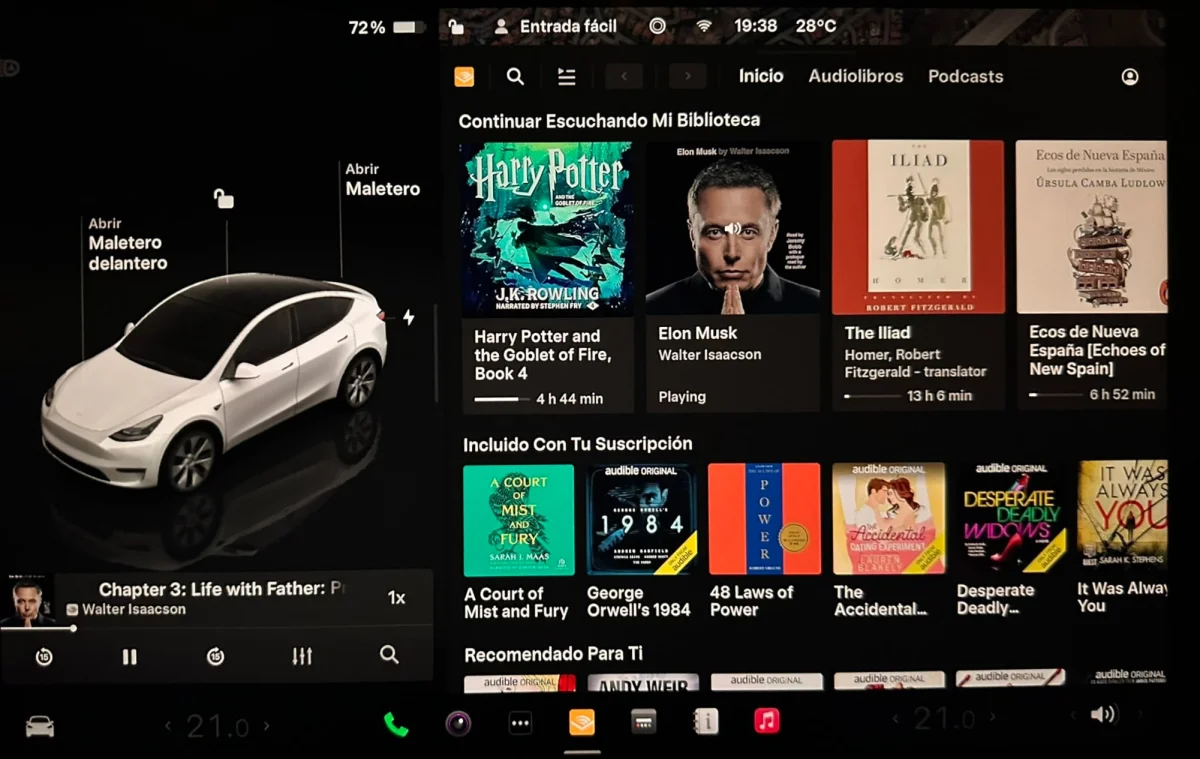
Music Streaming - Stream music from popular music services including Spotify, Music, YouTube Music, and others directly in your vehicle without relying on your phone.
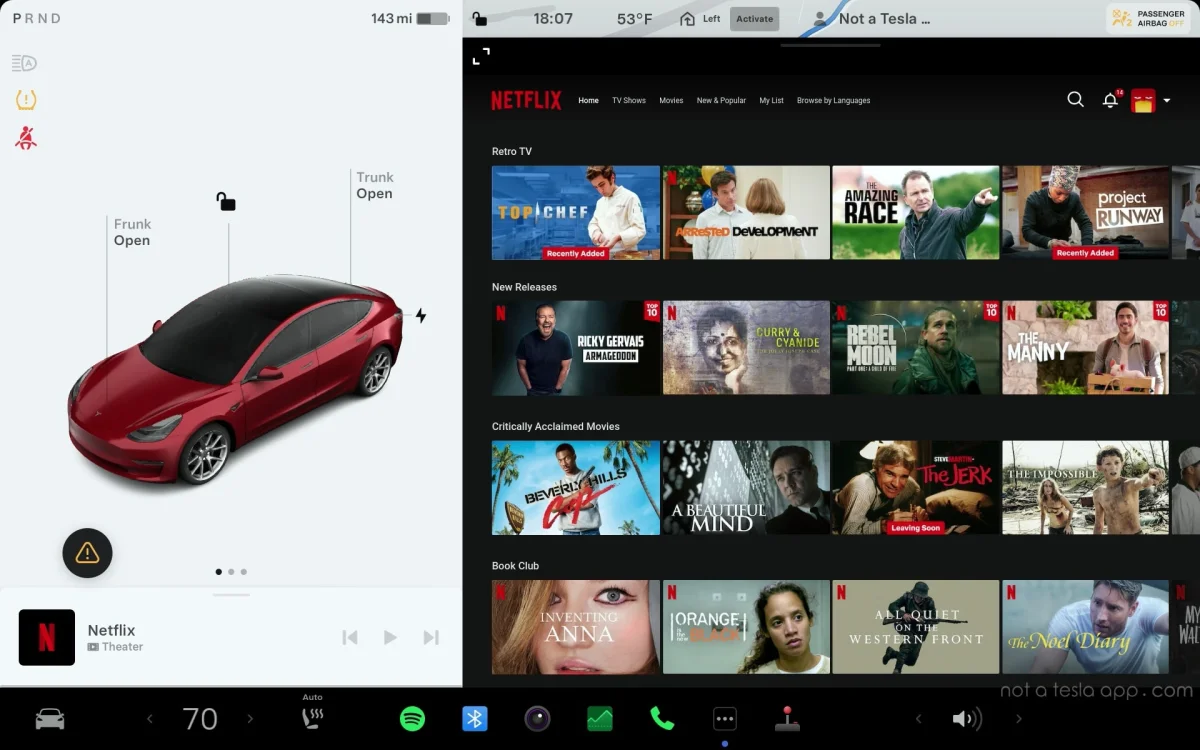
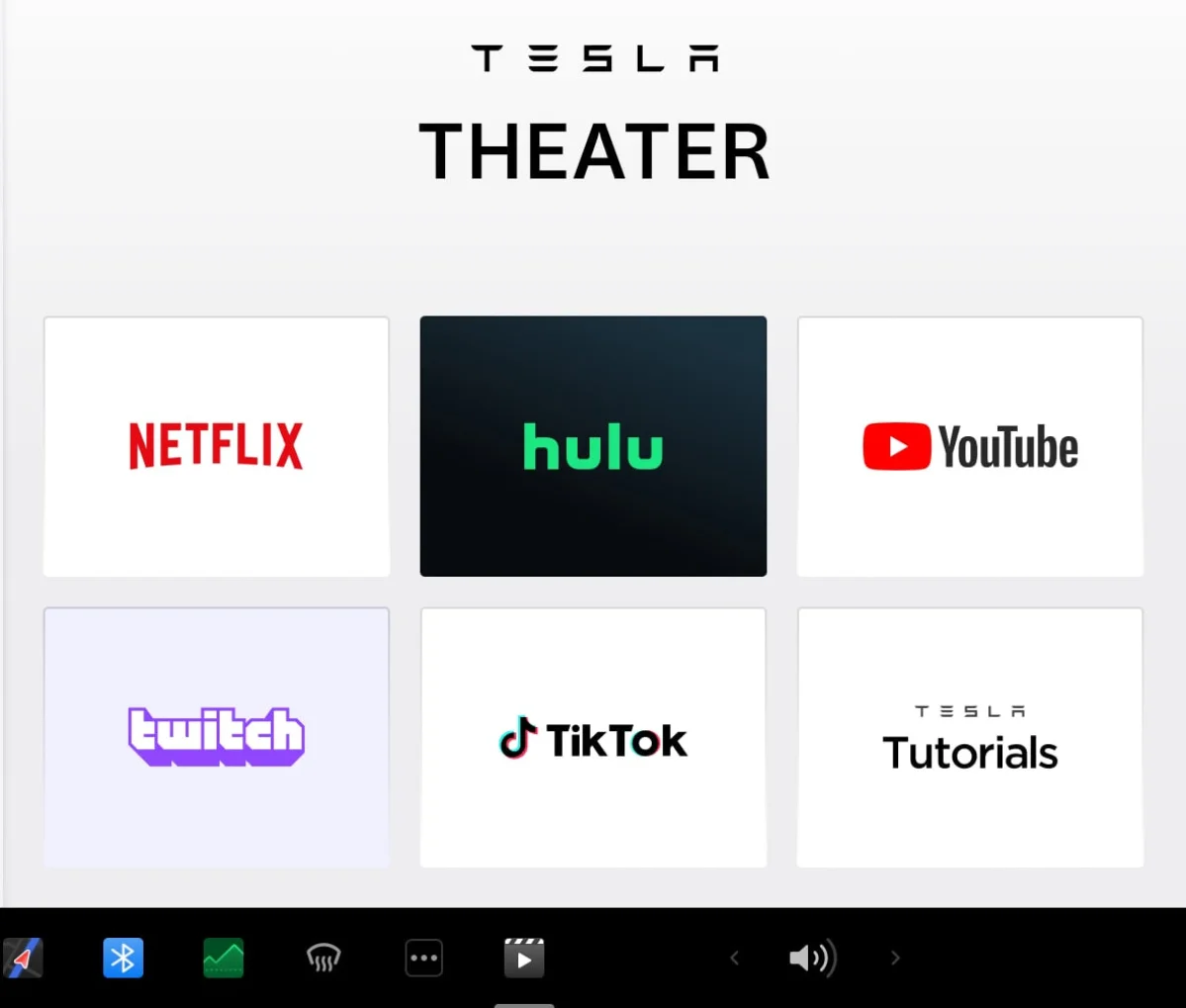
Video Streaming - In addition to music, use the front screen while parked or the rear screen while driving to stream video from popular streaming services such as Netflix, Hulu, Disney+, and others. Use our workaround and stream video or music from any service with a web platform.
Steam Gaming - You can download and play Steam games on Model S and Model X vehicles with access to Steam (this is now considered a legacy feature as it’s no longer included on newer Model S and Model X vehicles)
Infomation & Productivity

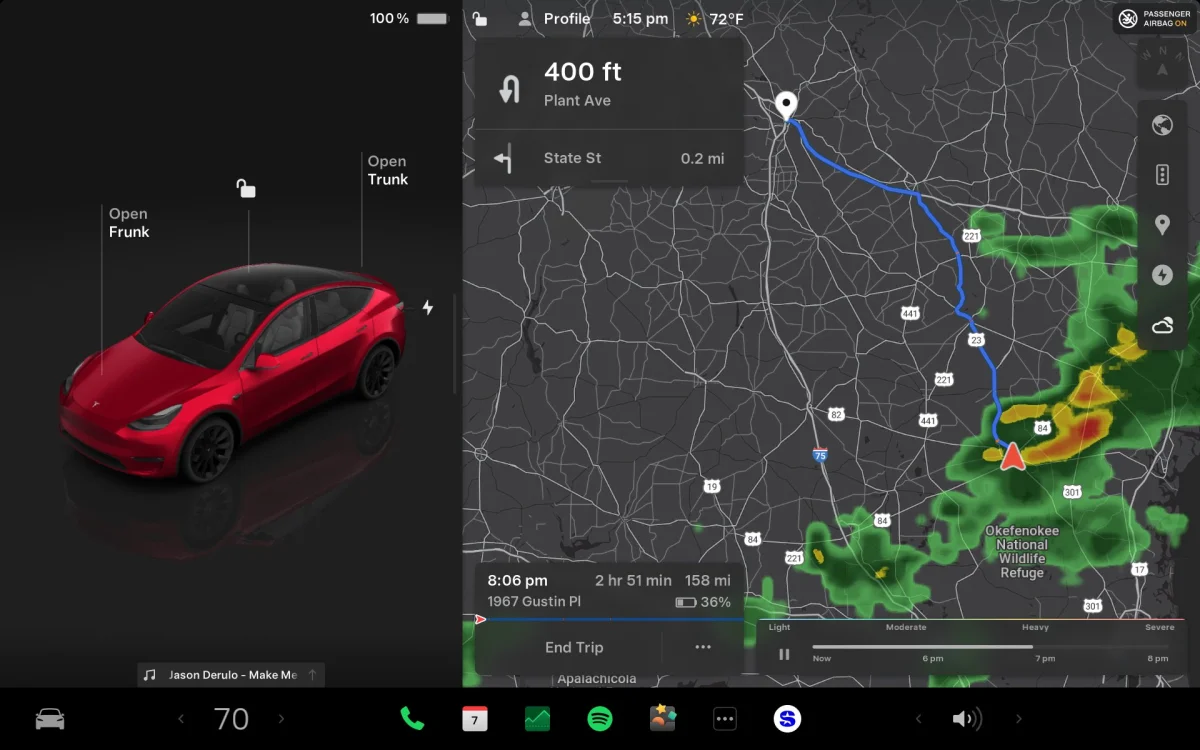


Grok - Tesla’s AI assistant, Grok, can have conversations, answer questions, and control most aspects of the vehicle, including setting the climate, navigating, and playing music. While it’s now available in most regions, it’s still not available everywhere, and it requires a vehicle with an AMD infotainment processor. Grok is also available over WiFi, which serves as a great way to test some of the premium features.
Web Browser - Browse the web to look up restaurants, destinations, or other information. It can be used by the passenger while driving.
Weather - Check the weather for your current location and your destination. You can also see hour-by-hour forecasts for the entire day at both locations.
Zoom / Discord / Teams - You can connect to meetings with the Zoom app or use other video/audio services through the Tesla browser (AMD Ryzen processor vehicles only)
Maps & Traffic
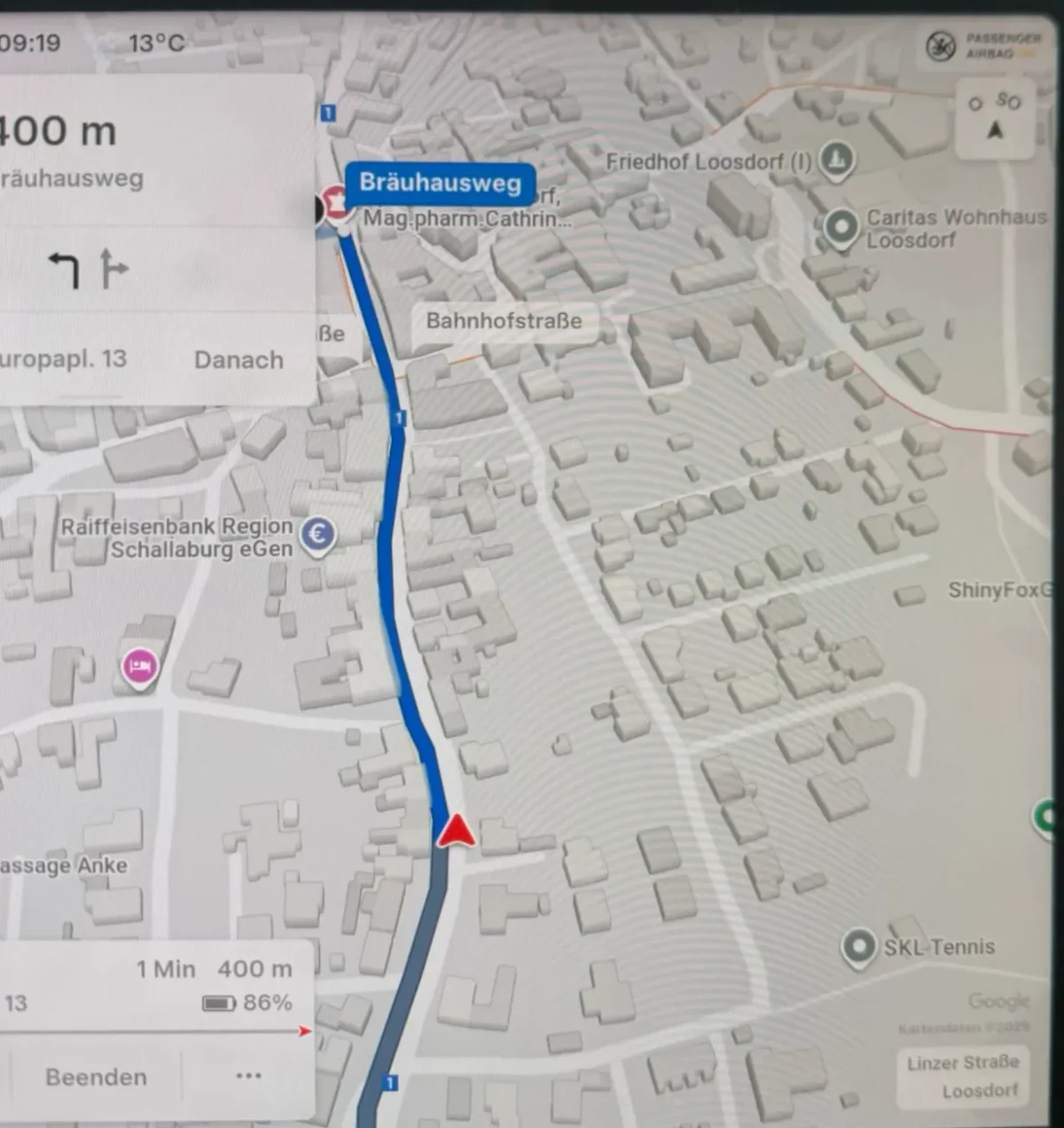
3D Buildings - With AMD-equipped vehicles, you can see 3D buildings in the map view.
Satellite View - This displays satellite imagery in your navigation instead of just the terrain view with streets.
Weather Radar - You can bring up a live weather radar, showing you the current precipitation in the area and the predicted forecast over the next few hours.
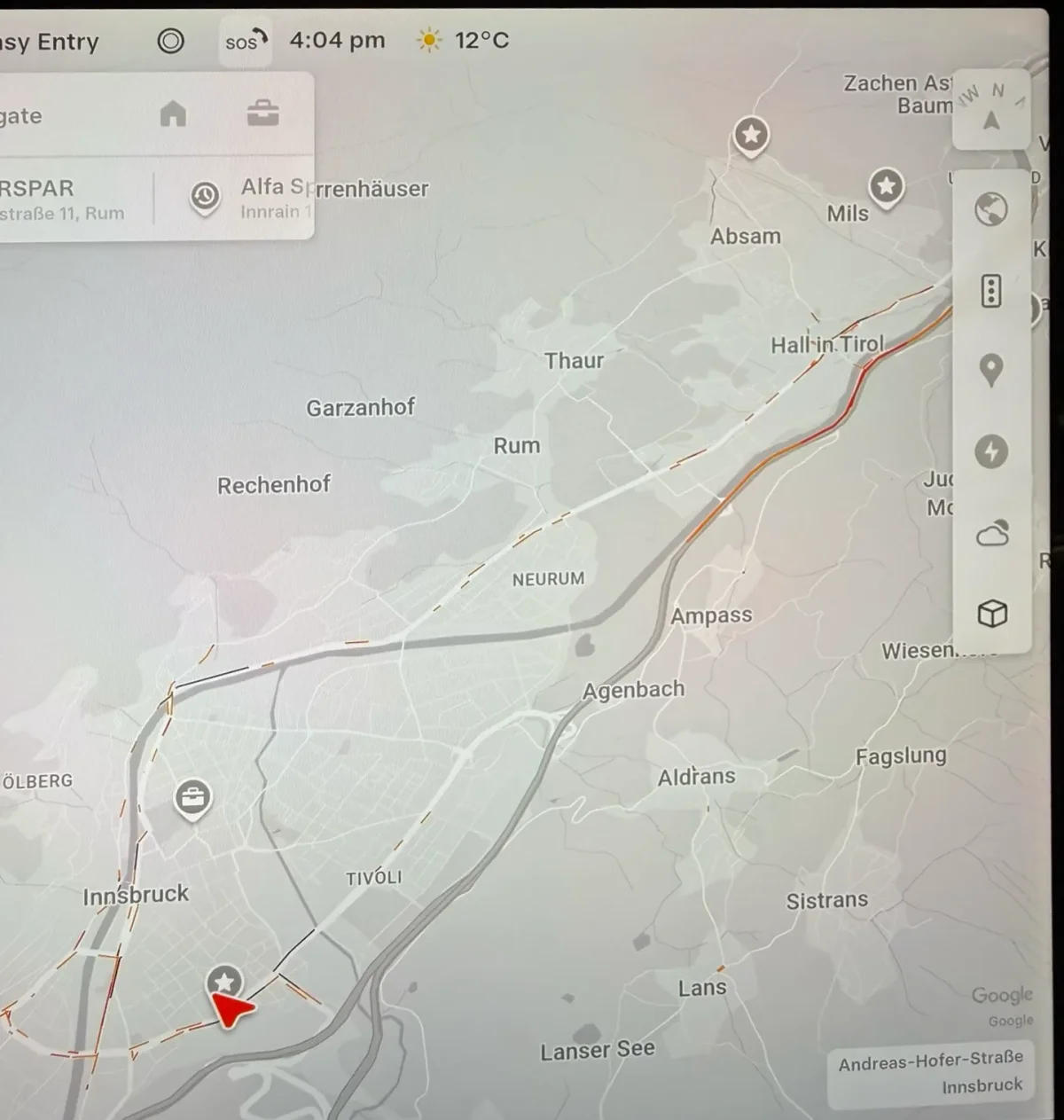
Live Traffic Visuals - Traffic visualizations will show you which surrounding roads are congested by coloring in the roads in various colors. This is different than the Traffic Along Route feature, which is free and shows you the amount of traffic along your active route only. You can turn live traffic visualization on or off by tapping the Live Traffic icon on the right side of the maps.
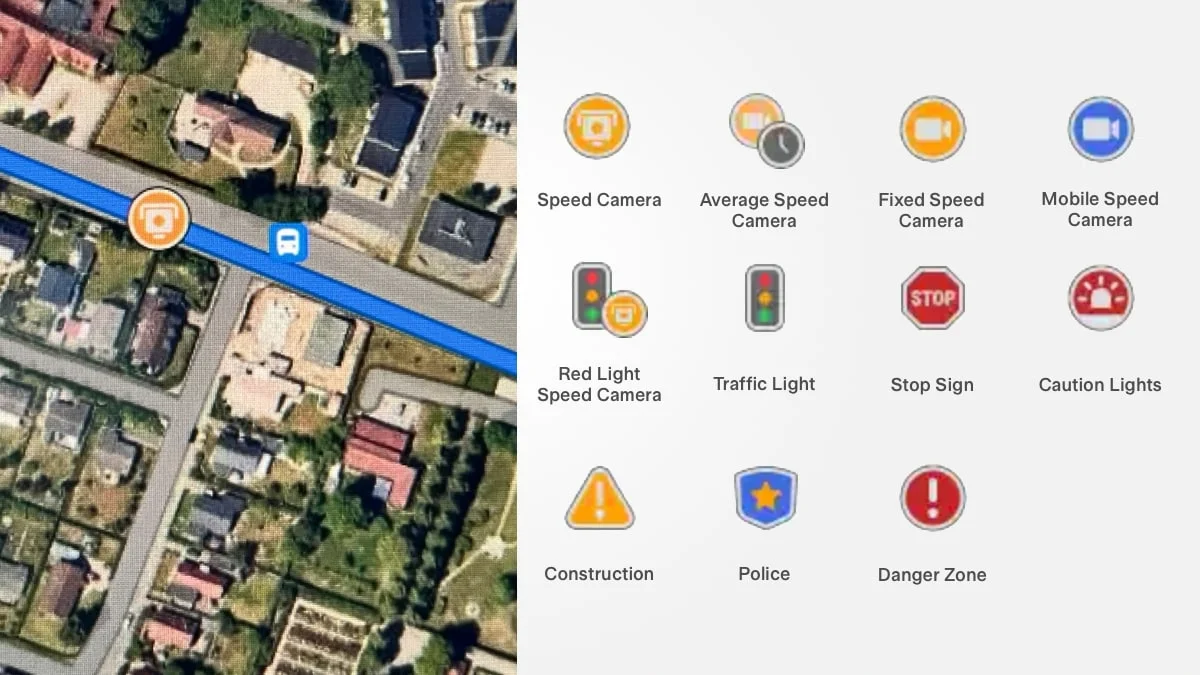
Traffic Lights and Speed Cameras - Traffic lights, stop signs, speed camera locations, and other icons are displayed on the map.
Average Speed Zones - If your region uses average speed zones, your Tesla will now display when the speed zone started, how much longer until it ends, and your average speed.
Security


Live Sentry Mode Alerts - If your vehicle has Sentry Mode armed and an event occurs, the Tesla app will notify you of the event and a 1-minute video clip will be included.
View Dashcam & Sentry Mode Clips in App - You can view saved Dashcam and Sentry Mode clips directly in the Tesla app without having to go in the vehicle.
Sentry Mode Live Camera Access - You can view the live feed of most cameras on the vehicle within the app. Simply make sure Sentry Mode is activated and go to Security and tap Live View in the Tesla app.
Feature | Included | WiFi / Hotspot | Premium |
|---|---|---|---|
Navigation | ✓ | ✓ | ✓ |
Phone Notifications | ✓ | ✓ | ✓ |
Ability to Use Tesla App | ✓ | ✓ | ✓ |
Routing Considers Traffic | ✓ | ✓ | ✓ |
Traffic Along Route | ✓ | ✓ | ✓ |
Zoom / Discord / Teams | ✓ | ✓ | |
Steam * | ✓ | ✓ | |
Grok | ✓ | ✓ | |
✓ | ✓ | ||
✓ | ✓ | ||
Internet Browser | ✓ | ✓ | |
Show Live Traffic | ✓ | ||
Satellite-View Maps | ✓ | ||
✓ | |||
Weather Forecast | ✓ | ||
Weather Radar | ✓ | ||
✓ | ✓ | ||
✓ | |||
Dashcam / Sentry Mode Videos in App | ✓ | ||
✓ | |||
Average Speed Zone Support | ✓ |
* Steam is only available on specific-year Model S or Model X vehicles with 16GB of RAM, and it is not available on more recent models.
Can I share my phone's data (hotspot) with my Tesla?
Yes, you can now choose to share your phone's data connection with your Tesla. It'll give you access to most of the features included with premium connectivity, such as music streaming and internet browsing, and you'll be able to use them while driving, instead of only on WiFi.
However, there are a few features that aren't available without Tesla's premium connectivity, even if you're using your phone as a hotspot. They include live traffic visualization and satellite imagery on maps.
Those two features aren't included when on WiFi or using a hotspot because they cost Tesla more than just the data to get them to you. Google provides Tesla with both of those features for a fee. Tesla is simply including the fees they pay Google in the price of its premium connectivity package. So Tesla decides to not provide these features unless you're paying for the premium package.
Find out more about the remain connected to WiFi while in drive feature if you’re interested in using your phone as a hotspot.