













Summer Update

Swipe up to see your new features in the 2026 Summer Update.
Preferred Routes

Navigation now prioritizes routes that you've taken before. Online Routing must be enabled at Controls > Navigation > Online Routing. Location data is anonymous to Tesla and not associated with your vehicle.
Automatic Navigation
Automatic Navigation now adapts to your routine. In addition to Home, Work, and upcoming calendar events, your vehicle can now suggest and route to the places you visit regularly, like a school drop-off on the way to work, or the gym on the way home.
To enable, go to Controls > Navigation > Automatic Navigation. Location data is anonymous to Tesla and not associated with your vehicle.
Grok Commands

Grok can now make phone calls, play music, adjust climate, and search the Controls panel. Ask Grok about your Tesla or what was included in the latest software update.
Go to Grok > Settings to enable or disable "Hey Grok" and location-based reminders. Requires Premium Connectivity or a WiFi connection. Conversations are anonymous to Tesla and not associated with your vehicle.
Traction Control Modes

Choose from three updated traction control modes: Auto for normal driving conditions, Slippery Surface for icy or wet roads, or Stuck Assist when stuck in snow, mud, or sand. The mode resets to Auto at the start of each drive. To select, go to Controls > Dynamics > Traction Control Mode.
Caraoke with Scoring

Caraoke now scores your singing while in Park. Earn stars and track your high scores in the My Karaoke tab. On the rear display, tap the queue button to show a QR code for passengers to scan and add songs to the queue from their phones. Requires Premium Connectivity.
Driving Visualization

Customize your Self-Driving zoom preference. Select desired zoom level in Controls > Self-Driving > Visualization Camera Zoom.
Custom Wraps

Use the Mobile App to upload custom wrap designs from images on your phone and send directly to your Tesla. Go to Creations > Wrap > Upload. Requires Mobile App v4.59.0 or later.
To access in car, go to App Launcher > Toybox > Paint Shop.
Camera Preview

You can now open Camera Preview at any time, even if your Tesla is not in Park.
Go to Controls > Service > Camera Preview and tap on any camera view to see it individually. Tap the grid button to switch back to all cameras.
Set Arrival Energy

Set your desired Arrival Energy for any trip from your phone. Open the location tab in the Tesla Mobile App, enter your destination, and tap Set Arrival Energy. Requires Mobile App v4.58.0 or later.
Apple Music

Add songs to your Apple Music queue directly from Search results and Artist pages. Tap and hold a song, or tap the three-dot menu to play next, add to queue, save to your library, or mark as a favorite. Requires an active Apple Music subscription.
Web Browser

You can now use your Tesla's interior camera and cabin microphone in Web Browser. Tap to grant permissions when a website requests access. Camera is only available while parked.
Supercharger Search

You can now find Superchargers by name when searching for a destination.
Welcome Animation

Your Tesla now welcomes you with animations when turning on. To disable, go to Controls > Display > Welcome Animation.
Rear Display

Disable rear touchscreen controls from the center display by going to App Launcher > Rear > Lock Rear Display. Content selected from the center display will continue to play in the rear.
"Hey Grok"

You can now talk to Grok, an intelligent assistant built by xAI. To launch Grok, go to App Launcher > Grok, long-press the voice button on your steering wheel, or say "Hey Grok." Say "goodbye" to dismiss.
Choose Grok's voice and personality, ranging from Storyteller to Unhinged, or set it to Assistant to add and edit navigation destinations, make phone calls, play music, adjust climate, and search the Controls panel. Ask Grok about your Tesla or what was included in your latest software update. You can also set location-based reminders, like "remind me to pick up milk when I'm near home."
Go to Grok > Settings to enable or disable "Hey Grok" and location-based reminders.
Requires Premium Connectivity or a WiFi connection. Conversations are anonymous to Tesla and not associated with your vehicle.
Security Improvements

This update includes important security fixes and improvements.
New Tesla Wraps
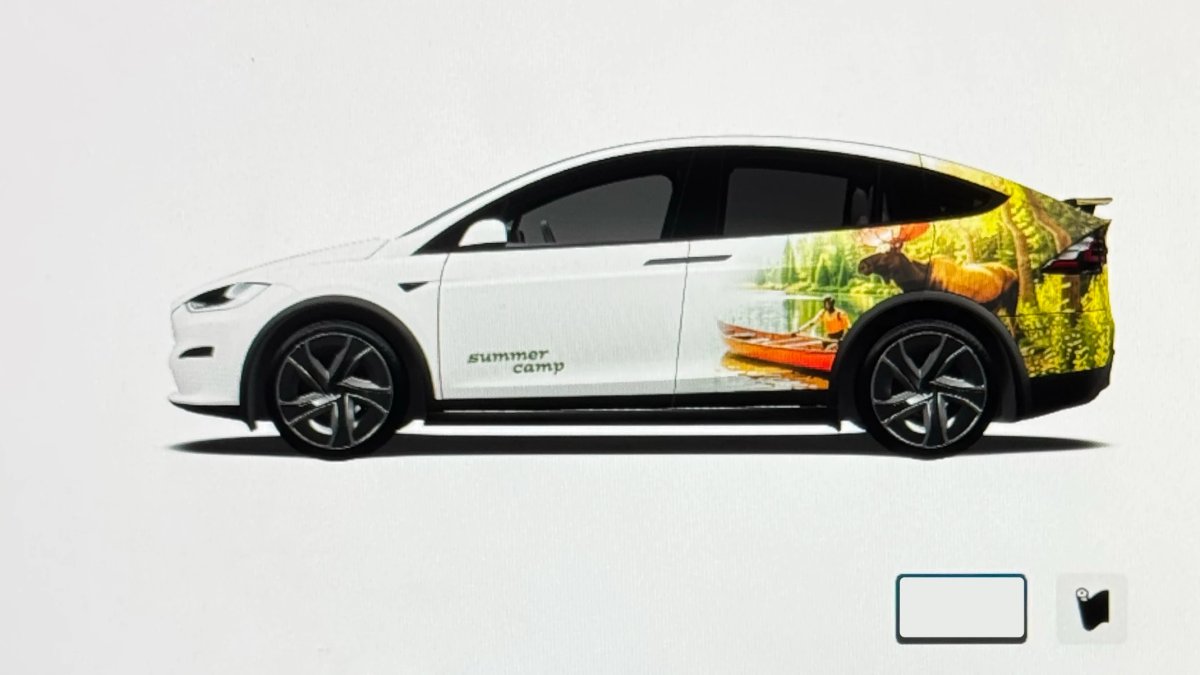
Tesla has added a couple new wraps to its digital vehicle wrap feature in this update. This includes the Summer Camp wrap that Tesla advertised with the 2026 Summer Update.
Shift Icon on Instrument Cluster
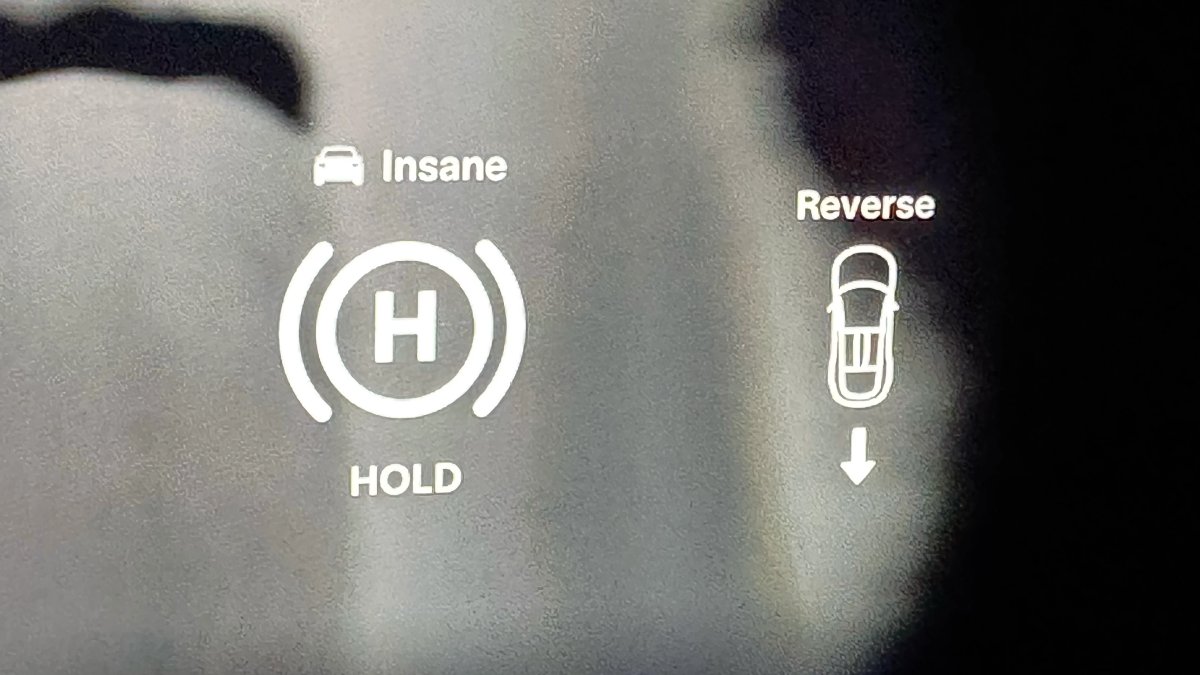
The instrument cluster on the Model S and Model X will now show an icon when you shift into drive or reverse, making it more obvious that the vehicle has shifted.
Destination Icons
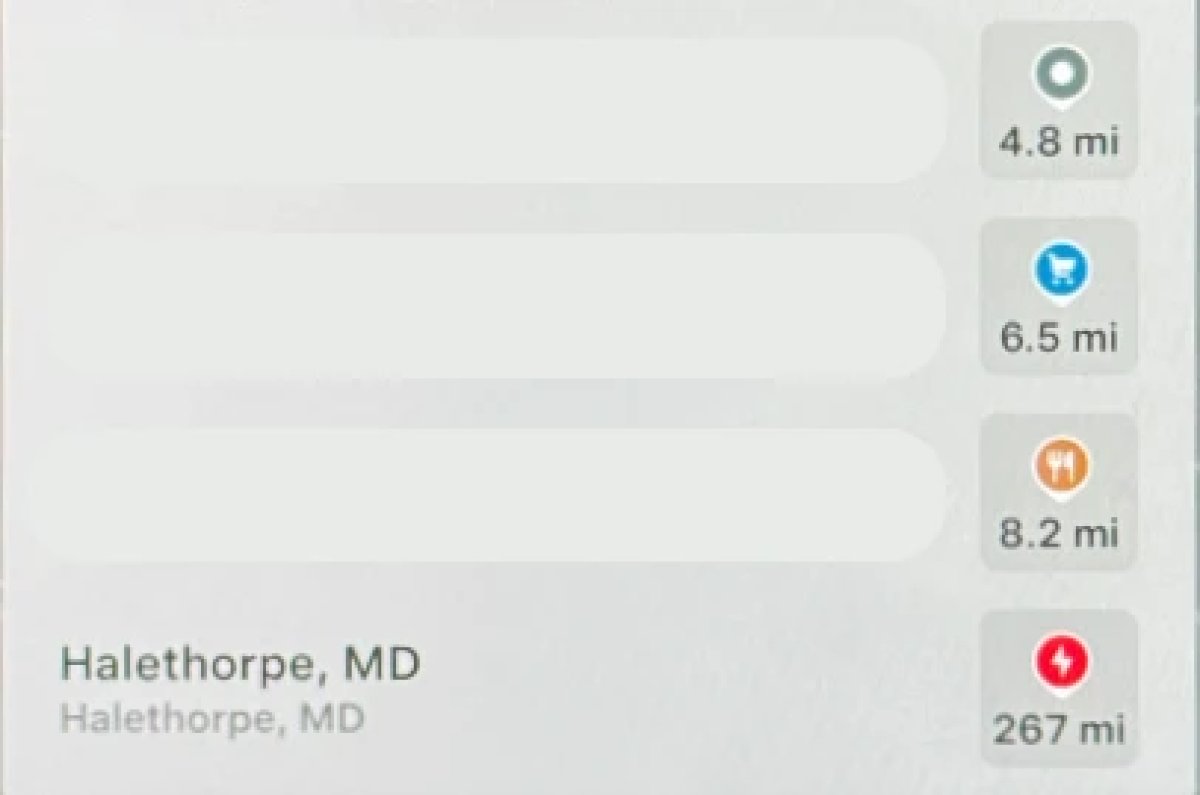
With the exception of Superchargers, destination icones used to all be the same color. With this update, destination icons will now appear in their own unique category color category points of interest now have their own colored icon. For example, parks will be green, restaurants will be orange and stores will be blue
Rear Screen Lyrics Removed
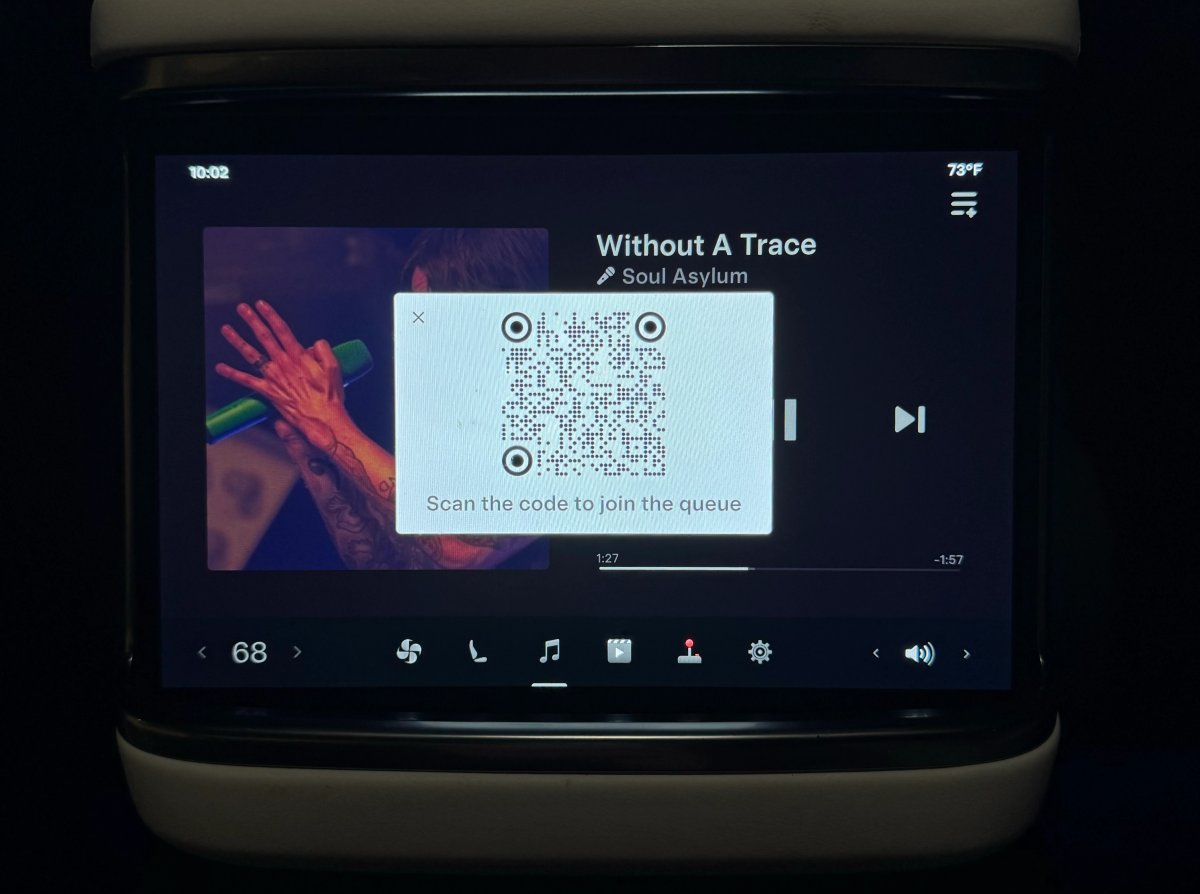
Tesla’s Caraoke feature, which lets passengers sing along to popular songs has been updated in this update. However, one popular feature has been removed. The rear screen in supported vehicles no longer shows lyrics when a user is using Caraoke.
Instead users will now now have to use their mobile devices to see lyrics on their phone, which was a feature added in this update.
Browser Bookmark Sync
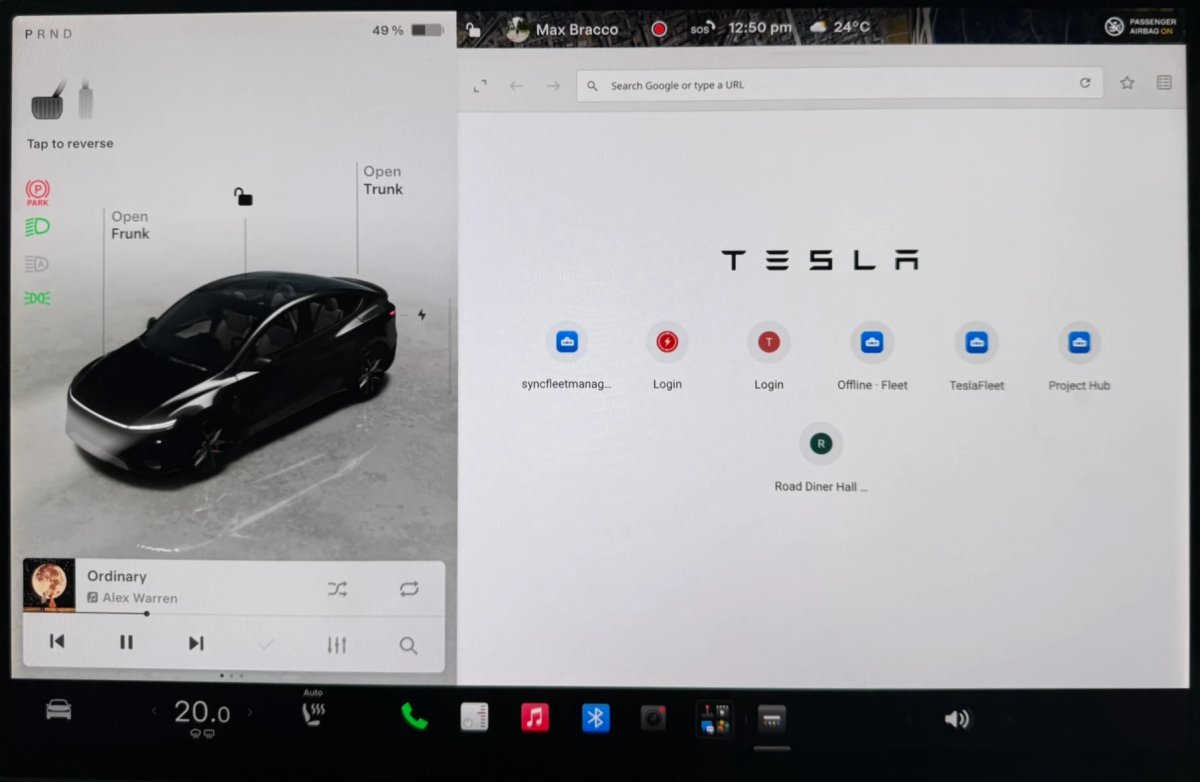
Your web browser bookmarks are now synced along with your Tesla data, meaning that they’re now available across all of your vehicles.
Web Browser Zoom
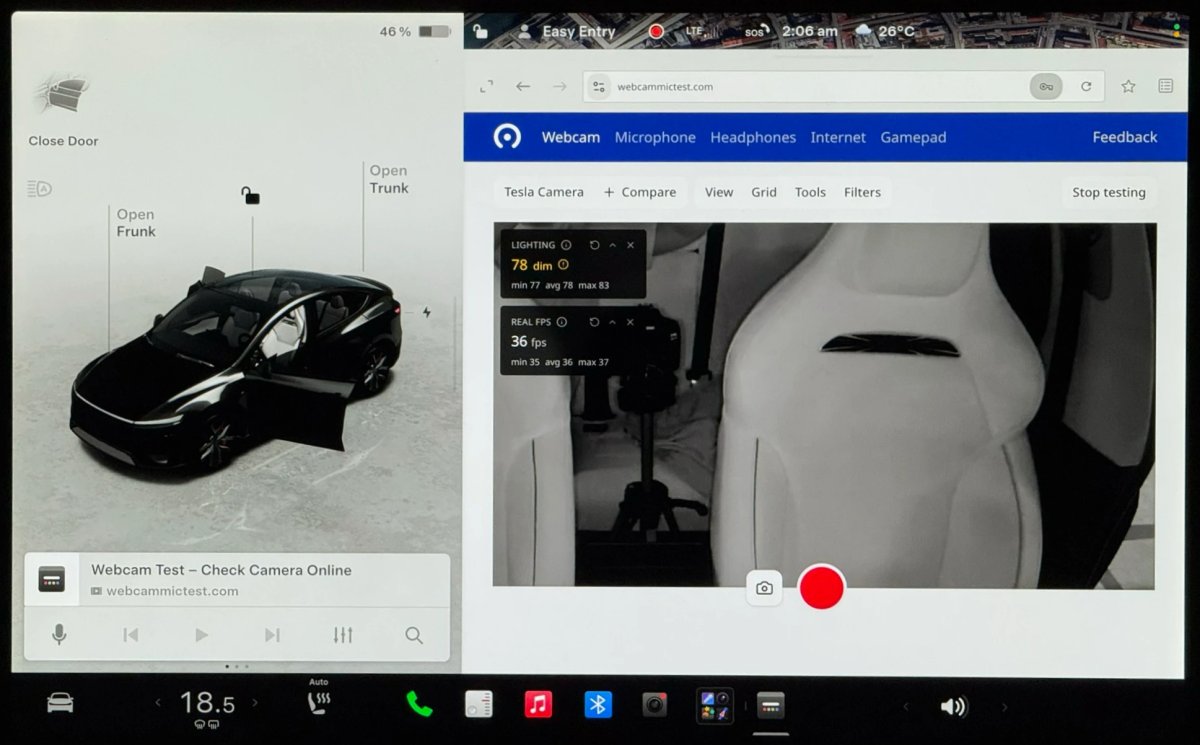
The browser zoom level has been increased to make content appear larger. On some sites, such as X, or YouTube, this could trigger a different viewport, causing the site to look more like the tablet or mobile version.
While the Tesla browser is based on Chromium, you can't manually adjust the zoom level.
Visualization Zoom Shortcut
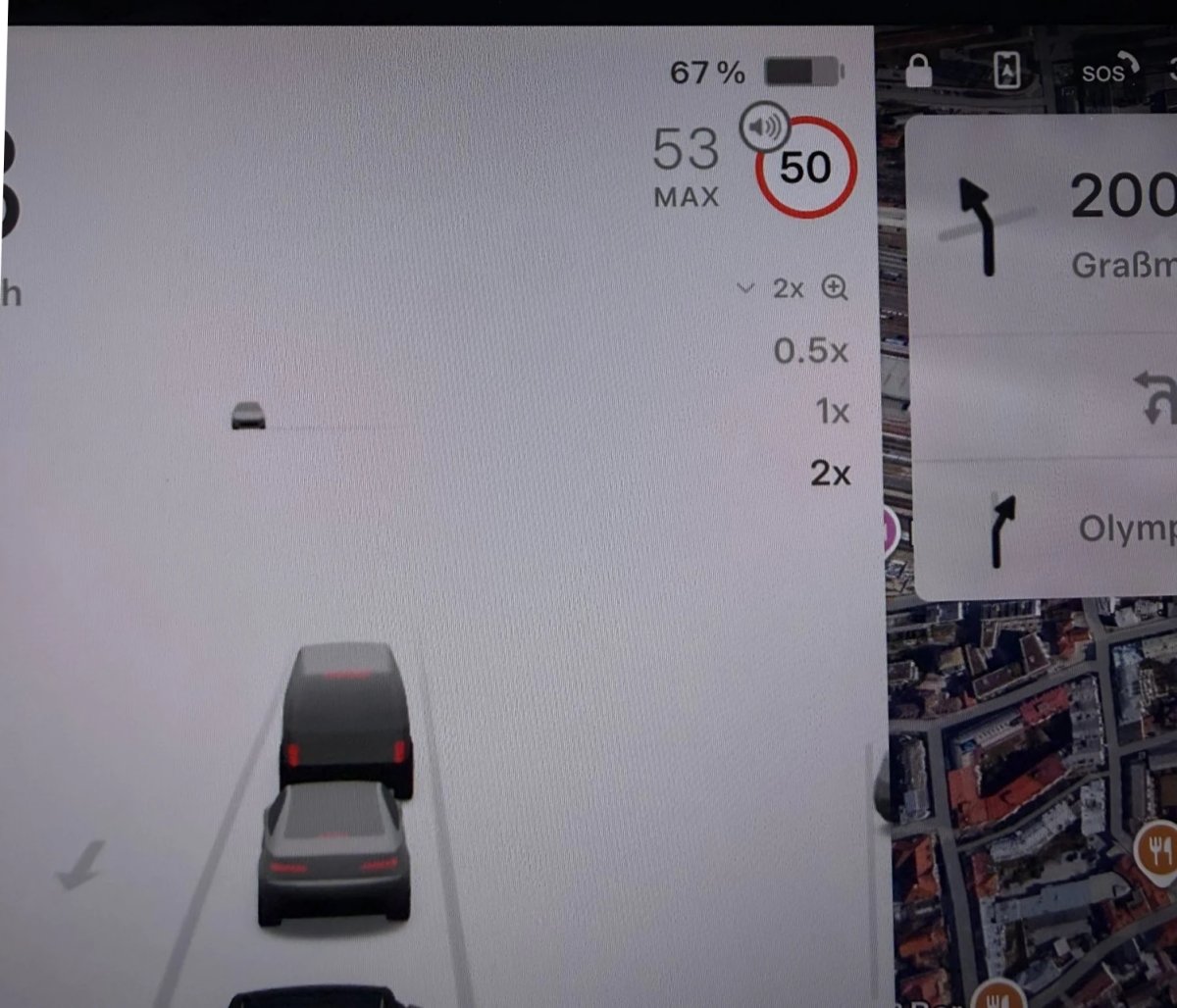
You can change the new visualization zoom level while driving. A small magnifying glass icon appears near the top-right of the visualization and can be tapped to change the zoom level to 0.5x, 1x, or 2x.
If you’re using full-screen visualizations, then the magnifying glass icon appears in the bottom-left corner.
Grok Voice Improvements
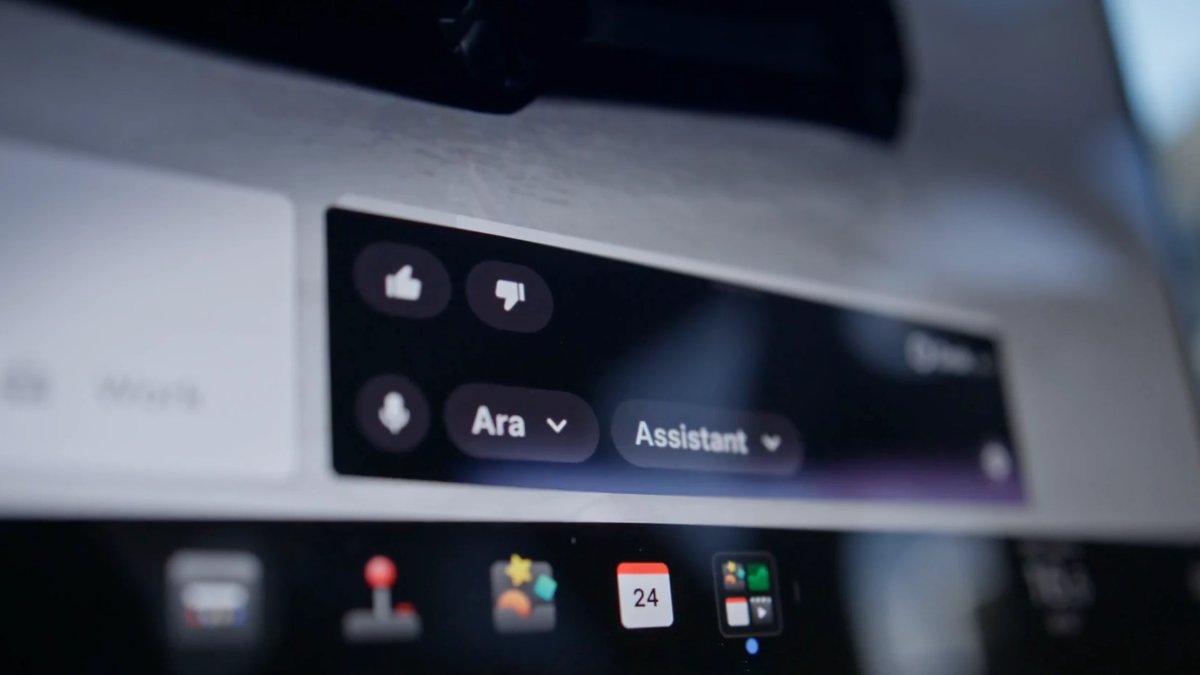
Grok now uses Grok Voice Think Fast 2.0. Grok Voice is Grok’s speech-to-speech engine that helps it better understand an individual’s voice and tone, rather than just converting their voice to text.
This engine also improves Grok’s speech output as well, making it behave more like a human’s voice.
Grok Highlights Menus
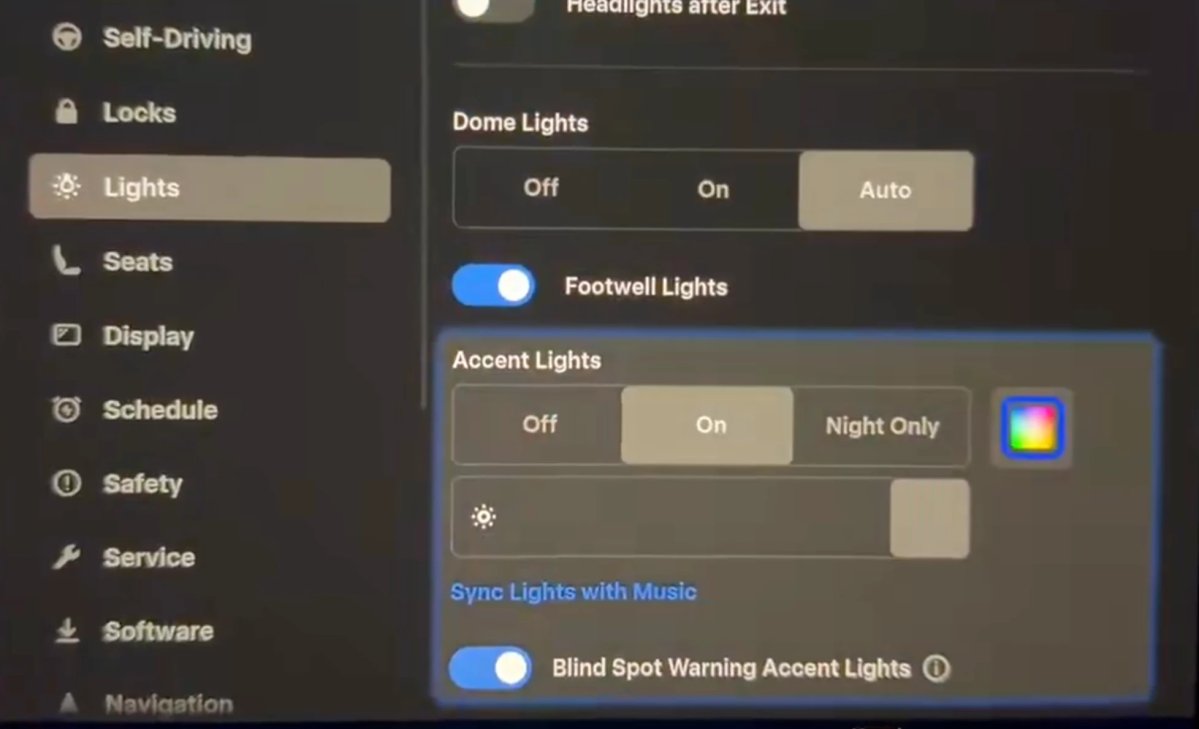
When you use Grok to bring up a feature or option in settings, Grok will now highlight the area in pulsating blue.
Improved Lighting in Visualization
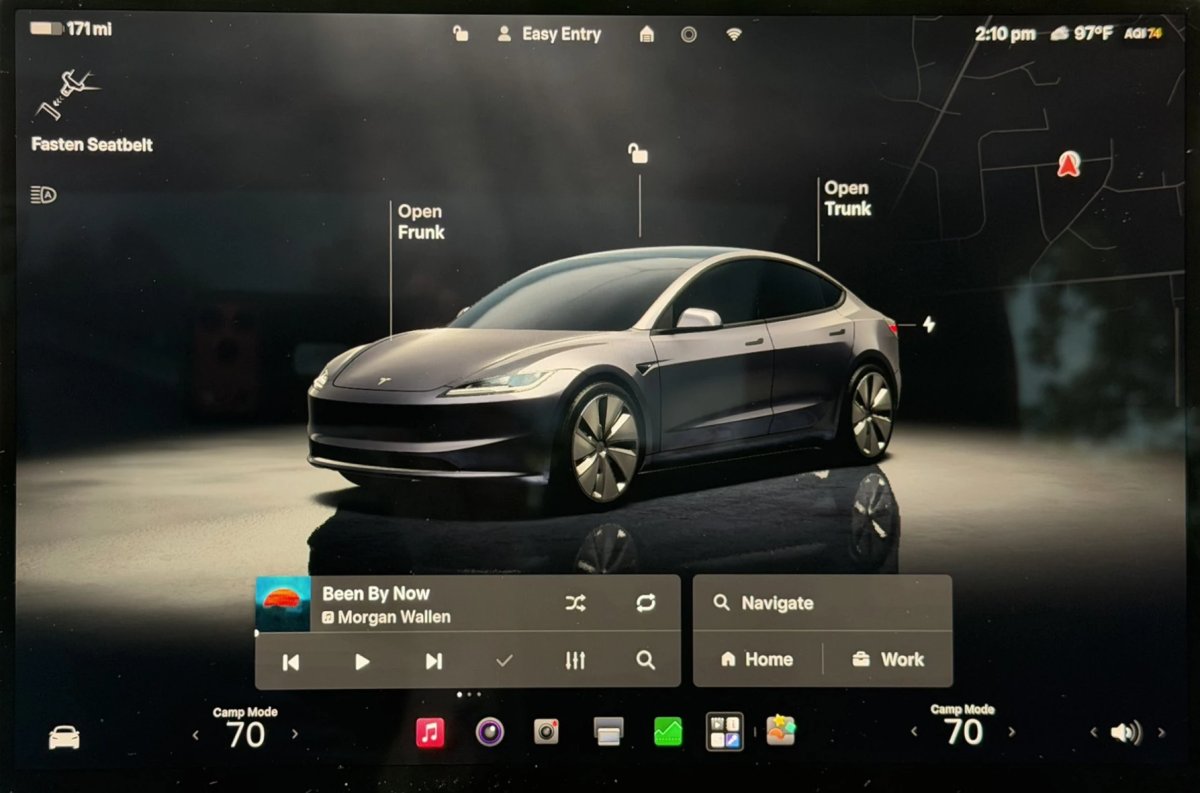
In update 2026.14, Tesla improved vehicle visualizations by switching to Unreal Engine to render vehicle models. However, some of the colors and lighting looked off.
With this update, Tesla has tweaked the lighting effects, making the vehicle colors more accurate.
Rear Spoiler Visualization
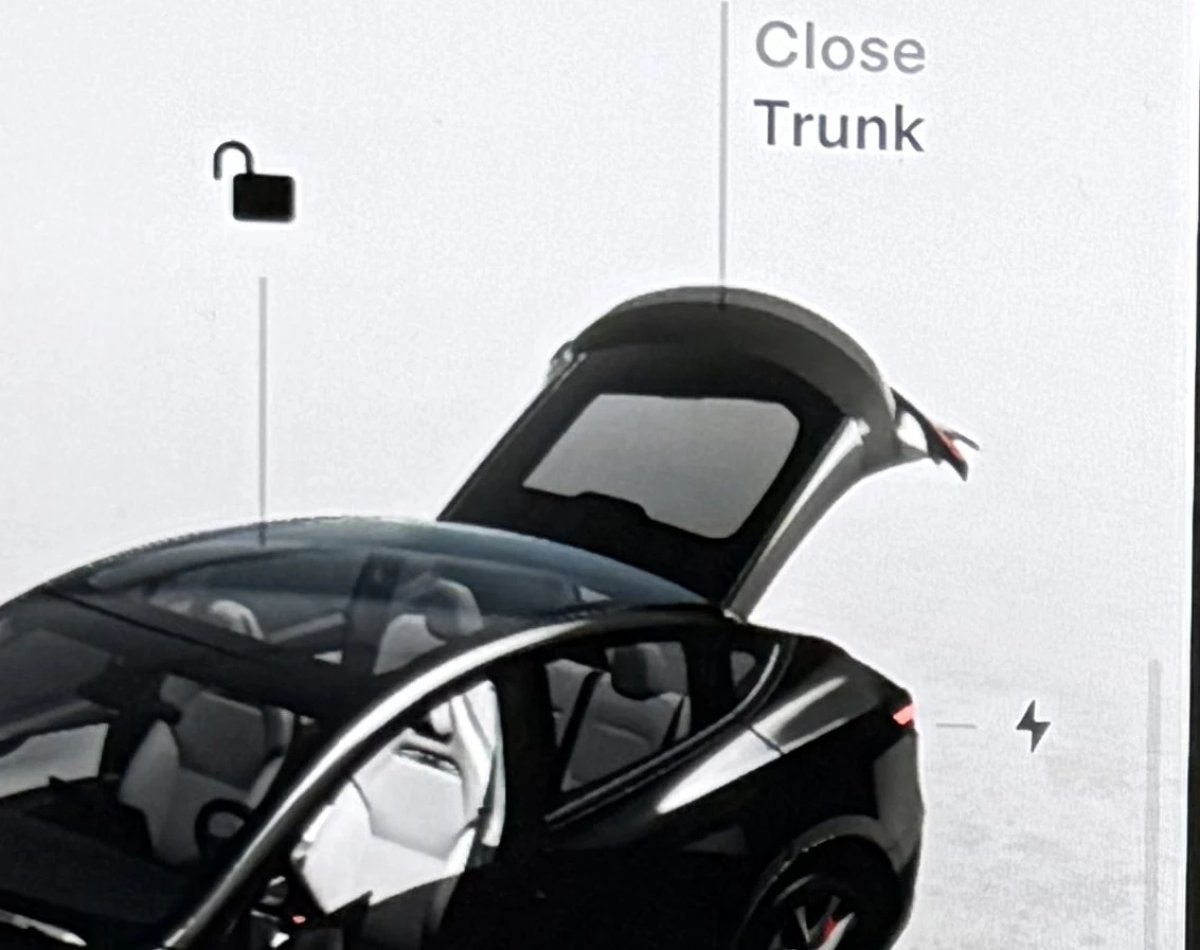
On the Model Y Performance, Tesla has added the vehicle’s spoiler back to the in-car visualization.
Service Mode Improvements
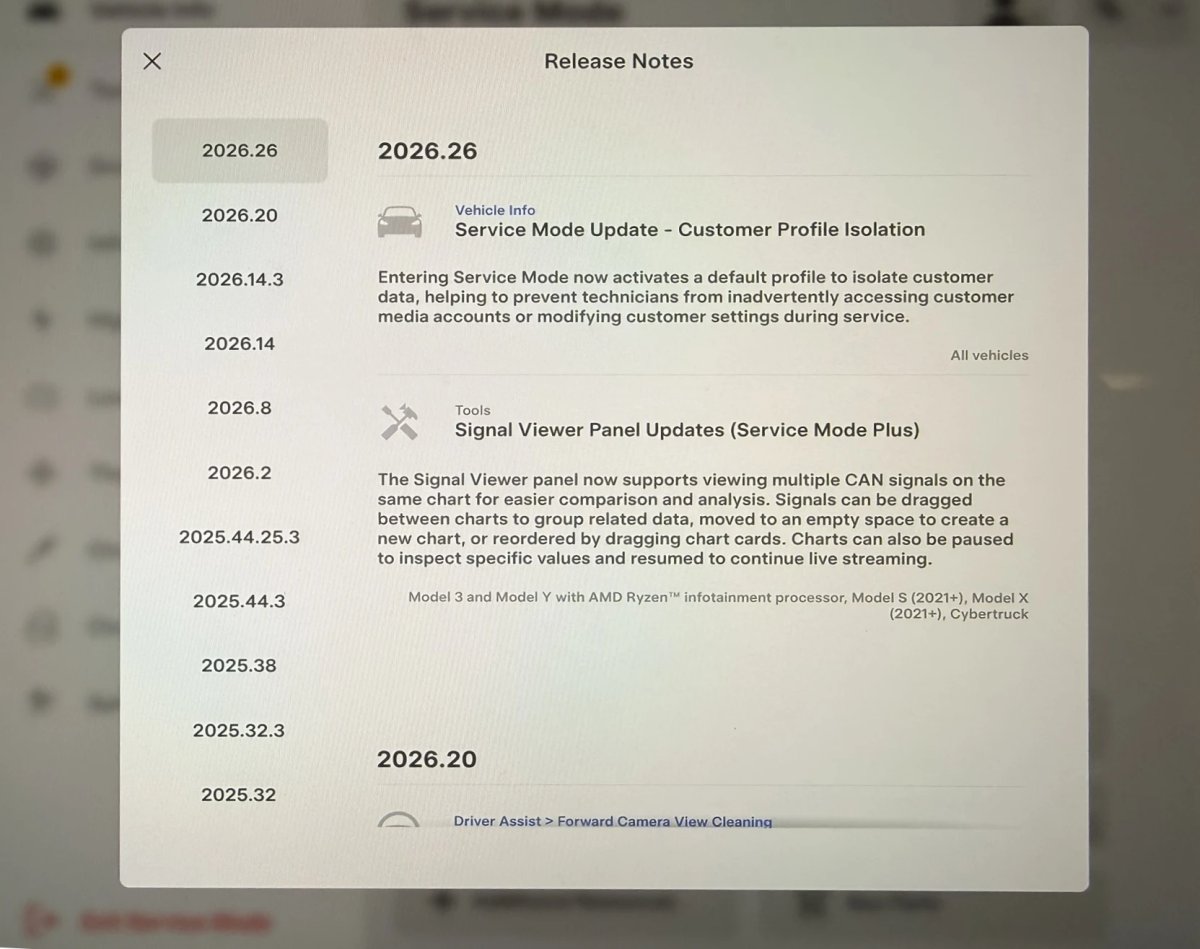
Service Mode Update - Customer Profile Isolation
Entering Service Mode now activates a default profile to isolate customer data, helping to prevent technicians from inadvertently accessing customer media accounts or modifying customer settings during service.
Models: All
Signal Viewer Panel Updates (Service Mode Plus)
The Signal Viewer panel now supports viewing multiple CAN signals on the same chart for easier comparison and analysis. Signals can be dragged between charts to group related data, moved to an empty space to create a new chart, or reordered by dragging chart cards. Charts can also be paused to inspect specific values and resumed to continue live streaming.
Models: Model 3 and Model Y with AMD Ryzen infotainment processor, Model S (2021+), Model X (2021+), Cybertruck

