
Tesla Robotaxi App 25.12.0 Release Notes

Snowfall Effect

Tesla Snowfall Effect feature in update 25.12.0
Credit @BereketNYB
Undocumented
Undocumented

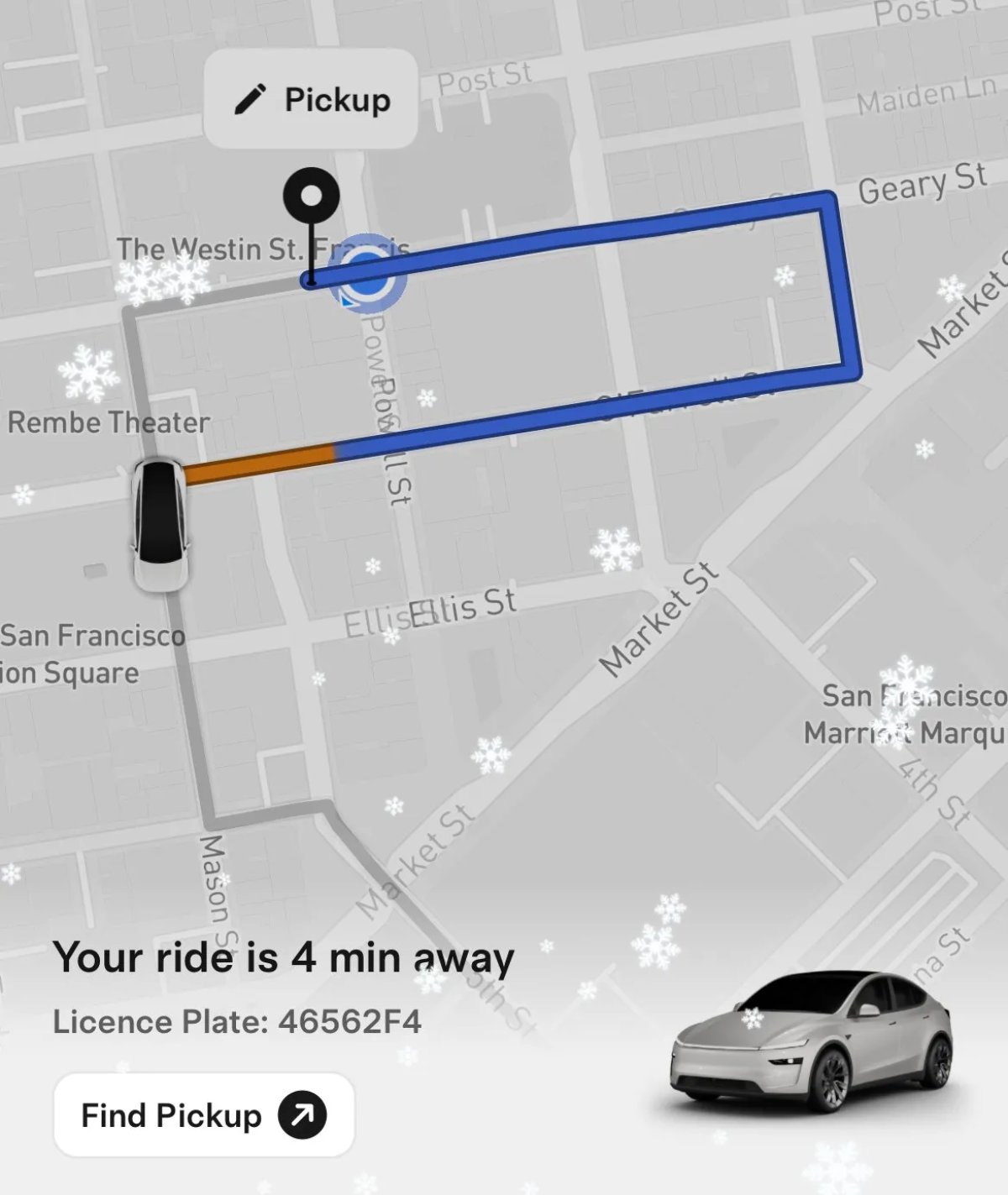
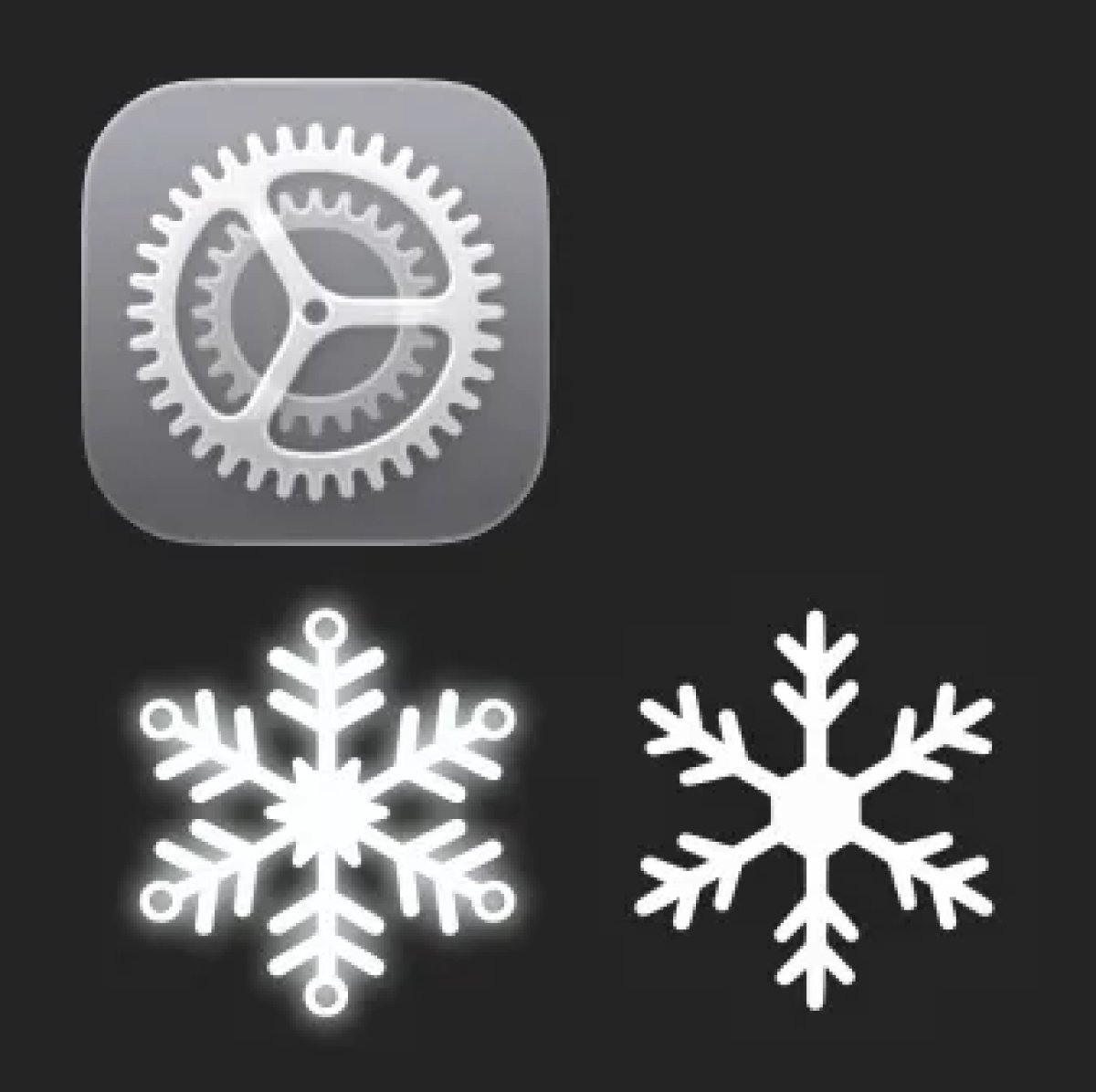
Tesla has added a new snowfall effect to the Robotaxi app. Snowflakes start appearing when you begin a trip. The source code in the Robotaxi app reveals that this snowfall effect runs for a specific period, but doesn’t specify when it’ll end.

The snowfall effect only occurs while a trip is active. These are some of the phrases in the source code:

"Snowfall END TIMER"

"Snowfall START TIMER: "

"Trip became active, show snowfall"

Improved Feedback
Tesla Improved Feedback feature in update 25.12.0
Undocumented
Undocumented

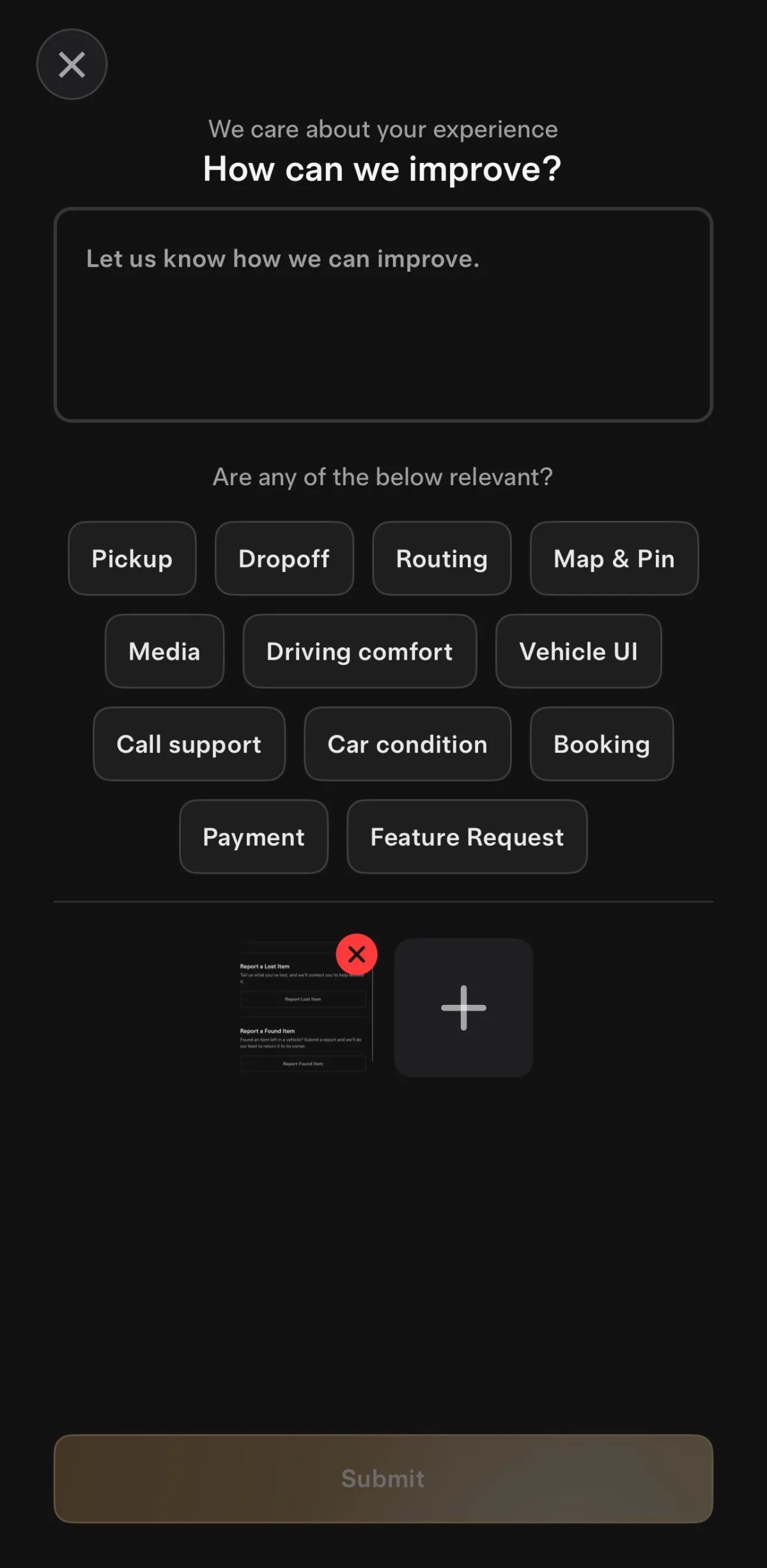
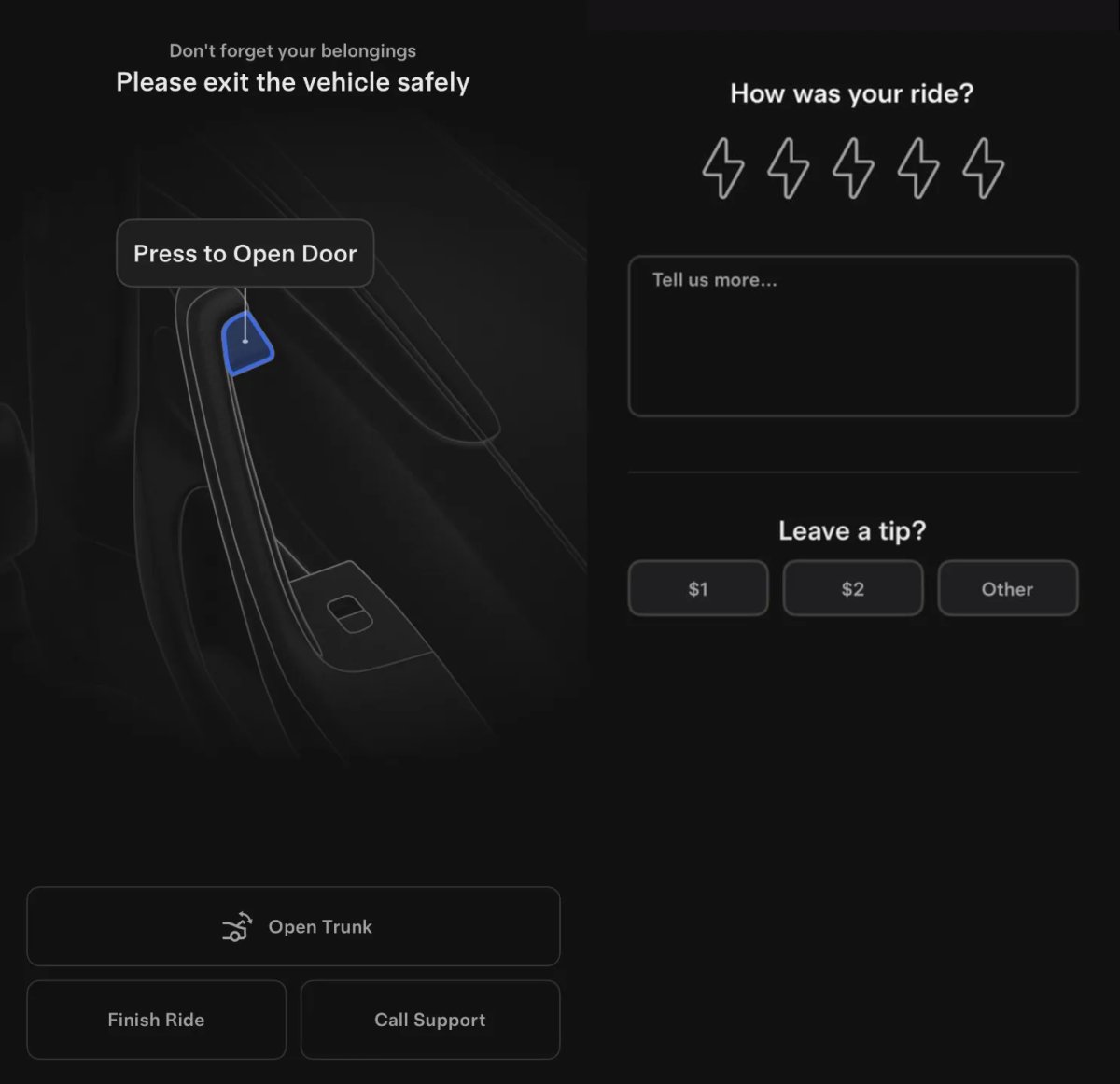
Tesla has improved the feedback portion of the Robotaxi app. You can attach photos, and some feedback categories now also require a photo to be uploaded.

Some of the categories include: audio quality, booking, can’t find vehicle, car condition, cleanliness, damage, pricing and long wait.

These are some of the new phrases in the app source:

'alicorn_feedback_image_required_for': 'Image required for {{category}}',

Requires Precise Location
Tesla Requires Precise Location feature in update 25.12.0
Undocumented
Undocumented

These are the three new assets in this Robotaxi app update. In addition to the two new snowflakes that are used for the snowfall effect. Tesla is also requiring users to use Precise Location on iOS, instead of Coarse Location.

The Robotaxi uses the user’s location to determine where to pick them up, and coarse location settings don’t provide the level of accuracy needed.

The app will now tell the user how to enable precise location on their device and indicate whether their level of location accuracy is insufficient to use the Robotaxi app.

'alicorn_gps_accuracy_subtitle': 'Move to an open area and ensure Wi-Fi and Bluetooth are on', 'alicorn_gps_accuracy_subtitle_precise_location': 'Enable Precise Location',
'alicorn_warning_pill_gps_accuracy': 'Improve phone location accuracy',
Tesla Robotaxi App 25.11.0 Release Notes

Cleaning Fees

Tesla Cleaning Fees feature in update 25.11.0
Credit Sawyer Merritt / DirtyTesla
Undocumented
Undocumented

Tesla is adding cleaning fees to the Robotaxi. This app update adds new phrases such as “cleaning fee." The description for the cleaning fee reads:

'Additional cleaning was required for the vehicle after your trip. A fee has been added to your final cost to cover this service. Please contact us if you have any questions.'

The update doesn’t mention the cost of the cleaning, but users are likely to be notified of the additional fee once the vehicle gets back to the factory.

Lost Items

Tesla Lost Items feature in update 25.11.0
Credit Sawyer Merritt
Undocumented
Undocumented

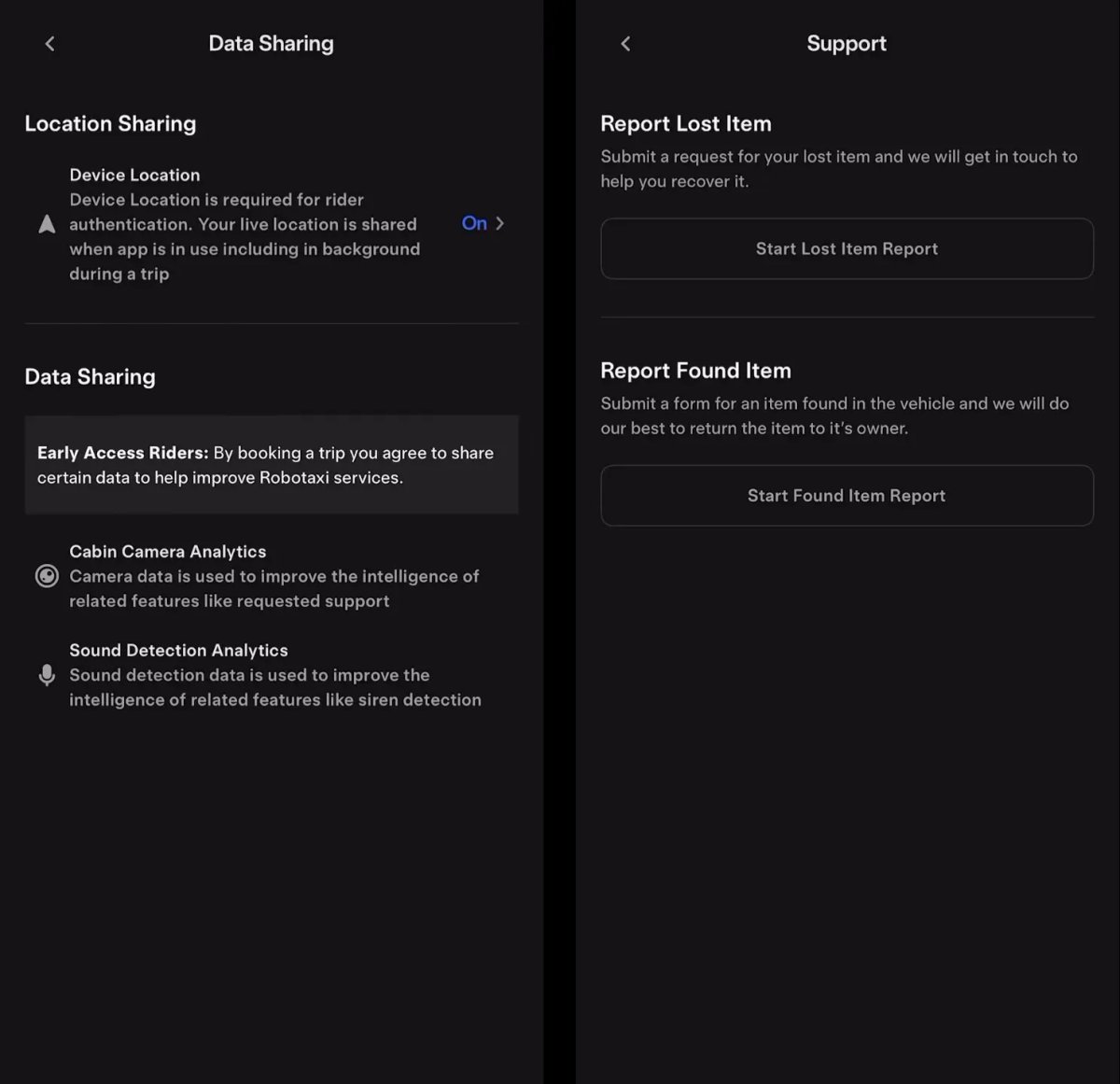
Tesla has always provided a way to report a lost or found item in a vehicle. However, they’re now limiting when you can report a lost item.

The app will now state “Report a Lost Item by {date}”. If a user tries to report a lost item after the expiration date, the app will warn the user that Tesla is “no longer accepting lost item reports.”

Tesla Robotaxi App 25.10.5 Release Notes

Airport Pickups

Tesla Airport Pickups feature in update 25.10.5
Credit @klwtts / NATA
Undocumented
Undocumented

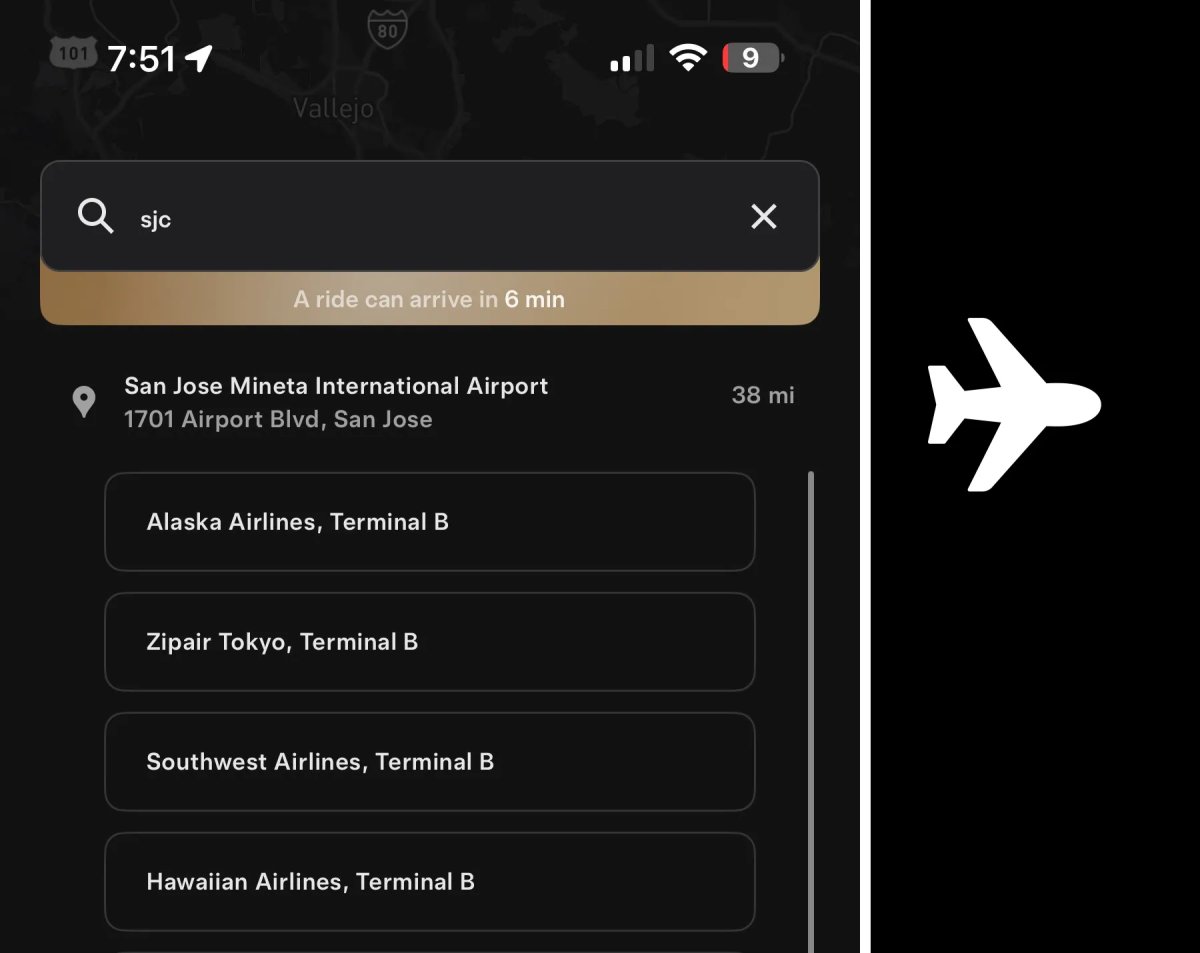
This Robotaxi app update adds support for picking up passengers at airports. According to the new phrases in the app, the user will first choose the airline/terminal, then their pickup spot. The app will display the Robotaxi’s ETA during the selection process.

Tesla has also added a new "airport” icon in the app.

Tesla announced late last night that the Bay Area ride-hailing service now serves San Jose Mineta International Airport, making it the first supported airport for pickups, with others expected to come later.

New phrases in the Robotaxi app include:

'alicorn_airline_picker_all': 'All'

'alicorn_airline_picker_header': 'Select your airline'

'alicorn_airline_picker_popular': 'Popular Airlines'

'alicorn_footer_title_confirm_pickup': 'Confirm the pickup spot'

Details

Release Date

October 27, 2025