



Tesla App 4.49.0 Release Notes

iPhone 17 Support

Tesla iPhone 17 Support feature in update 4.49.0
Available Worldwide
Undocumented
Models:
S
3
X
Y
CT
Undocumented

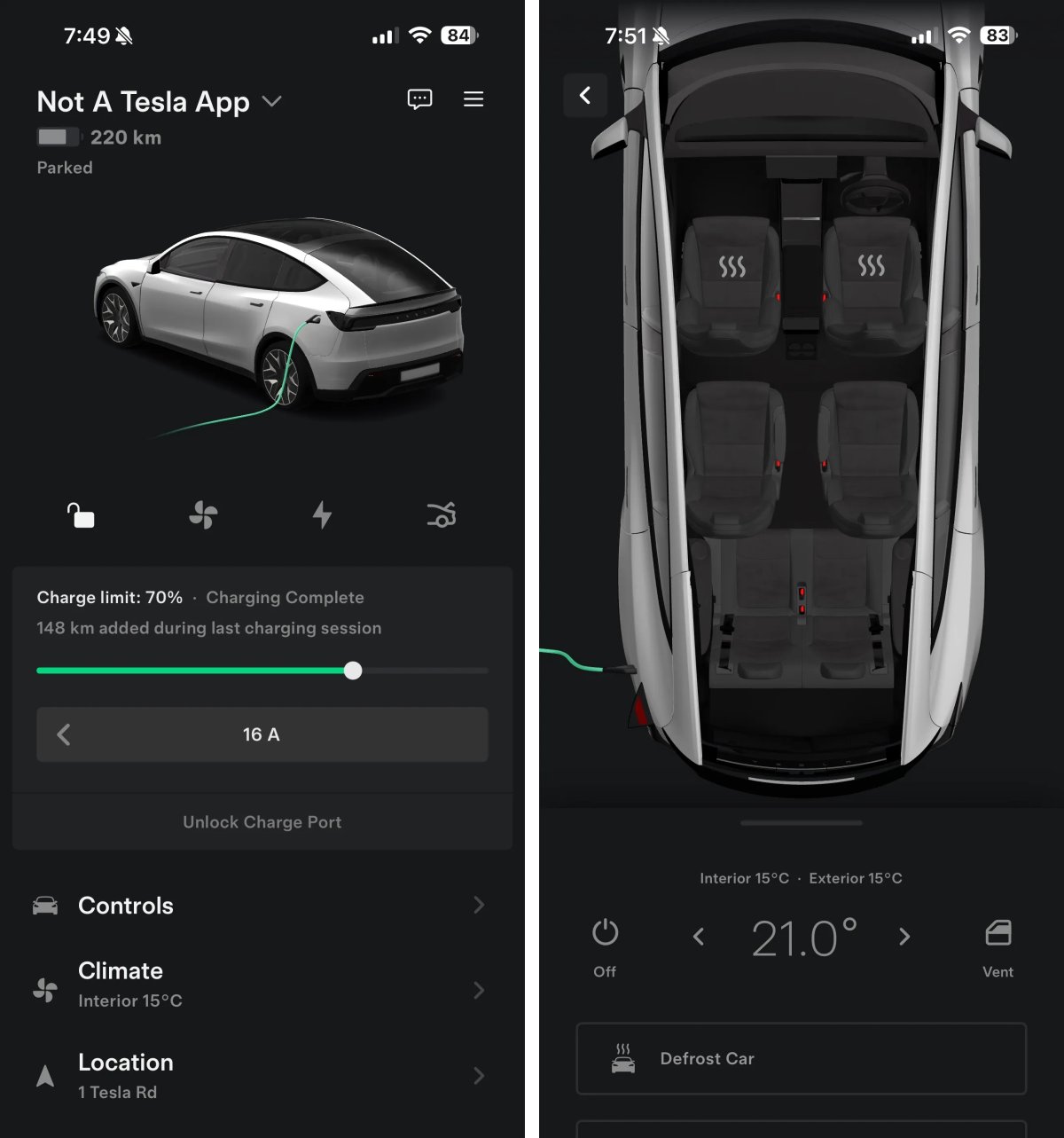
This app update adds support for upcoming iPhone models, including the iPhone 17, iPhone 17 Air, and the iPhone 17 Pro and Pro Max.

These updates appear to have to do with support for the smaller dynamic island on these new iPhones.

Scheduling Improvements
Tesla Scheduling Improvements feature in update 4.49.0
Available Worldwide
Undocumented
Models:
S
3
X
Y
CT
Undocumented

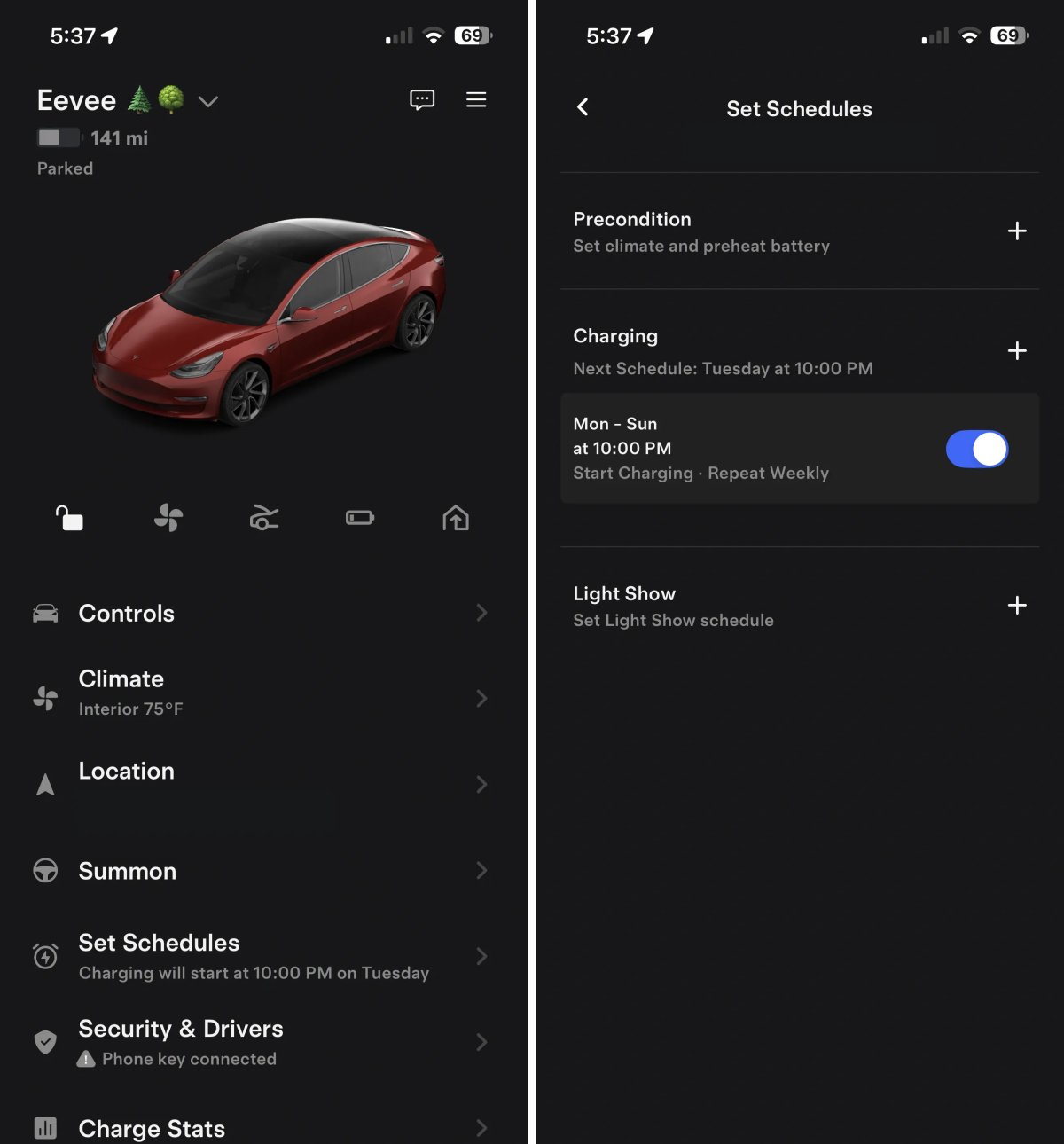
Tesla has updated the Schedules section of the app. The Schedule section has been renamed “Set Schedules,” to make its functionality clearer.

Inside Set Schedules, Tesla now also indicates when a schedule will run next; for example, it’ll say “Next Schedule: Tuesday at 10:00 PM.”

Under Charging, the app will now also state “Start Charging” or “Stop Charging,” depending on whether you chose a start time for charging or an end time.

Supercharger Virtual Queue
Tesla Supercharger Virtual Queue feature in update 4.49.0
Credit default
Undocumented
Models:
S
3
X
Y
CT
Undocumented

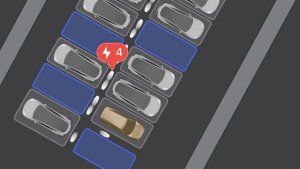
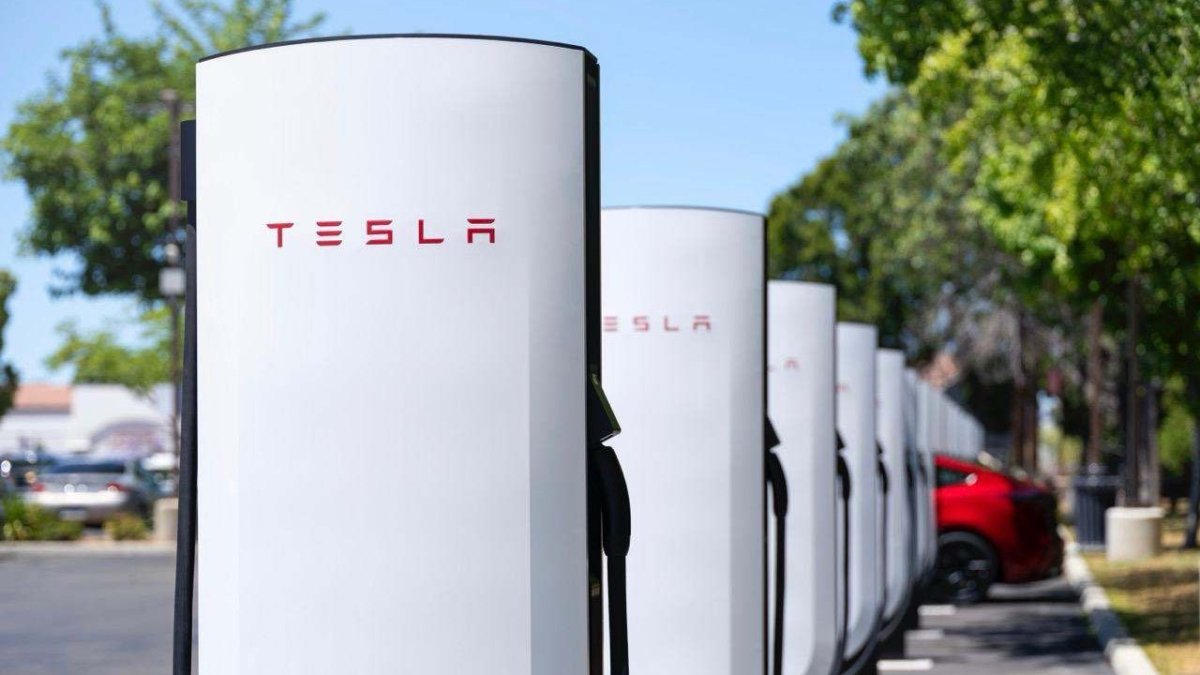
We’re starting to see the integration of Tesla’s Virtual Queue into the Tesla app. The feature will enable owners to enter a virtual queue upon arrival at congested Superchargers. Instead of waiting in a physical line with their vehicle, owners will be able to join the queue in the app, which will then save their place in line, allowing them to relax until its their turn.

New phrases found in this app include:

Leave waitlist and Cannot join waitlist, please try again

These changes show us that once drivers join a waitlist, they’ll be presented with an estimated wait time. When it’s their turn, they’ll have a certain amount of time to begin charging before their turn is passed to the next person in line.

A new phrase in the app shows us that Tesla will display Missed turn, removed from waitlist, in the app if a driver misses their charging turn.

Tesla Insurance Updates
Tesla Tesla Insurance Updates feature in update 4.49.0
Undocumented
Models:
S
3
X
Y
CT
Undocumented

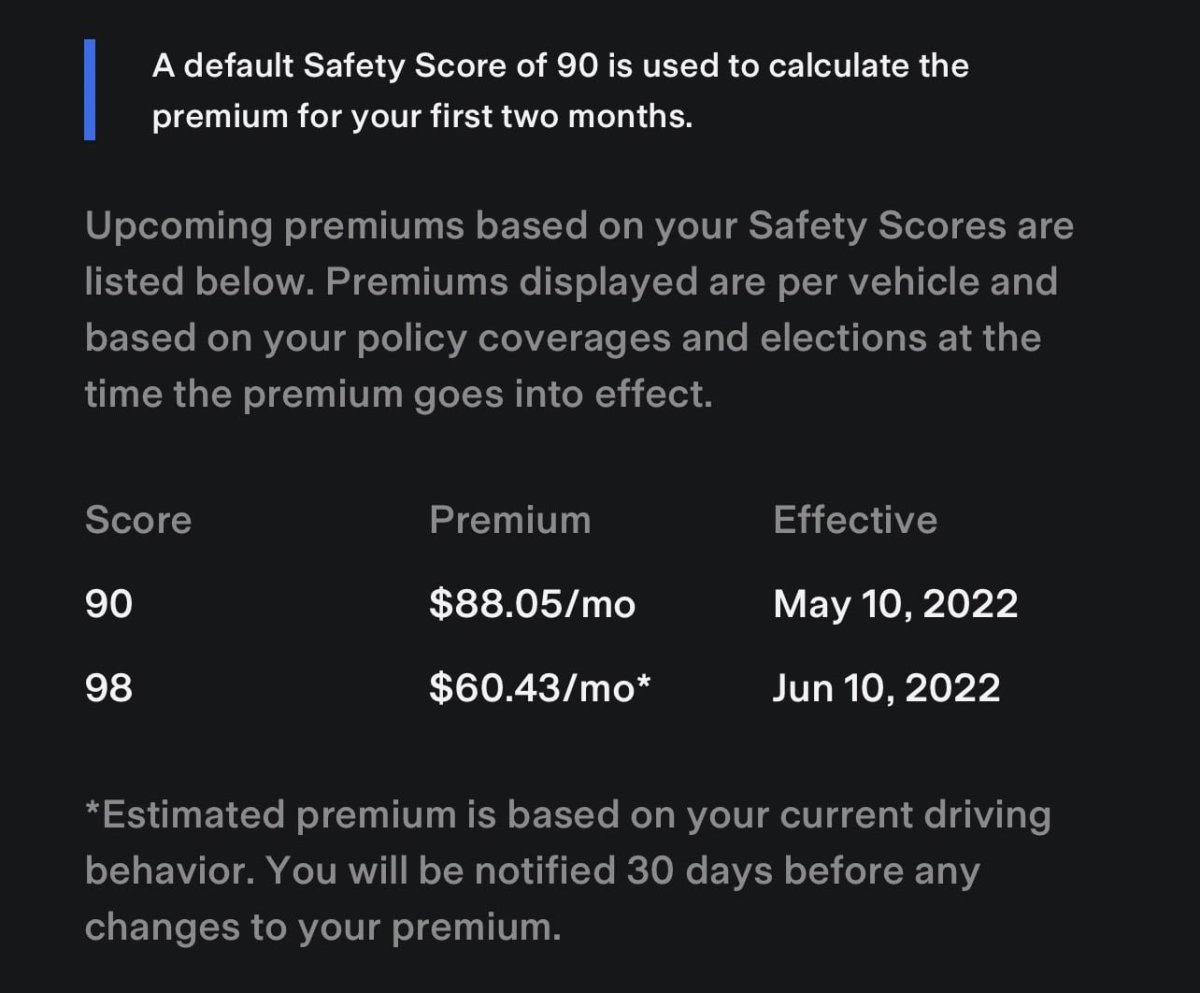
This update introduces several changes to Tesla Insurance. There are new phrases that allow you to exclude a driver, exclude a vehicle, and provide a reason for exclusion when signing up for Tesla Insurance.

Supercharger Mileage
Tesla Supercharger Mileage feature in update 4.49.0
Undocumented
Models:
S
3
X
Y
CT
Undocumented

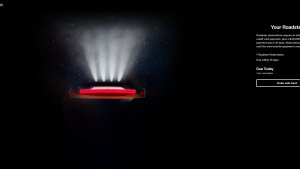
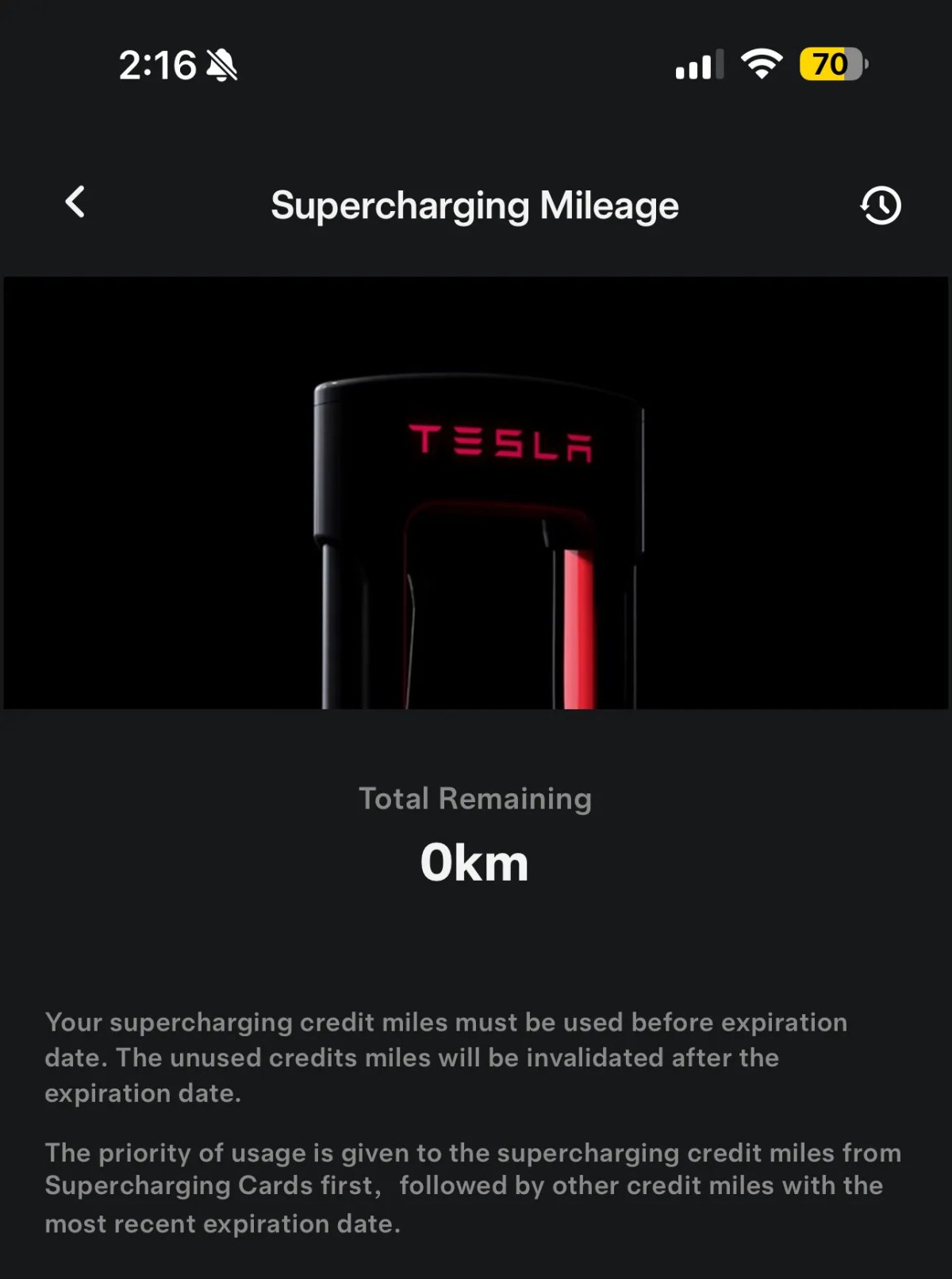
Tesla will soon be introducing a new feature called Supercharger Mileage. This feature seems similar to the recently introduced charging MultiPass, that allows owners to charge at third-party chargers. This new feature will be available in China and will have cards with unique numbers on them that need to be activated online.

These passes will be mileage-based instead of kWh. The image above is the image Tesla is expected to use in the app.
Tesla App 4.48.5 Release Notes

Model Y Performance Support

Tesla Model Y Performance Support feature in update 4.48.5
Undocumented
Undocumented

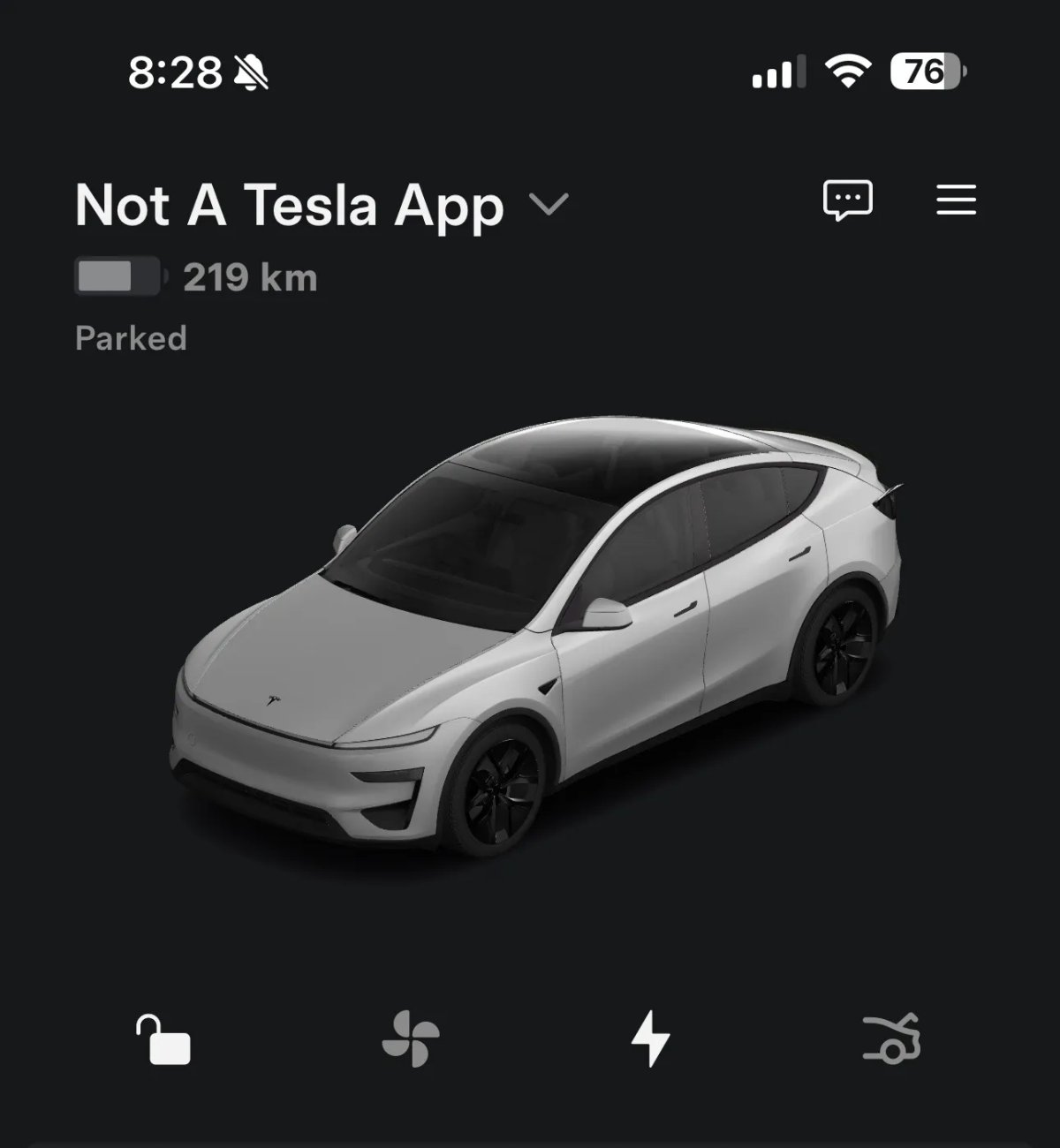
This update adds support for the new Model Y Performance, including the model used in the app. We were able to render the 3D model in the app as pictured above.

The Model Y Performance will display the Ludicrous badge in the app, similar to the Model 3 Performance.

Model Y L Support

Tesla Model Y L Support feature in update 4.48.5
Undocumented
Undocumented

Tesla has added support for the new Model L Y in this update, including the 3D assets shown here. Not surprisingly, you’ll be able to control the ventilated seats in the second row through the Tesla app.

However, it doesn’t appear that the other powered functions, such as the thigh support in the front row or the powered armrests in the second row, will be controllable through the app.

hasSeatFanSecondRowLeft

seatFanSecondRowRight

Tesla Challenges

Tesla Tesla Challenges feature in update 4.48.5
Undocumented
Undocumented

It appears that Tesla plans to introduce challenges for users within the app. Several phrases appear in this update that refer to challenges for users, such as challenge_screen, CompletedChallenge, challenge_education_modal.

This could potentially be something where users earn badges or enter drawings for completing contests, but this app update doesn’t specify the challenges.

1 Million Powerwalls

Tesla 1 Million Powerwalls feature in update 4.48.5
Undocumented
Undocumented

It looks like Tesla will soon feature a “one million Powerwalls” badge. Several phrases refer to one million Powerwalls, including OneMillionPowerwallsTextSection, OneMillionPowerwallsVideo and energy_site_one_million_powerwalls_1m_edition.

It appears that Tesla will soon be celebrating the installation of its one millionth Powerwall and will issue a special badge (pictured above) in the app.

Tesla App 4.48.0 Release Notes

B-Pillar Dashcam Viewer Support

Tesla B-Pillar Dashcam Viewer Support feature in update 4.48.0
Credit RonnyGolisch
HW4
Models:
S
3
X
Y
HW4

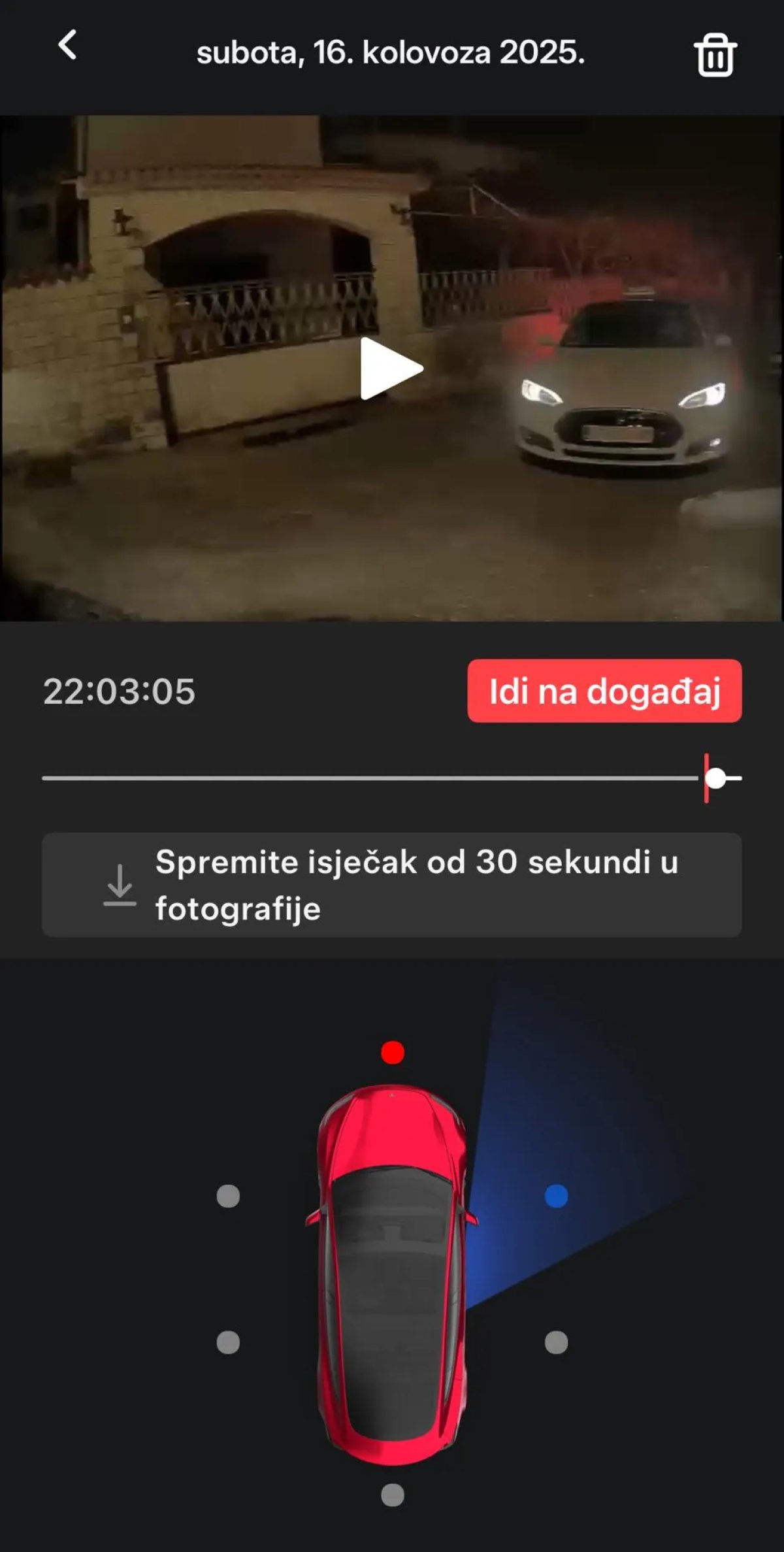
View B-pillar side cameras with Mobile Dashcam Viewer (if supported).

Note: The Tesla app now supports viewing footage recorded from the vehicle’s B-pillars.

B-pillar camera recording was added to HW4 vehicles in the 2025.14 update, but the additional view were only available within the vehicle. Now, you’ll be able to access them in the app as well, and it’ll soon be available on the Cybertruck.

Search Tesla Messages

Tesla Search Tesla Messages feature in update 4.48.0
Undocumented
Undocumented

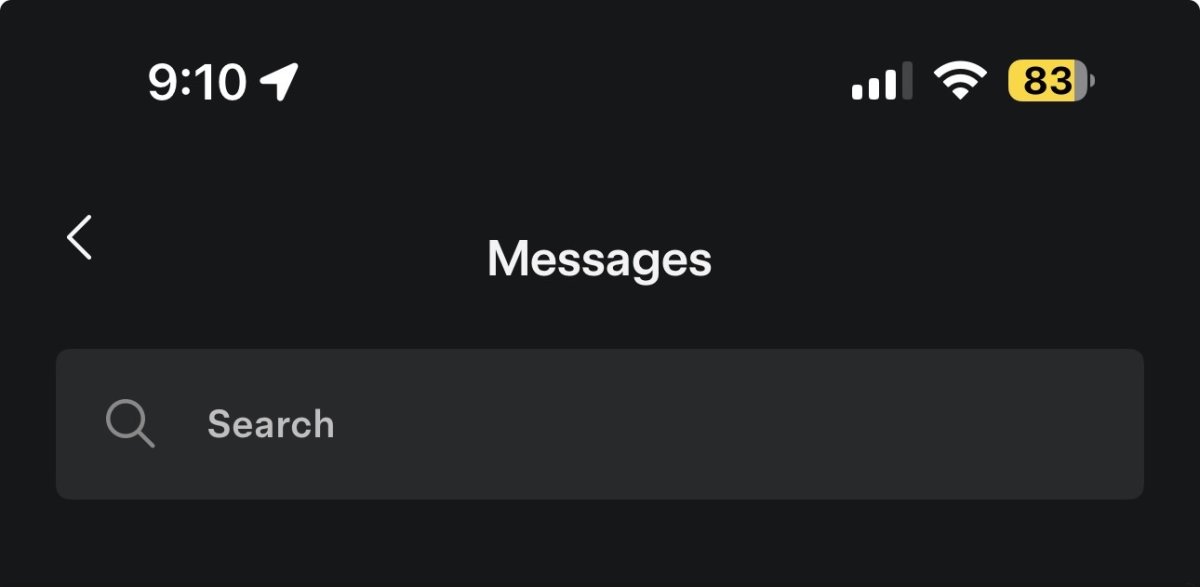
Tesla conveys important information through messages in the Tesla app, such as new vehicle delivery information.

Tesla is now laying the groundwork to be able to search through these messages in a future app update.

Vehicle Low Power Mode

Tesla Vehicle Low Power Mode feature in update 4.48.0
Undocumented
Undocumented

This app update hints at a new vehicle feature coming in a future app and vehicle update.

The upcoming feature will let users put their vehicles into a low power mode, effectively turning off all features that keep the vehicle awake and consume energy when it’s not being used.

This will be similar to how Car Wash Mode helps the user by turning off a variety of features at once, instead of having to remember to turn off each feature individually. This will be ideal when you’re leaving your vehicle for an extended period, such as when going on vacation.

Low Power Mode is on and enabling Camp Mode will consume energy. Continue?
Low Power Mode is on and enabling Dog Mode will consume energy. Continue?
Low Power Mode is on and enabling climate control will consume energy. Continue
command_error_CLIMATE_ON_low_power_mode
command_error_SETOUTLETSONOFFACTION_low_power_mode
command_error_SET_CLIMATE_KEEPER_MODE_low_power_mode
command_error_SET_SENTRY_MODE_low_power_mode
command_name_SETLOWPOWERMODEACTION

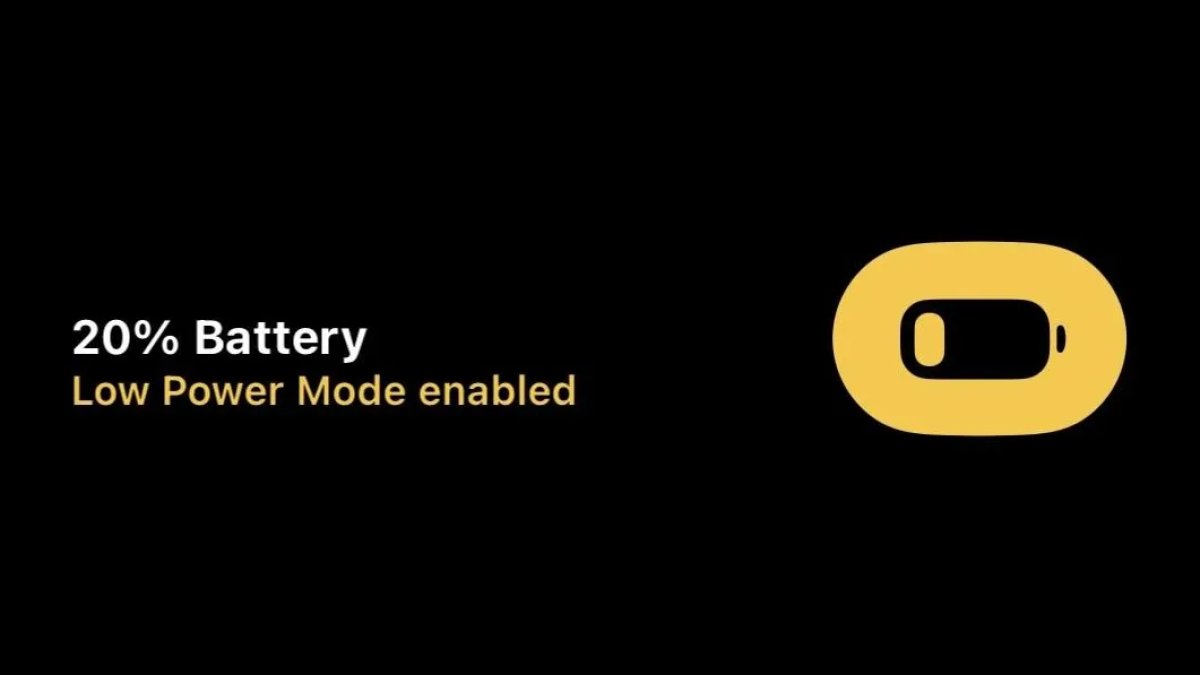
Note: Image above comes from iOS’s low power mode, which is automatically activated when a device gets to 20% battery life. Tesla could potentially add something similar, where the vehicle is automatically put into a low power mode when it gets to 20%. Tesla already disables certain features, such as Sentry Mode, automatically when the vehicle gets to 20%.

Roadside Flat Tire Update

Tesla Roadside Flat Tire Update feature in update 4.48.0
Undocumented
Undocumented

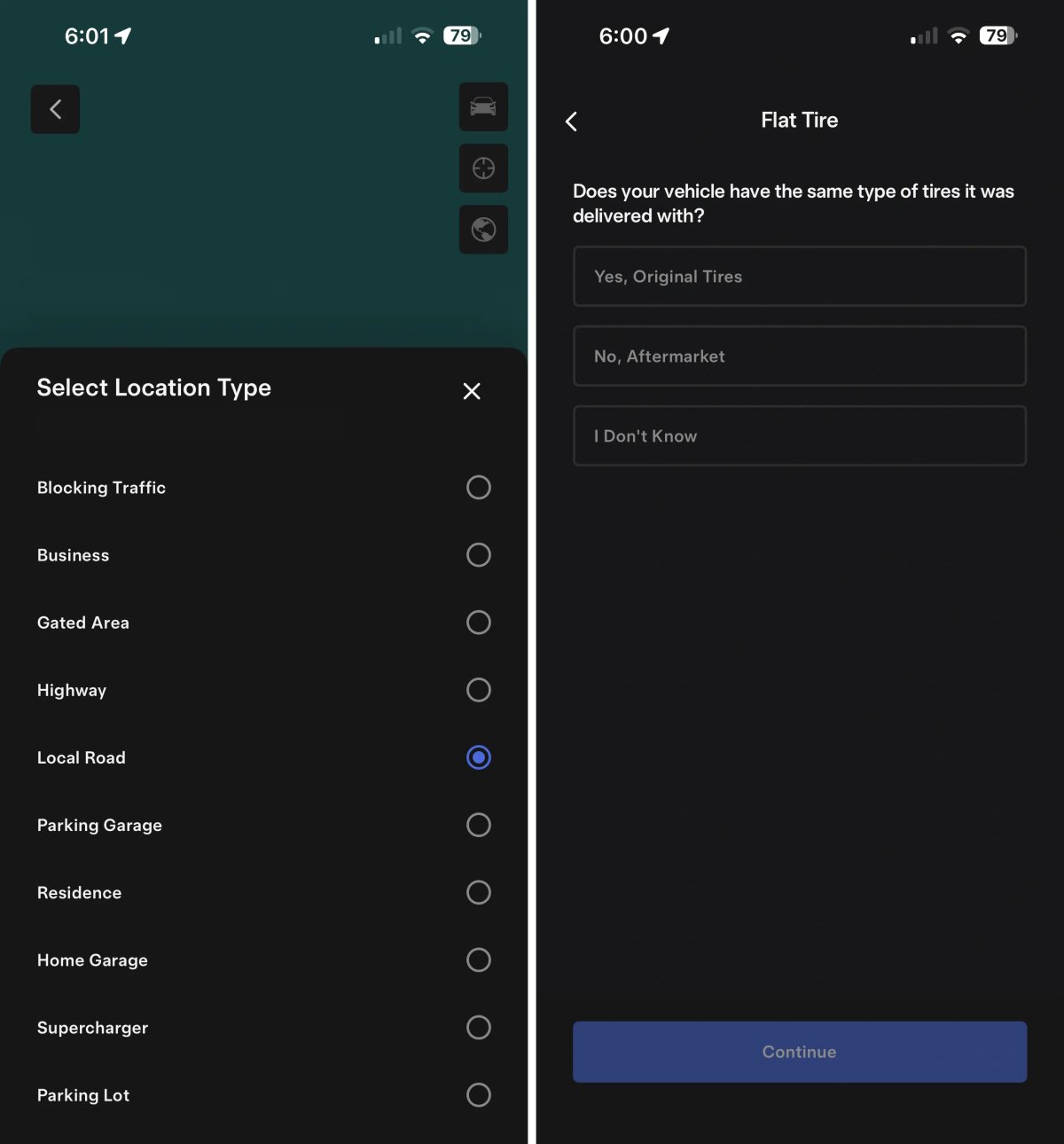
Tesla improved the flow when experiencing a flat tire and going through the Roadside assistance feature in the app. The user can now select from a much wider variety of locations where the vehicle is located, such as a gated area, parking lot, or Supercharger.

The flow for adding user information has been updated, and the user can now select “I Don’t Know” when answering whether the vehicle has its original or aftermarket tires.

These are some of the new phrases in the app update related to roadside assistance:

ROADSIDE_GET_MOBILE_TIRE_SLOTS
tirePriceInfo
IsMobileTireFlow
ROADSIDE_NO_SLOTS_EXIT_MOBILE_TIRE_SCHEDULING
ROADSIDE_EXIT_MOBILE_TIRE_SCHEDULING
ROADSIDE_GET_TIRE_CONCERNS
Not Sure of Tire Type
roadside_decline_tire_quote_and_proceed_with_tow
roadside_tire_details_questions_screen
mobile-app/roadside/mobile-tire/estimate
mobile-app/roadside/mobile-tire/create
No Mobile Tire Appointments Found
Original Wheels and Tyres: Yes
Replacement: ##replacementTire##

Phone Key Deleted

Tesla Phone Key Deleted feature in update 4.48.0
Available Worldwide
Undocumented
Models:
S
3
X
Y
CT
Undocumented

There’s currently an issue with this app update that’s causing pre-configured phone keys to be removed.

While setting up the phone key again just requires tapping the Set Up button in the app, it does require you to have a card key with you.

If you don’t have a card key with you, you can still drive the vehicle, but you’ll need to unlock the vehicle in the app manually and then go to Controls and tap Start to drive the vehicle.

Update: Tesla has now fixed this issue in app update 4.48.1, and it’s now safe to update to the newest Tesla app.

Details

Release Date

August 21, 2025