


Tesla App 4.50.5 Release Notes

New Charging Menu

Tesla New Charging Menu feature in update 4.50.5
Available Worldwide
Models:
S
3
X
Y
CT

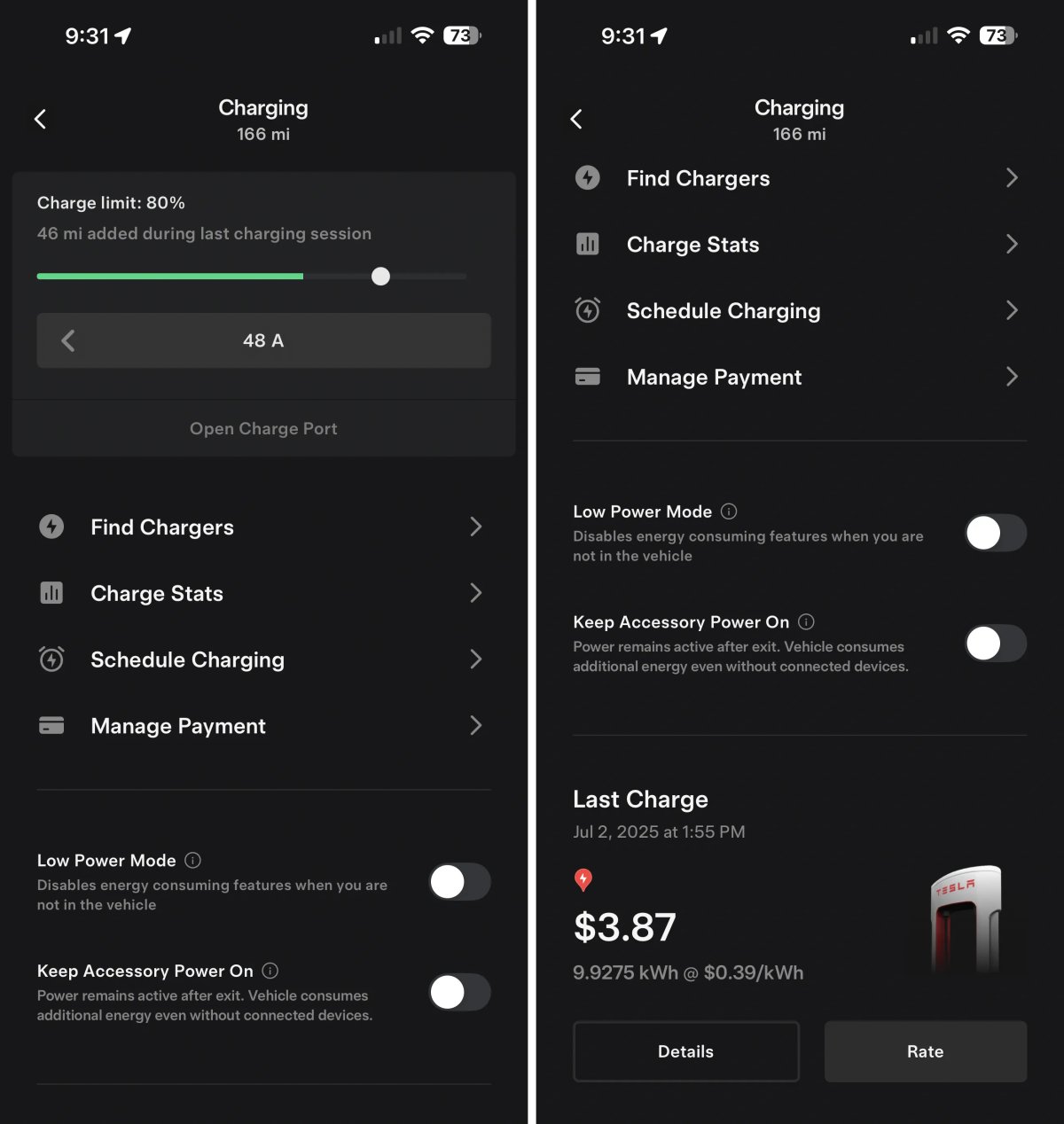
Tesla has added a new Charging section to the Tesla app. This new section consolidates most charging details from other parts of the app and adds a couple of new features.

At the top, you have the vehicle’s current range and the charge meter, which is still also available on the app's main screen when you tap the battery or charge icons.

Underneath, you'll find other charging-related menus that have been consolidated here. For example, instead of having to go to Location to find nearby Supercharger, you can now tap Find Chargers here, but it simply opens up the same Location section of the app.

You’ll also see Schedule Charging and Manage Payment. These functions still exist in their original locations in the app as well. However, Charge Stats have been permanently moved to this new Charging section rather than being available at the top level of the app.

Below this menu, you now have easy access to turn Low Power Mode on or off, which was previously only available as a quick action icon (Did you know you can have up to five quick actions?).

Underneath that, you have a new feature, the ability to manage the ‘Keep Accessory Power On’ feature through the Tesla app for the first time. This new feature requires that your vehicle be on update 2025.38 or higher, so users with FSD V14 (aside from the Cybertruck) won’t see it just yet.

Tesla also displays your last Supercharger session at the bottom in a big, beautiful card.

The old charging section is still available by tapping Menu > Charging, which includes a few options that aren’t under the new Charging menu, such as Supercharging history and charging for non-Tesla EVs. We’d love for these features to move over to the new Charging section of the app, so that there’s a single Charging section in the Tesla app, but we’ll likely see that happen over time.

Support for New Marine Blue Color
Tesla Support for New Marine Blue Color feature in update 4.50.5
Undocumented
Models:
New Y
Undocumented

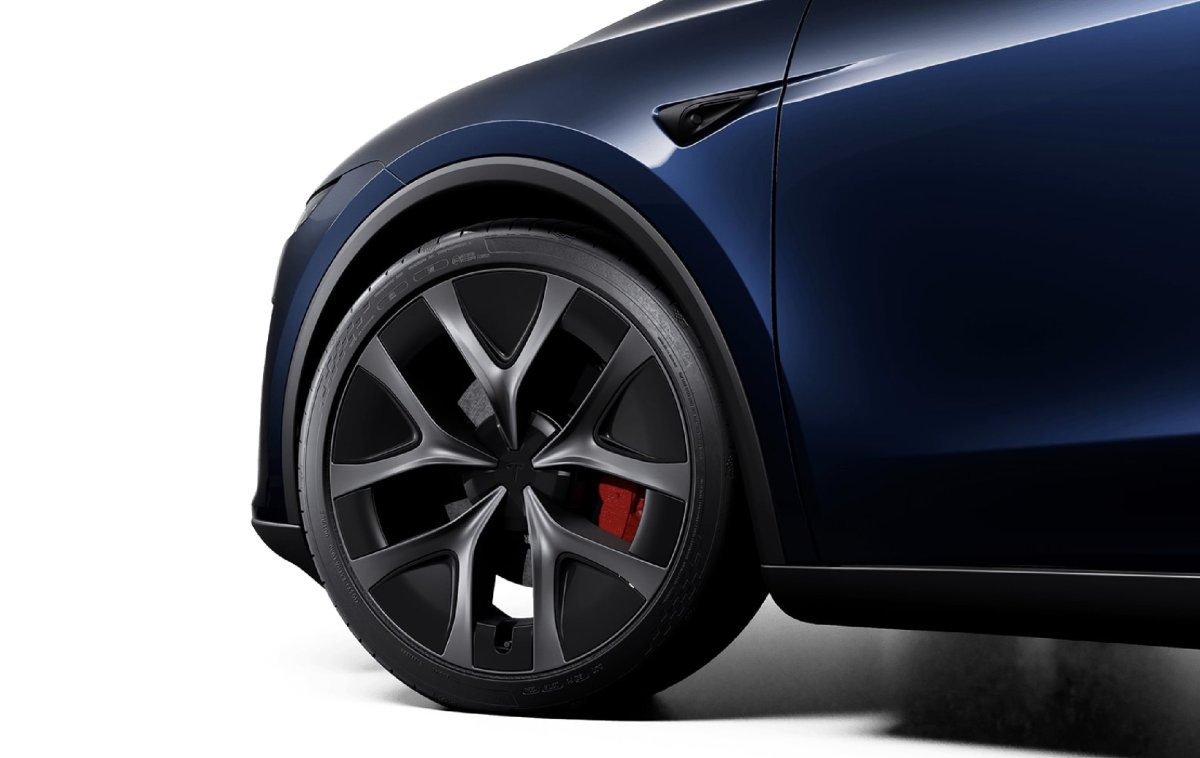
The Tesla app now supports the new Marine Blue that’s available on some Model Y trims in Europe and the Middle East.

New Model S Efficiency Package

Tesla New Model S Efficiency Package feature in update 4.50.5
Available Worldwide
Undocumented
Models:
New S
Undocumented

Tesla is introducing a new efficiency package for the 2026 Model S. The current efficiency package for the 2026 Model S is MS2026 , but Tesla is now adding support for MS2026B. However, it’s not clear what changes to the vehicle will be made.

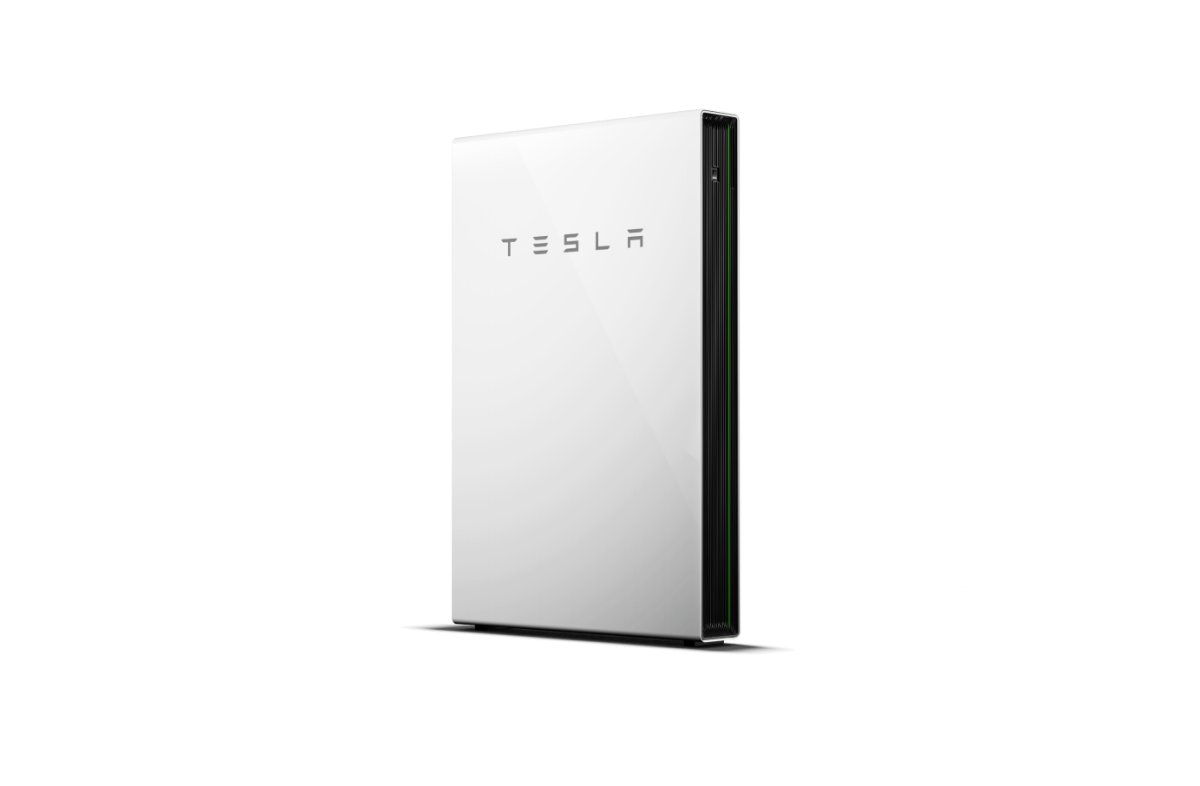
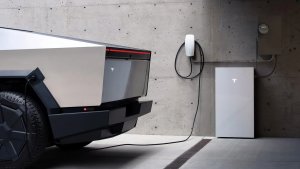
Powerwall & Wall Connector Release Notes
Tesla Powerwall & Wall Connector Release Notes feature in update 4.50.5
Available Worldwide
Undocumented
Undocumented

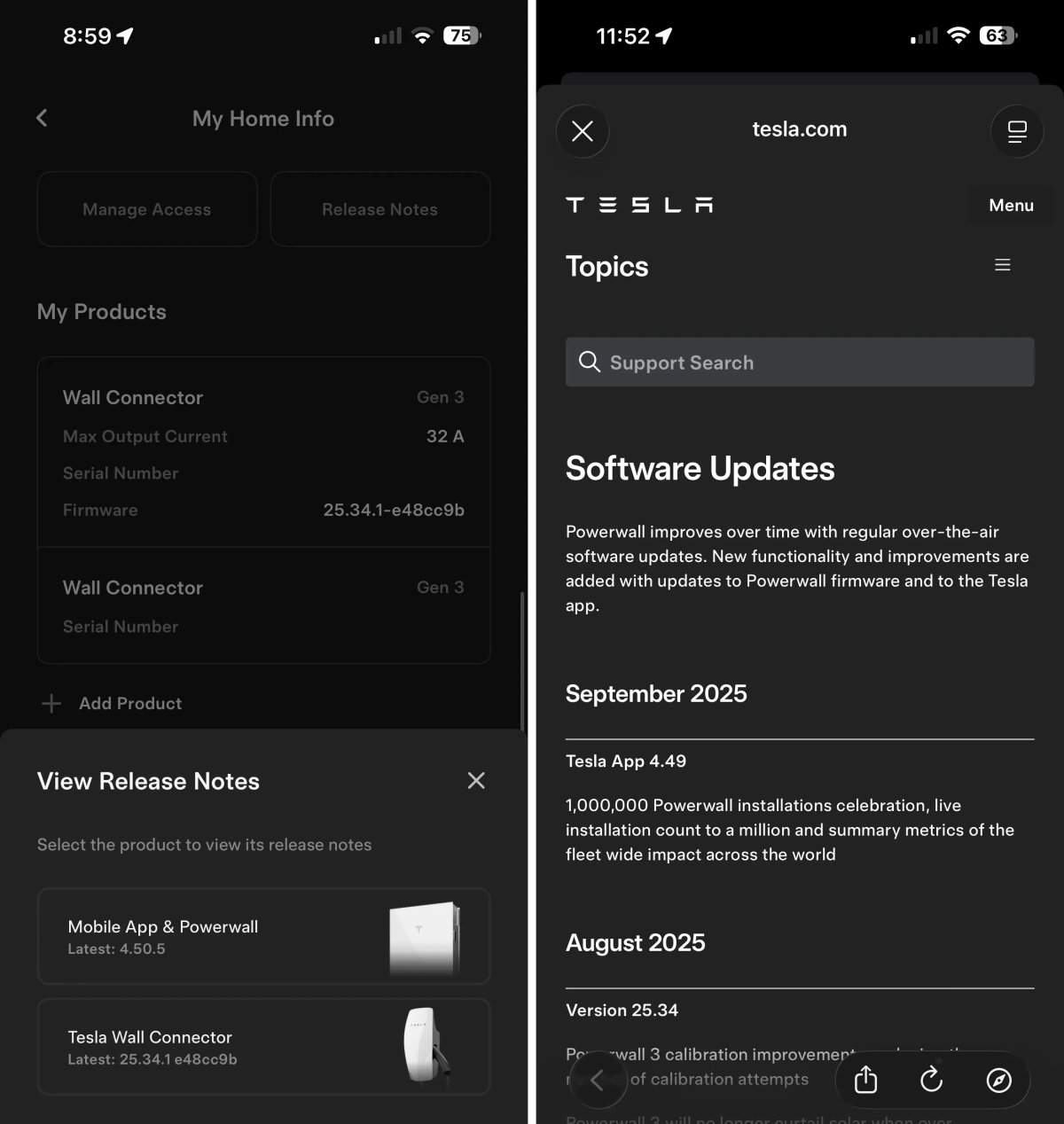
In the Home section of the app, there are now additional options when you tap on Release Notes in the My Home Info section.

Users will now be presented with a menu to pick between the Mobile App & Powerwall and Tesla Wall Connector release notes. The corresponding release notes are opened up in a webview. However, Tesla doesn’t update these release notes very often.
Tesla App 4.50.0 Release Notes

Tire Center

Tesla Tire Center feature in update 4.50.0
Undocumented
Undocumented

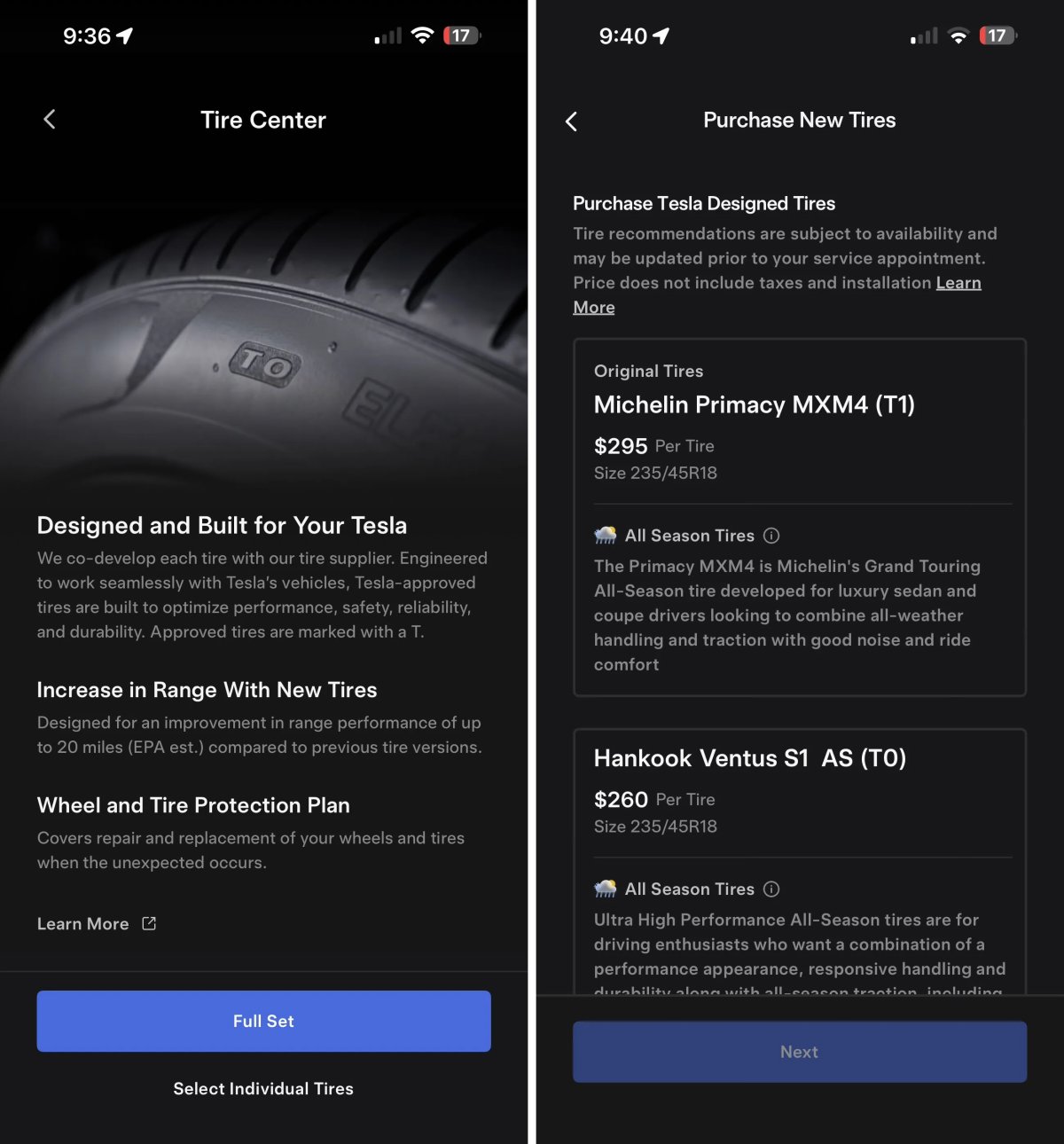
Tesla’s new Tire Center helps you find the right tires for your vehicle. After selecting your tire size you’re presented with available options that can be purchased and installed by Tesla.

Tire Center is available in select regions, including the United States, and can be found under Service > Tire Center.

Using

Tesla App Screen Sharing

Tesla Tesla App Screen Sharing feature in update 4.50.0
Credit default
Undocumented
Undocumented

We recently discovered that Tesla is adding the ability for customers to remotely share their vehicle’s screen to help solve issues.

This app update reveals that Tesla is working on a similar feature for the Tesla app. The Tesla app states: “Would you like to share your Tesla app screen with a representative? They will see only the app to guide you.”

Other phrases found in the app related to screen share include: Resume Screen Share, Would you like to stop or resume screen sharing? , and Starting Screen Share.

This feature does not appear to be live in the app yet.

Powerwall Calibration

Tesla Powerwall Calibration feature in update 4.50.0
Undocumented
Undocumented

Tesla is adding an option to calibrate your Powerwall. The app states: “Powerwall calibration is required for ideal performance of your system. Tesla strongly recommends you allow calibration to continue. You can delay calibration if you require your Powerwall to resume normal operation for critical events like an upcoming planned grid outage.”

Users will be given the option to delay the calibration, but sometimes it appears that it will be required, with phrases found in this update that state: “You are unable to delay this calibration.”

The calibration process, which improves charge level accuracy and optimal battery performance, can take up to 72 hours, according to Tesla.

Message Center

Tesla Message Center feature in update 4.50.0
Undocumented
Undocumented

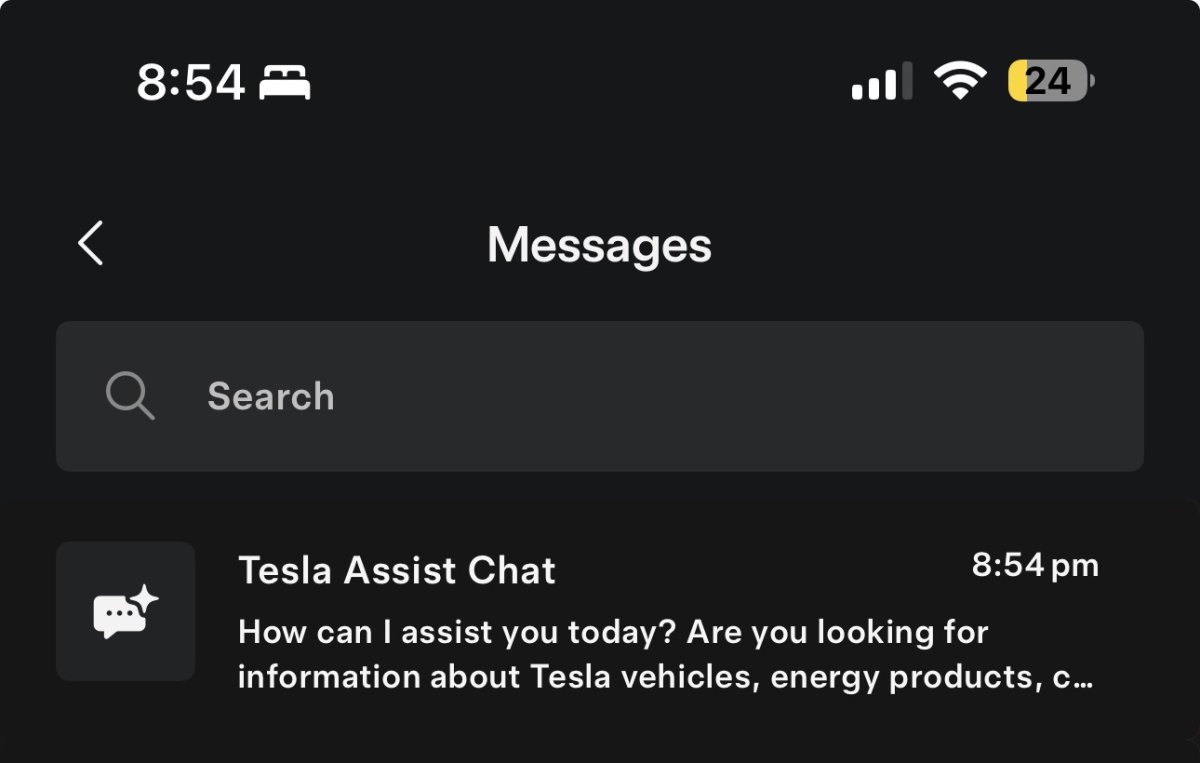
Tesla is planning to make changes in its Message Center, where Tesla sends promotions and service messages to a user within the app.

While the changes aren’t live yet, the improved Message Center is expected to include the ability to search your messages, and it’ll feature Tesla’s AI Assistant, directly at the top.

Tesla App 4.49.6 Release Notes

Support for Standard Models

Tesla Support for Standard Models feature in update 4.49.6
Available Worldwide
Undocumented
Models:
3
Y
Undocumented

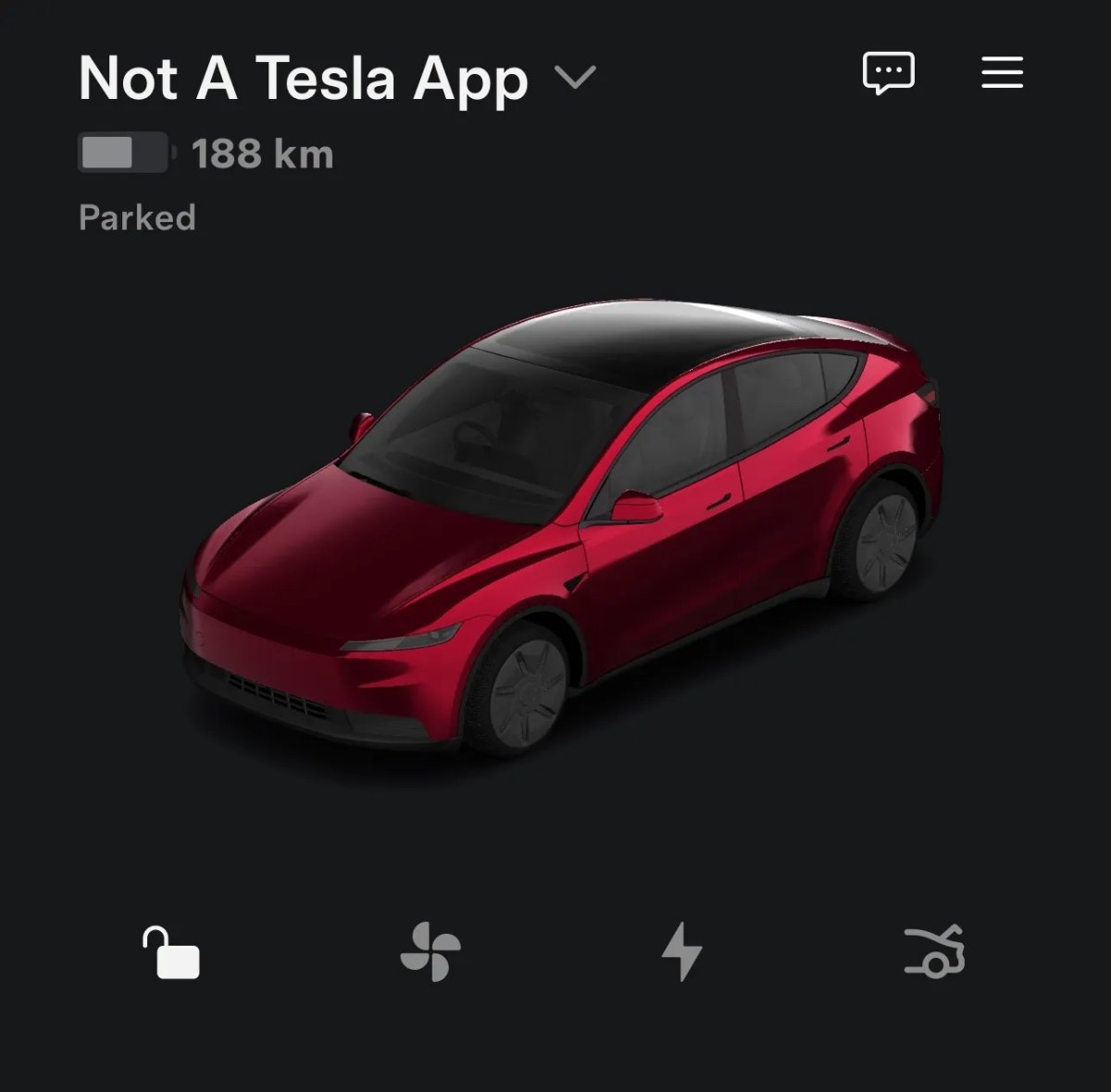
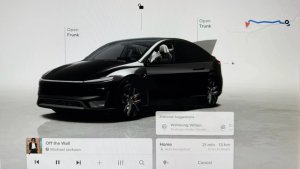
This app update adds support for Tesla’s new Standard models. It adjusts the visualizations to account for the changes in these models, such as the lack of a rear display, new front bumper, new wheels, and the new roof on the Model Y Standard.

It also reveals the codename for these models, the Model Y Standard was already known as E41 Bayberry, but we now know that the Model 3 Standard has a codename of D50 Poppyseed.

Dynamic Vehicle Models

Tesla Dynamic Vehicle Models feature in update 4.49.6
Available Worldwide
Undocumented
Models:
S
3
X
Y
CT
Undocumented

Tesla now offers a range of vehicles that either support or lack certain features. It’s not just about newer models supporting features, and legacy models not supporting them. With the introduction of the Standard models, Tesla now offers vehicles with and without glass roofs, as well as models with and without powered mirrors or seats with and without button adjustments.

With this update, Tesla has added variables for numerous features, which they use to build the dynamic vehicle model. For example, they have a variable optional_has_real_display to tell whether a rear screen should be rendered, optional_turn_indicator_control_type which lets the renderer know whether a stalk should be included and more.

They include variables for various features, such as unreal visualizations, whether a vehicle is in China, and whether it has a rear display, a front bumper camera and others.

Different Types of Front Bumper Cameras

Tesla Different Types of Front Bumper Cameras feature in update 4.49.6
Undocumented
Undocumented

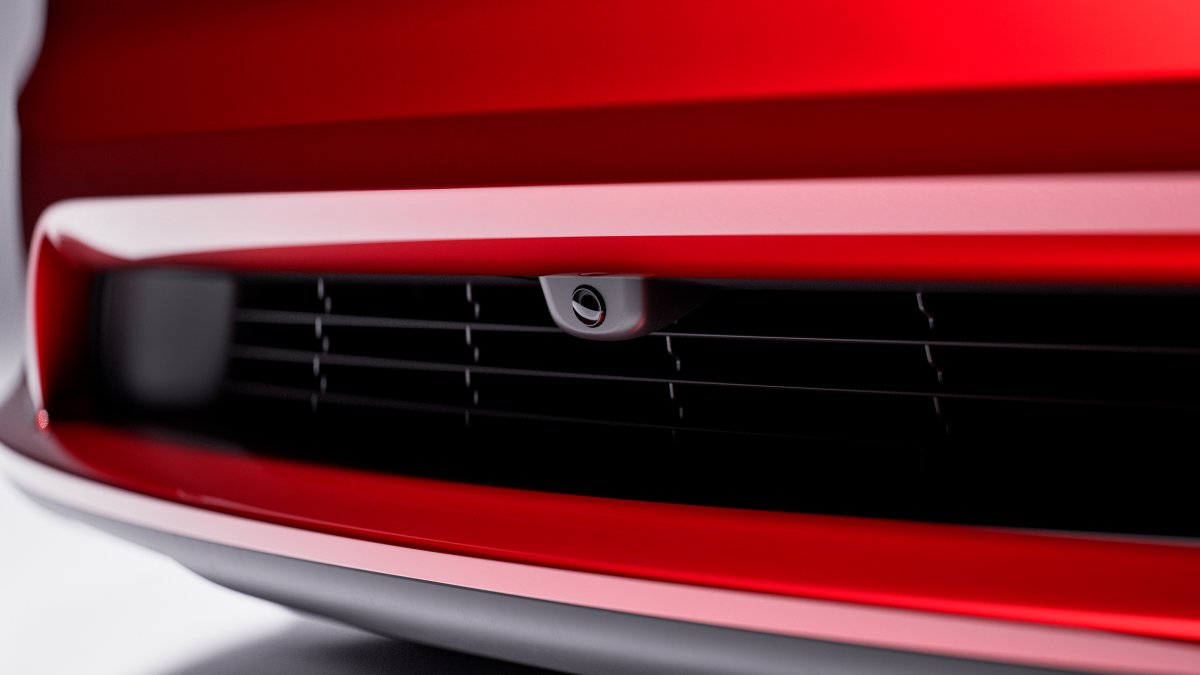
Tesla has included some variables in this update that potentially hint at them using different front bumper cameras. This update includes phrases such as FRONTFASCIACAMERATYPEIMX963 and FRONTFASCIACAMERATYPENONE.

The IMX963 appears to signify the type of camera the vehicle is using, potentially indicating that Tesla plans to use others in the future or is leaving the possibility open. Tesla uses different parts from various manufacturers with functionality that’s the same or similar.

However, Tesla could also introduce new functionality with updated hardware. We’ll keep a close on this to see if Tesla introduces any additional front camera types.

Details

Release Date

October 7, 2025