



Dashcam Viewer — Multi-Delete
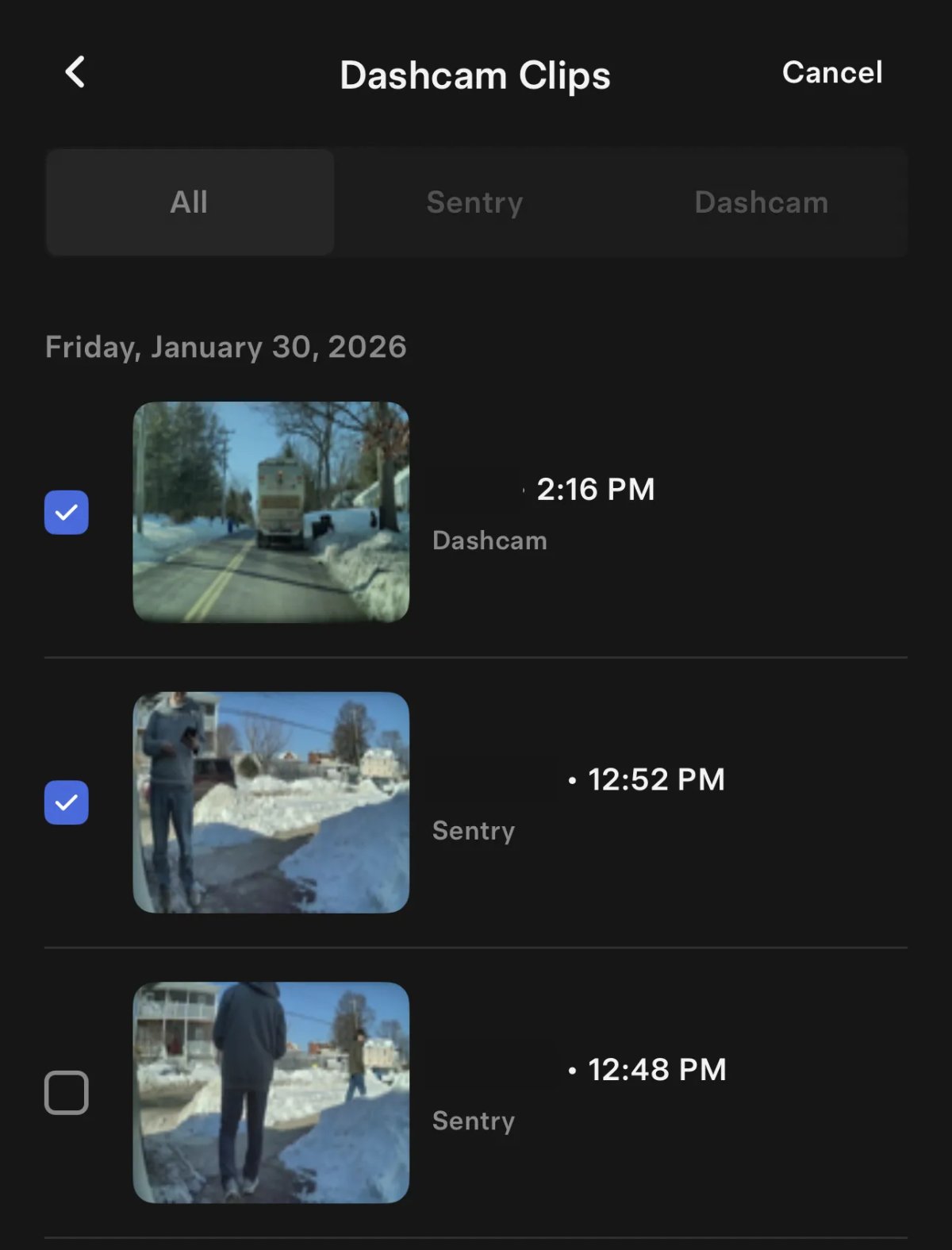
The Dashcam Viewer has been updated to allow you to delete multiple clips at a time. Tap ‘Select’ at the top and then tap the clips you’d like to delete. Once more than one clip is selected, a delete button appears along the bottom.
Previously, you could swipe on a clip to delete it individually.
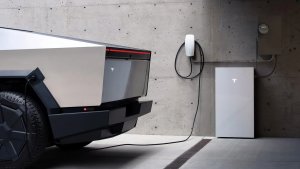
Vehicle Charging/Discharging With Wall Connector
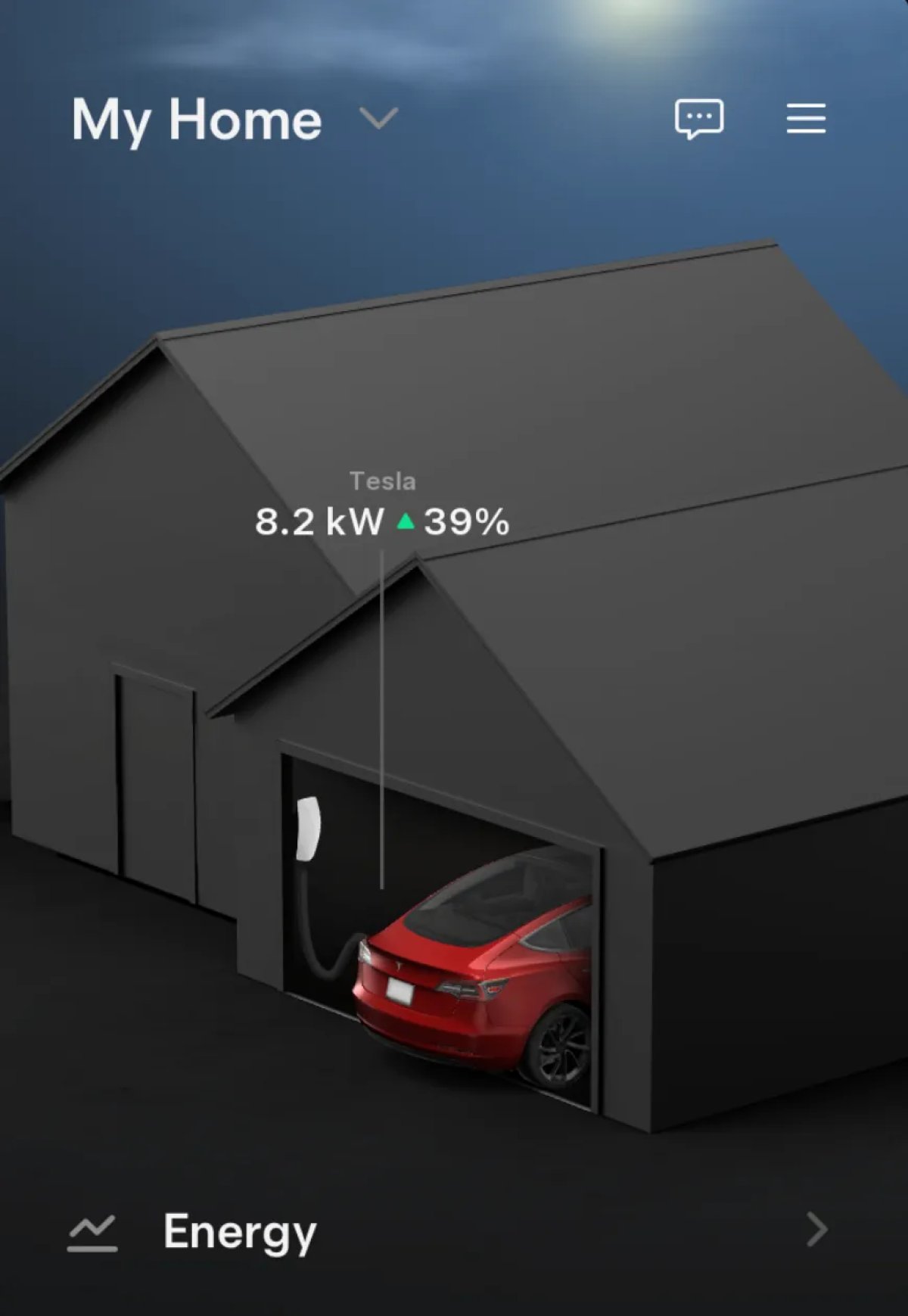
If you have a Wall Connector, Tesla has now added whether your vehicle is charging or discharging on the Home section of the app. In addition, Tesla now shows your vehicle’s charge level as a percentage.
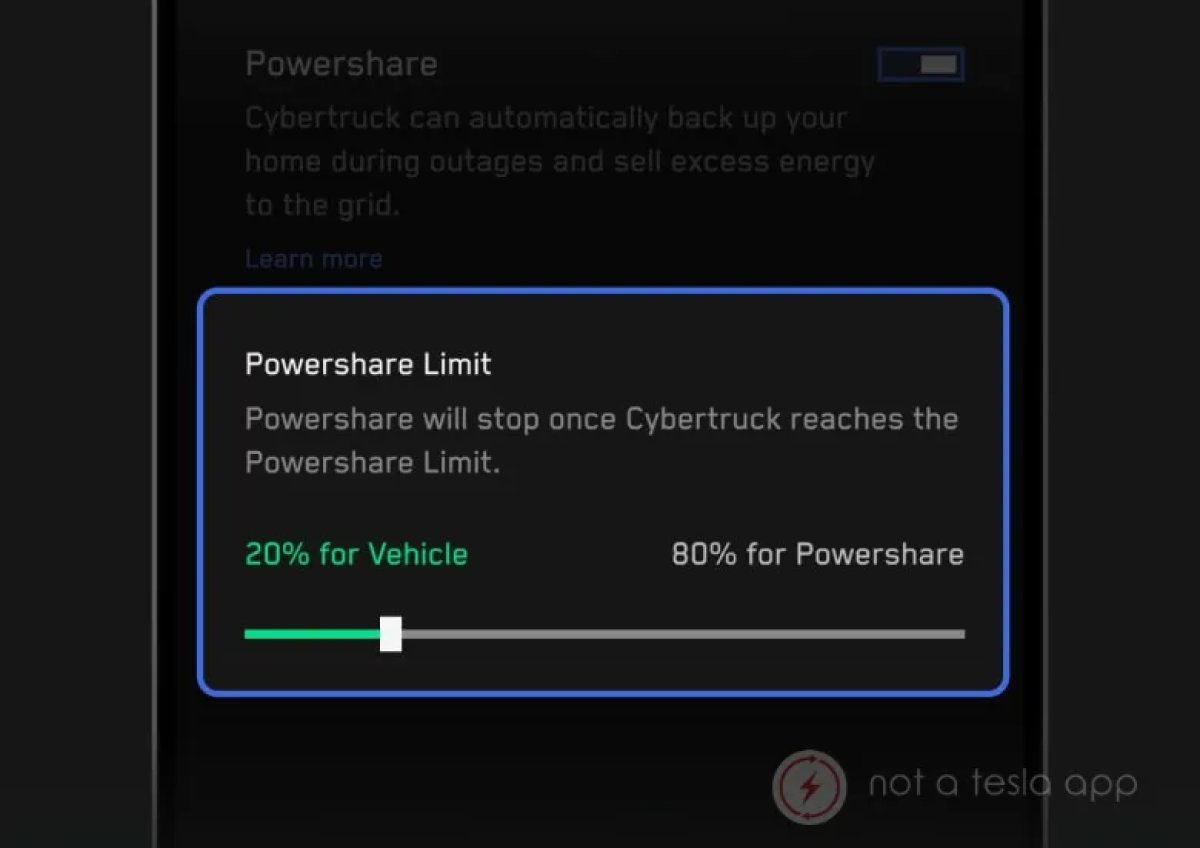
Tesla’s Cybertruck is the only vehicle with V2H capabilities, enabling it to power other devices via the Wall Connector and the home’s wiring. However, Tesla is also set to introduce V2G soon, enabling the Cybertruck to feed energy back into the grid.
This change in the Home section is likely part of the upcoming V2G support, giving users more insight into what’s happening with their vehicle.
With this update, all Wall Connector owners will be able to see whether their vehicle is charging and its charging percentage.
Powerwall Charging/Discharging
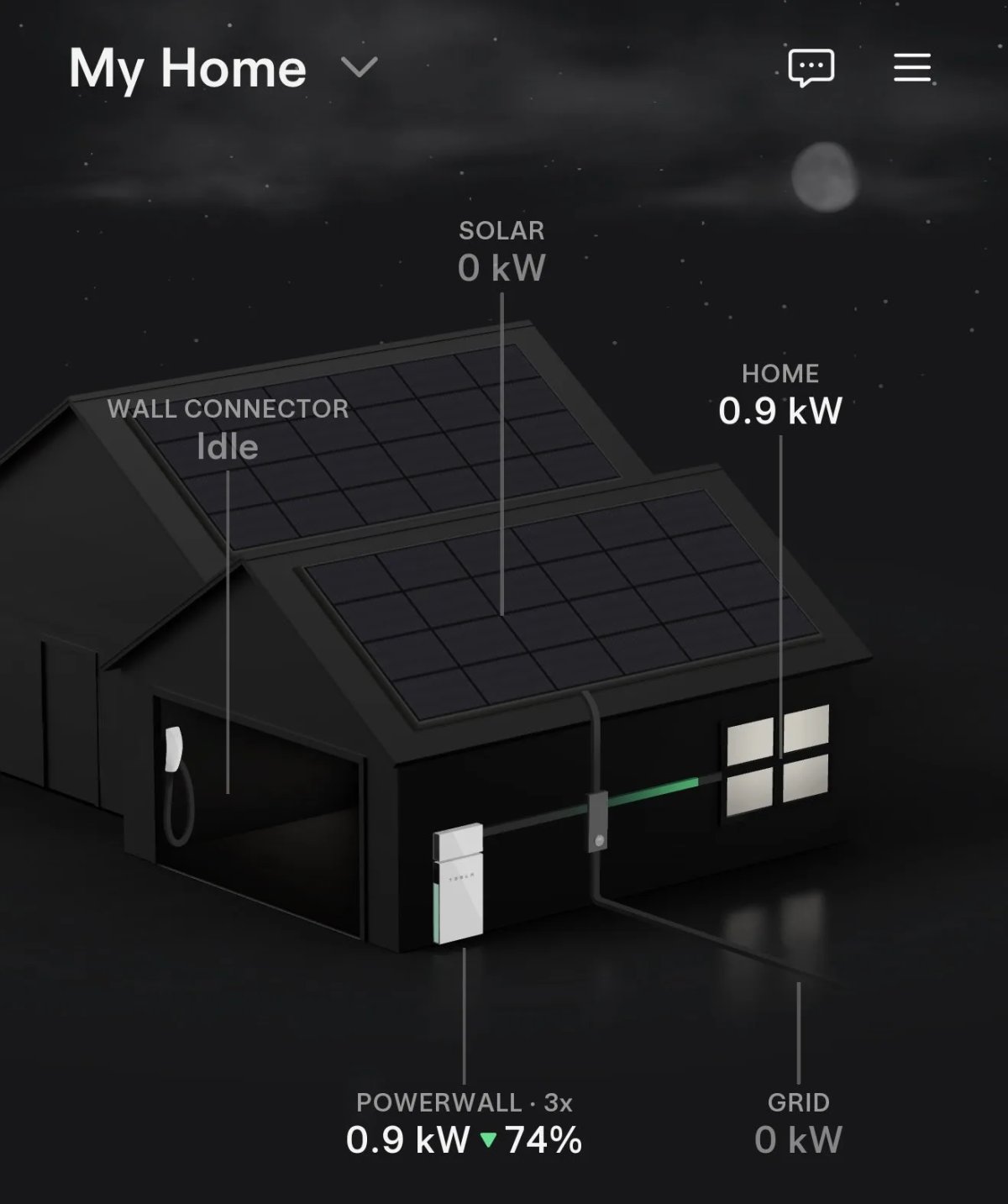
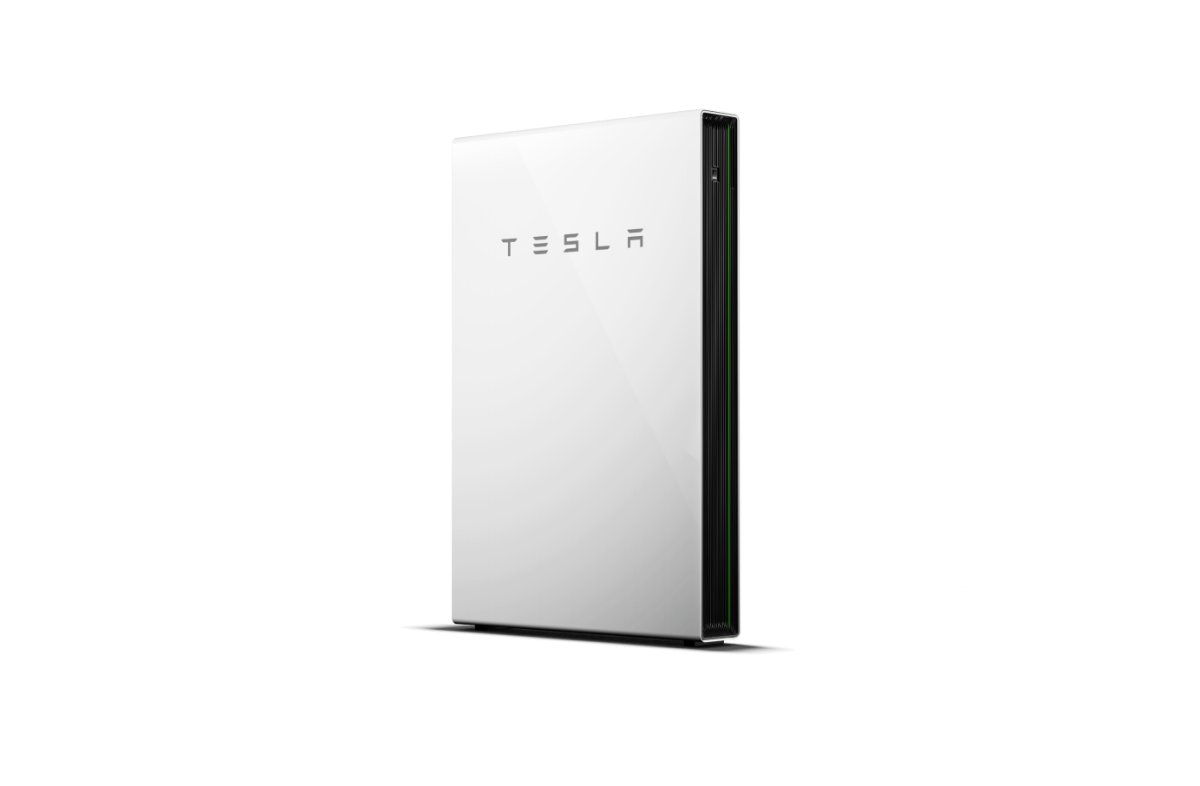
Similar to the vehicle charging/discharging changes, Tesla is also making a similar change for the Powerwall. You’ll now be able to see whether your Powerwall is charging or discharging and its current battery percentage.
Automatic Damage Detection
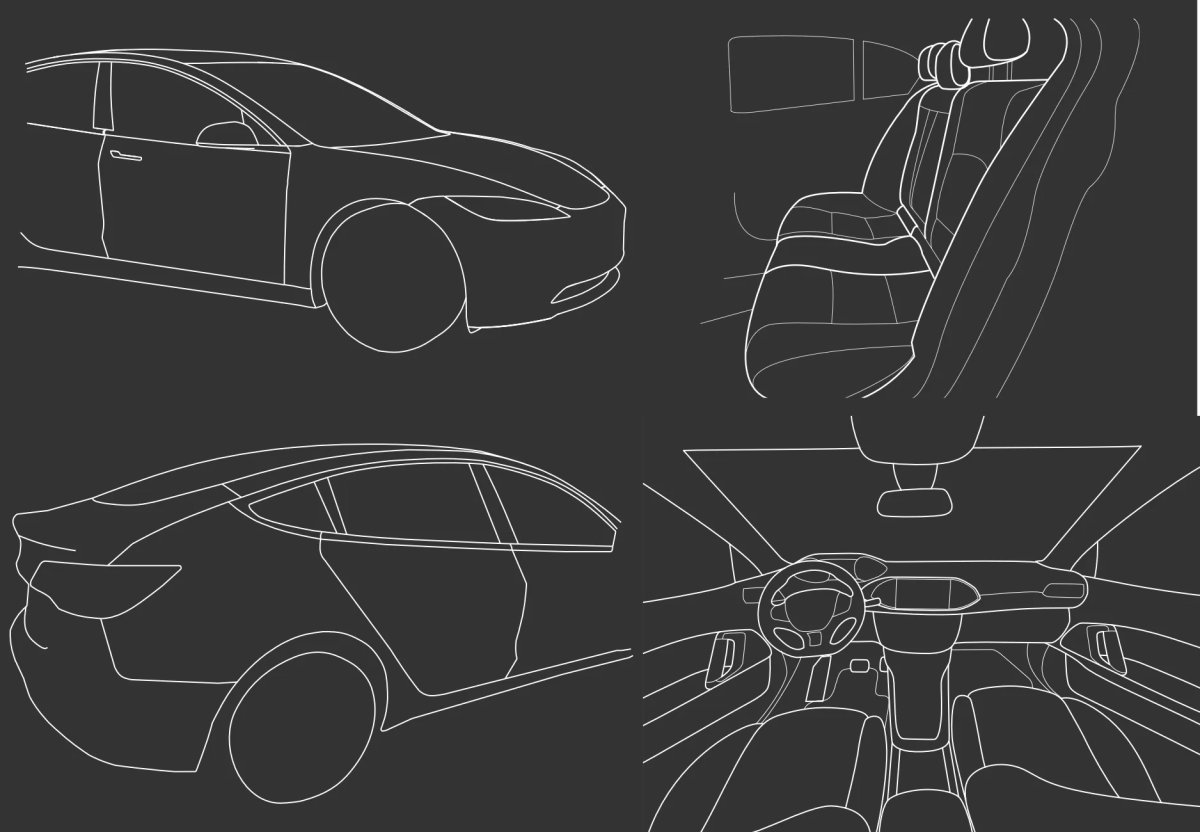
Tesla continues to add code and SVG graphics to its app, suggesting a feature that will automatically detect vehicle damage from photos.
While this feature appears to be primarily for trade-ins, since it supports non-Tesla vehicles, it could also be used to automatically detect damage when a customer files a claim through Tesla insurance.