



Ability to Block Browser, Arcade and Tesla Theater
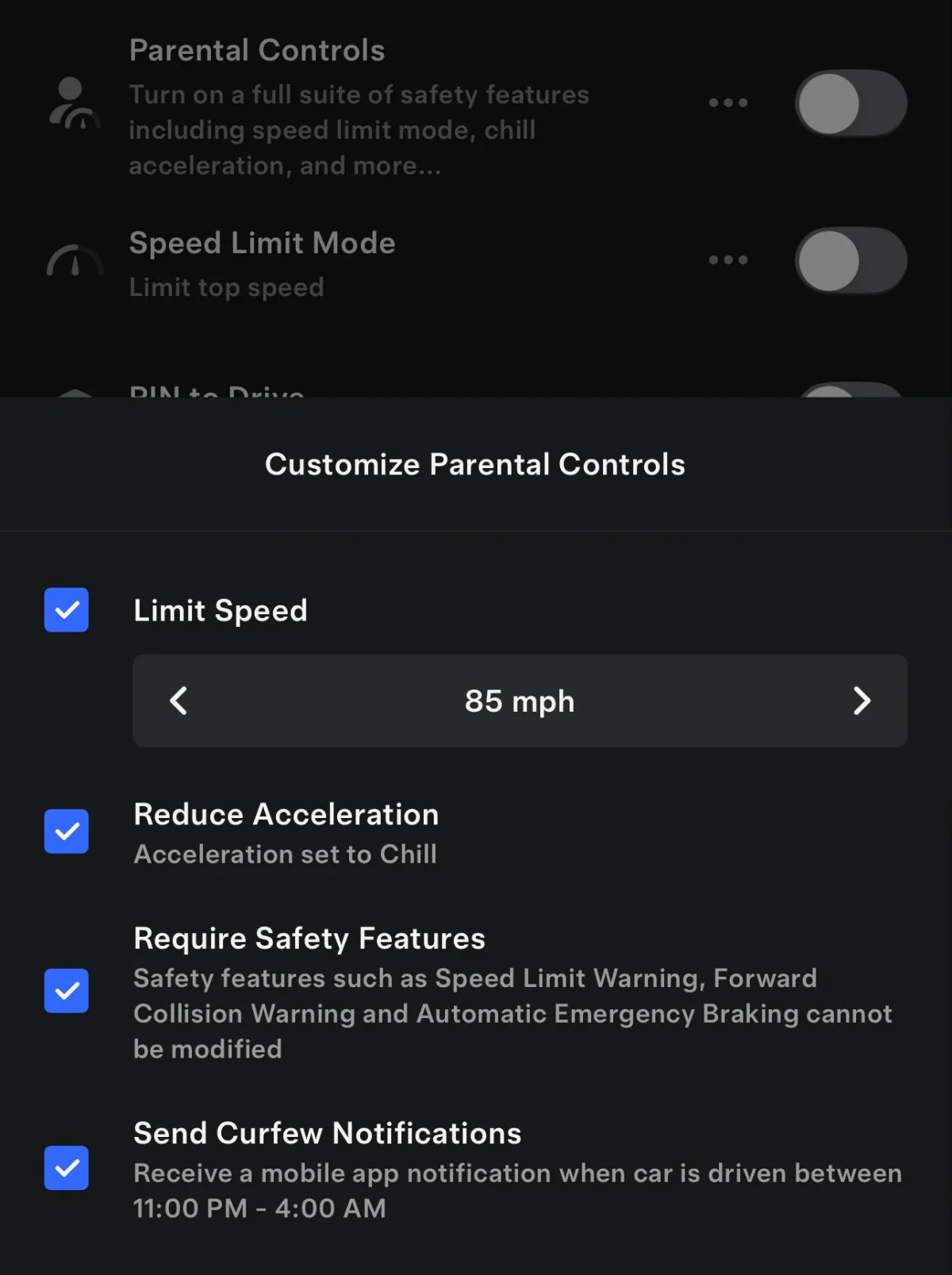
Tesla will soon add the ability for users to block access to Tesla Arcade, Tesla Theater, and the built-in vehicle browser through parental controls.
The updated app reveals several new phrases that this feature will be added to the Tesla and very likely also to parental controls in the vehicle in a future update.
This feature isn’t available to users yet, but some of the new phrases include hasArcadeBlocked, hasTheaterBlocked, and hasBrowserBlocked, as well as other phrases to clear the block.
Tesla also has phrases that show that this will be a part of parental controls such as: proto.CarServer.ParentalControlsSettings.OptionalArcadeBlockedCase and other similar phrases for the browser and Tesla Theater.
It sounds like there will be a toggle for each app, rather than a single toggle that blocks all of them, letting parents pick and choose what to block.
Animated Badges
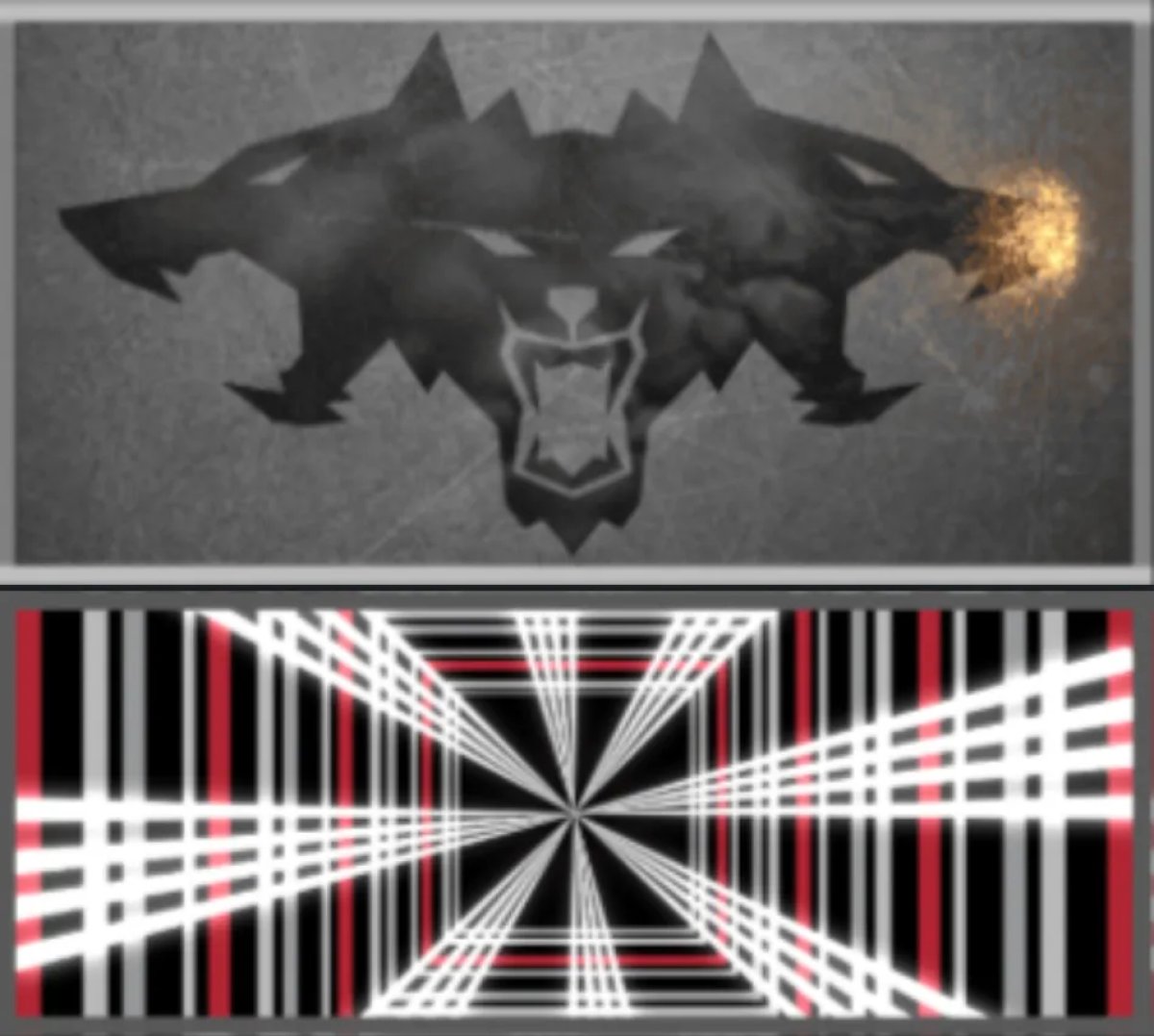
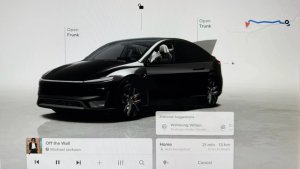
With this app update, Tesla has introduced animated vehicle badges, similar to those found in the vehicle under the software tab with update 2026.14.
These are the same badges displayed for special editions of a vehicle, including Performance and Plaid, however, it does seem to leave out some like the Launch Series of the new Model Y. It’s possible those will be added in a future update.
These animated badges are displayed in the same location as the previous static badges, at the bottom of the Tesla app.
Signature Edition
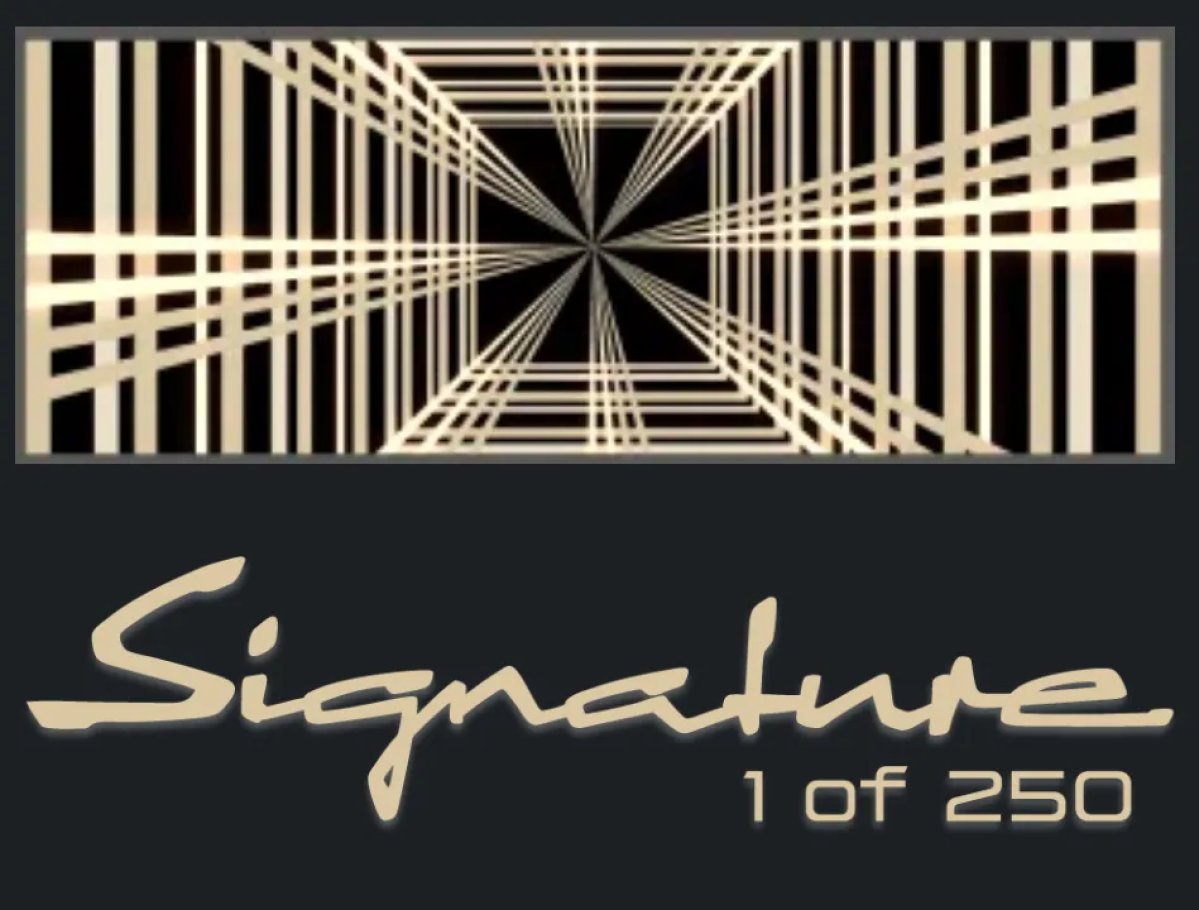
In the previous app update, we saw that the Signature Edition of the latest Model S and Model X will receive a special edition gold Plaid badge.
With this update, we’re now seeing that they will also receive another, non-animated badge that says “Signature 1 of 250.”
Feedback and Powered by Grok
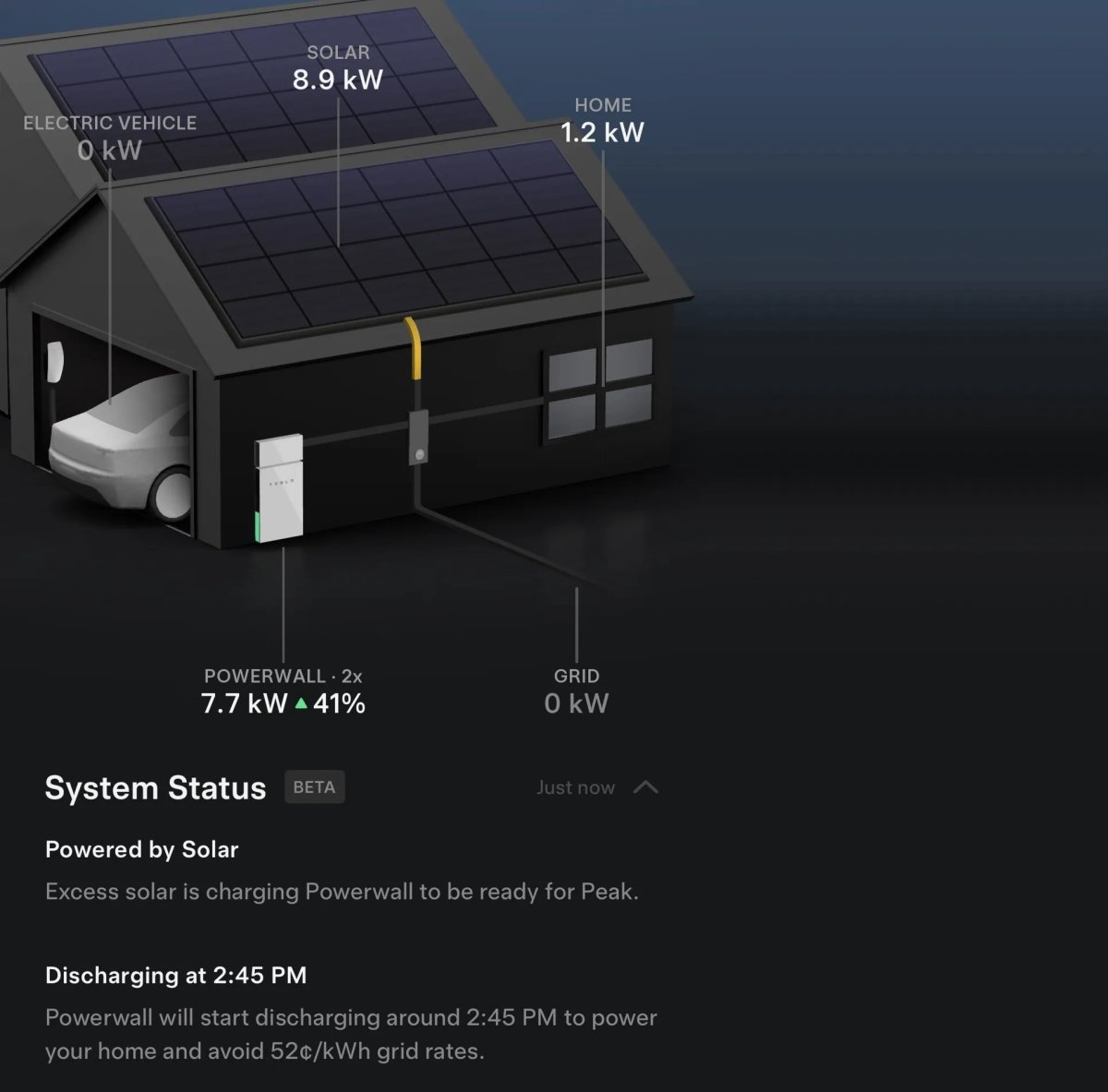
Tesla’s new AI-based status in the Energy section of the app has been updated, allowing users to provide feedback on the feature.
Users will be able to report whether a status was confusing, incorrect, or other.
Tesla has also added a new label that says that this AI status is powered by Grok, which is revealed in a phrase called simple_system_status_powered_by_grok, which gets translated to “Powered by Grok.”
FavoriteArchive
simple_system_status_feedback_input_label
Feedback
added
FavoriteArchive
simple_system_status_feedback_reason_confusing
Confusing
added
FavoriteArchive
simple_system_status_feedback_reason_incorrect_data
Incorrect description
added
FavoriteArchive
simple_system_status_feedback_reason_other
Something else
simple_system_status_feedback_tell_us_more
Something else? Tell us more.
added
FavoriteArchive
simple_system_status_feedback_thanks
Thanks for your feedback
added
FavoriteArchive
simple_system_status_feedback_what_went_wrong
What went wrong?
added
FavoriteArchive
Powered by Grok