


Tesla Updates App to 4.59.1: Arrival Energy and Wrap Support

Set Arrival Energy

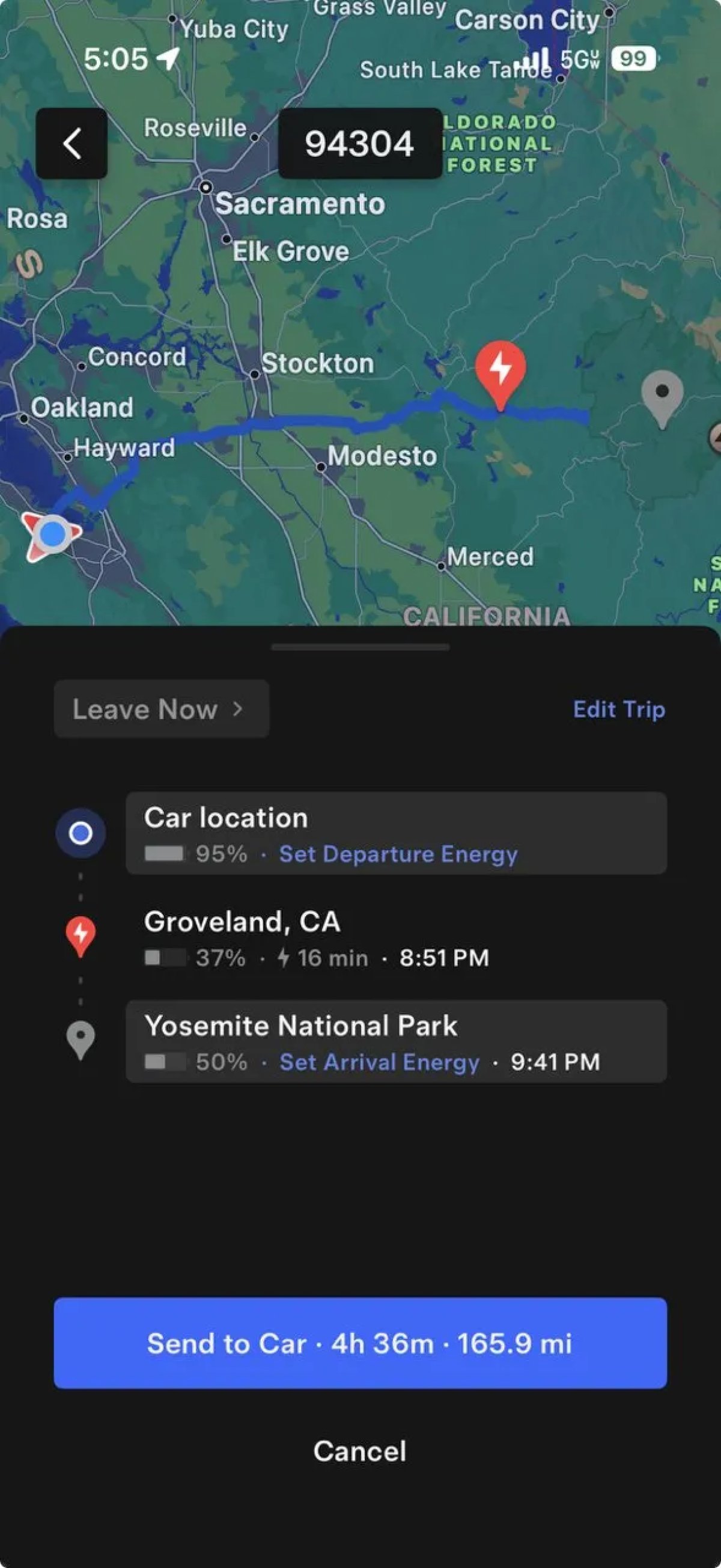
Tesla Set Arrival Energy feature in update 4.59.1
Models:
S
3
X
Y
CT

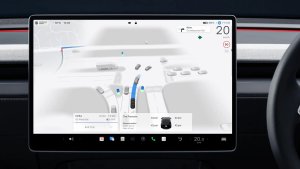
With this update, Tesla is enabling the ability for users to set their Arrival Energy in the Trip Planner. The Trip Planner under Location allows you to plan a trip directly from the app.

Setting Arrival Energy is an important step in planning a trip, since you may have enough energy to get to your hotel but not enough to reach your next Supercharger or explore the surrounding areas.

This update comes as Tesla likely begins rolling out the Summer Update to employees. For this feature to show up, you’ll need vehicle update 2026.26 or later.

Custom Wraps
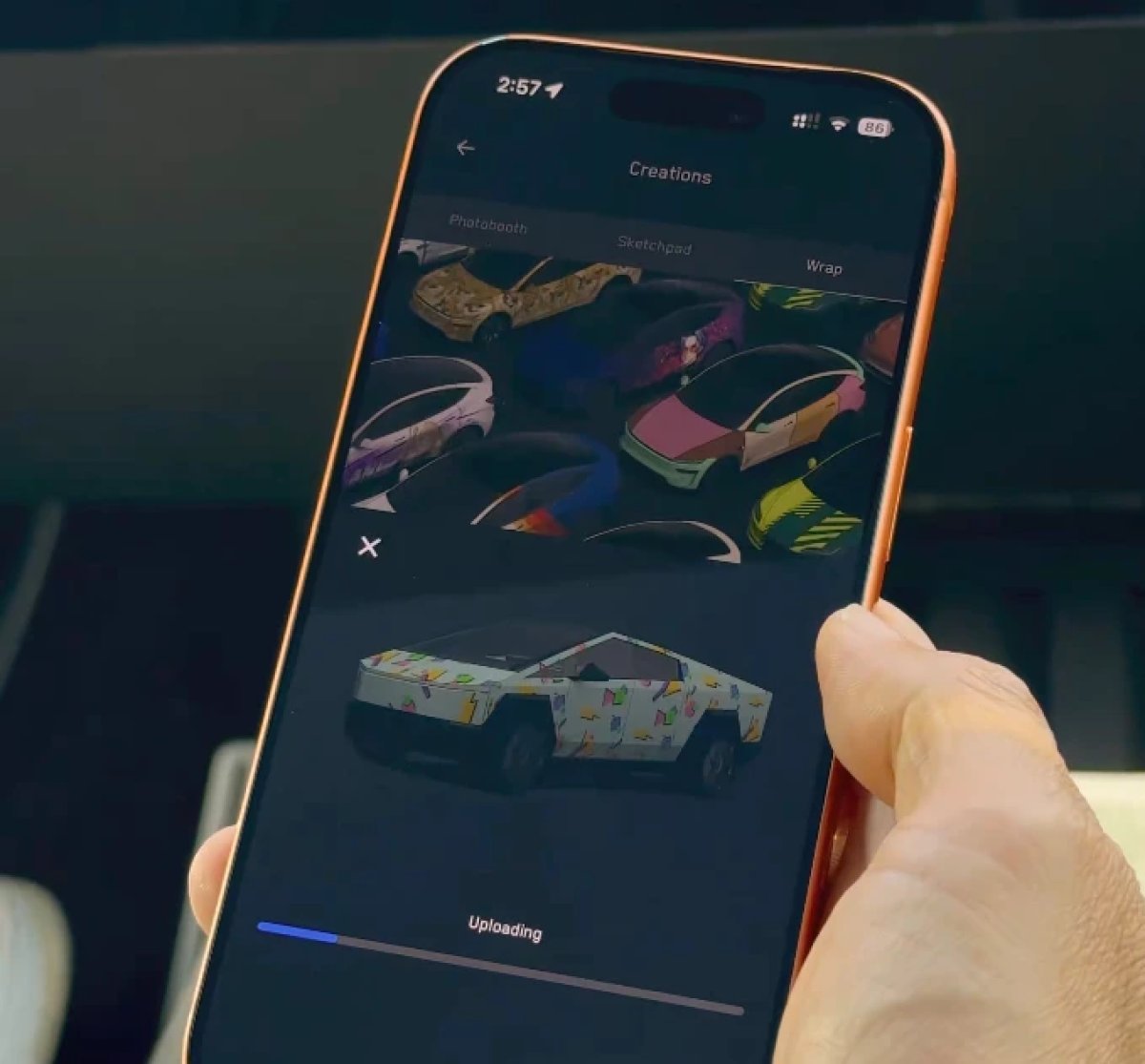
Tesla Custom Wraps feature in update 4.59.1
Available Worldwide
Undocumented
Models:
S
3
X
Y
CT
Undocumented

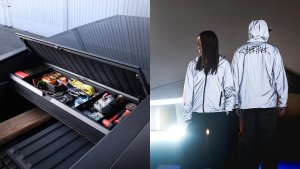
This app update enables the ability to upload custom wraps directly from your phone. Under Creations > Wrap, you’ll be able to upload a wrap and even enable it as the active wrap in your vehicle.

Requirements

  • Vehicle update 2026.26 or later

  • Vehicle with an AMD or Intel infotainment unit

  • You will need to have a configured phone key in order to upload wraps

  • Have not met the wrap storage limit

Tesla Updates App to 4.59: Adds Robot Commands, Ability to Upload Wraps and Self-Driving Stats

Tesla Robot: Commands and Phone Key

Tesla Tesla Robot: Commands and Phone Key feature in update 4.59.0
Undocumented
Undocumented

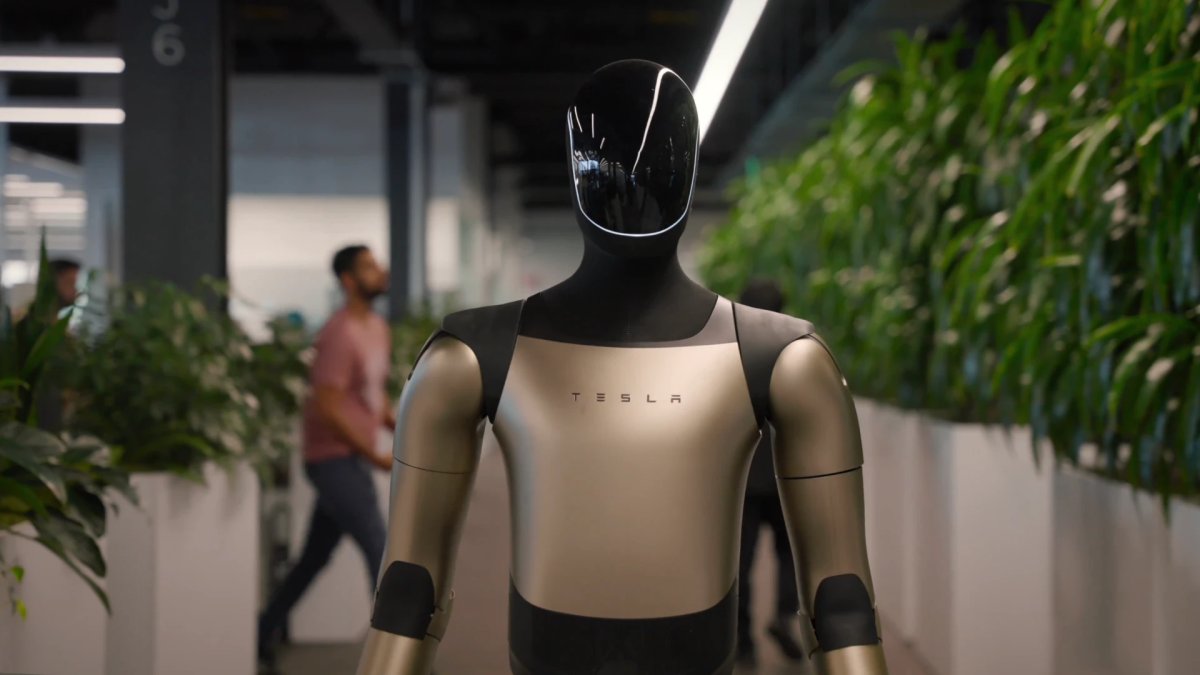
Tesla has added several interesting phrases in this app update related to robot, which could potentially be Optimus.

These phrases include the option to control the robot, including e-stop (emergency stop) and resume. There are also other phrases related to home data collection. Interestingly, there are several phrases related to a robot’s phone key and the pairing process.

While it’s still way too early to speculate this could be for consumer use, the use of a phone key could potentially be used to only let Optimus listen to commands from authorized individuals.

Some of the specific keys found in the app include:

  • robot_alerts_filter_all

  • robot_estop_slide_for_estop

  • robot_home_data_collection_title

  • robot_phone_key_connected

  • robot_phone_key_error_cannot_communicate

Self-Driving Stats

Tesla Self-Driving Stats feature in update 4.59.0
Credit default
Undocumented
Models:
S
3
X
Y
CT
Undocumented

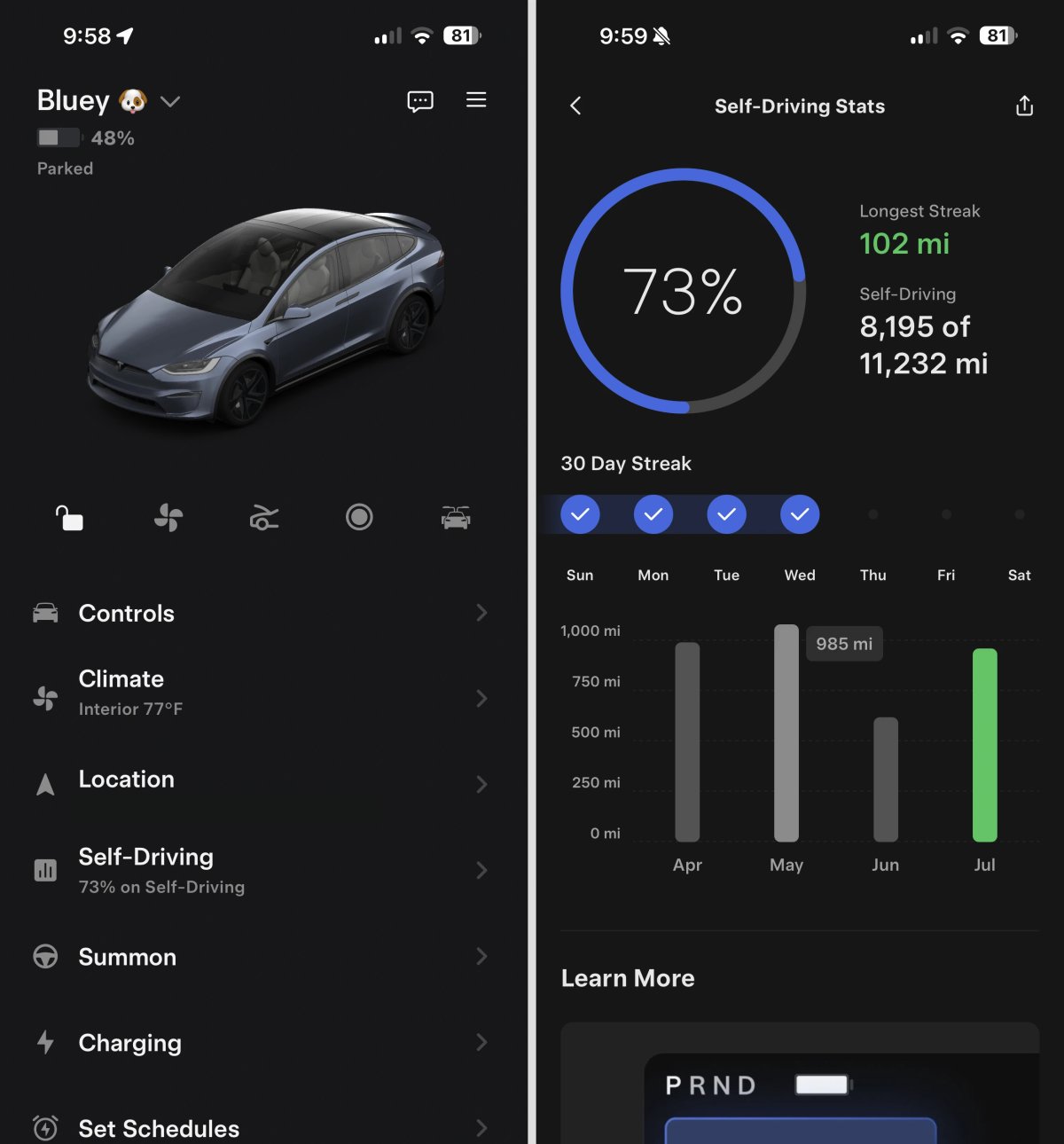
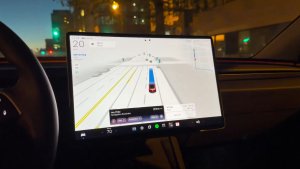
With this update, Tesla has enabled Self-Driving stats in the app that we found back in February. The UI has changed since then to better match the Self-Driving app that’s available in the vehicle.

In fact, the app and the vehicle share the same code for rendering the Self-Driving stats. The UI in the app is a webview, while the vehicle also uses HTML to render the Self-Driving app.

The Self-Driving Stats in the app include a new Self-Driving section that shows your percentage of miles driven on FSD.

Opening it up, it shows the same stats as the vehicle, including miles driven on FSD, percentage of miles on FSD since FSD v14.2, how many days you’ve used FSD in a row, and more.

This isn’t just for HW4 vehicles. The stats are also available for HW3 vehicles that have received FSD v14 Lite, which is currently rolling out.

Custom Wraps in the App

Tesla Custom Wraps in the App feature in update 4.59.0
Available Worldwide
Intel
AMD
Undocumented
Models:
S
3
X
Y
CT
Intel
AMD
Undocumented

With this update and the upcoming Summer Update, Tesla is adding support for uploading custom vehicle wraps through the Tesla app.

Custom vehicle wraps are simple PNG photos, so users can easily share and save them on social media.

By saving these images to their phones, users can upload them directly through the Tesla app under Creations > Wrap.

The app will display your vehicle with the wrap and allow you to upload it directly to your vehicle without touching your USB drive.

The app decompile also reveals that there is a limit to the number of wraps you can add, with the app including phrases such as “Wrap Storage Full” and “Your vehicle has reached the wrap upload limit. Replace your oldest uploaded wrap with this one?"

Requirements

  • A vehicle with an AMD or Intel infotainment unit

  • All vehicle models are supported

  • You will need to have a configured phone key in order to upload wraps. Simply being logged in to your Tesla account won’t be enough.

  • Have not met the wrap storage limit

This feature requires Tesla vehicle update 2026.26.

Tesla App Update 4.58.6 Adds Smart Charging, Smart Breakers and New Tesla Home Features

New Tesla Home Features

Tesla New Tesla Home Features feature in update 4.58.6
Credit default
Undocumented
Undocumented

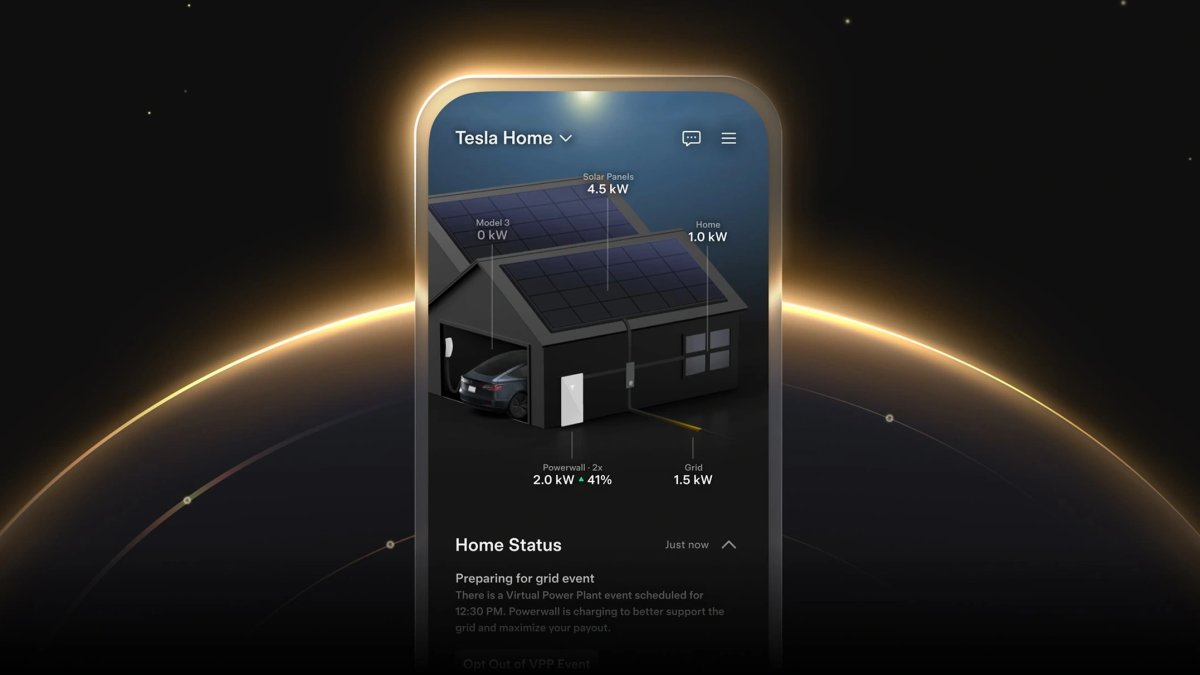
With this update, Tesla has turned on new Tesla Home features, including Opticaster, its AI-based home energy management system.

This system improves the prediction of your energy use, as well as when to sell, store, or use the power generated by your solar panels.

Tesla also enabled Wall Connector Smart Charging, which will automatically set your Wall Connector to start charging your vehicle at the cheapest rate if you have a time-of-day energy plan.

In addition, Tesla enabled the long-rumored support for Smart Breakers, which let you and the Tesla ecosystem turn certain home features on and off based on whether you’re connected to the grid.

Details

Release Date

July 7, 2026