



Easily Switch Between Wheel Covers On and Off
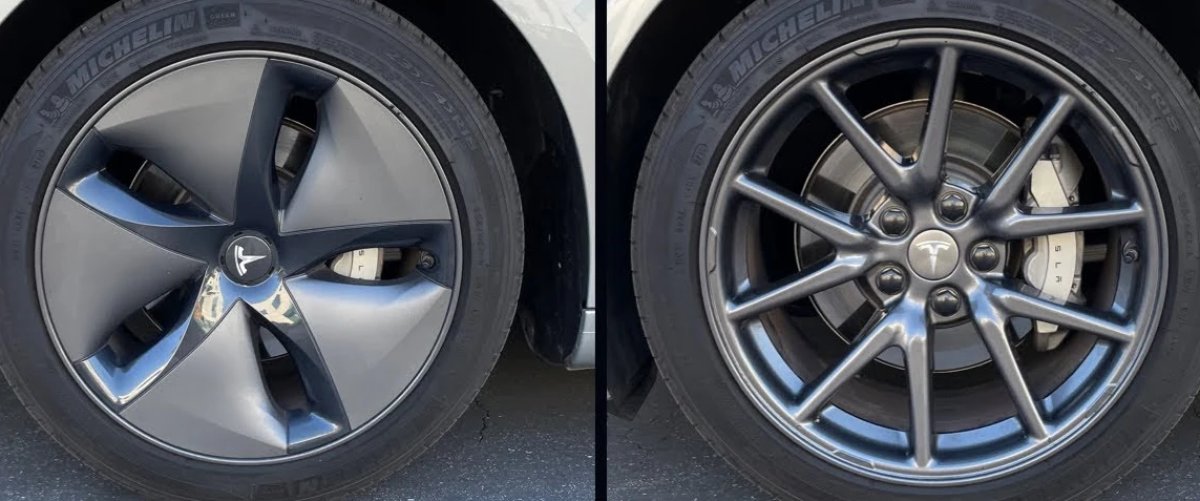
Most Teslas come with wheel covers that can be removed for better looks, however, it typically has a small effect on range.
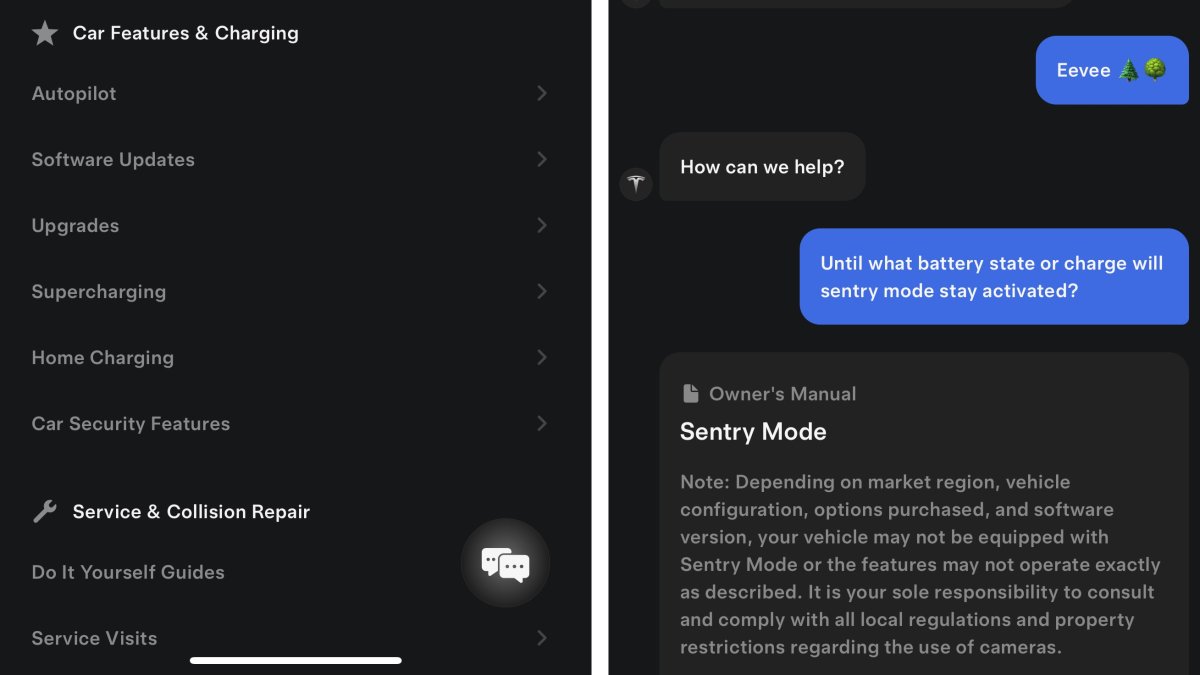
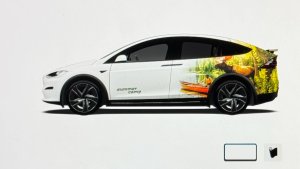
While Tesla lets you adjust the vehicle wheel visualization in the app and in the vehicle, it requires you to go to Controls > Service > Wheels just to change to the look without wheel covers.
Tesla is now going to make this much easier and consider the wheel cover and no-wheel-cover version of the wheel the same type of wheel. Users will then be able to easily change the look of the wheel by selecting whether they have the wheel covers on or off.
Keep in mind that the selected wheel isn’t only for the visualization, but Tesla also uses it to determine expected range as some wheels are more efficient than others.
The expectation is that you’ll be able to toggle between the wheel cover or no-wheel-cover version of the wheel type in the Tesla app and in the vehicle, without hunting through a long list of wheel types.
Use Robotaxi Instead of Loaner
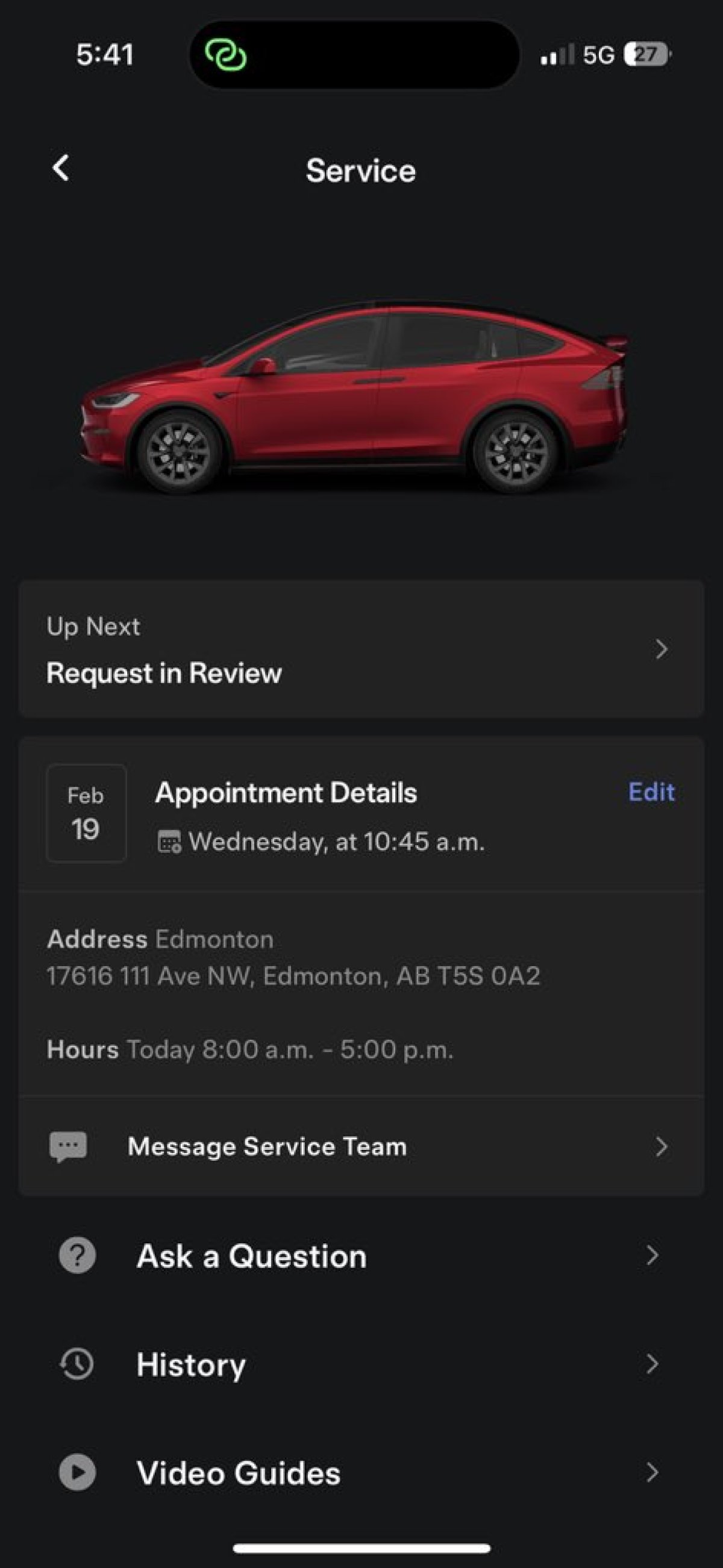
When taking your vehicle in for service, Tesla sometimes offers a loaner vehicle for your use if your vehicle will be in service for more than a few hours.
Unfortunately, loaners aren’t always available and Tesla has had to fall back on Uber credits or sometimes not offer back up transportation at all.
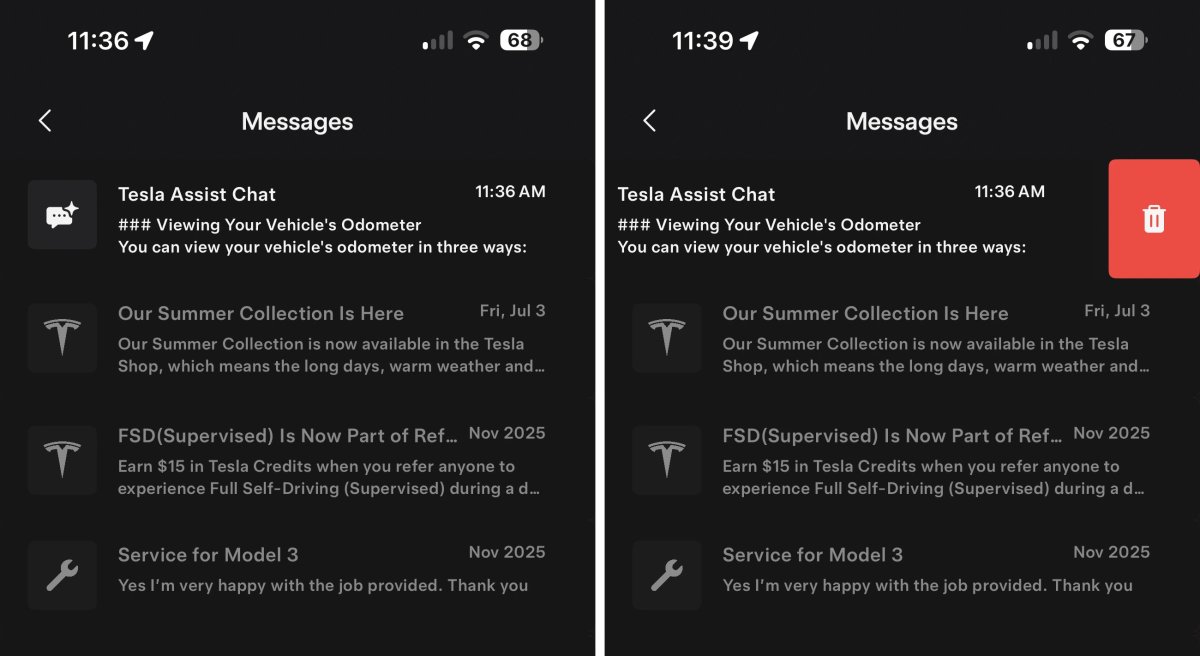
That appears to be about to change as this Tesla app update hints at Tesla’s robotaxi also being an option for back up transportation when taking your vehicle in for service.
This moves makes a lot of sense as it would fill the need of providing transportation for the customer, while also drastically reducing costs for Tesla. Instead of having to pay for Uber themselves or have loaner vehicles on hand, Tesla could provide robotaxi rides at a fraction of the cost.
This change is likely not far off in the future as Tesla could start providing this type of service today in several areas like Austin, Texas and gradually expand at the same time as its Robotaxi service.