


Improved Visuals
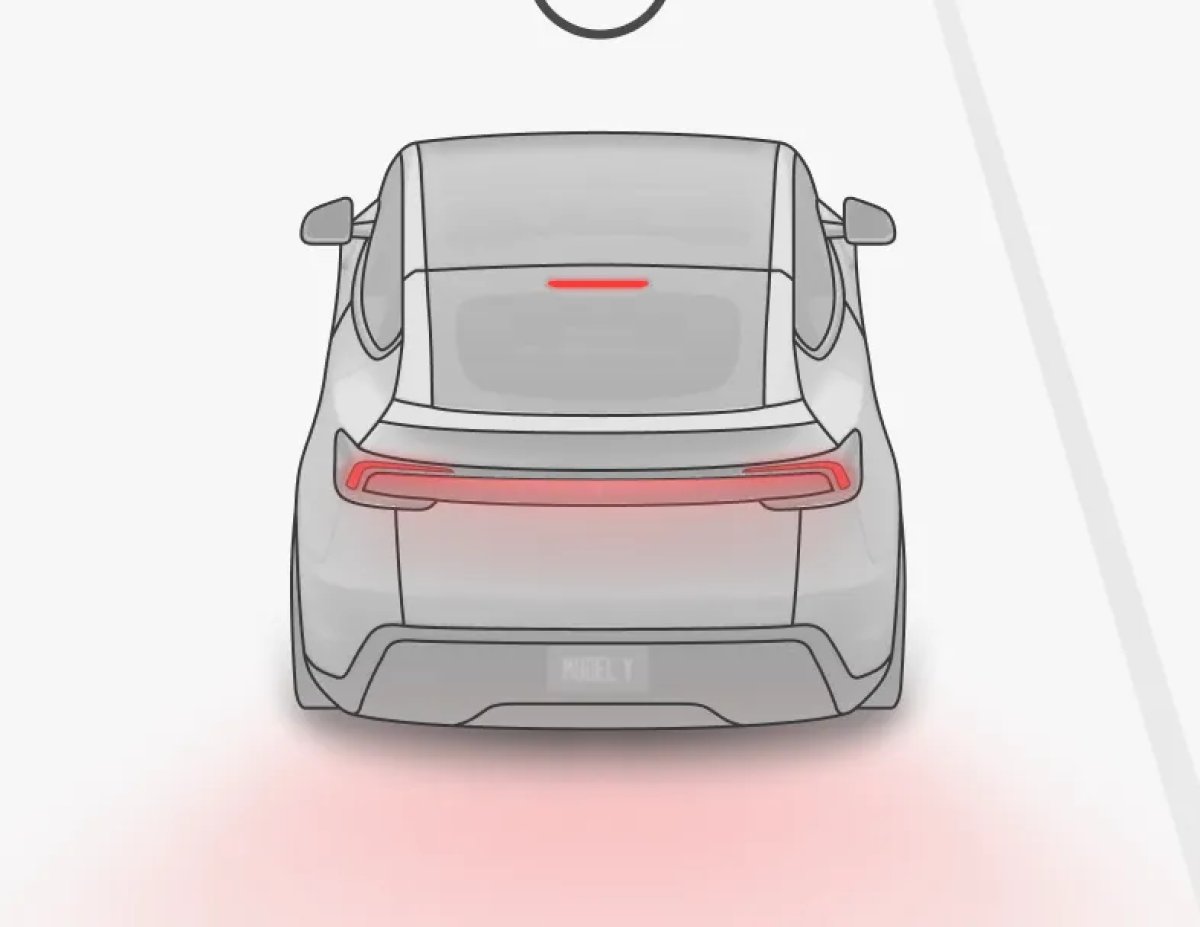
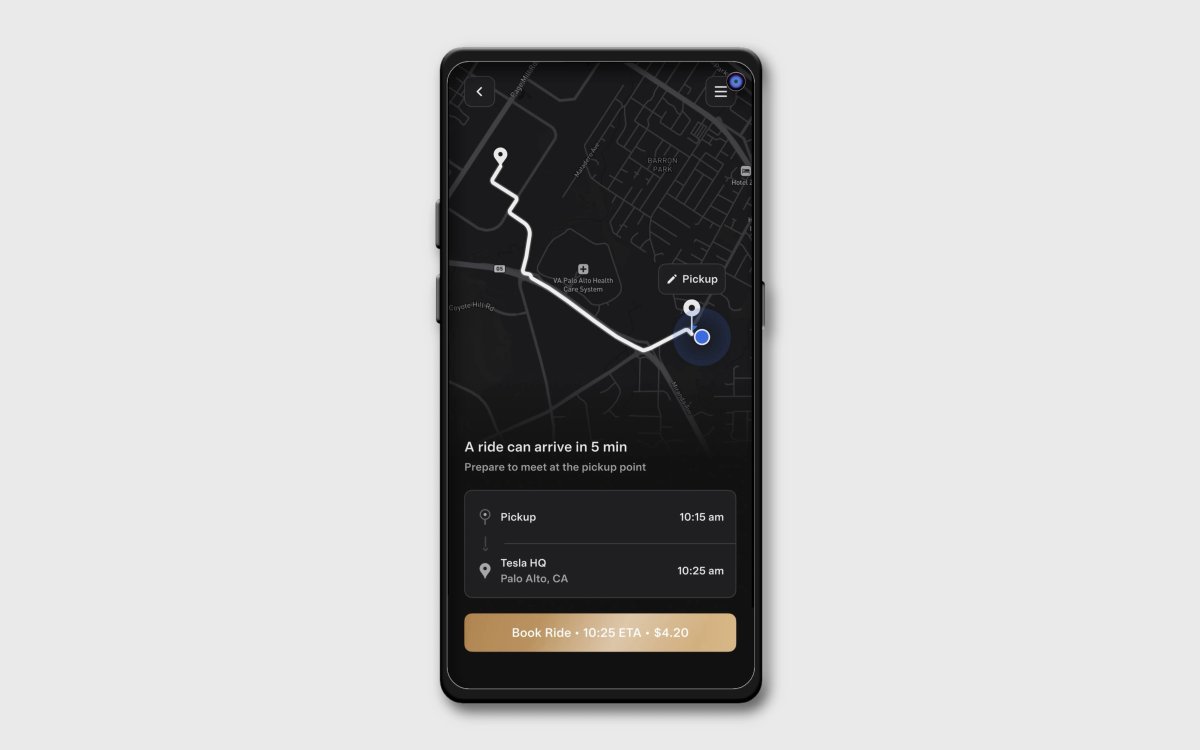
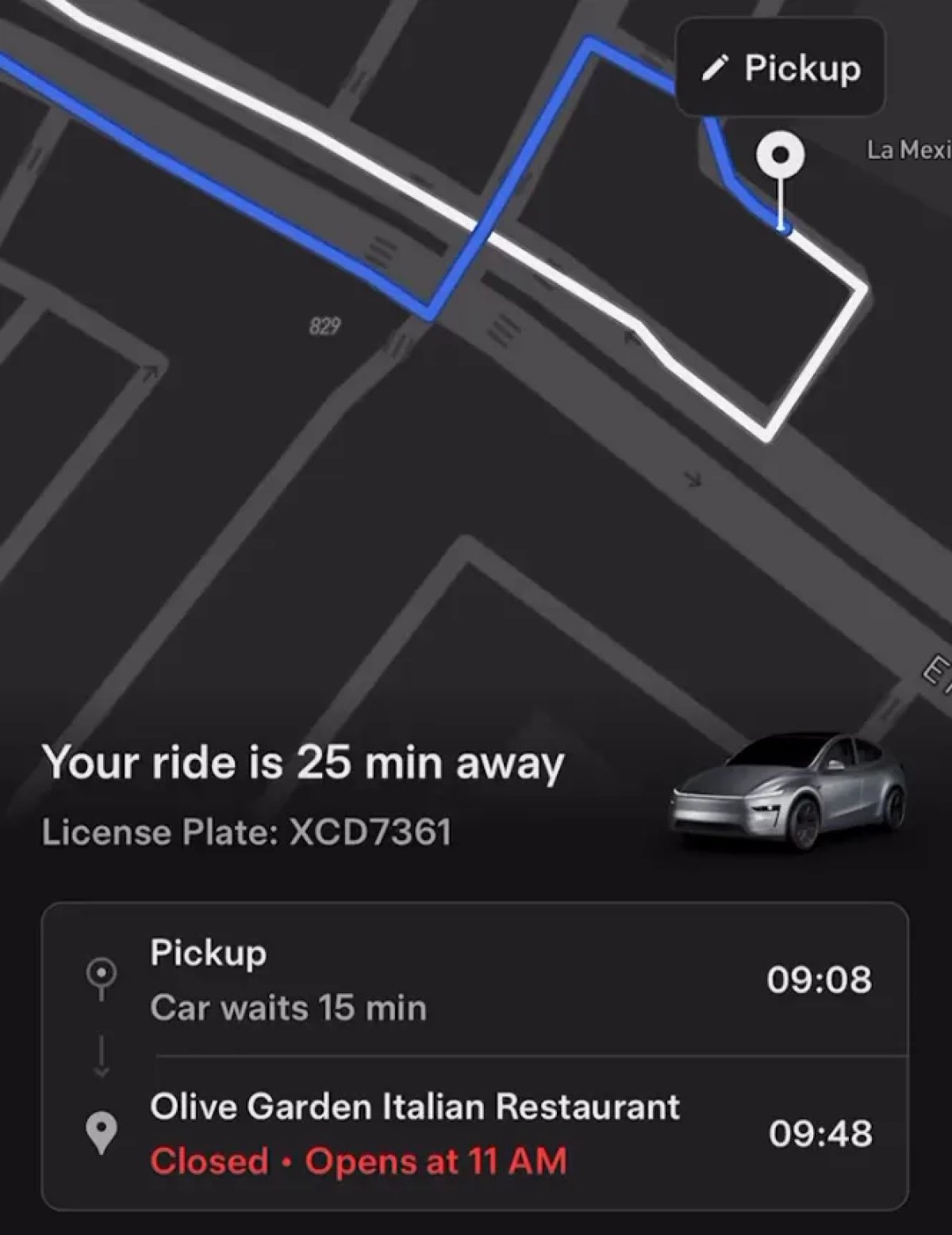
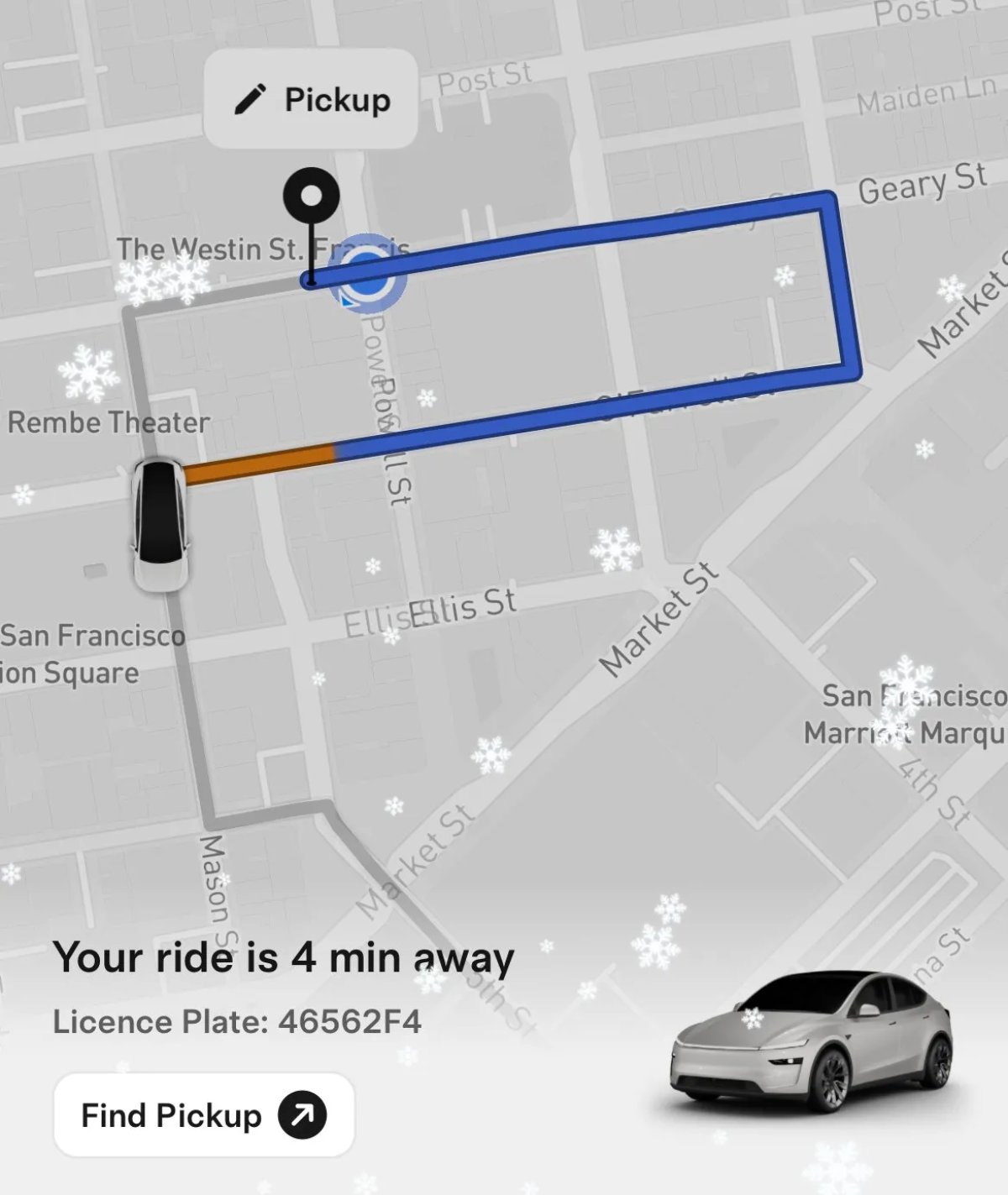
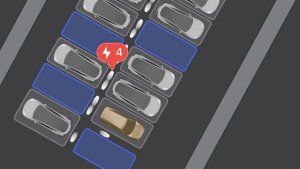
Tesla has updated some of the vehicle images in the Robotaxi app. They now show the vehicle with its brake lights on and indicate that the vehicle is parked with a round P icon.
Tesla appears to also be redoing the buttons in the app with animations. There’s a new Start Ride button with 15 animation states.
"StartRideButtonAnimatedTsx15"
Apple Pay Support
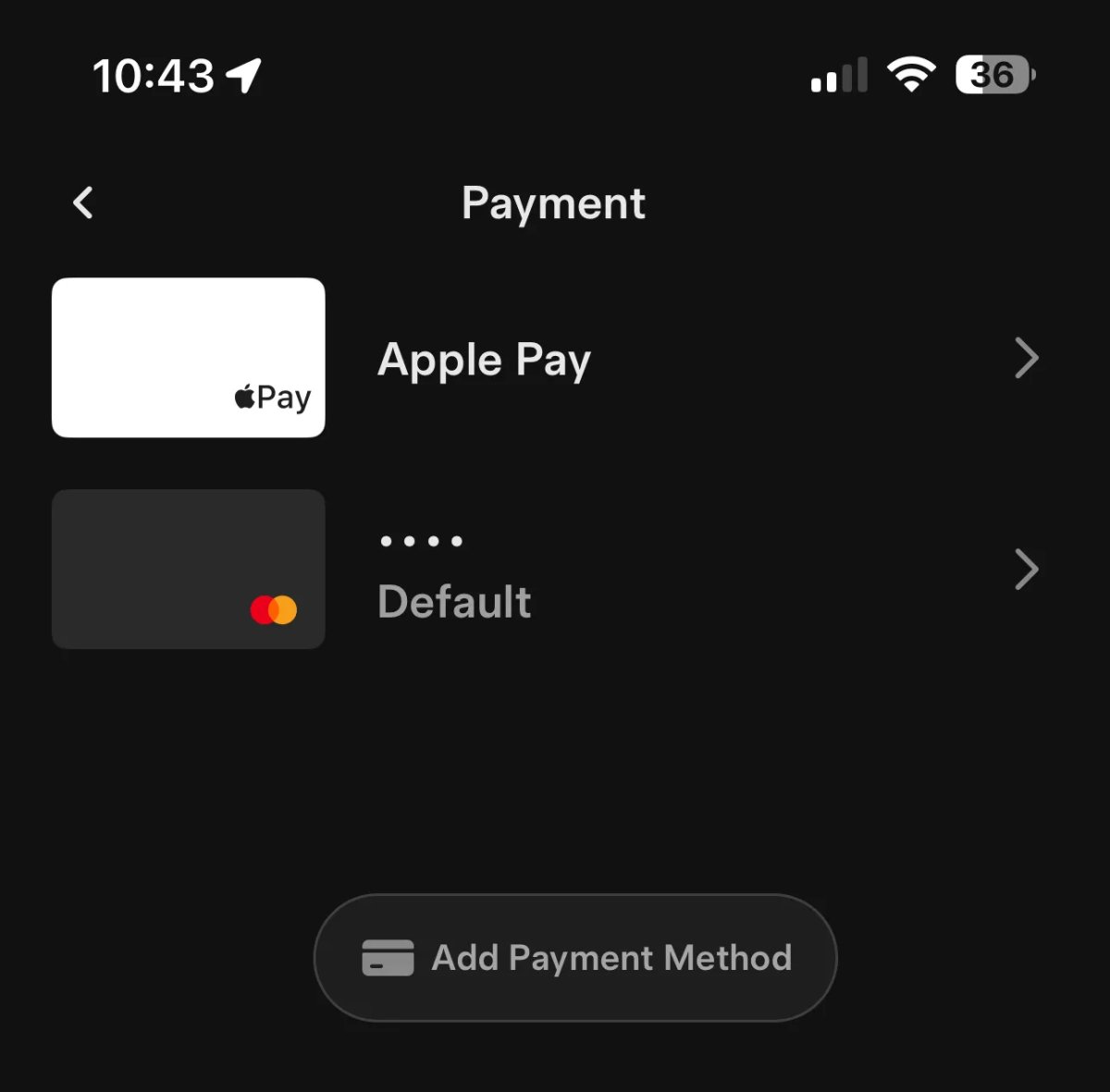
Tesla now offers Apple Pay as a payment option. Apple Pay will show up as a payment option automatically under payments.
While Apple Pay isn’t the default payment option, you can set it as such by tapping on Apple Pay. While the regular Tesla app also supports Apple Pay, it only shows up as an option during checkout and it doesn’t appear in the regular Payment/Wallet menu.
New Commands
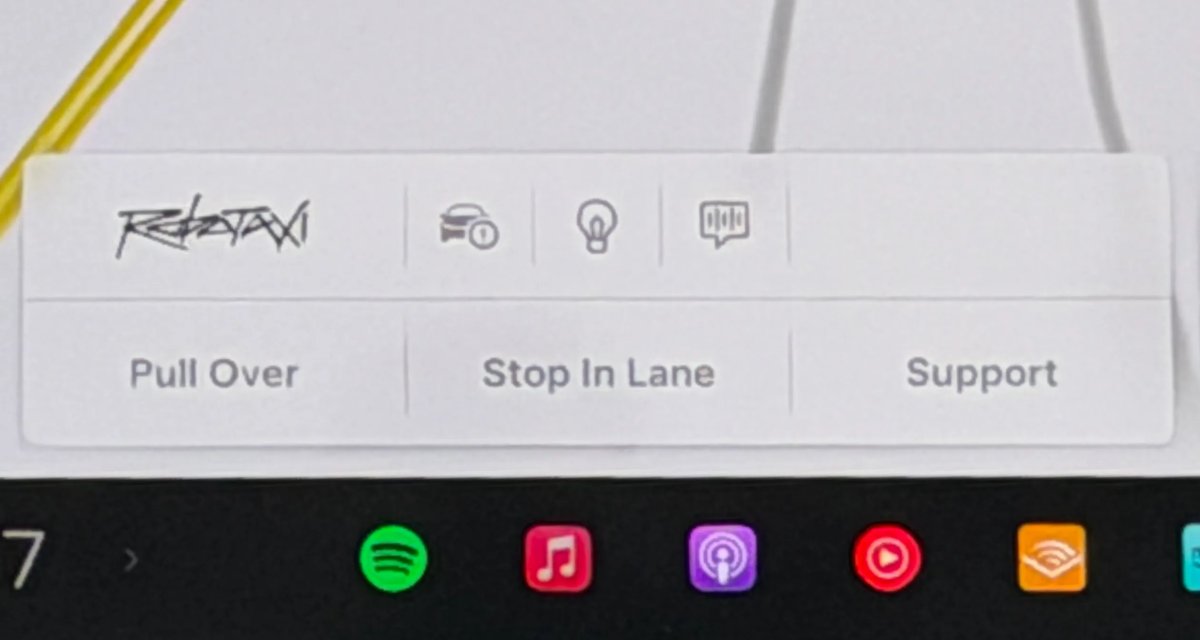
In this update, Tesla is creating a new set of commands. While some of these commands, like Pull Over, already exist, Tesla is introducing a few new ones, like Disengage Driverless and Recovery Mode. However, it’s not exactly clear what they mean yet.
Some of these commands, like Reset Infotainment, could be tied to the new icons we’re seeing on the Robotaxi.
proto.VCSEC.AutonomyCommand.DisengageDriverlessproto.VCSEC.AutonomyCommand.EnableRecoveryModeproto.VCSEC.AutonomyCommand.PullOverCommandproto.VCSEC.AutonomyCommand.ResetInfotainment
Edit Destination Notification
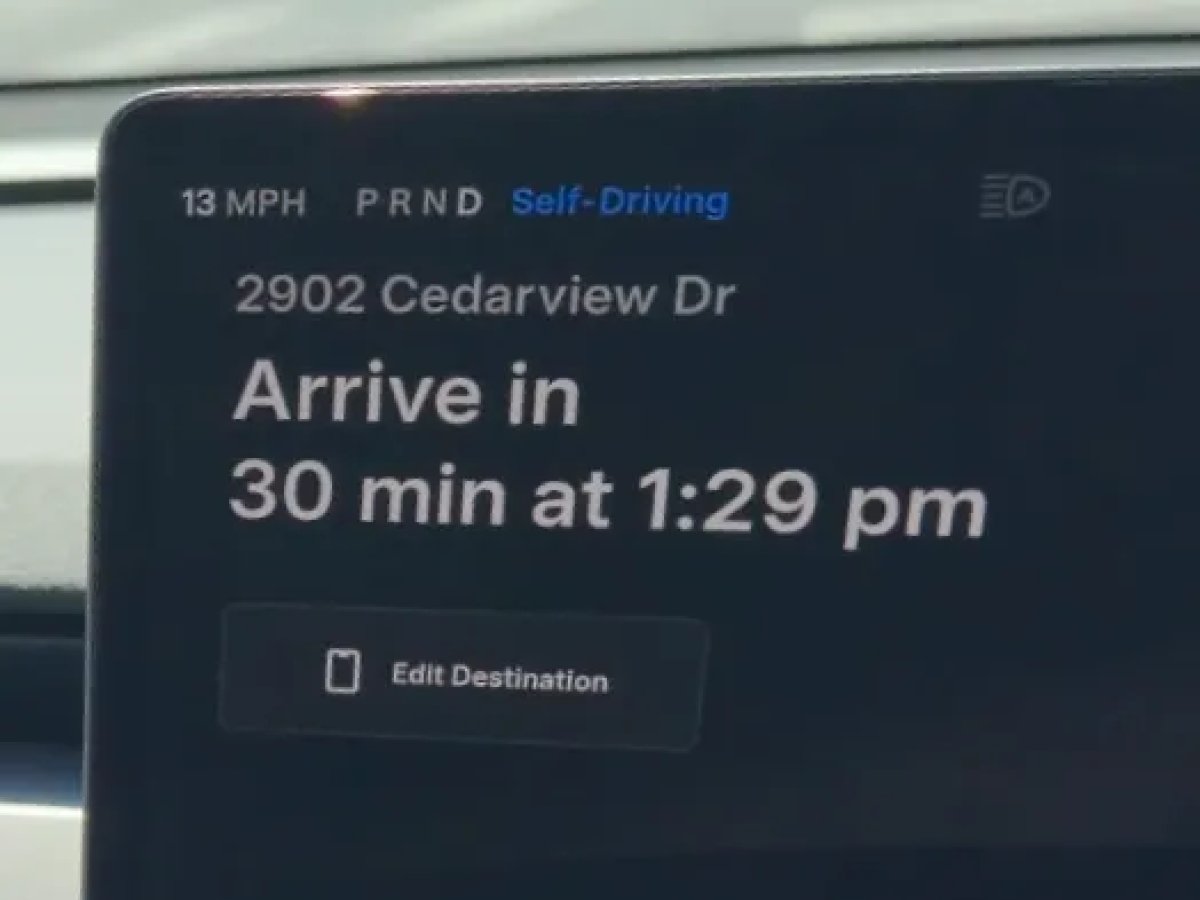
Tesla Robotaxis recently added a “Edit Destination” button to the screen. However, tapping it just told you to use the Robotaxi app to edit the destination.
With this update, tapping the button will now send the user a notification that lets them easily edit the destination.