
Custom Wraps & Tints
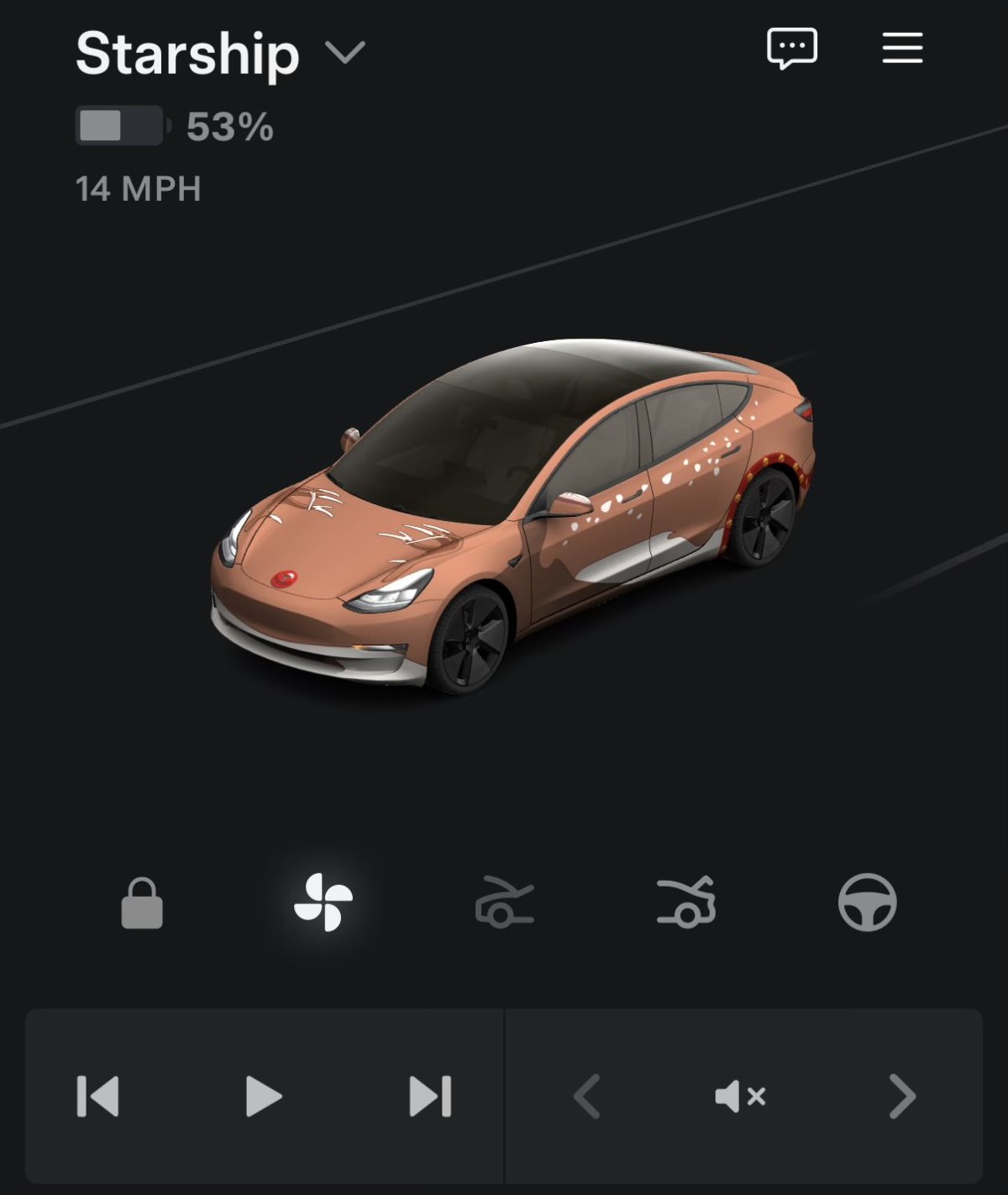
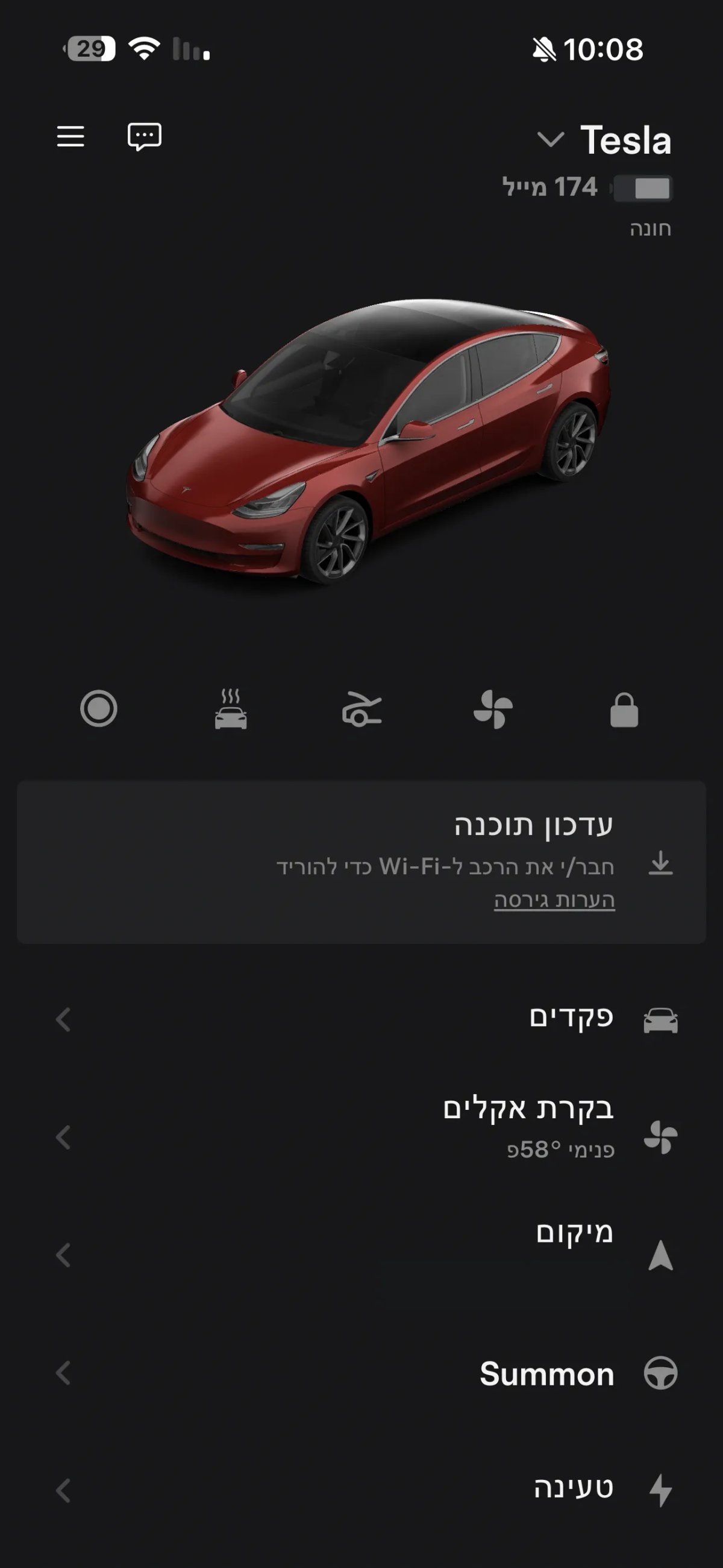
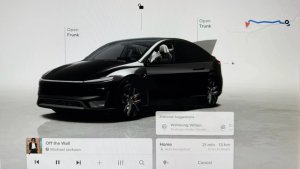
The holiday update adds custom wraps, license plates, and tint visualizations to the Model 3 and Model Y. These same features, whether they’re hand-picked from Tesla’s curated list or a custom wrap, also show up in the Tesla app.
This is available for all Model 3 and Model Y variants, including Performance models and the Model Y L, in addition to the Cybertruck. It’s still unclear whether this will be limited to AMD vehicles or extend to Intel-based vehicles as well.
Dashcam Viewer Improvements
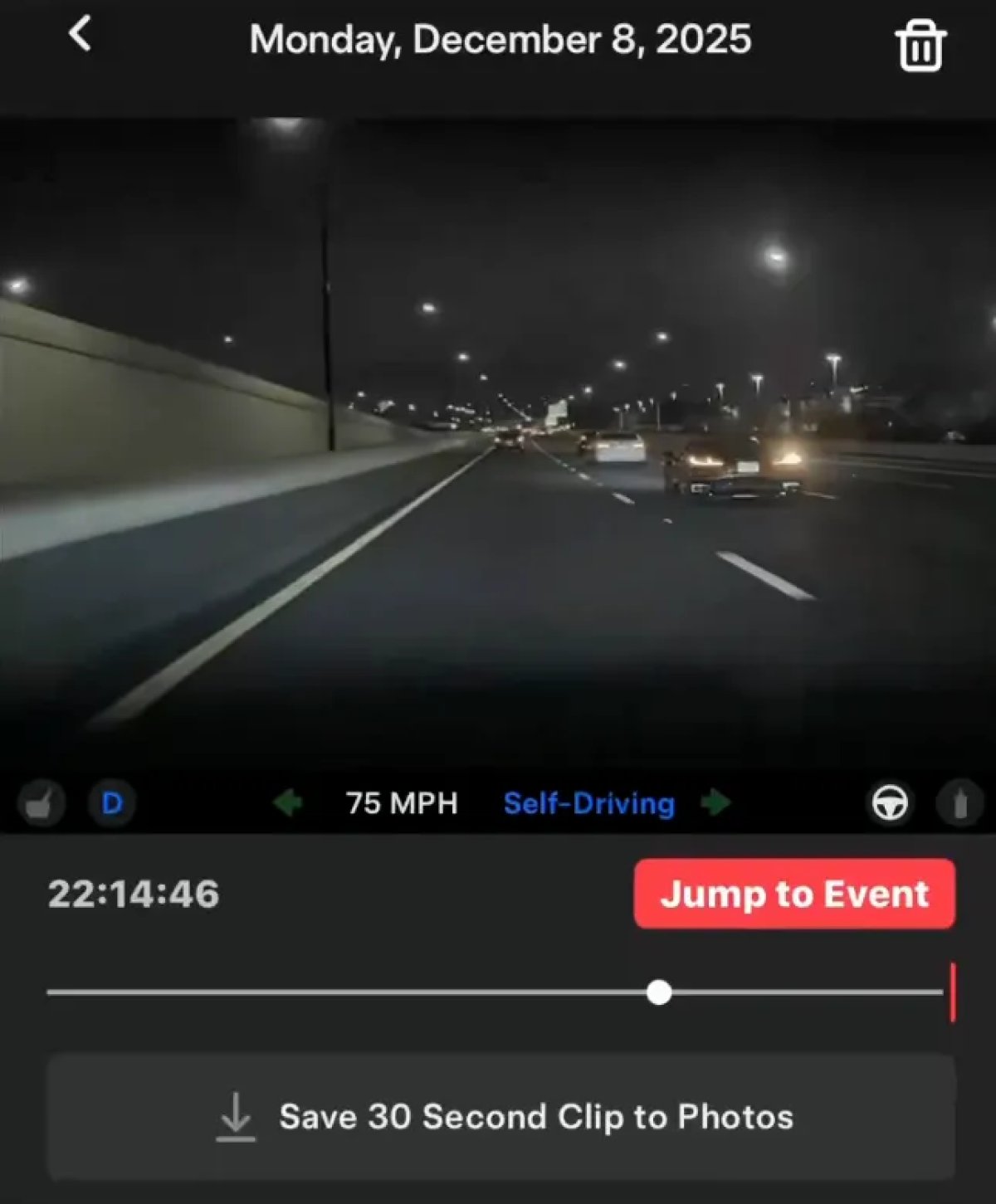
While we know that the vehicle is receiving a massive improvement to its Dashcam feature, this app update reveals that the app will also display similar information.
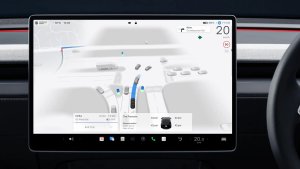
When viewing Dashcam footage in the app, the app will now show vehicle information such as the speed of the vehicle, steering wheel angle, and self-driving state.
The in-vehicle Dashcam Viewer will also display whether the brake or accelerator is being pressed. It’s not clear whether Tesla didn’t mention that in the app’s release notes, or whether that information just won’t be displayed in the app
Tesla Photobooth
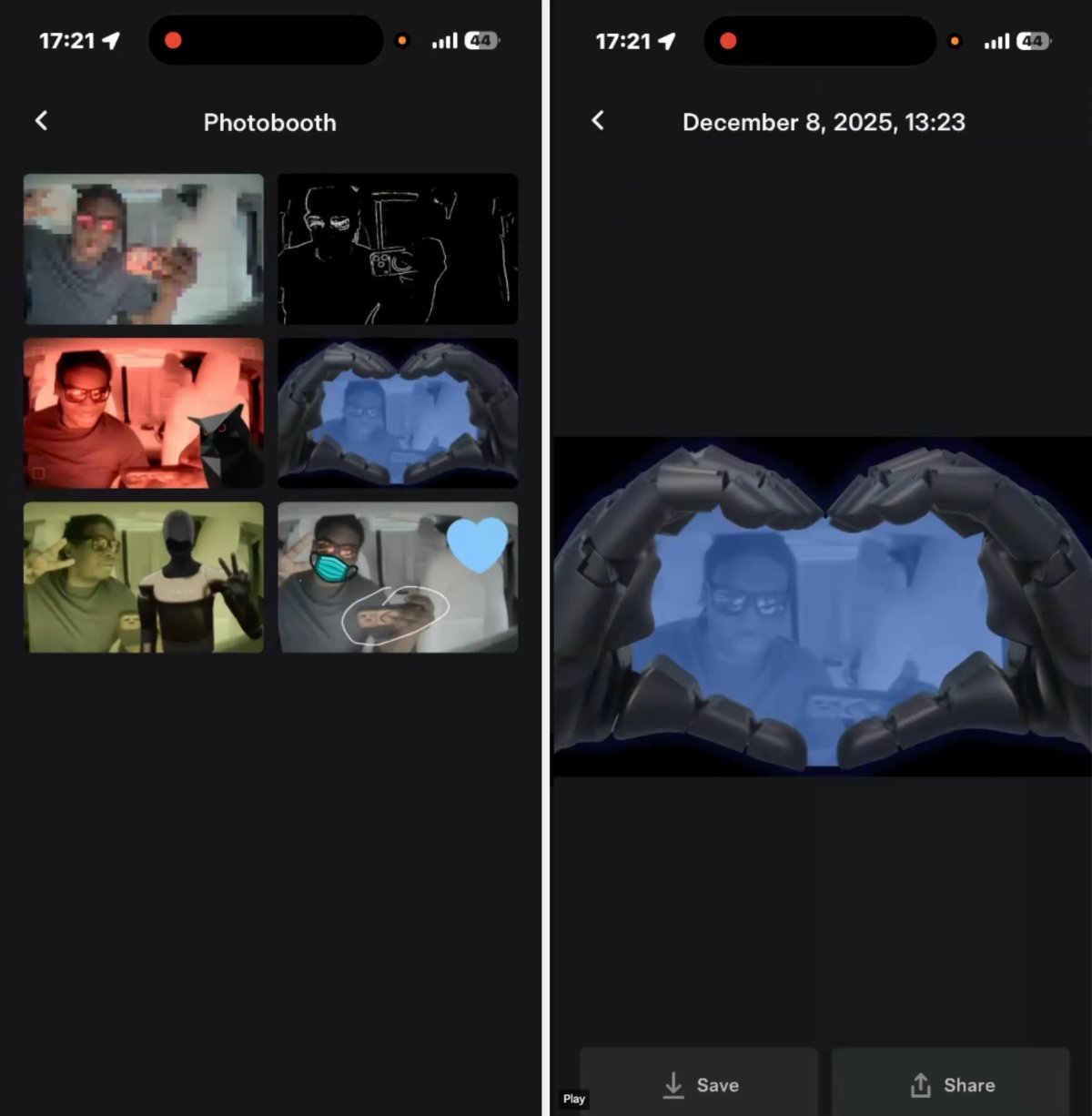
Tesla announced a new Photobooth feature with the 2025 Holiday Update. It turns out that this feature will also have an app component that will let you view and download photos taken with the vehicle’s cabin camera.
Stored on USB Drive: Similarly to Tesla’s Dashcam, all the data will be stored on the vehicle’s removable USB drive. You’ll be connecting to your vehicle when viewing photos in the Tesla app. This feature likely requires Premium Connectivity or a Wi-Fi connection.
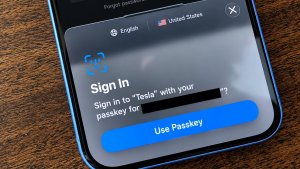
Privacy: Tesla has also taken privacy into account. It’s not enough to be logged in to your Tesla account to view the photos. You’ll also have to have the phone set up as a phone key for the vehicle in order to view any of the photos taken with Photobooth.
Save / Share: When you select an individual photo, you’ll be able to save the photo to your phone or share it.
Availability: We expect this feature to be limited to AMD Ryzen and HW4 vehicles due to the higher camera resolution, but we’ll have to wait until the Holiday Update rolls out to Intel vehicles to be sure.
Dog Mode Activity
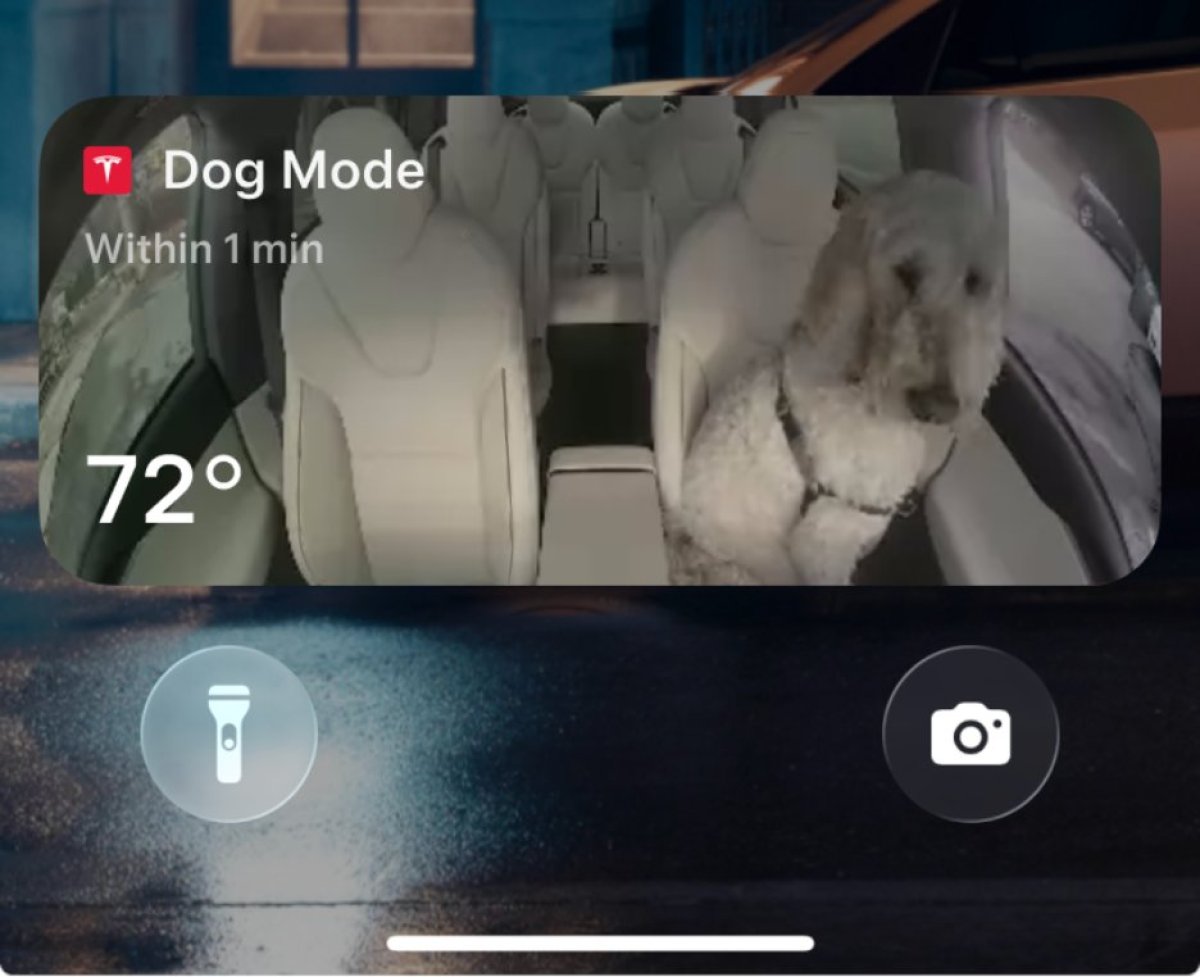
Tesla’s Dog Mode Live Activity is also included in this app update, but the feature also requires that your vehicle be on update 2025.44.25, which is Tesla’s 2025 Holiday update.
When Dog Mode is enabled on iPhones, you’ll be able to track your dog’s movement directly from your lock screen. It will display the vehicle’s internal temperature, as well as a recent photo of the interior of the vehicle.
Tesla also includes how long ago the photo was last updated.
Vehicle Locator
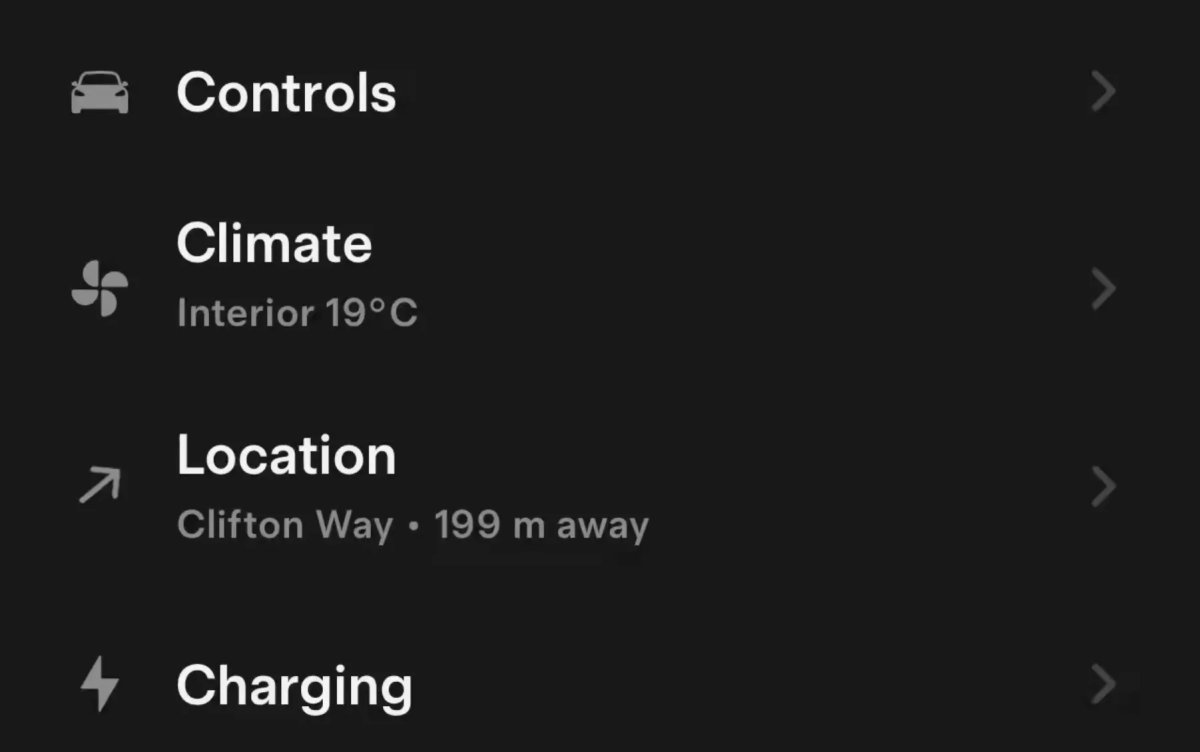
Tesla has rolled out a new vehicle locator feature in the Tesla app. Instead of the feature being completely separate, it’s built directly into the icon of the location section.
When you’re within a few hundred feet of your vehicle, the app will now display how many feet away from the vehicle you are, and the icon will display the direction of the vehicle.
Weather Visualizations
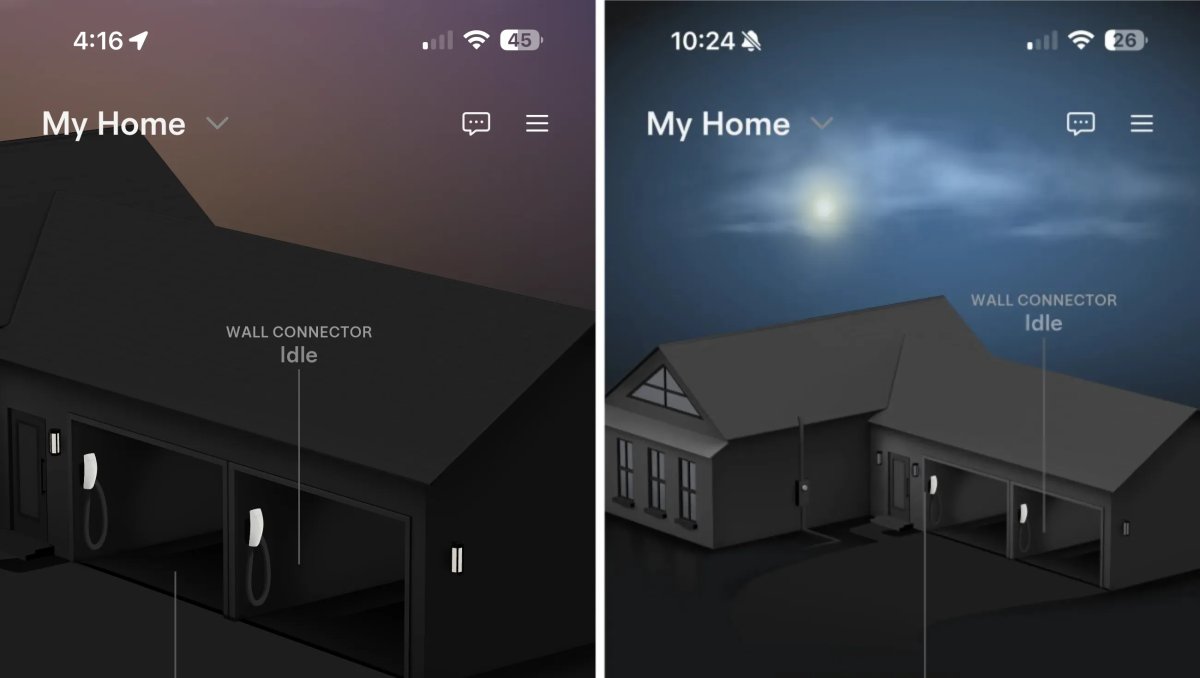
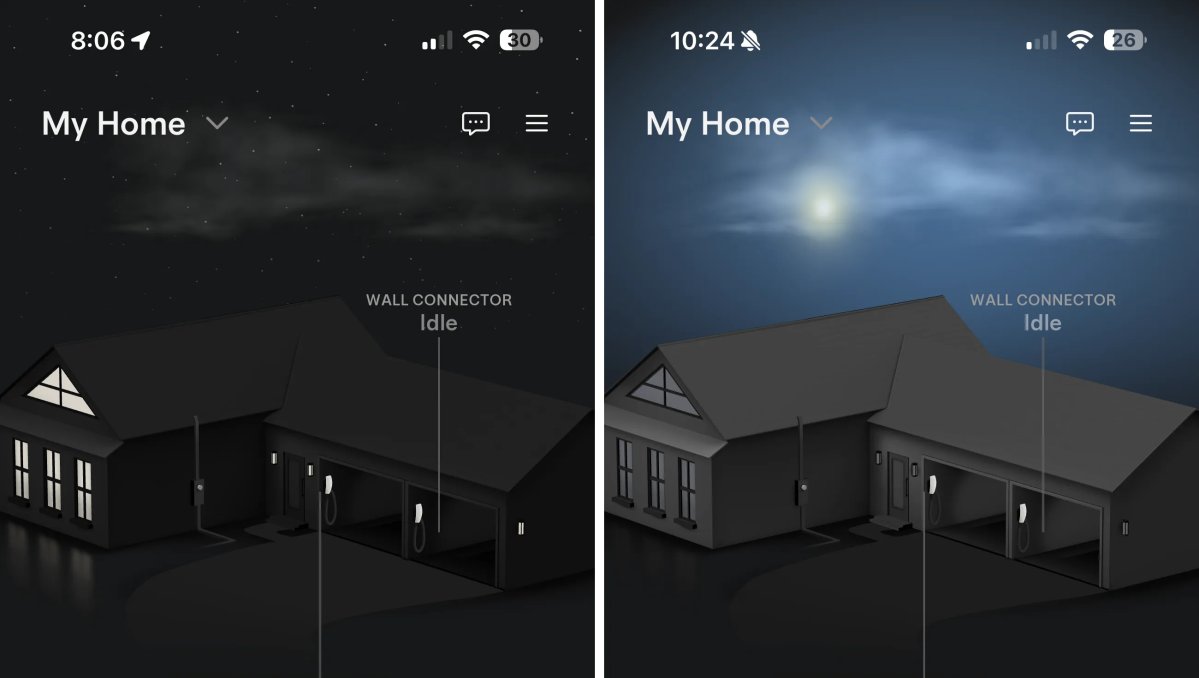
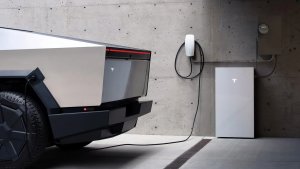
Tesla has changed the look of the Home section of the app if you only have a Tesla Wall Connector and don’t have Tesla solar or Powerwalls.
The previous app update, which added weather visualizations, started displaying the entire home so you could better see them. However, with this update, Tesla once again displays the zoomed-in view of the garage. The weather visualizations are still active, but you can now only view a portion of it.
FSD Gift Card
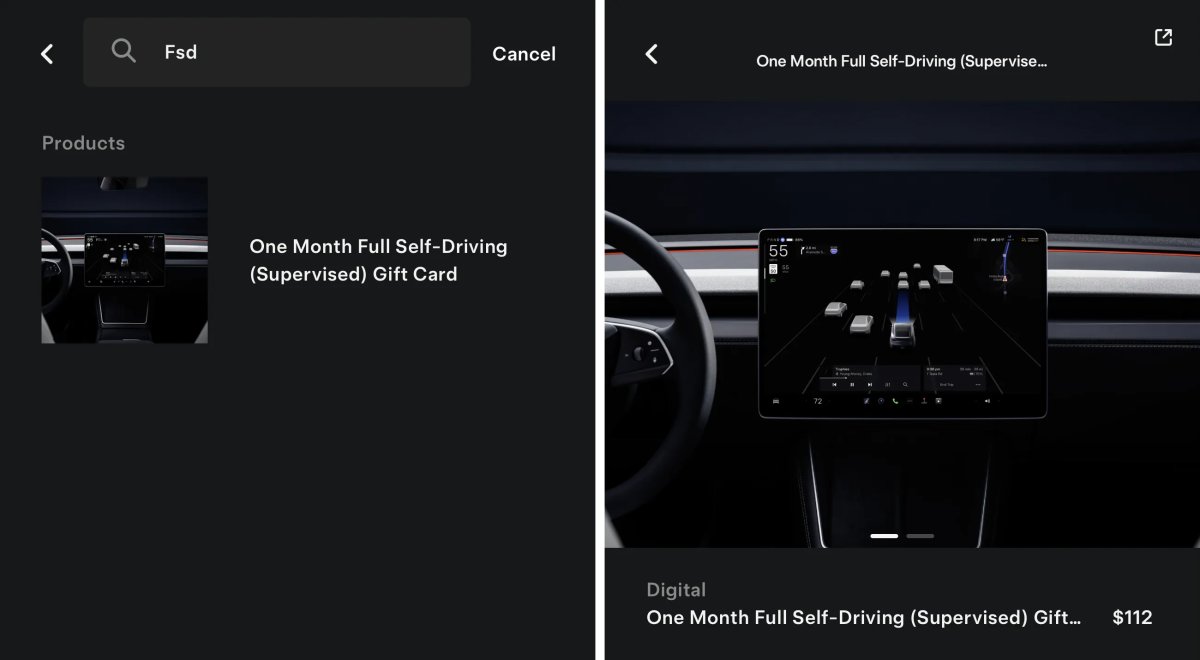
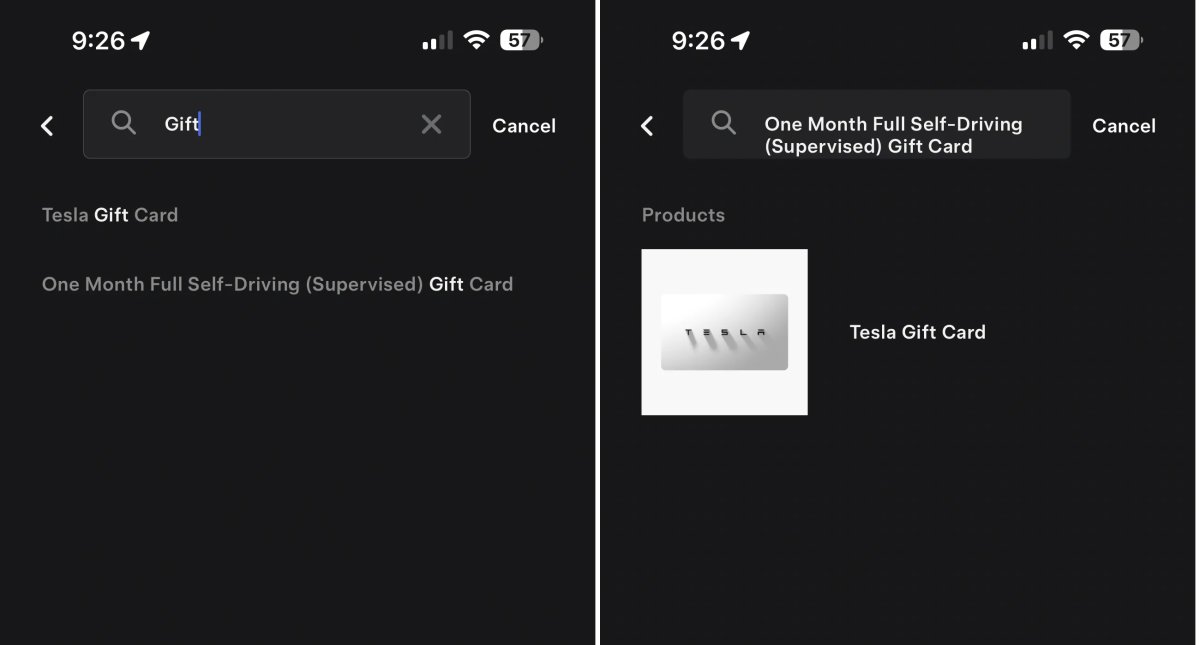
Since the last app update, Tesla has officially added the ability to view and purchase an FSD gift card to gift to friends and family. The gift card is only available in the U.S. and includes taxes.
Charging Year-in-Review
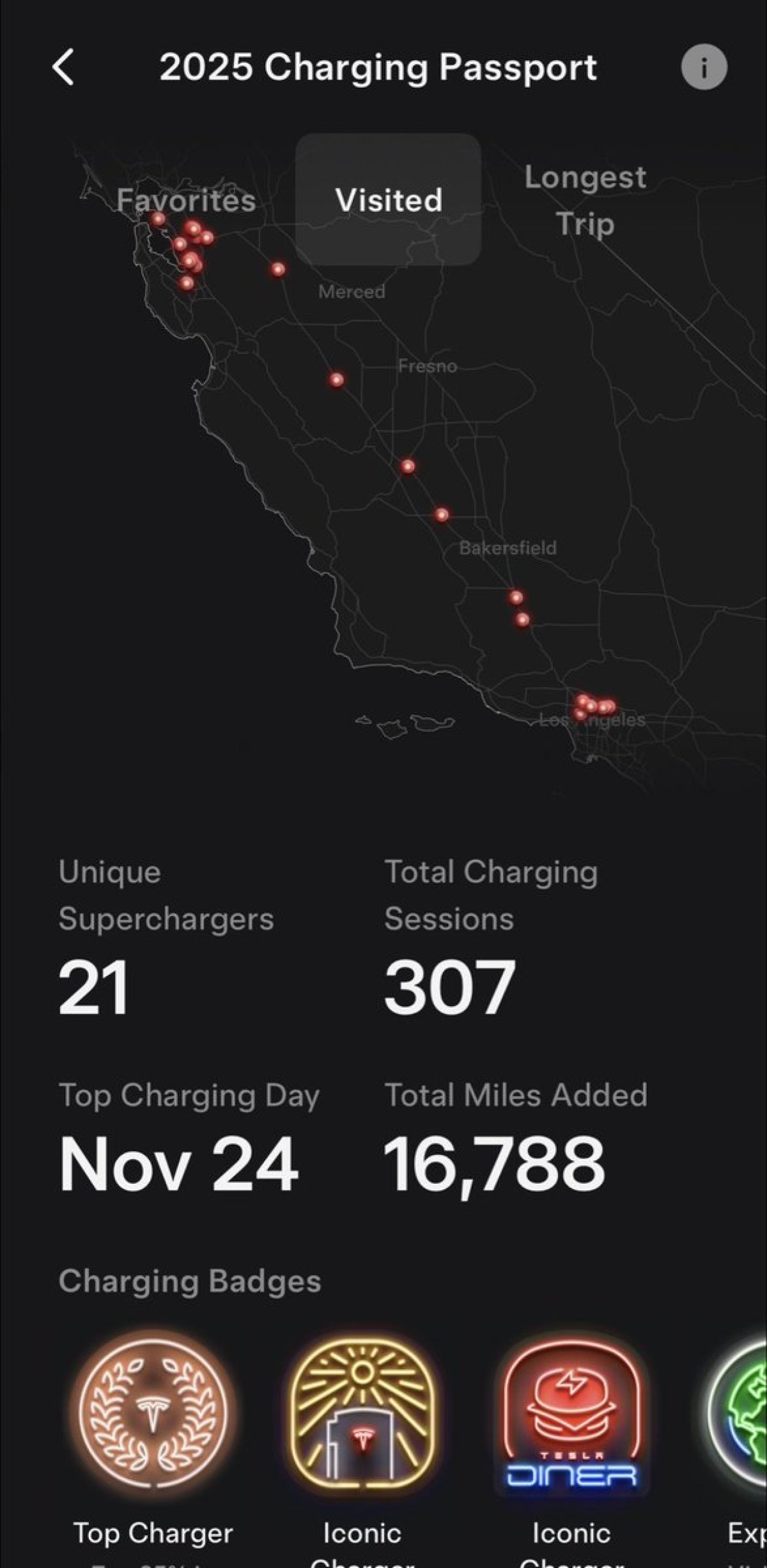
Tesla has introduced a look back at your charging for 2025. It highlights all the Superchargers you’ve visited, charging sessions, number of miles charged and your biggest charging day.
They also introduced charging-related badges, awarded for being one of the top users in various categories. Charging Passport is slowly rolling out to users. It’s available under the Charging section of the Tesla app.