

Tesla App Update 4.54.0: FSD Stats, Loyalty Program, FSD Impacted

Upcoming Loyalty Rewards

Tesla Upcoming Loyalty Rewards feature in update 4.54.0
Undocumented
Undocumented

Tesla appears to be introducing a new loyalty program that will let users enroll and earn rewards directly through the Tesla app.

Users will be able to see their current progress, history, and claim rewards. However, it’s not clear whether this will replace the current referral program or be in addition to.

Tesla had users earn “badges” in its year-in-charging review, so it’s possible this new program could be tied to earning badges rather than to referring new customers.

Some of the new phrases in the ap include:

OwnershipLoyaltyMyRewardScreen

"OWNERSHIP_LOYALTY_CLAIM_REWARD"

"OWNERSHIP_LOYALTY_ENROLL"

"OWNERSHIP_LOYALTY_HISTORY"

"OWNERSHIP_LOYALTY_USER_PROGRESS"

"OWNERSHIP_LOYALTY_USER_REWARDS"

FSD Stats
Tesla FSD Stats feature in update 4.54.0
Undocumented
Undocumented

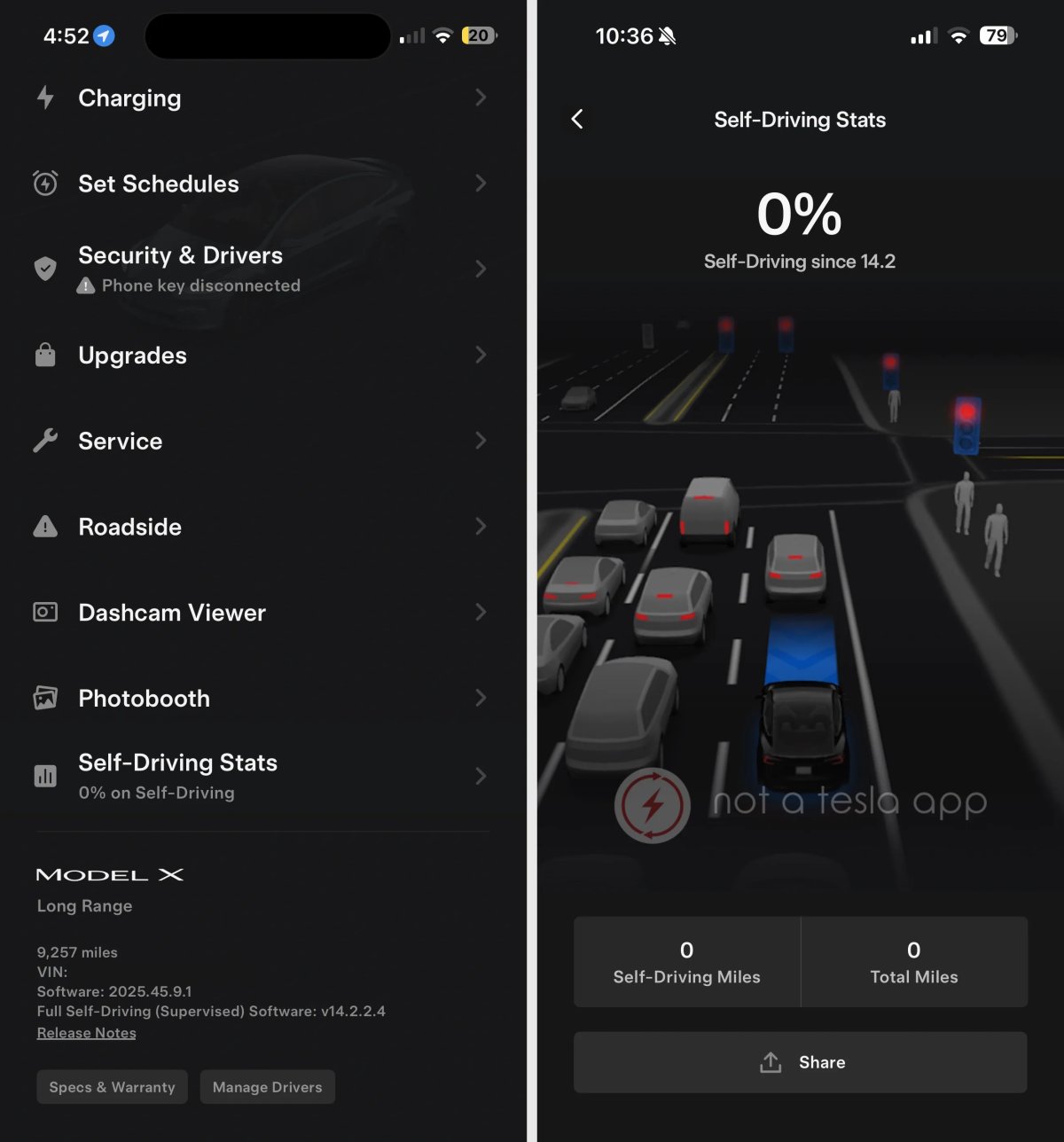
Tesla is introducing FSD Stats under a new section called “Self-Driving Stats” in the Tesla app.

While we’ve been able to enable the feature by setting some flags, the new self-driving stats are not enabled for everyone yet. Since all the features are in place, Tesla can and likely will enable the feature at any time with a remote configuration update.

The Self-Driving Stats will be the same stats that are already available in your vehicle under Controls > Autopilot. Tesla is also adding the ability to share the stats with friends and social media by saving a photo to your device.

FSD Impacted
Tesla FSD Impacted feature in update 4.54.0
Undocumented
Undocumented

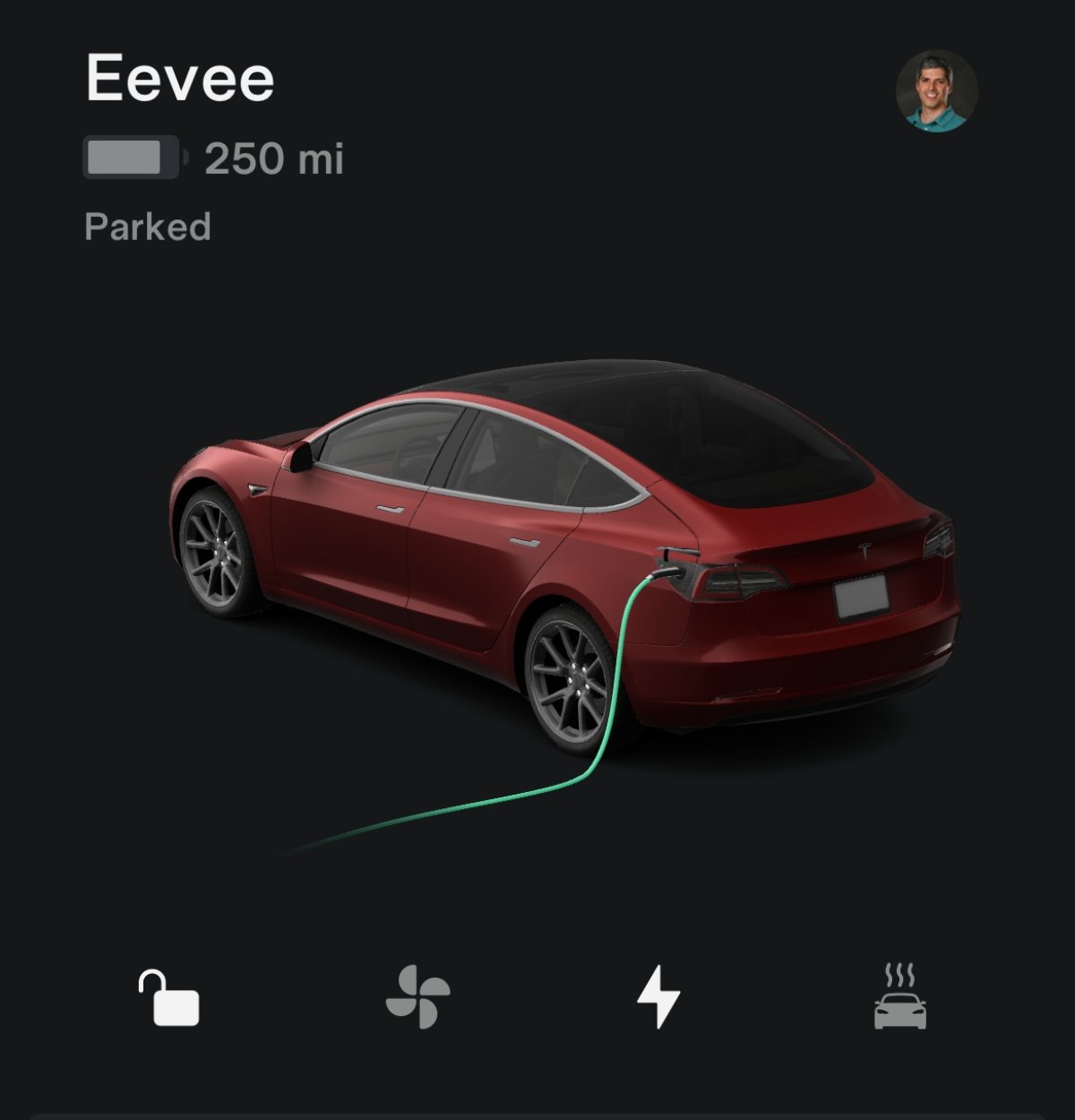
This app update also introduces a new string called FSD Impacted. It’s not clear exactly what this phrase is related to, but it could be related to camera visibility issues or receiving strikes while on FSD.

The full phrase from the app:

'vehicle_convenience_feature_fsd_impacted':

'Full Self-Driving (Supervised) Impacted',
Tesla Updates App to 4.53.5: Dashcam Multi-Delete, Charging Improvements

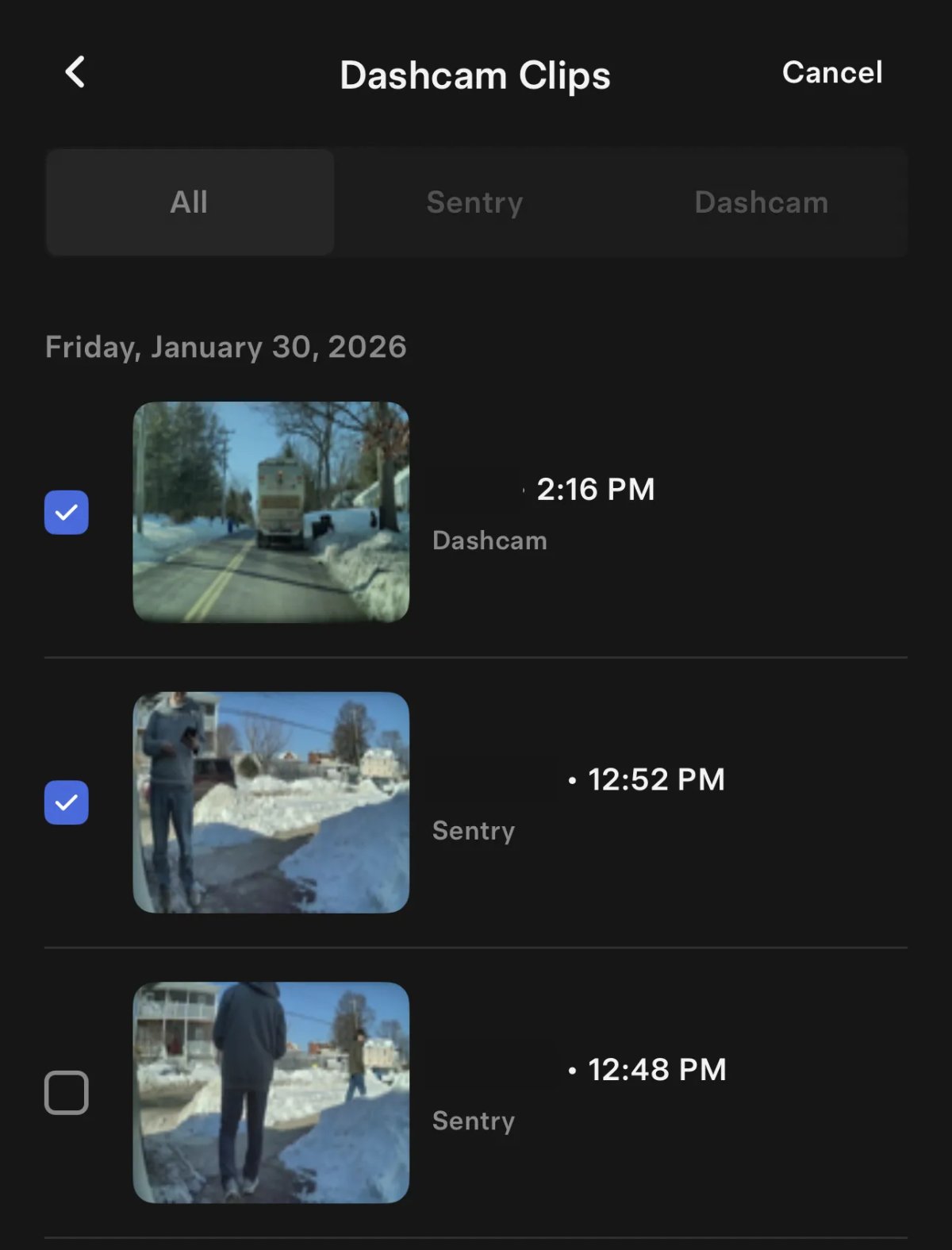
Dashcam Viewer — Multi-Delete

Tesla Dashcam Viewer — Multi-Delete feature in update 4.53.5
Available Worldwide
Undocumented
Models:
S
3
X
Y
CT
Undocumented

The Dashcam Viewer has been updated to allow you to delete multiple clips at a time. Tap ‘Select’ at the top and then tap the clips you’d like to delete. Once more than one clip is selected, a delete button appears along the bottom.

Previously, you could swipe on a clip to delete it individually.

Vehicle Charging/Discharging With Wall Connector

Tesla Vehicle Charging/Discharging With Wall Connector feature in update 4.53.5
Available Worldwide
Undocumented
Models:
S
3
X
Y
CT
Undocumented

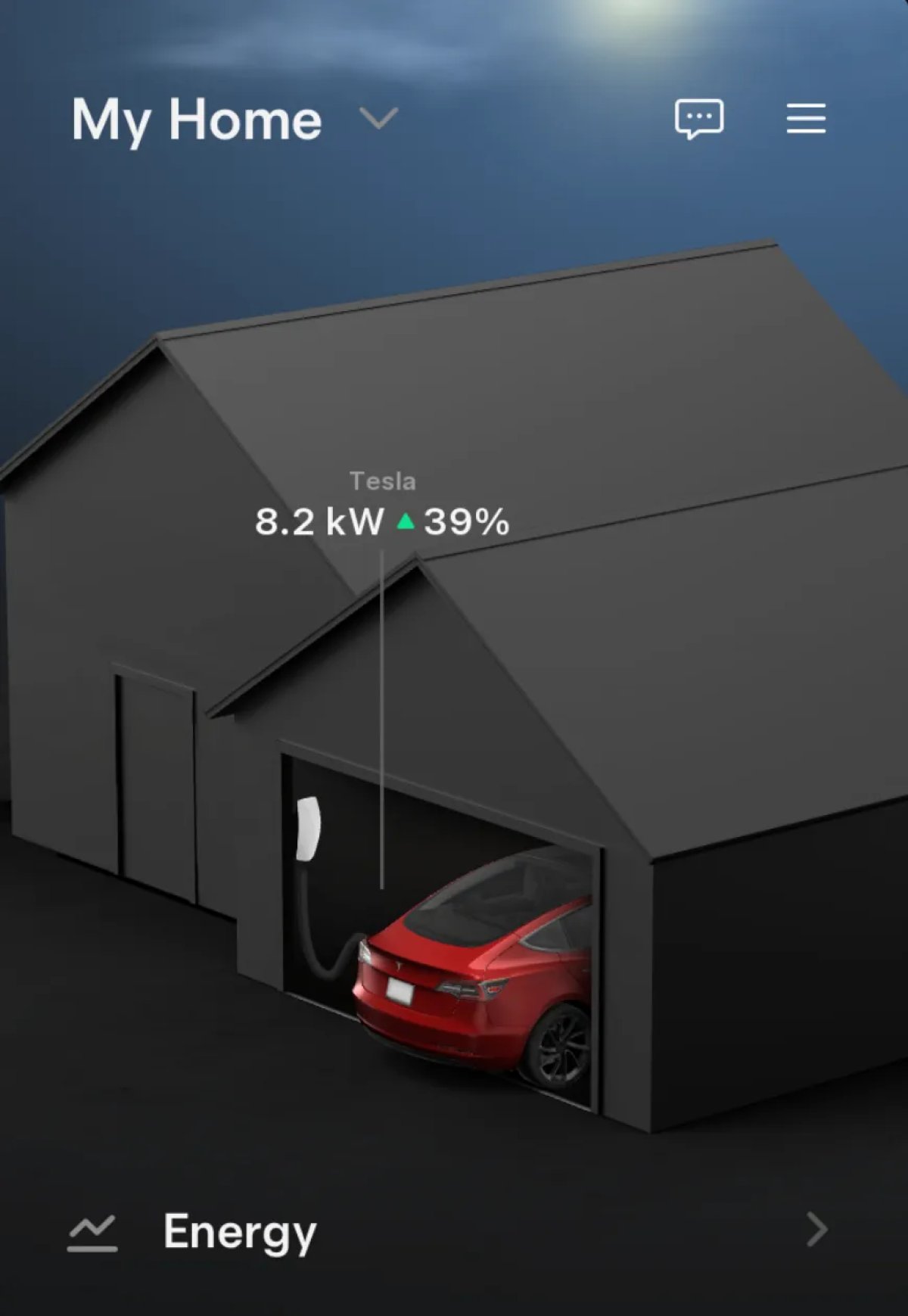
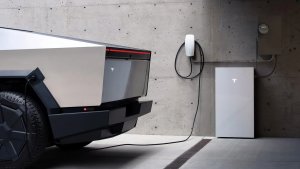
If you have a Wall Connector, Tesla has now added whether your vehicle is charging or discharging on the Home section of the app. In addition, Tesla now shows your vehicle’s charge level as a percentage.

Tesla’s Cybertruck is the only vehicle with V2H capabilities, enabling it to power other devices via the Wall Connector and the home’s wiring. However, Tesla is also set to introduce V2G soon, enabling the Cybertruck to feed energy back into the grid.

This change in the Home section is likely part of the upcoming V2G support, giving users more insight into what’s happening with their vehicle.

With this update, all Wall Connector owners will be able to see whether their vehicle is charging and its charging percentage.

Powerwall Charging/Discharging

Tesla Powerwall Charging/Discharging feature in update 4.53.5
Credit @mahkus
Available Worldwide
Undocumented
Undocumented

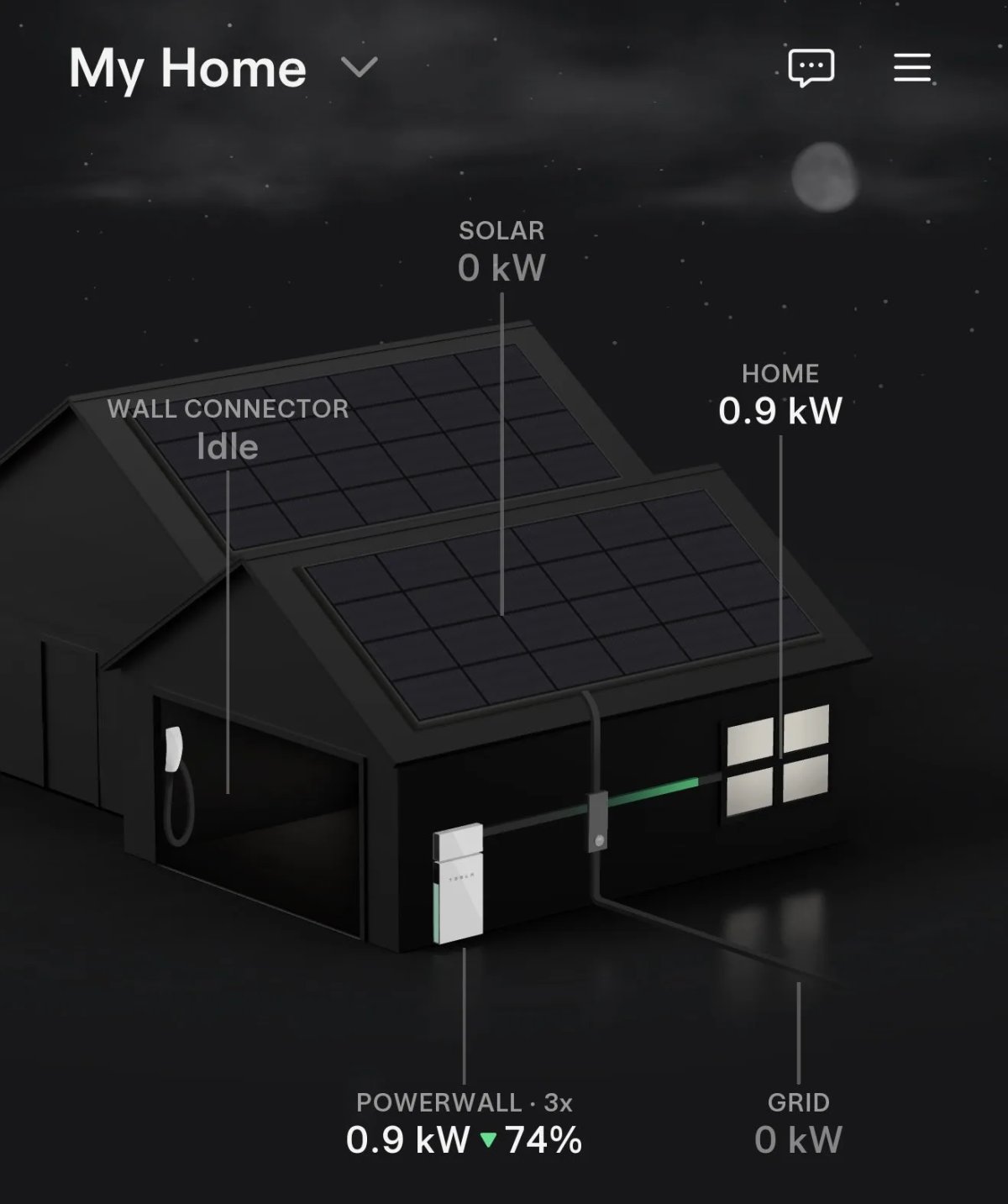
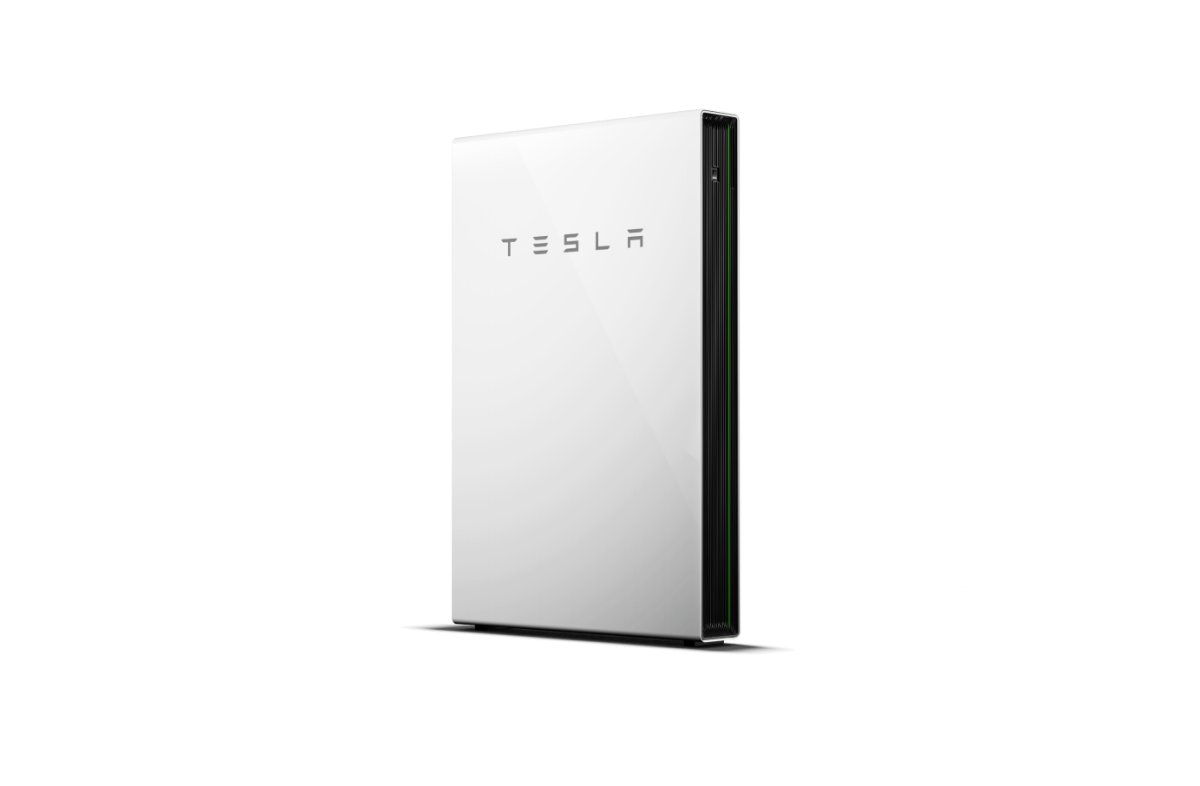
Similar to the vehicle charging/discharging changes, Tesla is also making a similar change for the Powerwall. You’ll now be able to see whether your Powerwall is charging or discharging and its current battery percentage.

Automatic Damage Detection

Tesla Automatic Damage Detection feature in update 4.53.5
Undocumented
Undocumented

Tesla continues to add code and SVG graphics to its app, suggesting a feature that will automatically detect vehicle damage from photos.

While this feature appears to be primarily for trade-ins, since it supports non-Tesla vehicles, it could also be used to automatically detect damage when a customer files a claim through Tesla insurance.

Tesla App Update 4.53: Powershare Limit Control, Automatic Damage Detection, Brake-by-Wire

Adjust Powershare Limit in App

Tesla Adjust Powershare Limit in App feature in update 4.53.0
Available Worldwide
Undocumented
Undocumented

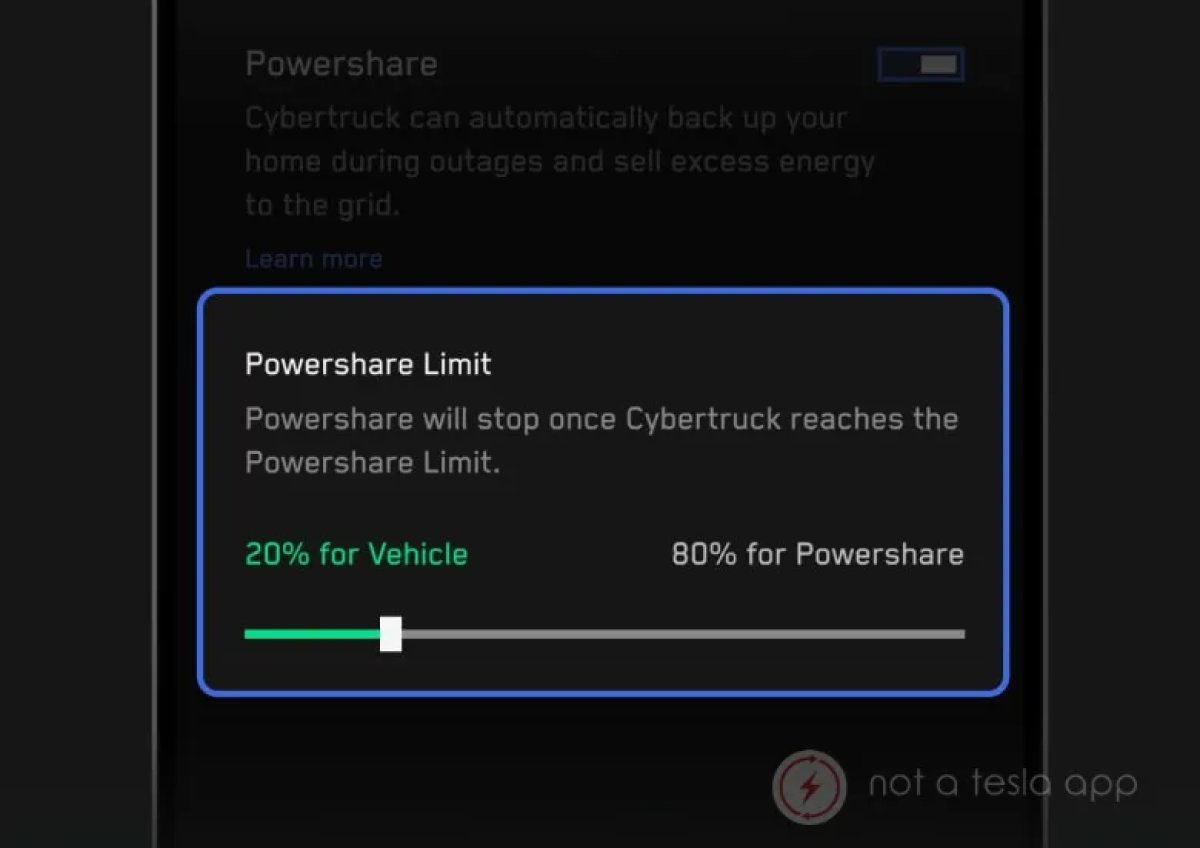
You can now adjust the Powershare limit for the Cybertruck through the Tesla app. This was previously only available to adjust within the vehicle.

Powershare lets your Cybertruck share power, acting as a Powerwall that can provide power to your entire house. To prevent the home from depleting your vehicle’s entire battery, you can set the Powershare limit, which will reserve some of the battery for the vehicle.

Automated Damage Detection

Tesla Automated Damage Detection feature in update 4.53.0
Undocumented
Models:
S
3
X
Y
CT
Undocumented

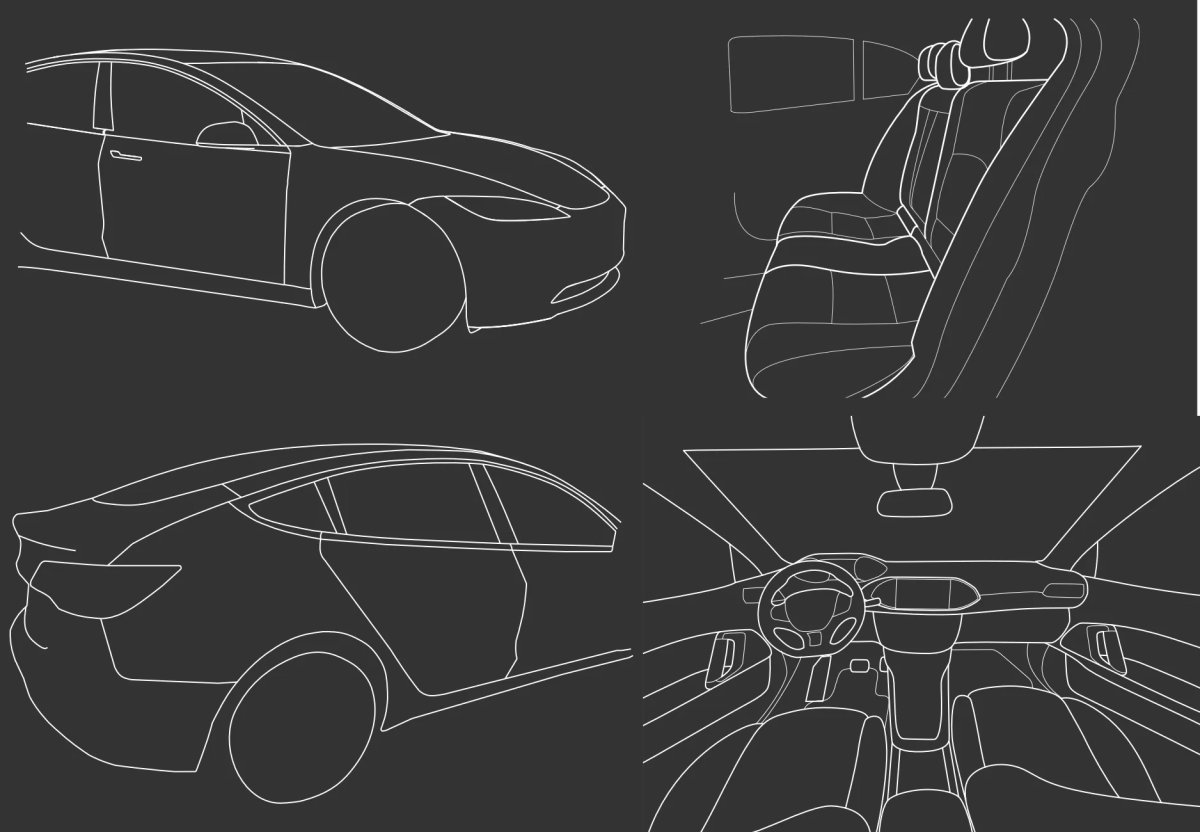
Tesla is now providing customers with templates for taking images when trading in a vehicle. Tesla is providing hundreds of templates that outline how a picture should be taken during the trade-in process.

These photos will then be processed by a system that automatically assesses the vehicle and detects any damage.

These vehicle outlines help customers understand what the photo should look like. It’s not clear whether Tesla superimposes these outlines when the customer is taking a photo, which would let the user line up their camera with their vehicle, or if they’re just showing the customer what a photo should capture.

There are over 400 templates available, including various vehicle models, including Teslas and third-party vehicles. They include different configurations, such as LHD and RHD, and cover sedans, SUVs, minivans, and other body types.

Cybercab to Use Brake-by-Wire

Tesla Cybercab to Use Brake-by-Wire feature in update 4.53.0
Undocumented
Undocumented

This app update adds additional feedback components, one of which called 'Brakes SW - Brake-by-Wire (Cybercab)', reveals that the Cybercab will feature brake-by-wire, instead of a traditional braking system.

Brake-by-wire, similar to steer-by-wire, allows the vehicle to brake without a physical linkage. Instead, an electronic signal is sent, which then activates the brake calipers.

In other vehicles, FSD controls the movement of the brake pedal that is then linked to the braking system. Since the Cybercab will eventually get rid of the braking pedal it’s presumably using for testing, Tesla can also remove some unnecessary brake linkage and instead let the Cybercab brake by sending an electric signal to activate the calipers directly.

More Smart Breaker Support

Tesla More Smart Breaker Support feature in update 4.53.0
Undocumented
Undocumented

In this update, Tesla has added additional code for its upcoming Smart Breaker integration.

Smart breakers add sensors and connectivity, such as Wi-Fi, to traditional electric panel breakers, letting automated systems, such as Tesla’s Powerwall, turn on or off supported breakers.

Beyond turning a circuit on or off, they can also provide detailed insight into how much energy connected devices are consuming.

For homes with Smart Breakers, Tesla will allow the customer to customize which breakers remain on during a power outage, and which can be turned off to save energy coming from the Powerwall.

Some of the new phrases in this app update include:

'For breakers you need while off-grid',

'energy_customize_smart_breakers_always_on_title'

'Learn About Smart Breakers'

"For breakers you don't need while off-grid"

Details

Release Date

January 22, 2026