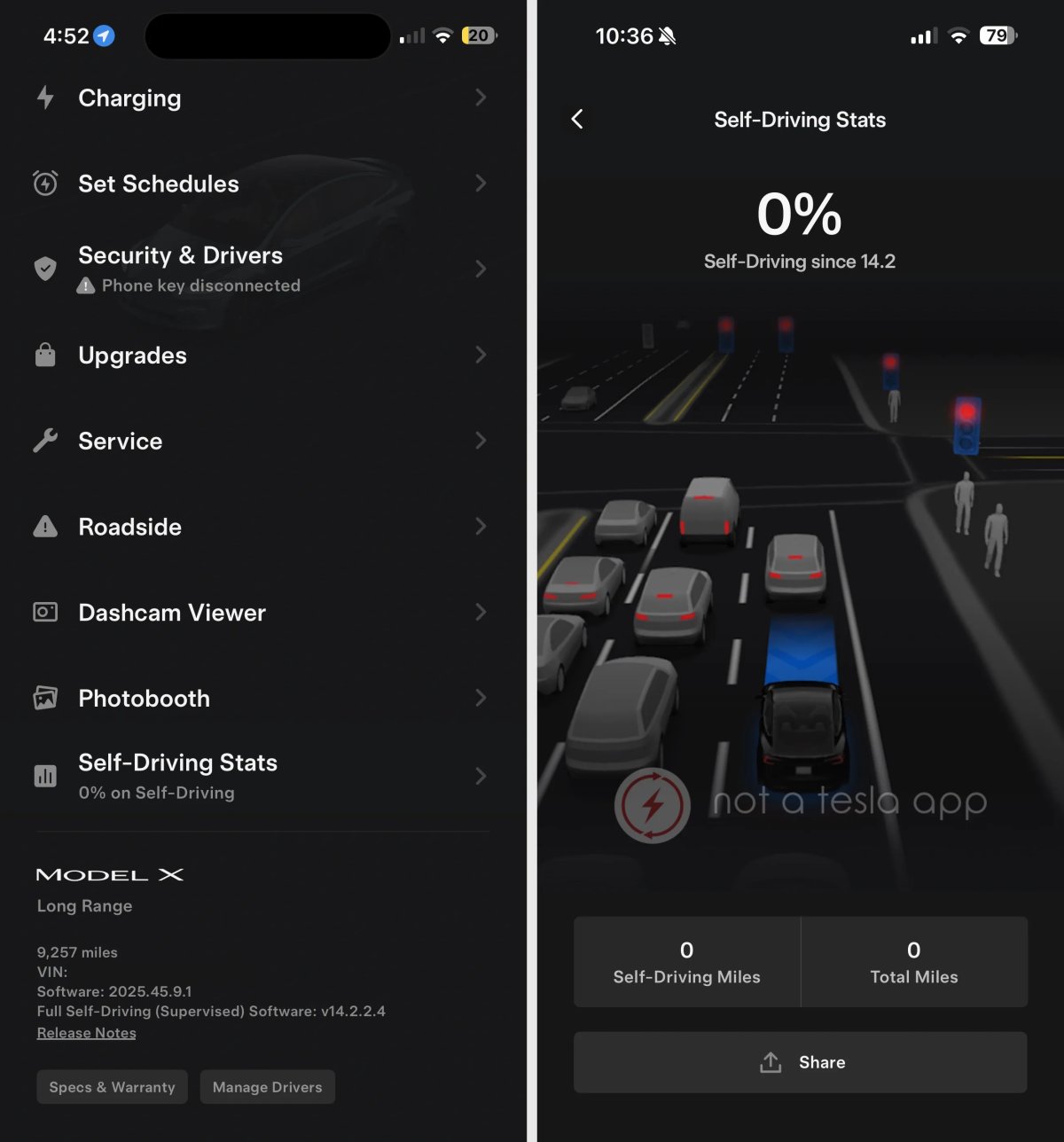


Self-Driving Stats
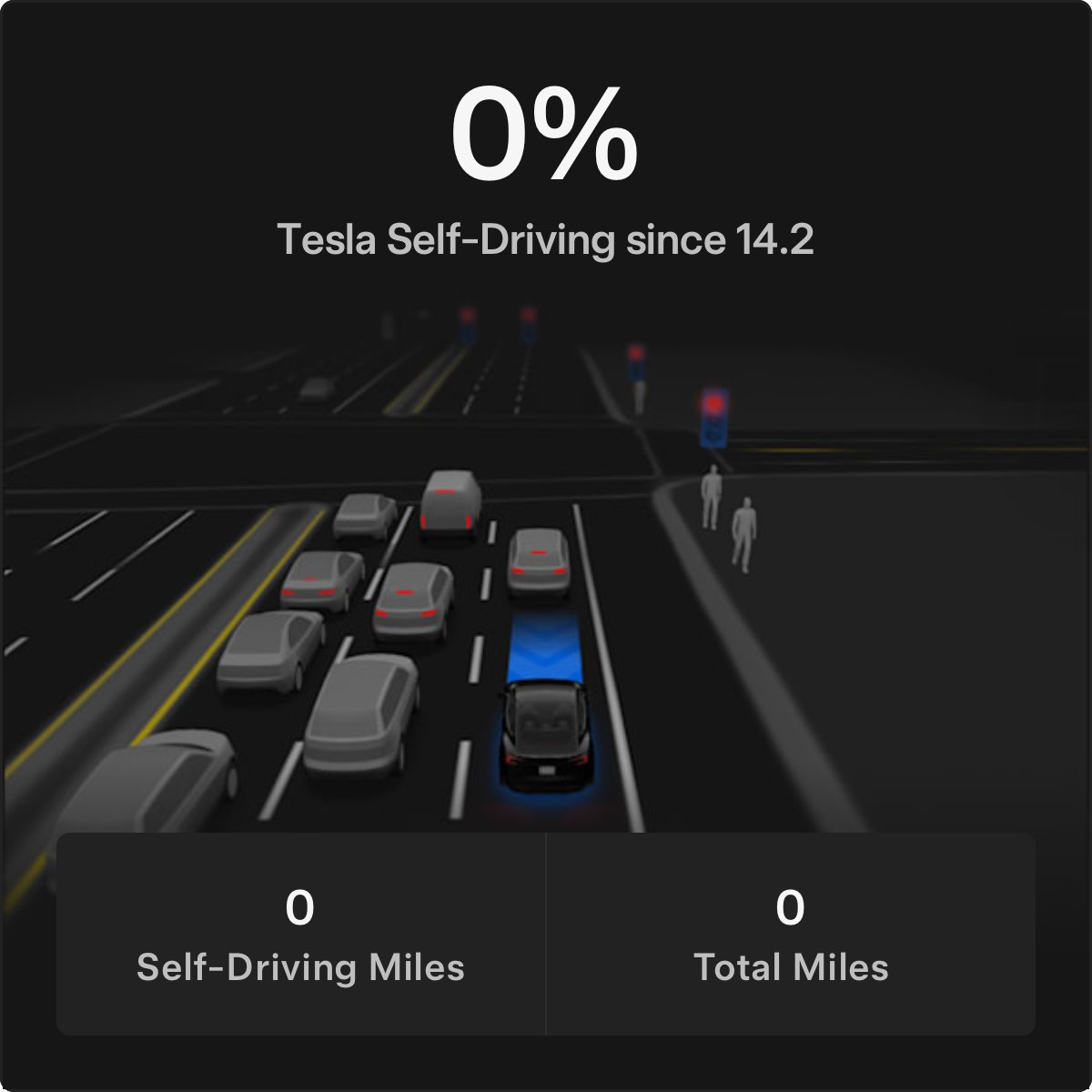
Tesla appears ready to turn on Self-Driving Stats in the Tesla app. When sharing your stats, this image will be shared with your vehicle’s stats and a default message of: “Check out how much Full Self-Driving (Supervised) drives my Tesla Model 3.”
While this feature isn’t live in the app yet, we expect it to become available soon.
Wall Connector Details
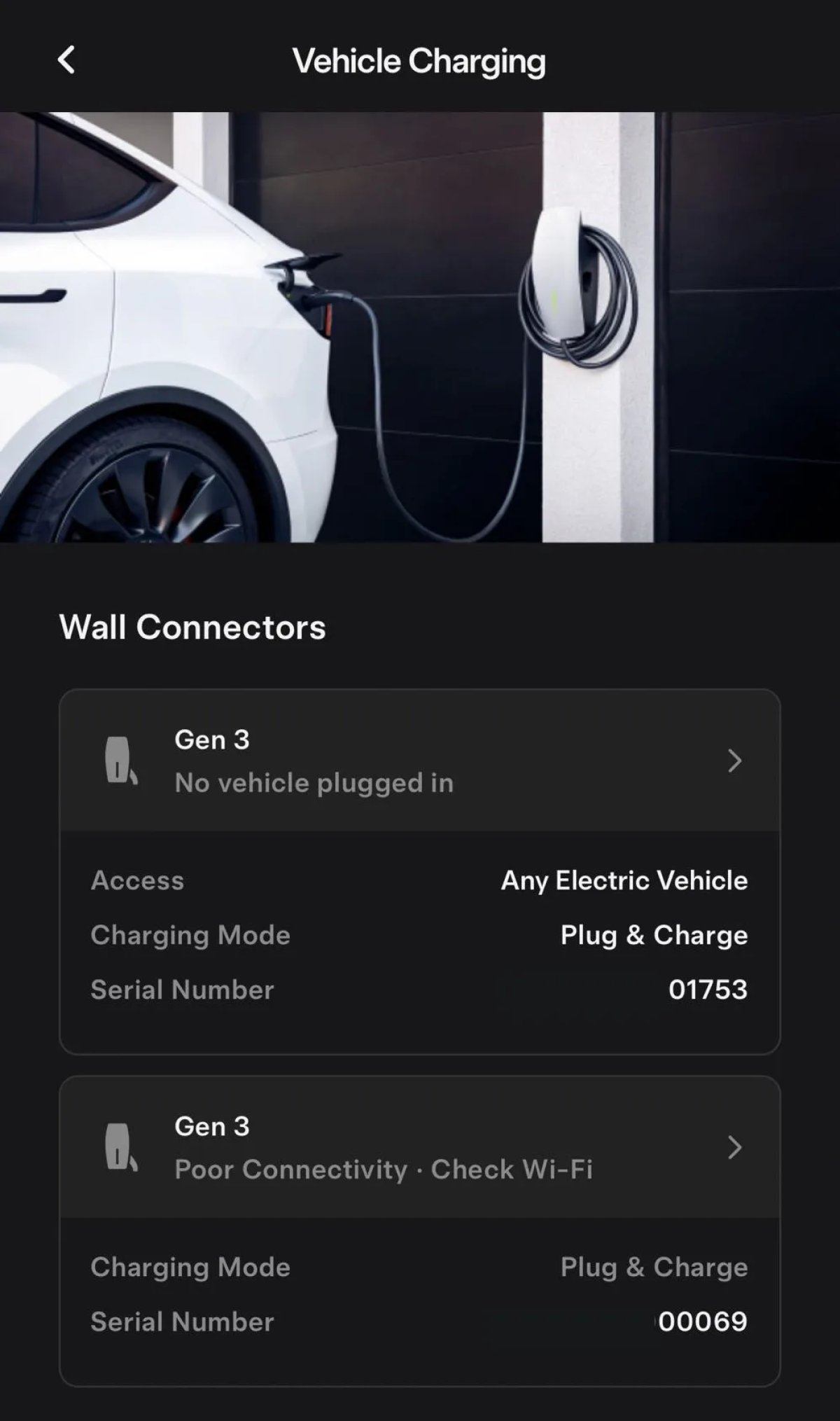
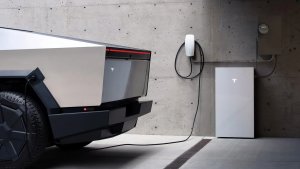
Tesla has updated the look of your Wall Connector details found under the home section of the Tesla app. Under Settings > Vehicle Charging, Tesla now displays each Wall Connector in a more elegant fashion.
More information is also listed for each Wall Connector, including an icon, status, vehicle access, charging mode, and serial number.
Powershare Intro
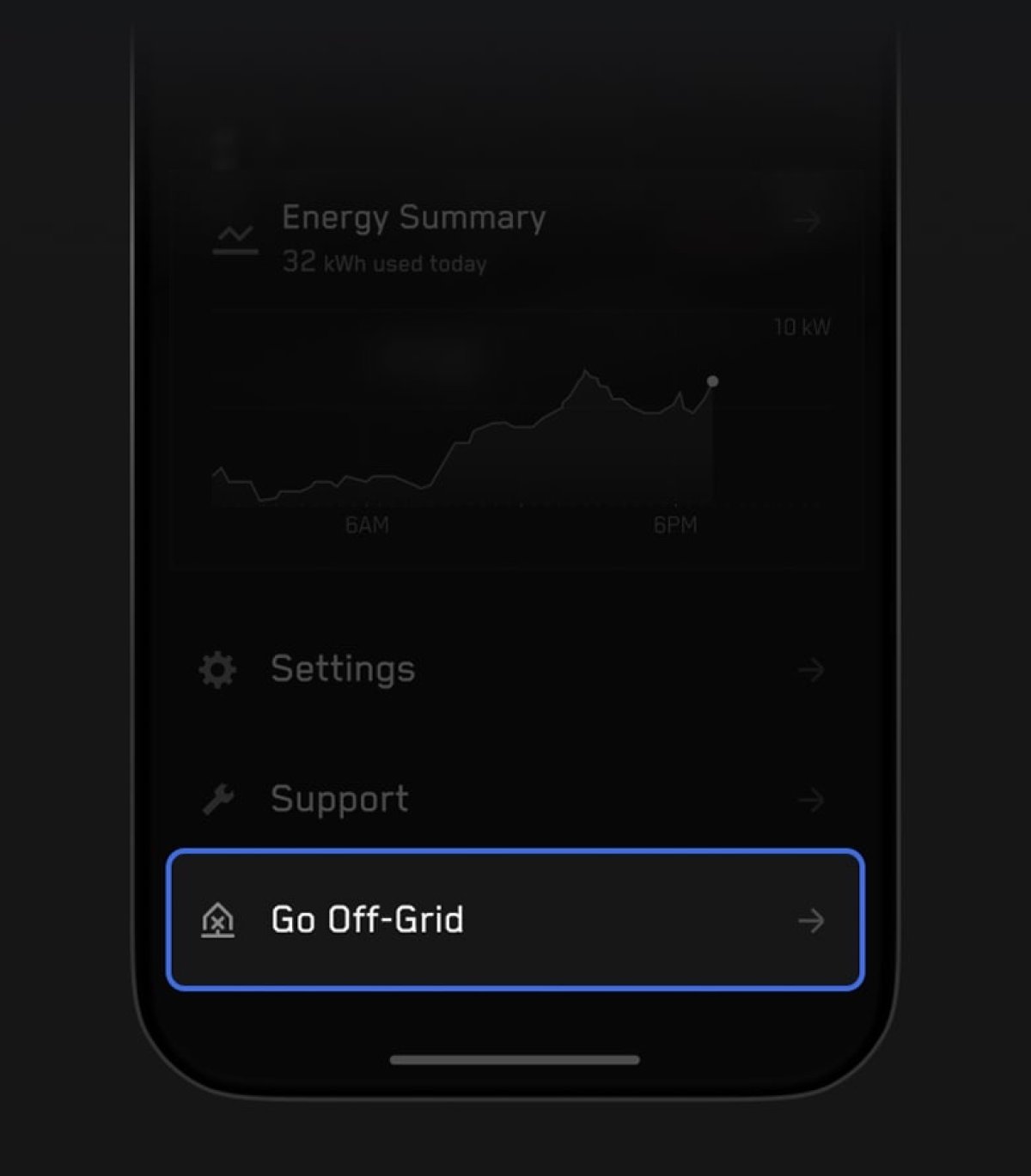
Tesla is adding a new tutorial for Powershare. Tesla’s updated Powershare feature lets you set a minimum charge level for your vehicle, which would turn off Powershare once the vehicle reaches that level. This prevents you from becoming stranded with a vehicle that has 0% charge.
The improved Powershare feature also lets your Cybertruck act as a Powerwall, not only letting it power your home, but also sell energy back to the grid when the cost is high, and recharge later when the cost is low.