



Updated Service
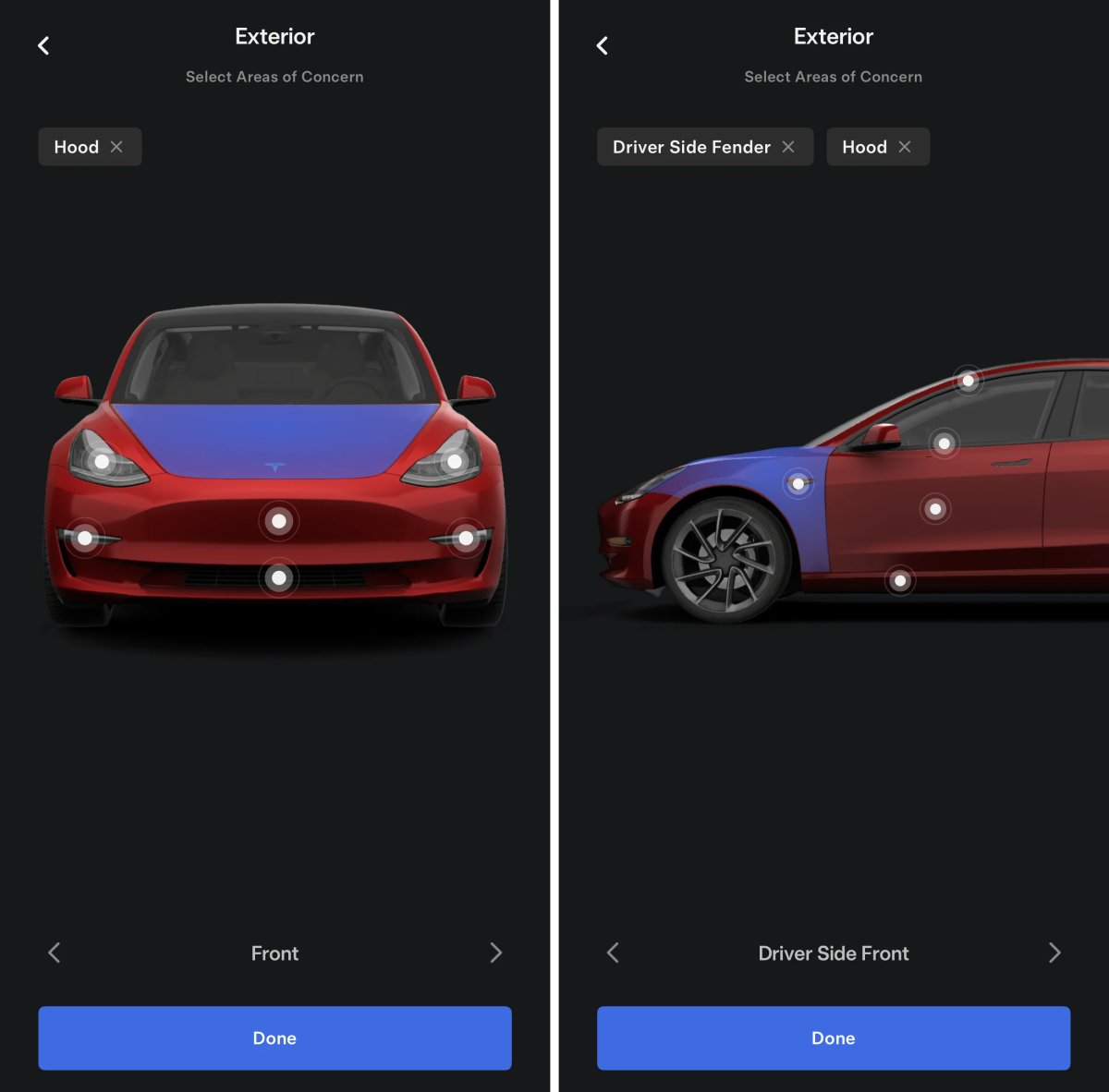
Tesla has updated the UI for the service section in the Tesla app. Tesla has added your vehicle to the top of the page and now splits up service into two sections: Request and Resources.
At the top, Tesla now also includes the AI Assistant that can be used to answer specific questions about your vehicle, like how do I add more windshield wiper fluid, or "What are my active alerts?”
Updated Release Notes Section
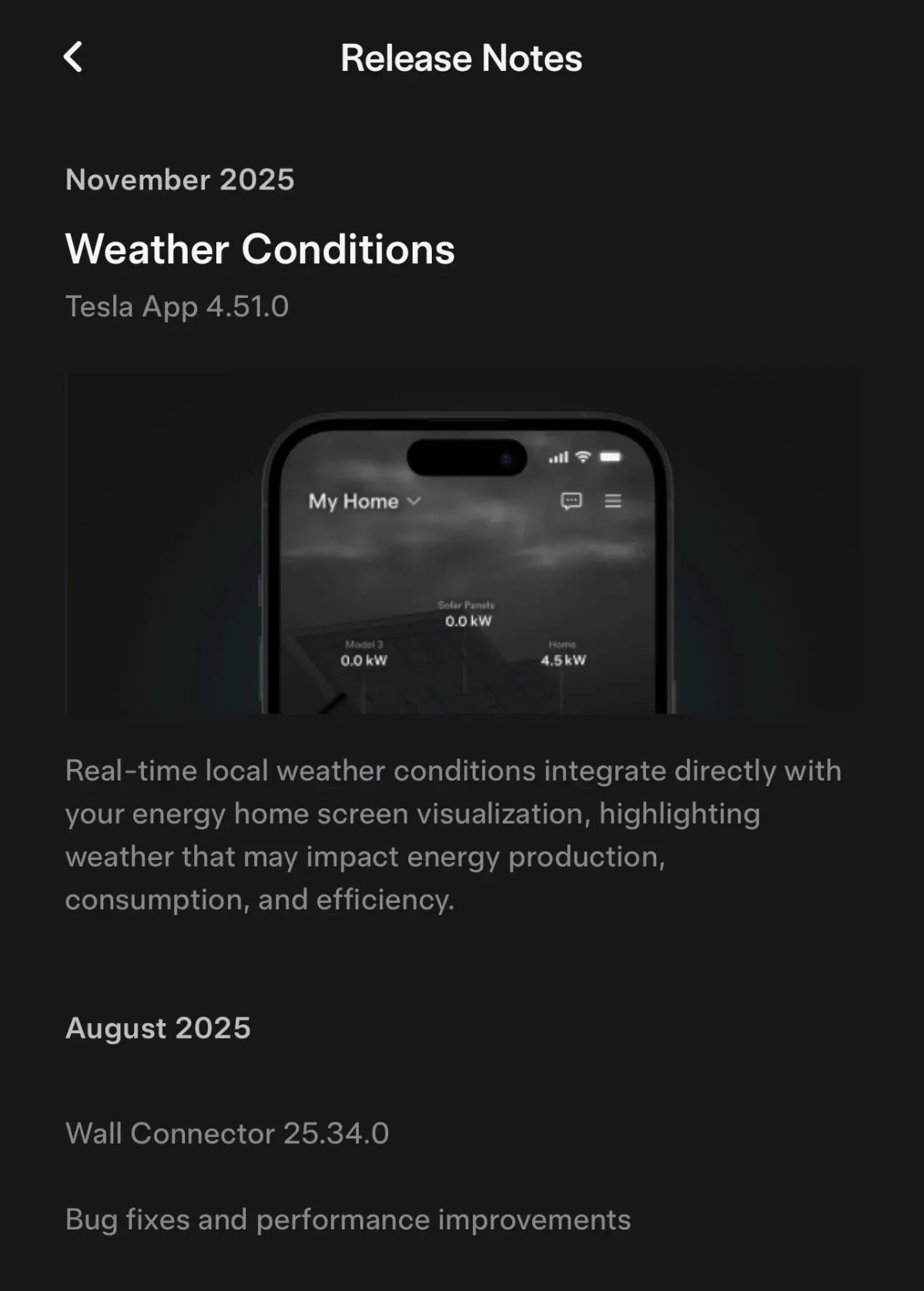
Tesla has long had a section in the Tesla app for Powerwall and Wall Connector release notes, however, they don’t get updated very often.
This section in the app has now been made native instead of linking to a web page.
To get to the release notes, you’ll need to navigate to the Home section (only available to customers with an Energy product) then go to Settings then My Home Info.
Tesla Energy
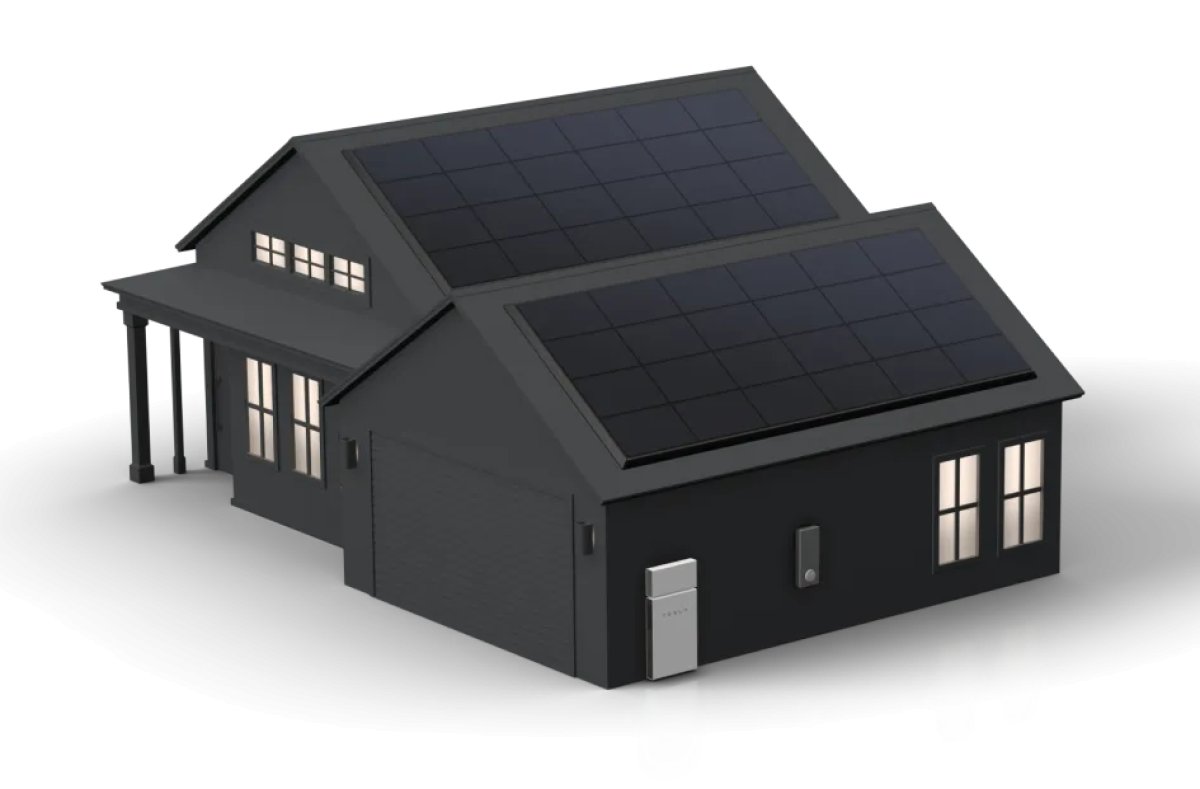
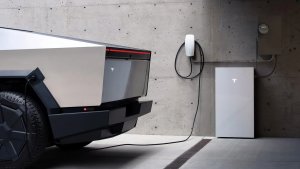
Tesla has updated several assets in the Tesla Energy section of the app that appear to be used for tutorials. There are now unique Home assets for homes with solar, solar and Powerwall and Powerwall 3.