




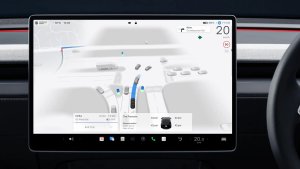



Sketchpad Support
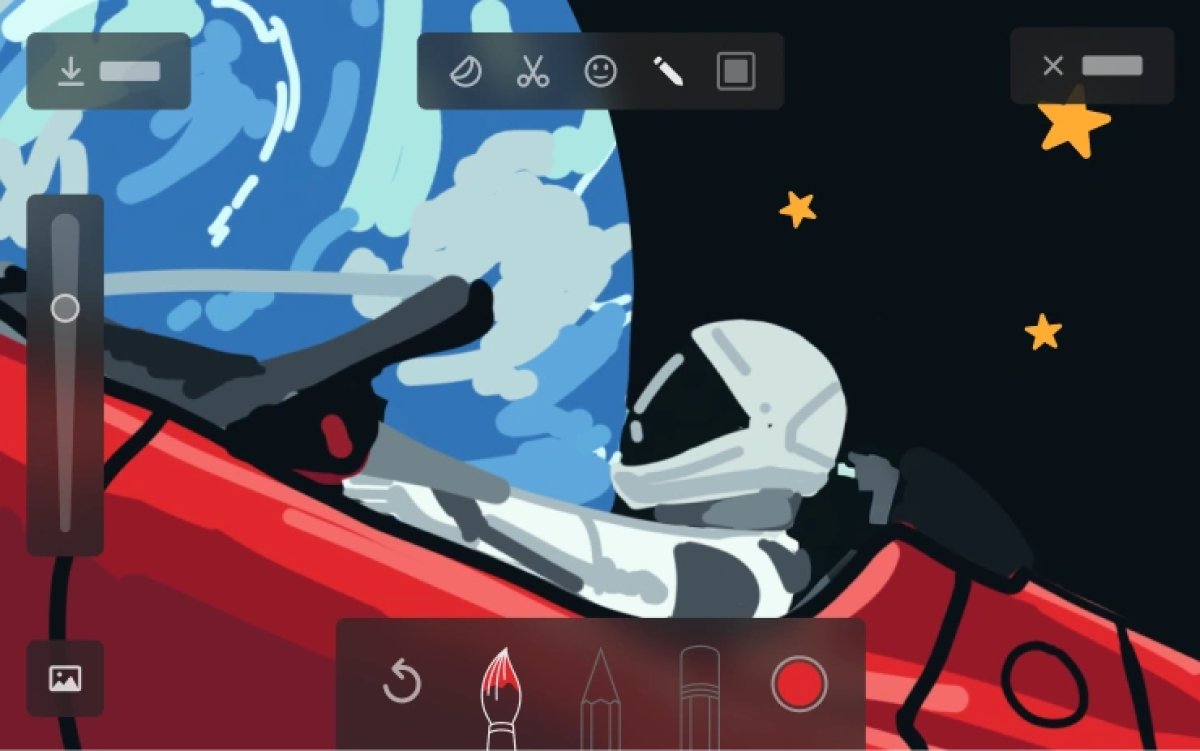
Save your sketches to access them in the Mobile App and share.
Editorial Note: Vehicle update 2026.14 includes an updated Sketchpad app that is expected to require AMD Ryzen infotainment units. The updated Sketchpad app adds many of the features found in Tesla’s Photobooth, including adding emojis and stickers and saving your sketches.
From the app, you’ll be able to access your saved sketches and share them online or save them to your device. Your device will need to be set up as a phone key to access Sketchpad sketches. Tesla also goes on to say that Sketchpad drawings are stored locally and can not be accessed by Tesla.
Vehicle Telemetry Now Saved
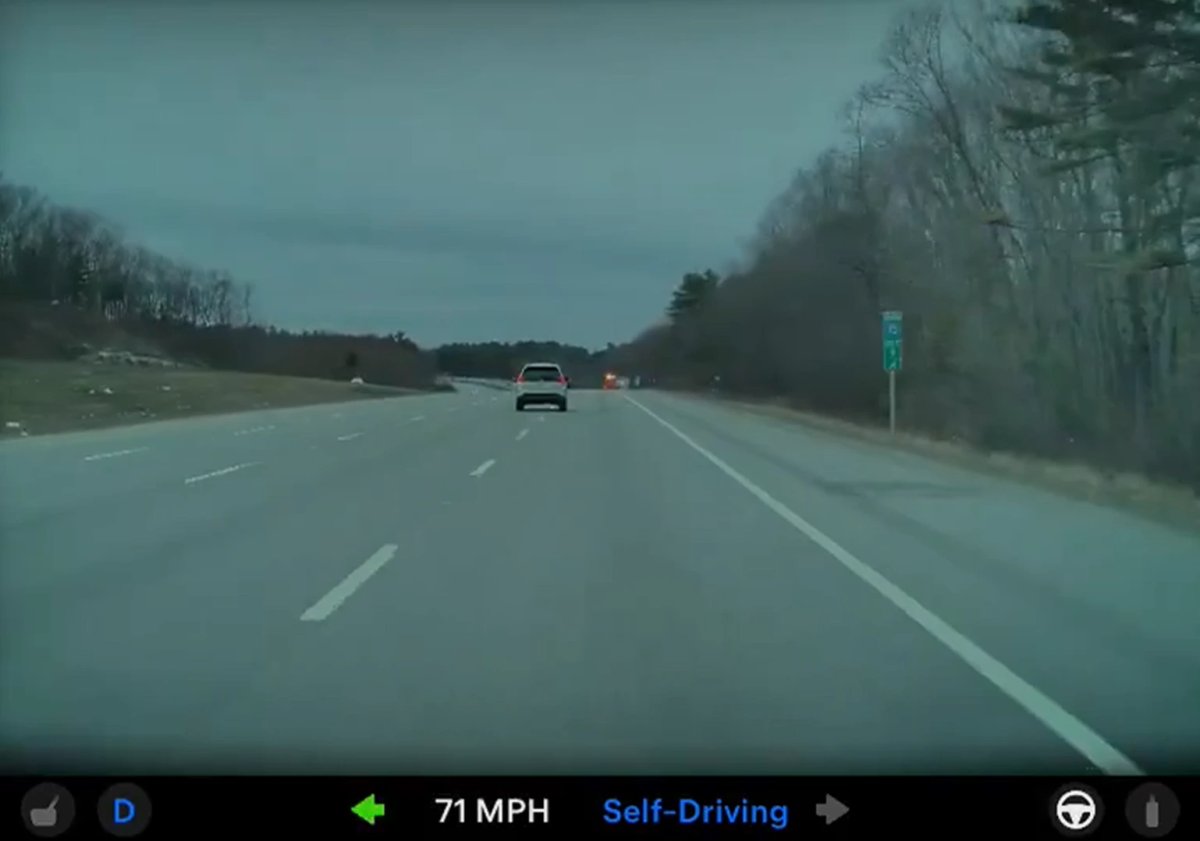
Clips downloaded to your phone now include details such as speed, steering wheel angle, and Self-Driving state.
Editorial Note: The same vehicle telemetry details you see in the Dashcam Viewer in the app are now included in the video itself when you save it to your device. Previously, vehicle telemetry was shown in the vehicle and in the app, but it was not saved as part of the video.
Dog Mode is Now Pet Mode
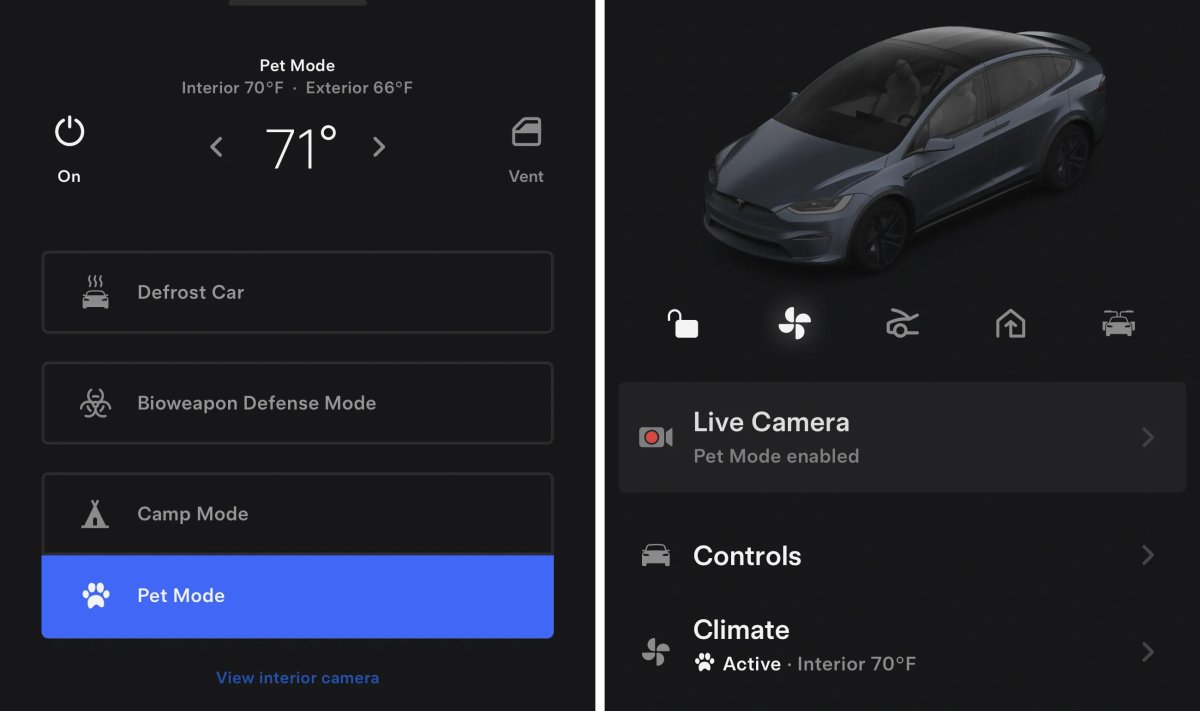
In a surprising change, Tesla is rebranding Dog Mode to Pet Mode. While the renaming is now live in the app under Climate, the new features of Pet Mode will arrive in the 2026.14 vehicle update.
The new features will include support for a cat and hedgehog avatar, in addition to the popular balloon dog. You’ll also be able to customize and display your pet’s name.
Custom Wrap & License Plate Support
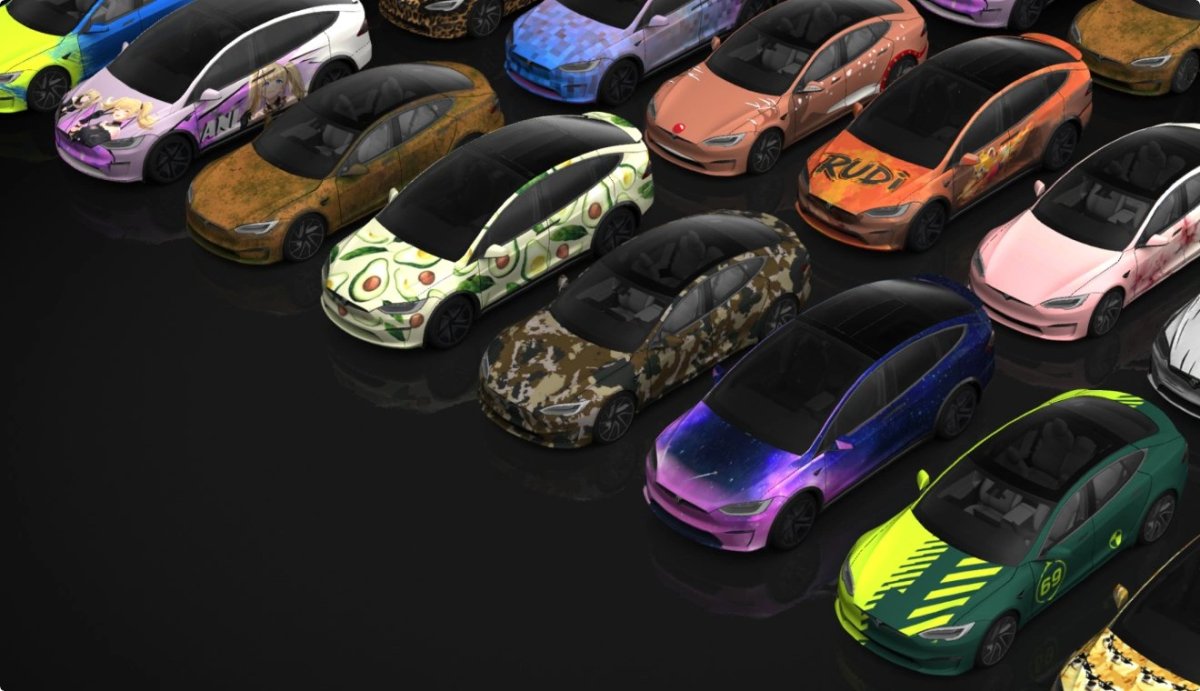
The app will now support custom wraps and license plates for the Tesla Model S and Model X in addition to the Model 3, Model Y, and the Cybertruck.
This feature was originally launched on the Cybertruck and, more recently, arrived on the Model 3 and Model Y with the 2025 holiday update.
This feature requires having vehicle update 2026.14, where you set or create your own custom wrap.
Automatic Updates
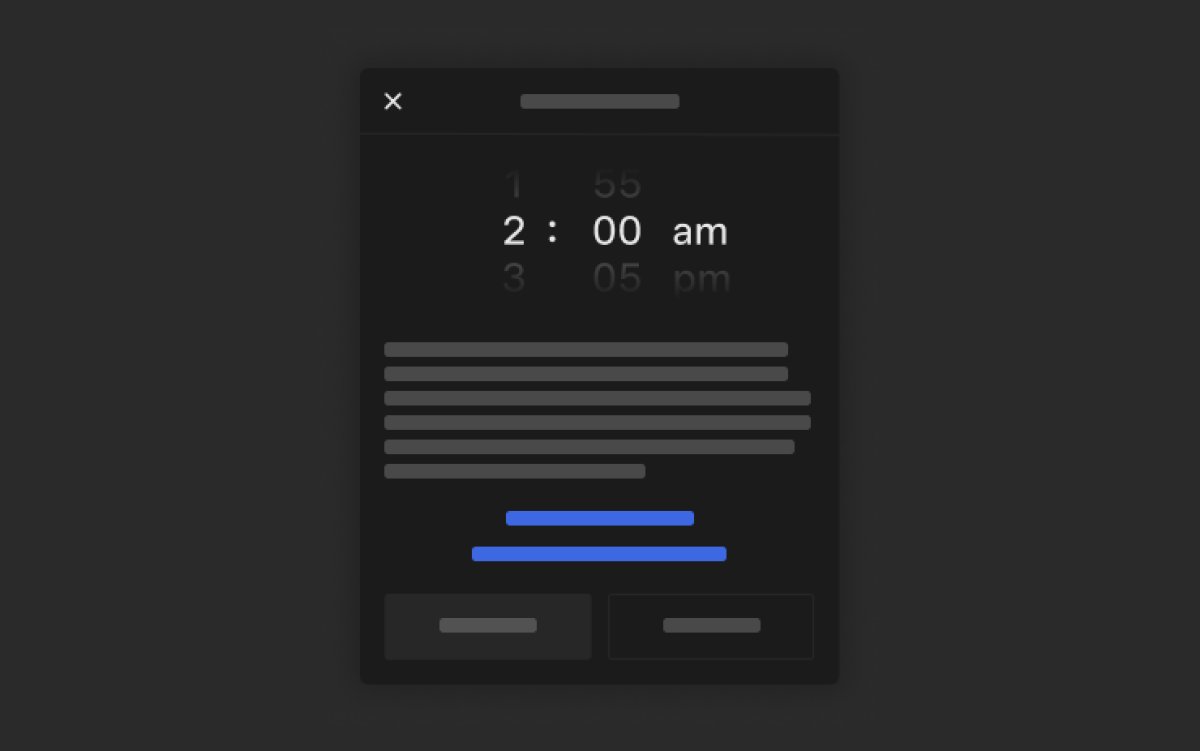
This Tesla app also includes code for Tesla’s new Automatic Updates feature, which lets you schedule updates to be installed automatically at a specific time.
While this feature requires vehicle update 2026.14, the app will also display whether an update is scheduled for automatic installation.
When you have automatic updates turned on, and your vehicle has received a new update, the app will show that the update is scheduled to be installed at your selected time.