


Tesla App Update 4.55.7: Format USB Drive from App, New Creations Section

Format USB Drive

Tesla Format USB Drive feature in update 4.55.7
Available Worldwide
Undocumented
Undocumented

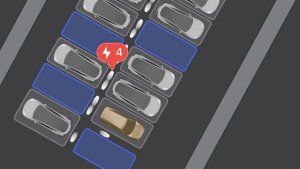
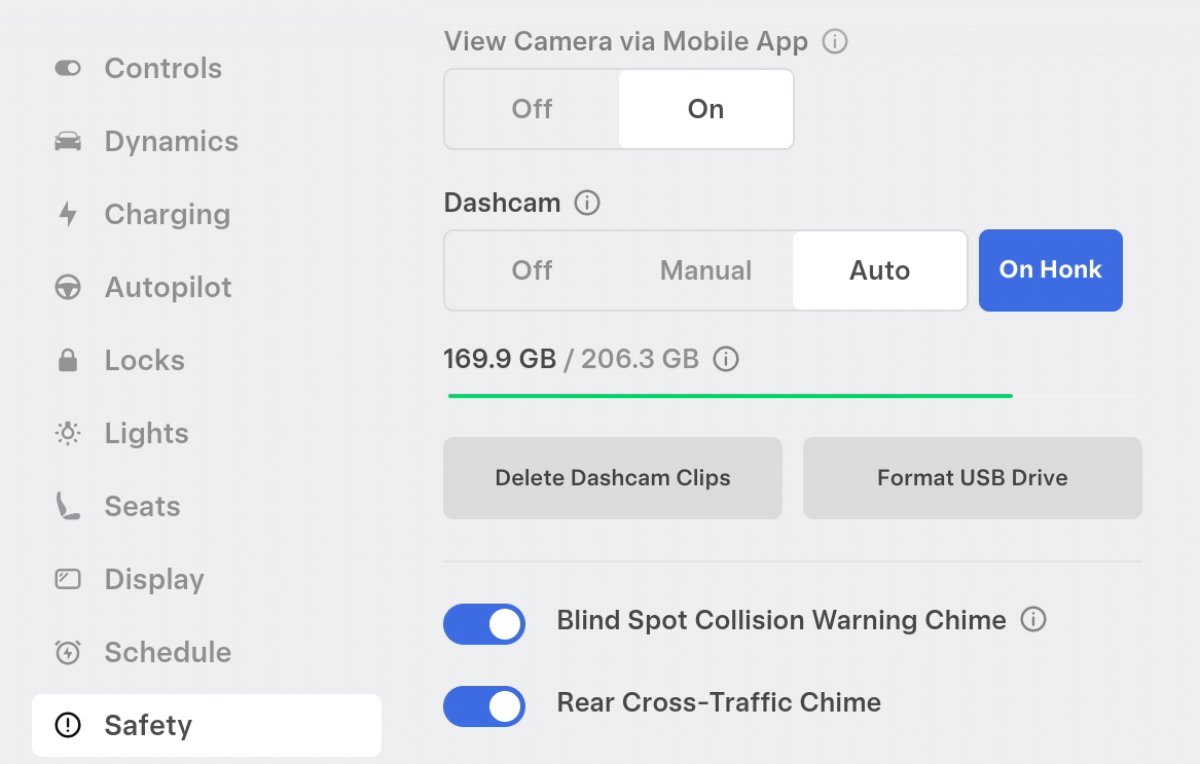
New phrases in the Tesla app suggest Tesla will allow users to format USB drives directly from the Tesla app.

Users can already format and view the amount of free space on their USB drive from within the vehicle, but formatting the drive directly from their phone will make it even easier, especially if you’re experiencing issues with the drive when away from the vehicle.

Tesla has added phrases such as Format USB Drive and MOBILE_APP_FEATURE_DELETE_DASHCAM_CLIPS_AND_FORMAT_USB and added the command command_name_FORMATUSBACTION.

New Creations Section
Tesla New Creations Section feature in update 4.55.7
Credit @maxbrco
Available Worldwide
AMD
Undocumented
Models:
New S
3
New X
Y
CT
AMD
Undocumented

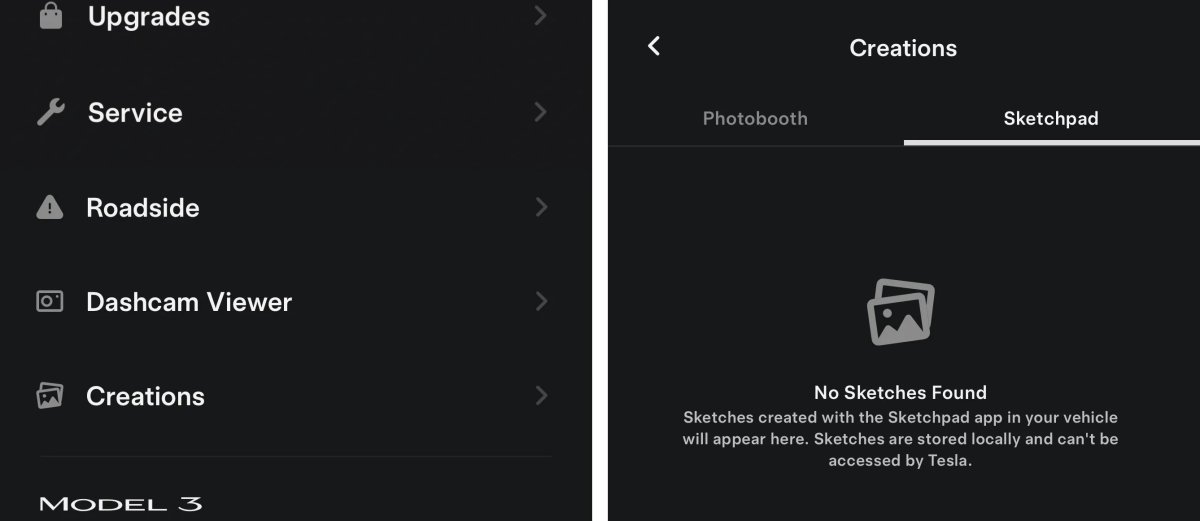
With the introduction of Photobooth, Tesla added a Photobooth section to the top level of the app that lets you view your saved photo sessions.

With the Spring Update and the update to the Sketchpad app for AMD Ryzen vehicles, Tesla is rebranding the Photobooth section to Creations, and it’ll now house Photobooth photos and sketches created in Sketchpad.

When you go into Creations, you’ll now have two tabs, one for Photobooth and one for Sketchpad, however, the features are similar. You’ll be able to view your saved creations and share them with others.

These creations are saved on your vehicle, not on Tesla’s servers, so when you open this section of the app, your vehicle will wake up and send the requested images.

Note: You’ll need vehicle update 2026.14 and an AMD Ryzen vehicle in order to see this new Creations section in the app.
Tesla Updates App to 4.55.6: Pet Mode, Dashcam Video Overlay, Sketchpad and More

Sketchpad Support

Tesla Sketchpad Support feature in update 4.55.6
Available Worldwide

Save your sketches to access them in the Mobile App and share.

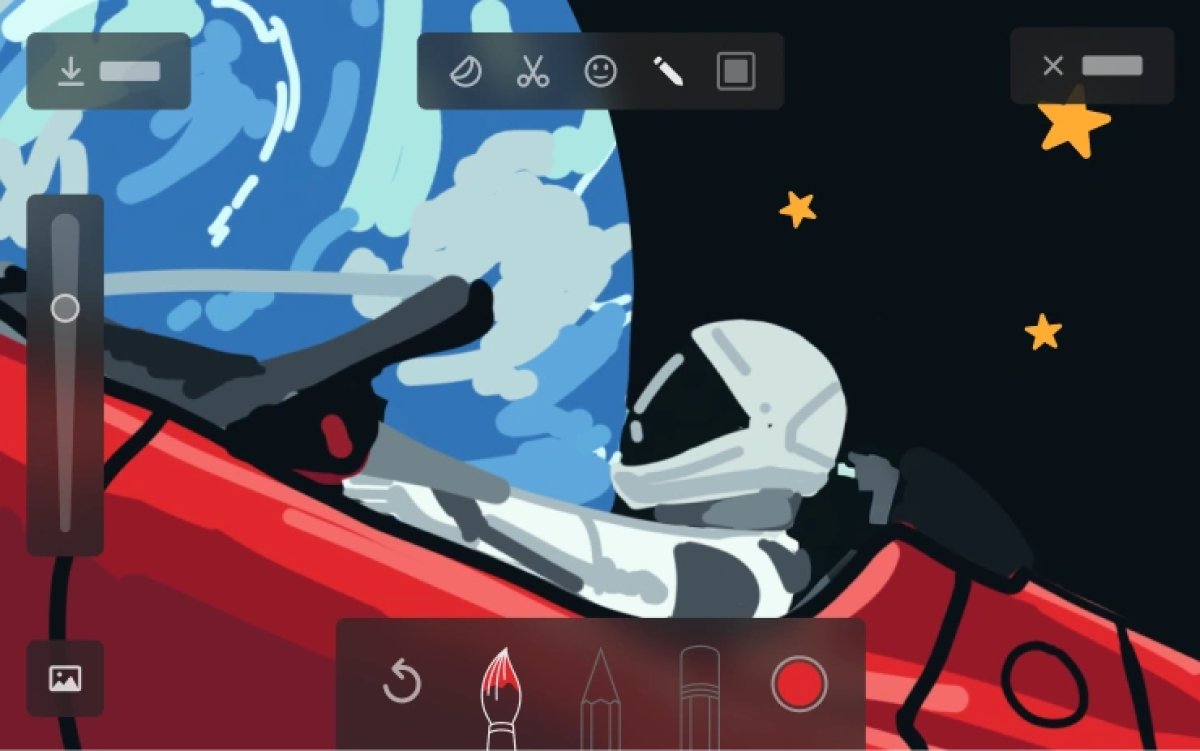
Editorial Note: Vehicle update 2026.14 includes an updated Sketchpad app that is expected to require AMD Ryzen infotainment units. The updated Sketchpad app adds many of the features found in Tesla’s Photobooth, including adding emojis and stickers and saving your sketches.

From the app, you’ll be able to access your saved sketches and share them online or save them to your device. Your device will need to be set up as a phone key to access Sketchpad sketches. Tesla also goes on to say that Sketchpad drawings are stored locally and can not be accessed by Tesla.

Vehicle Telemetry Now Saved

Tesla Vehicle Telemetry Now Saved feature in update 4.55.6
Models:
S
3
X
Y
CT

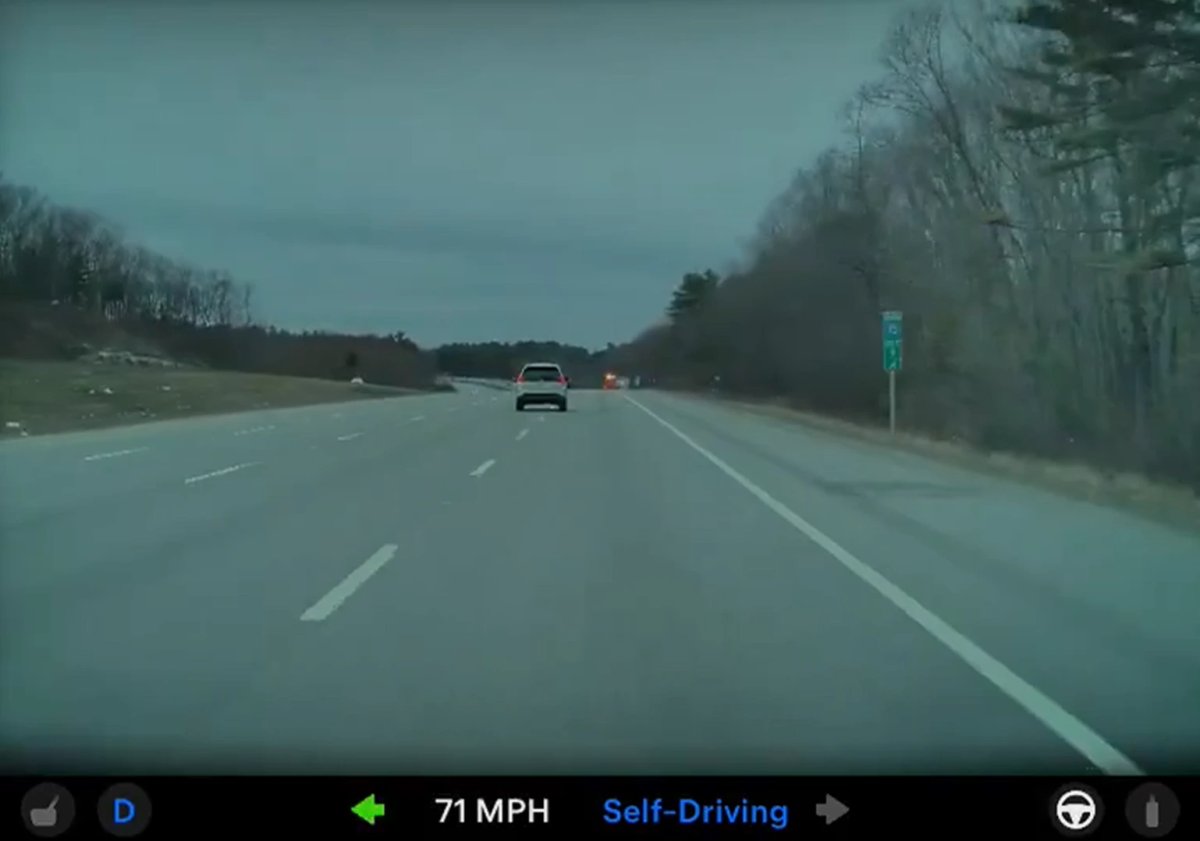
Clips downloaded to your phone now include details such as speed, steering wheel angle, and Self-Driving state.

Editorial Note: The same vehicle telemetry details you see in the Dashcam Viewer in the app are now included in the video itself when you save it to your device. Previously, vehicle telemetry was shown in the vehicle and in the app, but it was not saved as part of the video.

Dog Mode is Now Pet Mode

Tesla Dog Mode is Now Pet Mode feature in update 4.55.6
Available Worldwide
Undocumented
Models:
S
3
X
Y
CT
Undocumented

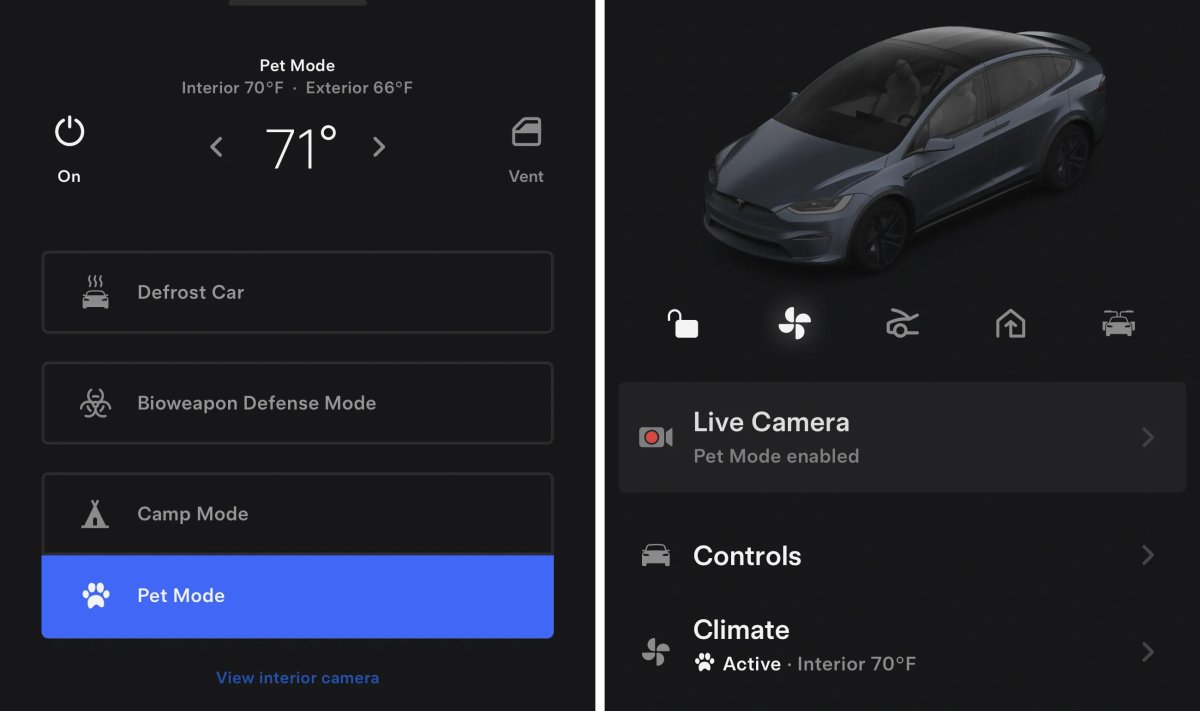
In a surprising change, Tesla is rebranding Dog Mode to Pet Mode. While the renaming is now live in the app under Climate, the new features of Pet Mode will arrive in the 2026.14 vehicle update.

The new features will include support for a cat and hedgehog avatar, in addition to the popular balloon dog. You’ll also be able to customize and display your pet’s name.

Custom Wrap & License Plate Support

Tesla Custom Wrap & License Plate Support feature in update 4.55.6
Available Worldwide
Undocumented
Models:
S
X
Undocumented

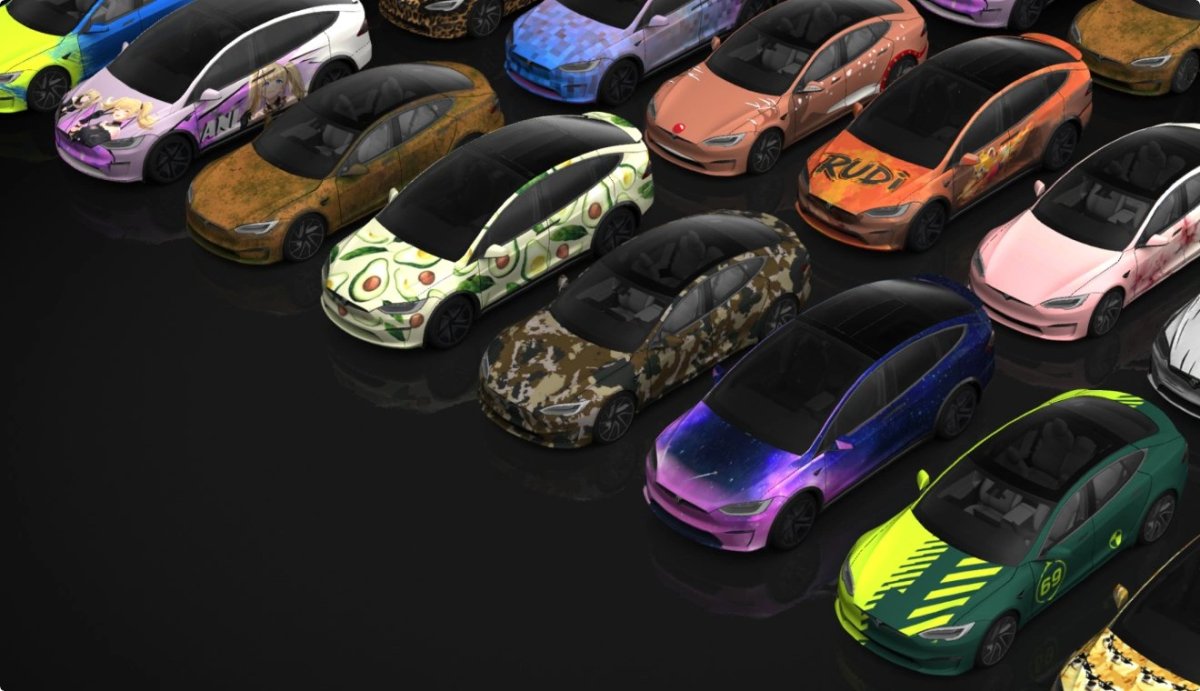
The app will now support custom wraps and license plates for the Tesla Model S and Model X in addition to the Model 3, Model Y, and the Cybertruck.

This feature was originally launched on the Cybertruck and, more recently, arrived on the Model 3 and Model Y with the 2025 holiday update.

This feature requires having vehicle update 2026.14, where you set or create your own custom wrap.

Automatic Updates

Tesla Automatic Updates feature in update 4.55.6
Available Worldwide
Undocumented
Undocumented

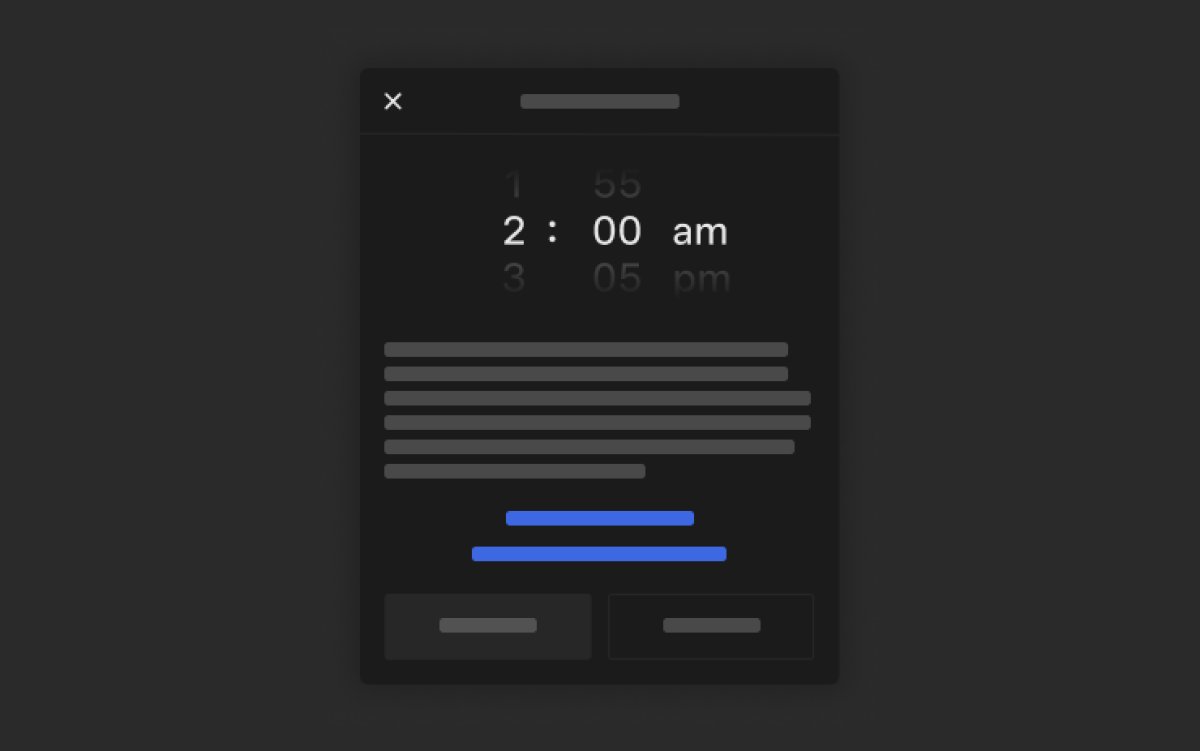
This Tesla app also includes code for Tesla’s new Automatic Updates feature, which lets you schedule updates to be installed automatically at a specific time.

While this feature requires vehicle update 2026.14, the app will also display whether an update is scheduled for automatic installation.

When you have automatic updates turned on, and your vehicle has received a new update, the app will show that the update is scheduled to be installed at your selected time.

Tesla App Update 4.55.5 Adds New Powerwall Status, Earth Day Passport

New Powerwall Status

Tesla New Powerwall Status feature in update 4.55.5
Undocumented
Undocumented

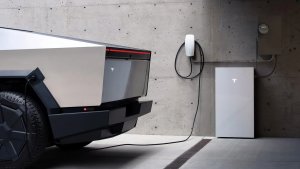
Tesla is enabling the new AI-powered Powerwall status for Powerwall owners with this version.

This new System Status lets you know what your system is doing and why. The status will let you know why your system is charging or discharging, which is especially useful if it’s due to unusual activity such as weather events.

For example, the status may indicate that your system will start discharging at 2:45 pm to avoid the upcoming $0.52/kWh rates.

Earth Day Charging Passport

Tesla Earth Day Charging Passport feature in update 4.55.5
Undocumented
Models:
S
3
X
Y
CT
Undocumented

Tesla appears to be introducing an Earth Day charging passport, similar to the charging passports they’ve introduced in the past.

Earth Day occurs on April 22nd, and Tesla will likely showcase charging statistics for your vehicle and the fleet, highlighting how Tesla vehicles reduce carbon emissions.

Details

Release Date

April 3, 2026