



Tesla Updates App to 4.58, Adding Charge Stats V2 and Android Live Notifications

Charge Stats 2

Tesla Charge Stats 2 feature in update 4.58.0
Models:
S
3
X
Y
CT

The Tesla app officially lists Charge Stats 2 as a new feature; however, this feature has not been made public yet.

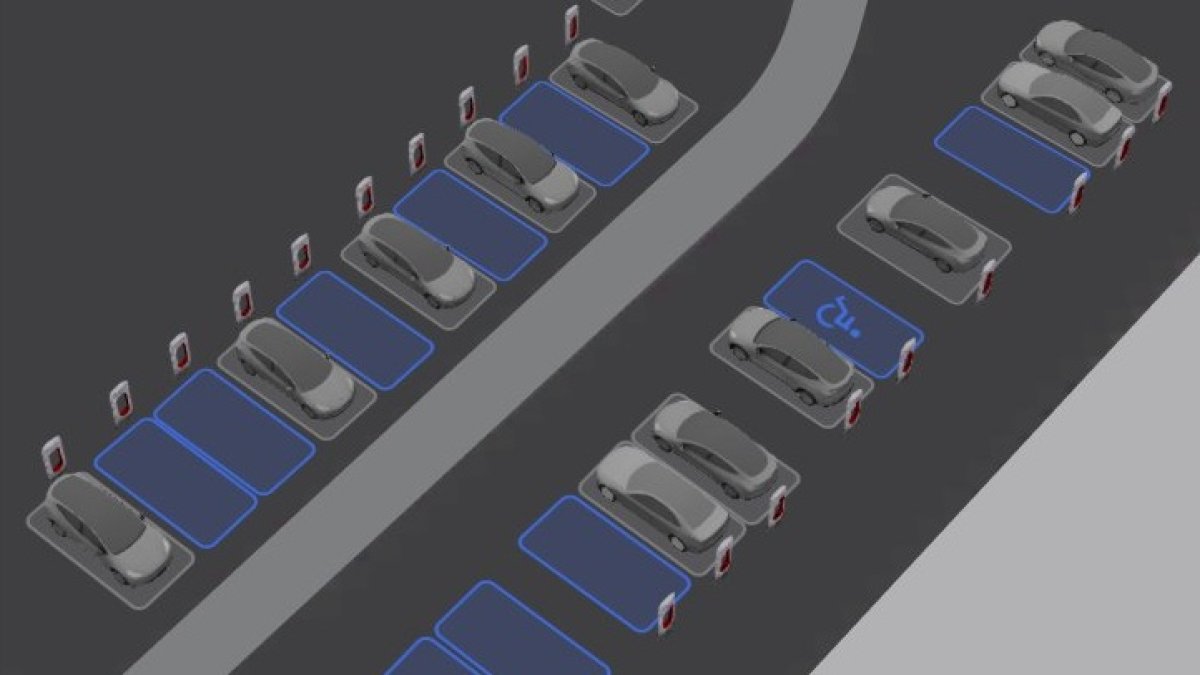
Charge Stats 2 is expected to build upon the Charge Stats feature already built into the app under Charging > Charge Stats. However, Tesla states that this feature will include new map visualizations, iconic charging sites, and milestone badges.

We expect Tesla to leverage some of the 3D Site Maps they’ve been building into AMD Ryzen vehicles and likely use similar badges to those they’ve used for Charging Passport.

Tesla includes new phrases in the app related to charge stats, which give us a limited look at the feature. Phrases, such as ChargeStatsMap and ChargeStatsGraph suggest there will be more than just badges and stats.

This feature is expected to be available soon.

Android Live Updates
Tesla Android Live Updates feature in update 4.58.0
Credit default
Available Worldwide
Undocumented
Models:
S
3
X
Y
CT
Undocumented

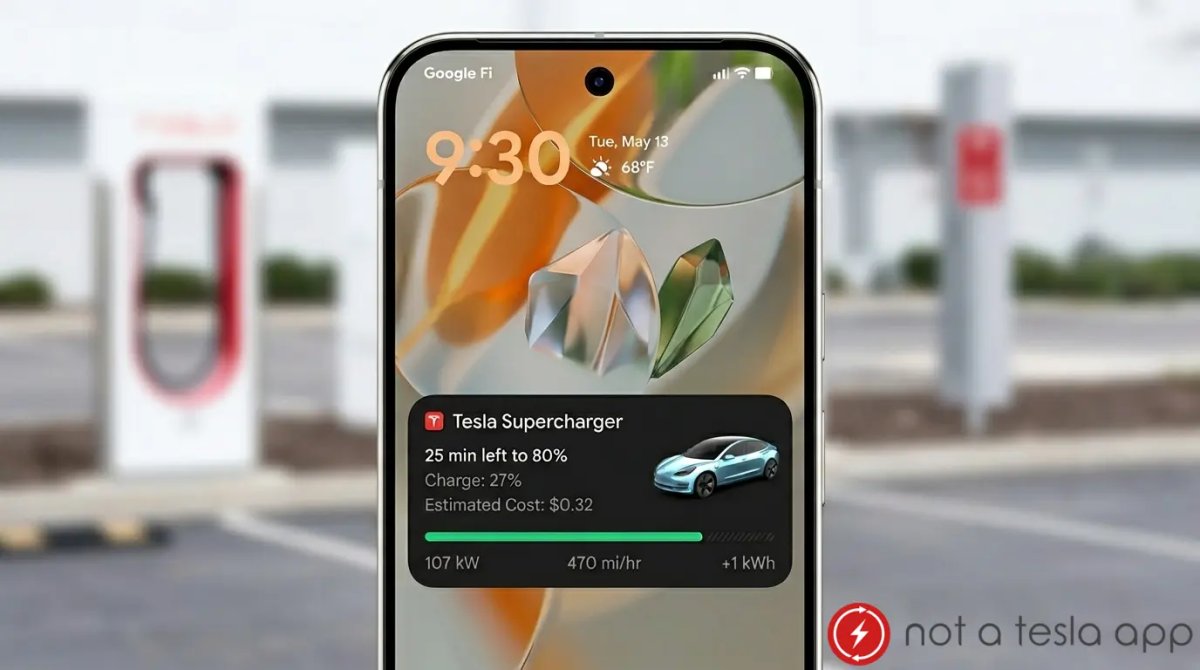
While Tesla has supported iOS Live Activities notifications for a while, it still doesn’t support the equavient feature on Android called Live Updates.

This feature lets developers send auto-updating notifications that Tesla uses for Supercharging, Dog Mode (now called Pet Mode), Tesla service, and Robotaxi rides.

The new phrases in the app that suggest this feature is coming soon for Android are android_native_charging_notif_channel_desc, android_native_charging_notif_charge_level, and android_native_charging_notif_charging_idle_fee_warning_text, which are translated to “Live updates while your vehicle is charging”, “Charge: %1$d%%, “ and “Idle fee may accrue once charging has ended.”

These translations match the iOS Live Activities version of the feature.

Tesla Semi Top Down View
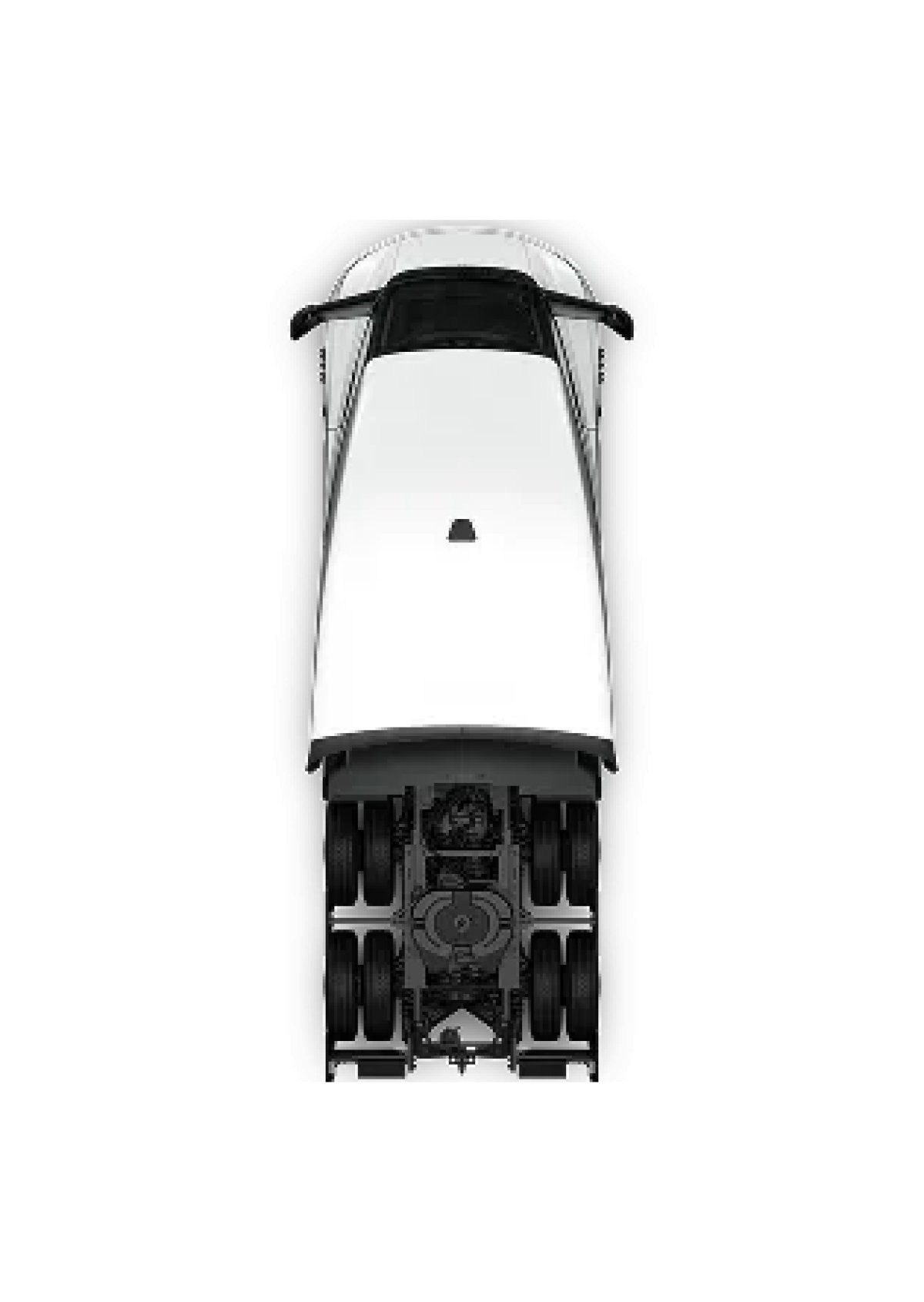
Tesla Tesla Semi Top Down View feature in update 4.58.0
Available Worldwide
Undocumented
Models:
S
3
X
Y
CT
Undocumented

Tesla has added a new image asset called vehicle-top-semi.png to the app. This will likely be used in a tutorial for the Semi since the rest of the app uses a 3D model.
Tesla Updates App to 4.57.5: Tesla Home Changes, Heat Pump Control

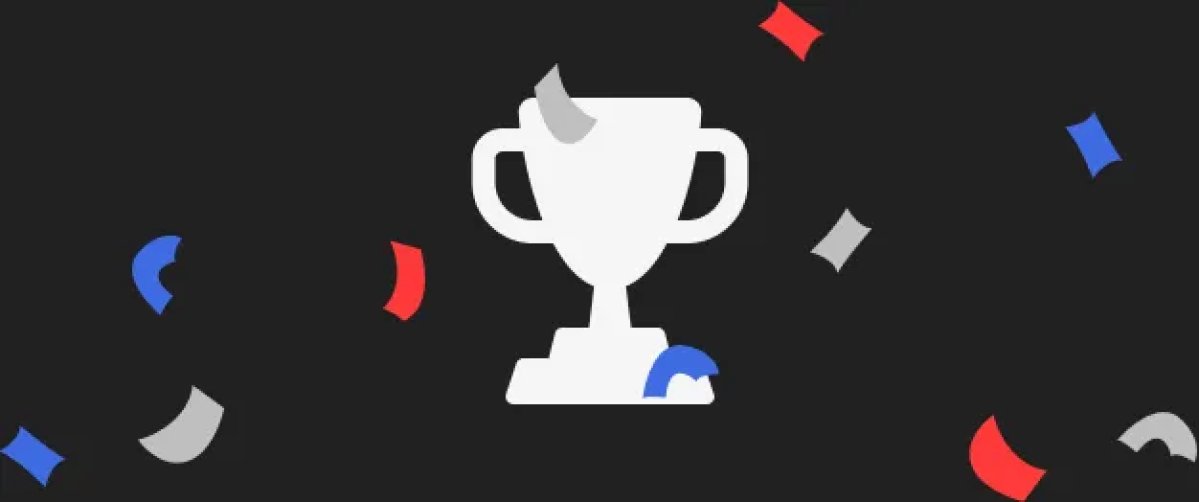
Challenge Ribbon and Trophy

Tesla Challenge Ribbon and Trophy feature in update 4.57.5
Undocumented
Undocumented

Tesla added assets for a trophy and confetti in this app update. The assets are named challenge-2-ribbon and challenge-2-trophy, leading us to believe they could be used when challenges are achieved in a future update.

Tesla also added some new endpoints for challenges, including claim-prize, list, progress, sign up and others.

Sometimes these challenges target a specific region, such as China, but there’s no indication of that here. We’ll have to wait and see what Tesla has planned.

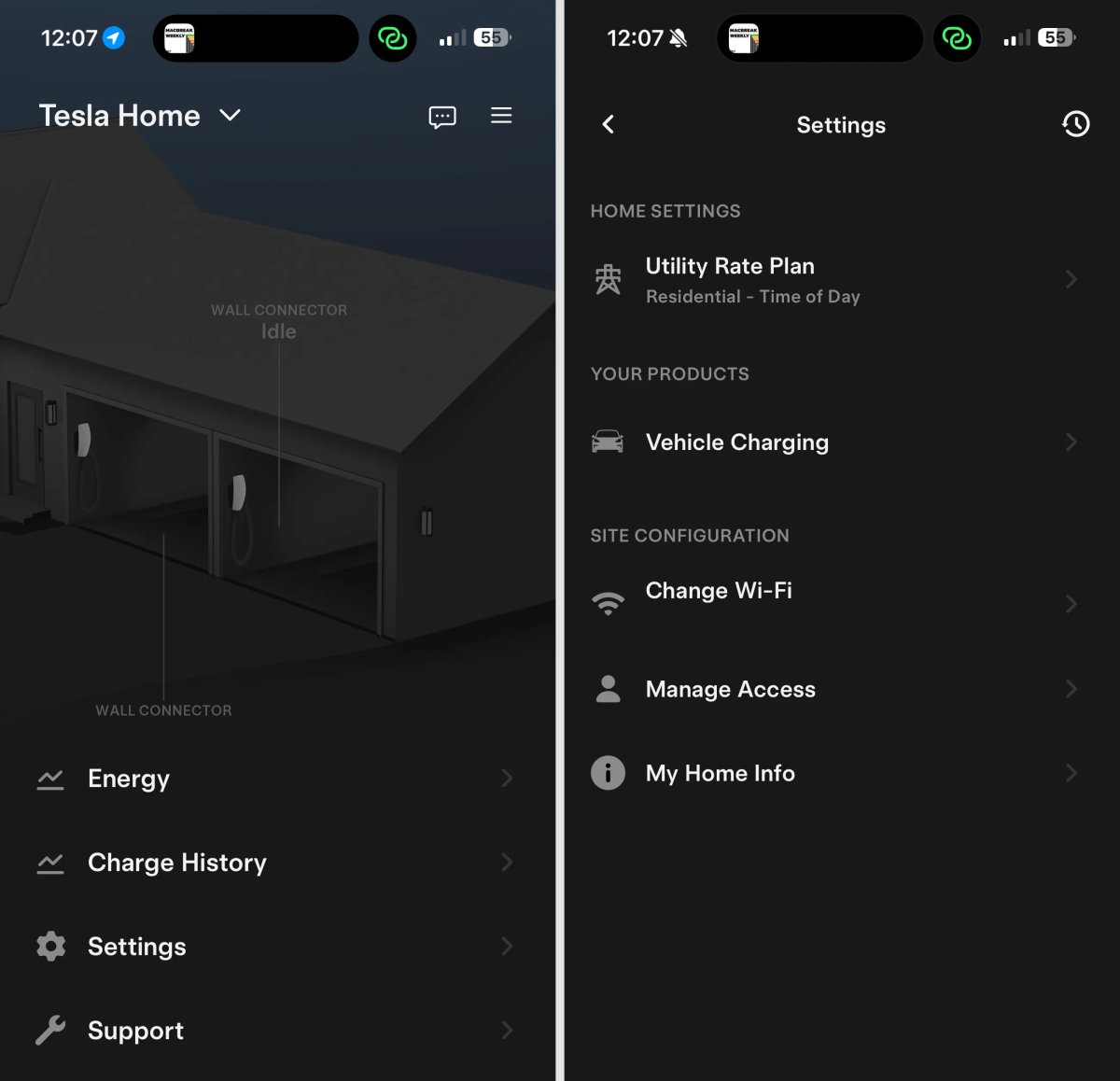
Changes to Tesla Home

Tesla Changes to Tesla Home feature in update 4.57.5
Available Worldwide
Undocumented
Models:
S
3
X
Y
CT
Undocumented

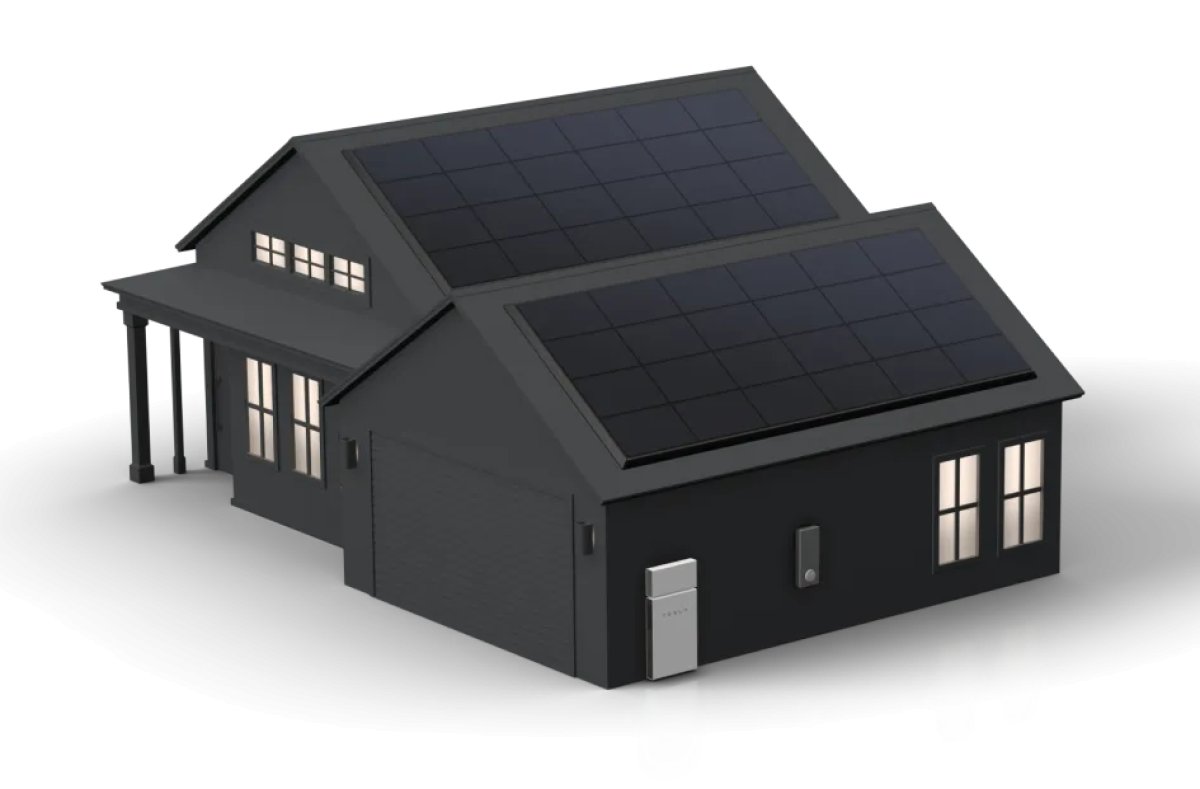
Tesla has renamed the home section of the Tesla app for Wall Connector, Powerwall, or Tesla Solar owners. The section has been renamed Tesla Home, instead of My Home.

The Tesla Home settings have also been reorganized. They are now split into categories, including Home Settings, Your Products, and Site Configuration.

Improved Parental Controls

Tesla Improved Parental Controls feature in update 4.57.5
Available Worldwide
Undocumented
Models:
S
3
X
Y
CT
Undocumented

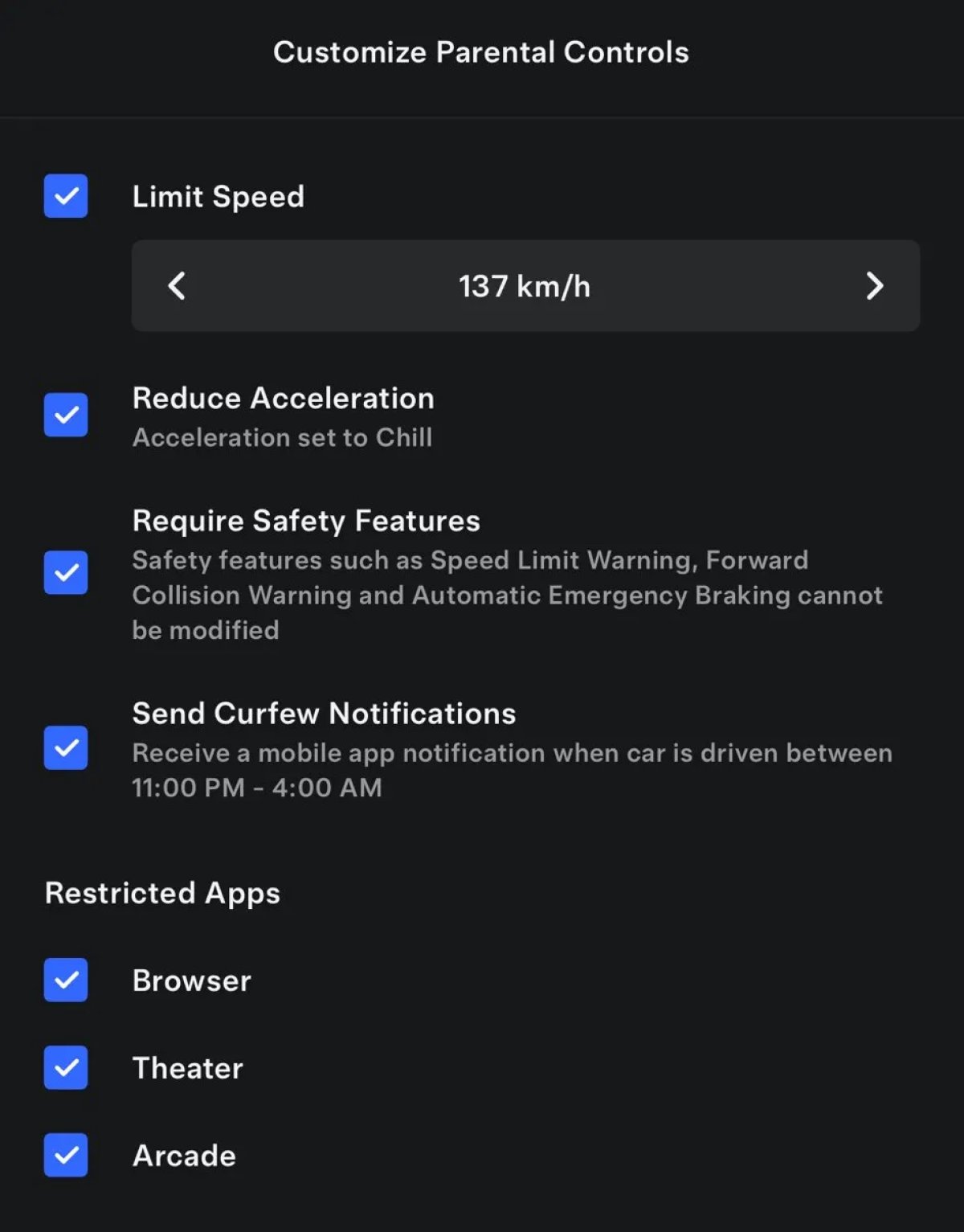
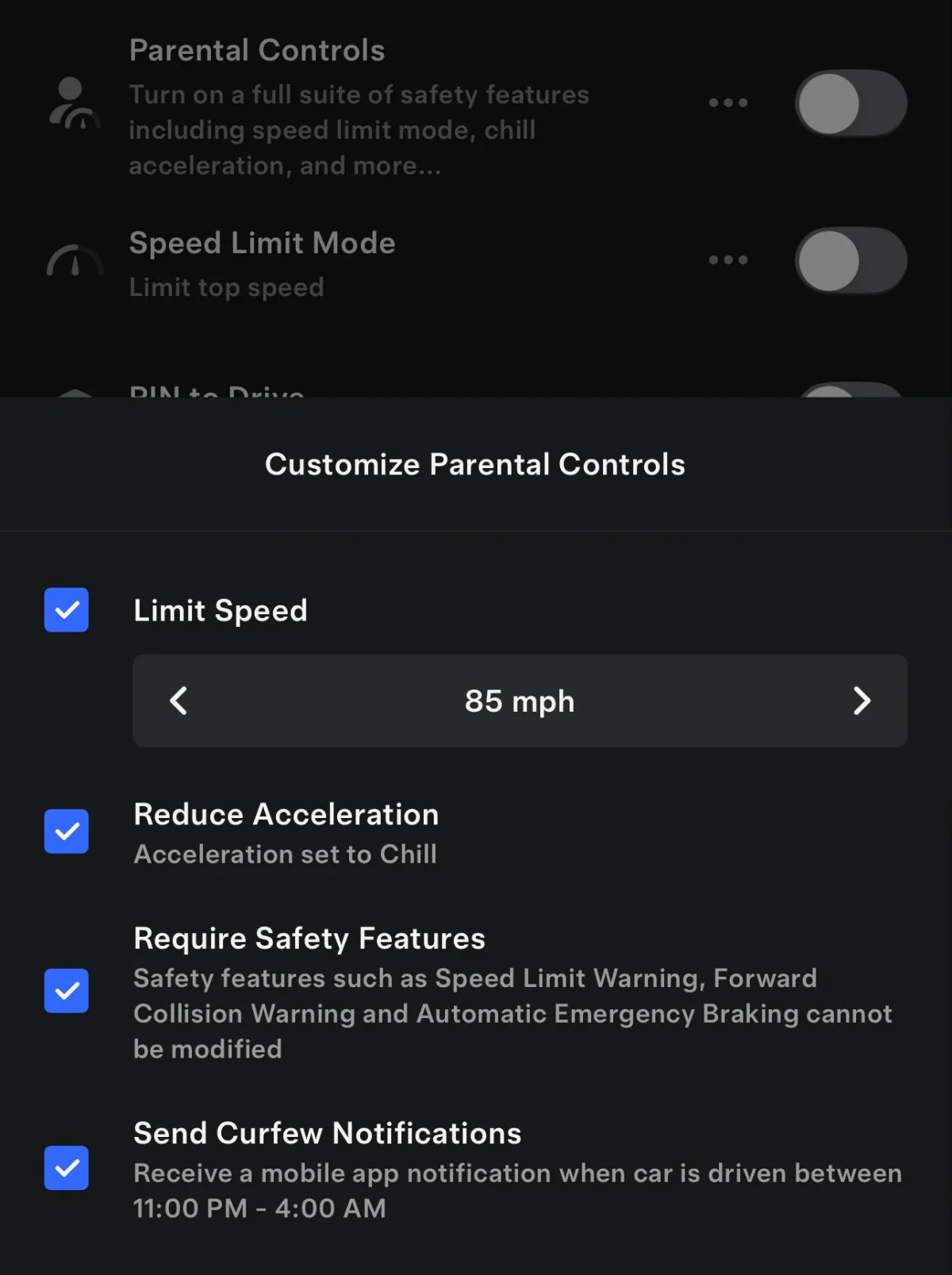
Similar to the updated parental controls in vehicle update 2026.20, you can now disable various vehicle apps through the Tesla app.

The updated parental controls in the Tesla app allow you to remove access to the browser, Tesla Theater, or Tesla Arcade for certain vehicle profiles.

Heat Pump & Accessories Control

Tesla Heat Pump & Accessories Control feature in update 4.57.5
Undocumented
Undocumented

Tesla has been adding more options to Tesla solar and Powerwall users, letting them use energy more efficiently.

The Tesla app has recently hinted at smart breaker controls that allow Tesla to turn off certain circuit breakers during a power outage, which may affect how long the system can provide backup power. Certain high-energy, non-essential items like electric heaters, pools, ACs, or other high-usage systems could be automatically configured by the owner to be turned off during an outage in the future. This would let the Powerwall provide backup power to the home for much longer.

This app update includes new phrases suggesting Tesla may be taking this one step further by integrating a heat pump.

Tesla could turn off heat pumps during power outages or run them during periods of surplus energy (heating or cooling the home beyond the current set temperatures), similar to charging on sunshine. This would keep the home warmer or cooler longer, rather than selling energy back to the grid at low rates.

Some of the new phrases in the app include: energy_site_home_controls_heat_pump and energy_site_home_controls_title.

The app also says: “Heat Pump” and “Powerwall is encouraging your heat pump to use surplus electricity” that hint at this integration.

Some of the new phrases even suggest a new Accessories screen that could go beyond heat pumps and include additional devices like ACs, pool systems, and more.

Smart Charging

Tesla Smart Charging feature in update 4.57.5
Undocumented
Models:
S
3
X
Y
CT
Undocumented

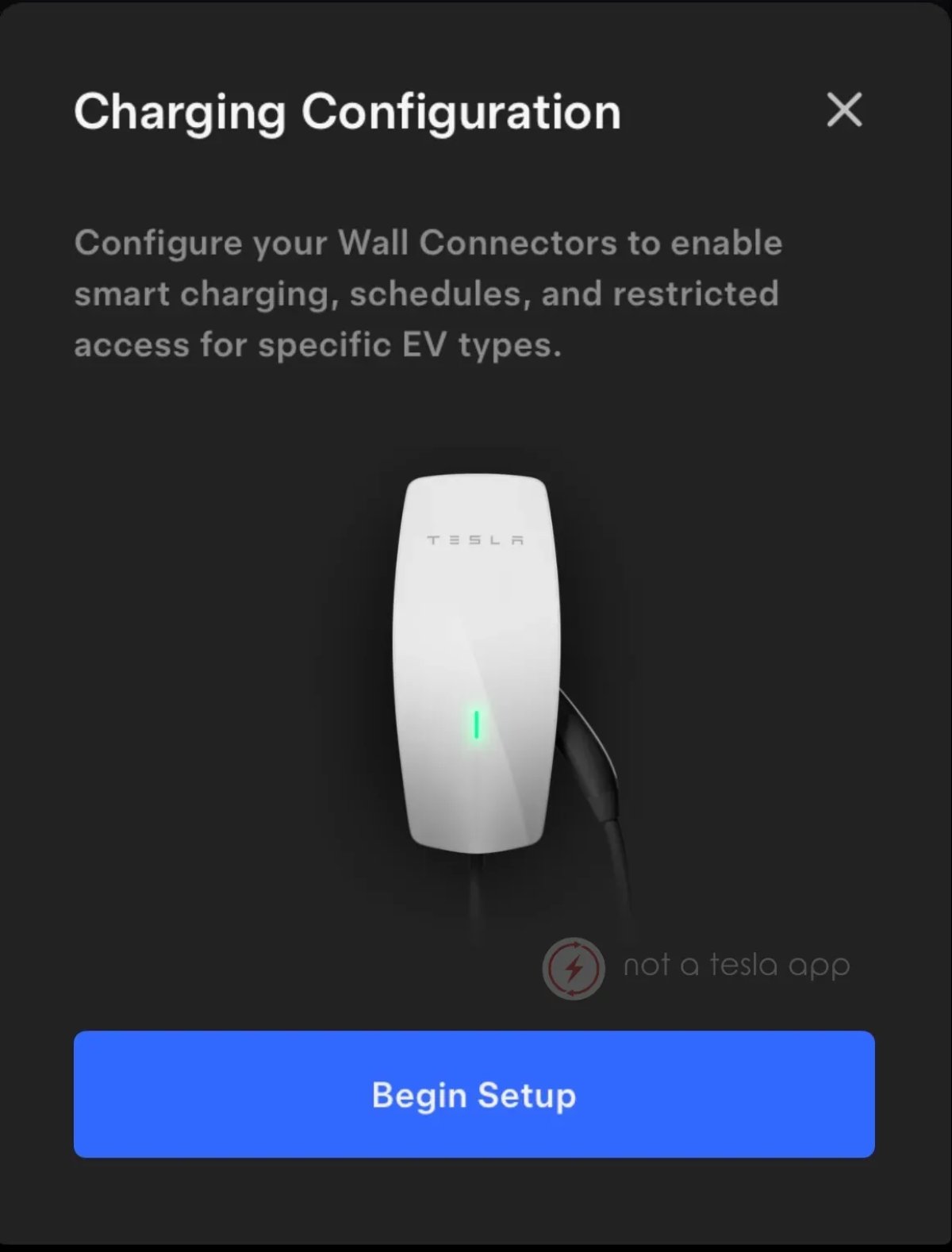
Tesla continues to make changes to its upcoming Smart Charging capabilities, which will let owners on a time-of-day electrical rate plan automatically charge their vehicles when rates are cheapest.

Some of the changes in this update include:

“Drag to adjust the pin location on the map. Position the pin where you plan to charge to enable advanced charging features.”

“Your Operational Mode impacts how your system optimizes energy usage. This setting will change how features like Smart Charging on your Wall Connector work.”

Tesla App Update 4.57: Animated Badges, Parental Control Improvements, AI Status Feedback

Ability to Block Browser, Arcade and Tesla Theater

Tesla Ability to Block Browser, Arcade and Tesla Theater feature in update 4.57.0
Undocumented
Models:
S
3
X
Y
CT
Undocumented

Tesla will soon add the ability for users to block access to Tesla Arcade, Tesla Theater, and the built-in vehicle browser through parental controls.

The updated app reveals several new phrases that this feature will be added to the Tesla and very likely also to parental controls in the vehicle in a future update.

This feature isn’t available to users yet, but some of the new phrases include hasArcadeBlocked, hasTheaterBlocked, and hasBrowserBlocked, as well as other phrases to clear the block.

Tesla also has phrases that show that this will be a part of parental controls such as: proto.CarServer.ParentalControlsSettings.OptionalArcadeBlockedCase and other similar phrases for the browser and Tesla Theater.

It sounds like there will be a toggle for each app, rather than a single toggle that blocks all of them, letting parents pick and choose what to block.

Animated Badges

Tesla Animated Badges feature in update 4.57.0
Available Worldwide
Undocumented
Models:
S
3
X
Y
CT
Undocumented

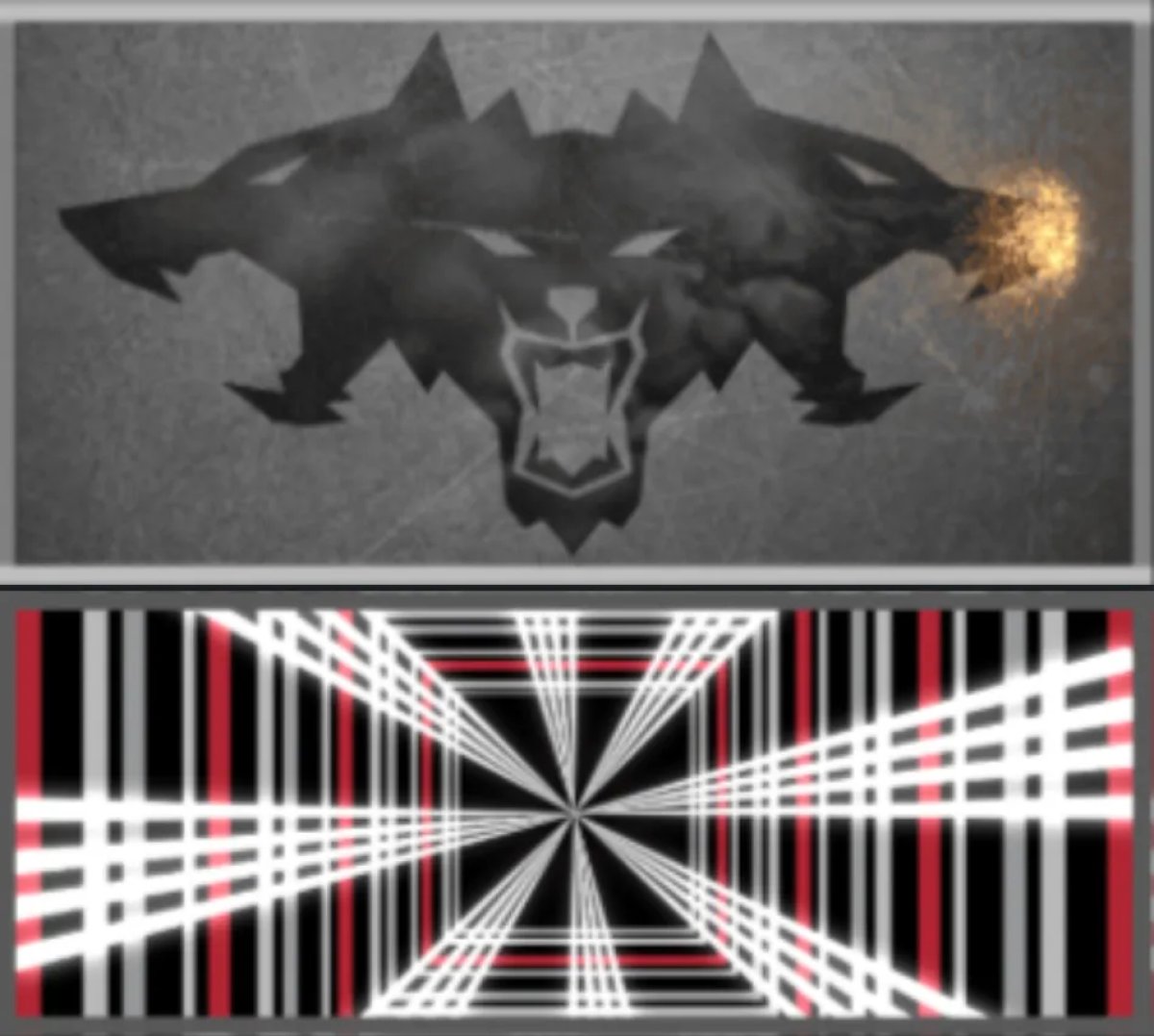
With this app update, Tesla has introduced animated vehicle badges, similar to those found in the vehicle under the software tab with update 2026.14.

These are the same badges displayed for special editions of a vehicle, including Performance and Plaid, however, it does seem to leave out some like the Launch Series of the new Model Y. It’s possible those will be added in a future update.

These animated badges are displayed in the same location as the previous static badges, at the bottom of the Tesla app.

Signature Edition

Tesla Signature Edition feature in update 4.57.0
Available Worldwide
Signature Edition
Undocumented
Models:
New S
New X
Signature Edition
Undocumented

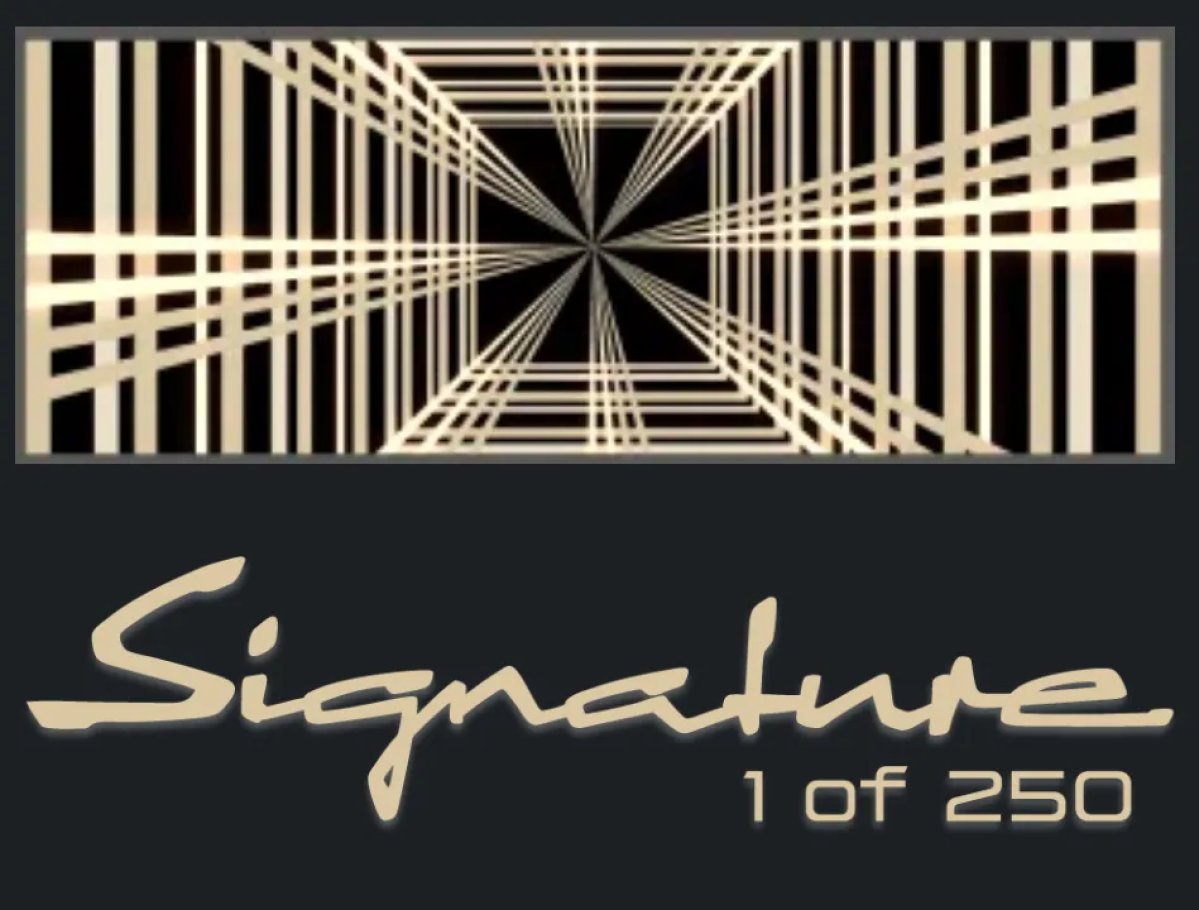
In the previous app update, we saw that the Signature Edition of the latest Model S and Model X will receive a special edition gold Plaid badge.

With this update, we’re now seeing that they will also receive another, non-animated badge that says “Signature 1 of 250.”

Feedback and Powered by Grok

Tesla Feedback and Powered by Grok feature in update 4.57.0
Undocumented
Undocumented

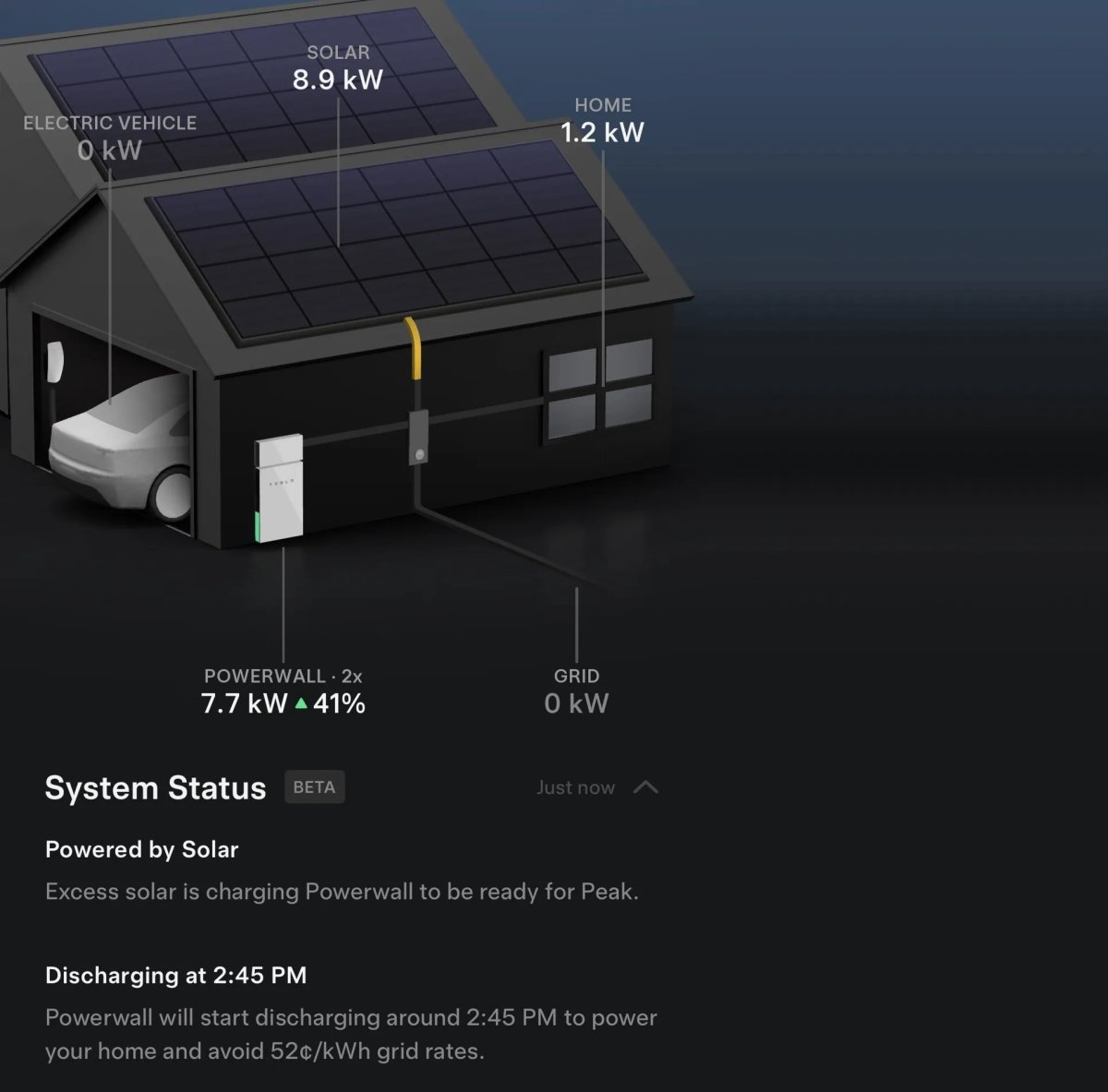
Tesla’s new AI-based status in the Energy section of the app has been updated, allowing users to provide feedback on the feature.

Users will be able to report whether a status was confusing, incorrect, or other.

Tesla has also added a new label that says that this AI status is powered by Grok, which is revealed in a phrase called simple_system_status_powered_by_grok, which gets translated to “Powered by Grok.”


FavoriteArchive

simple_system_status_feedback_input_label

Feedback

added

FavoriteArchive

simple_system_status_feedback_reason_confusing

Confusing

added

FavoriteArchive

simple_system_status_feedback_reason_incorrect_data

Incorrect description

added

FavoriteArchive

simple_system_status_feedback_reason_other

Something else

simple_system_status_feedback_tell_us_more

Something else? Tell us more.

added

FavoriteArchive

simple_system_status_feedback_thanks

Thanks for your feedback

added

FavoriteArchive

simple_system_status_feedback_what_went_wrong

What went wrong?

added

FavoriteArchive

Powered by Grok

Details

Release Date

May 13, 2026